
Insightly CRM MCP NEW
Stay connected to your customer data
Connect the MCP to keep every deal and project moving
All it takes is a quick conversation with your favorite AI assistant to know where every lead, deal, and project
stands so nothing slips through the cracks.
Stop new leads from going cold
Ask AI which new leads your team is working and which need follow-up so you can give each one the attention it needs.
Know where every deal stands
Get a quick pulse on stalled deals and what’s closing this month so you know what needs attention without waiting for pipeline reviews.
Stay on top of every project
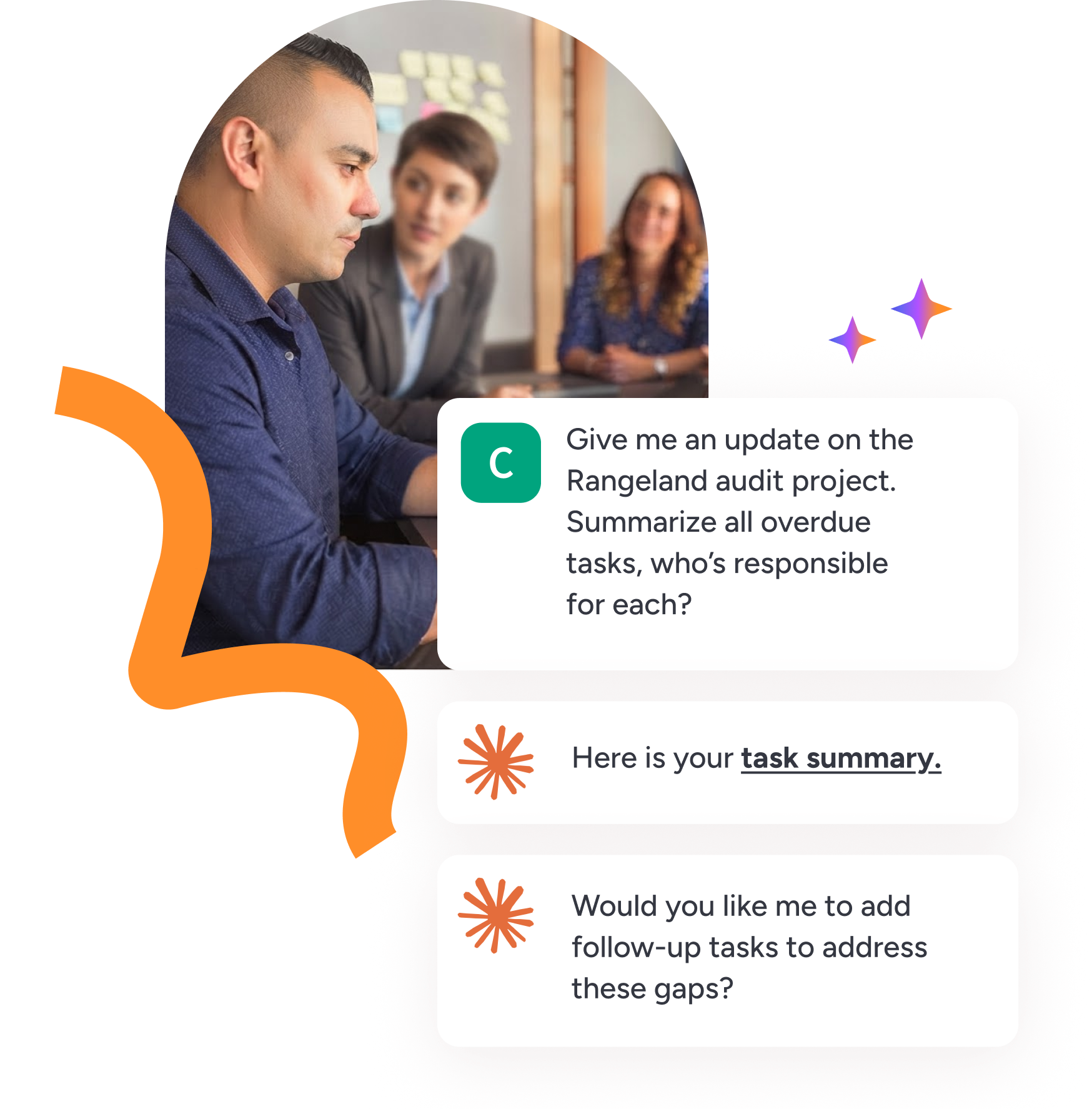
Maintain a high standard of delivery by getting updates on what’s in flight and what’s off track and adding tasks to address gaps.
Try the MCP for free
you can keep customer data at the center of every decision. Included with every CRM plan.
Put the right data at your fingertips
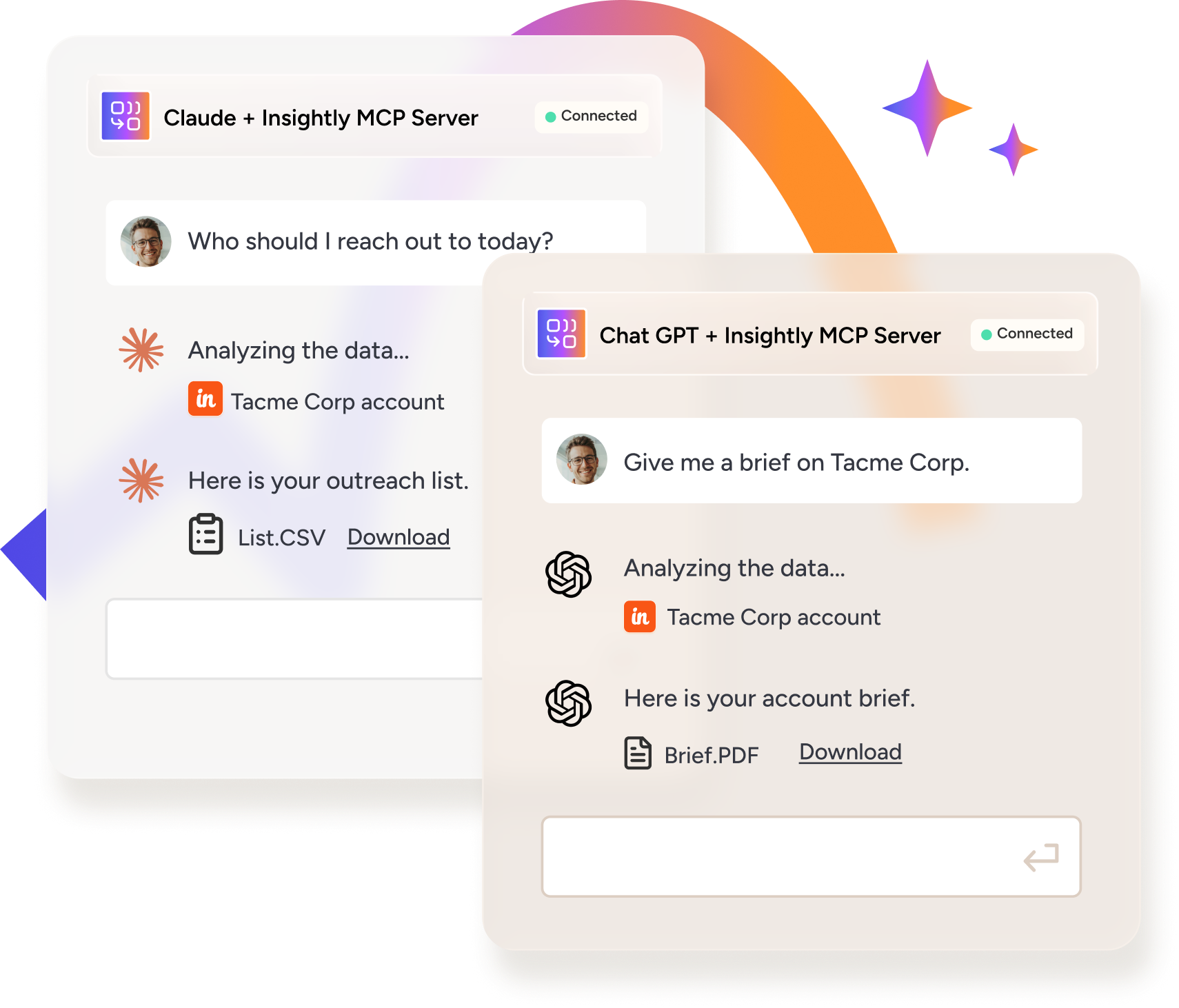
It’s easier to keep your CRM as your source of truth when you use the MCP. Fill gaps in lead data, pull targeted lists, and
generate account briefs when you need them through AI assistants like Claude and ChatGPT.

Keep your data clean
Find leads with missing fields, populate key details, and request context like account descriptions to identify what’s missing.

Know who to reach out to
Request the exact list you need based on any standard or custom field, using criteria like lead status or email opt-ins to narrow it down.

Get key account context
Generate an account brief with key details and a suggested next step so you have the context you need to move the relationship forward.
Keep your CRM at the center of how you sell
customers choose you.
Attract the right buyers
Compare the profiles of buyers entering your pipeline with the ones that become customers, so you can spot gaps in your go-to-market strategy.
Invest in what drives revenue
Keep a pulse on which sources are driving pipeline and revenue, not just lead volume, so you can focus on the initiatives most likely to pay off.
See why customers choose you
Identify customers who could make great references and identify patterns in your win/loss data so you track buyer trends.

Use the MCP to get more from your CRM data
Connect Insightly CRM’s MCP to AI assistants like Claude and ChatGPT and keep customer data at the center of
every decision. Use natural-language prompts to get the insights you need and keep leads, deals, and projects
moving.

Generate an account brief
Request a one-page brief with a clear view of your buying committee, open and won opportunities, projects in progress, and a suggested next step to help you move forward.

Build an outreach list
Generate a list using standard or custom CRM fields like lead status or email opt out so you can quickly determine who to reach out to based on the criteria that matter.

Stay on top of new leads
Prepare for your next SDR sync with a report of new leads that have no logged outreach, their account owners, and how long they’ve been sitting untouched.

Analyze why you win and lose
Summarize themes in your win/loss notes, see which competitors appear most often, and dig into why you’re losing deals.

Attract your best customers
Compare the sources and industries that are driving lead volume with those producing pipeline and revenue, so you can focus on the initiatives most likely to pay off.

Get a clear view of your pipeline
Pull lists of stalled deals and deals expected to close this month so you always have a clear view of what’s on and off track.

Keep your data clean
Identify leads without a lead source and surface context via lead description details and more. Update lead statuses via chat or pull a list to work through leads in bulk.

Identify reference customers
Stop hunting for the right references and quickly surface them from your CRM along with account context like recent activity and when the deal closed.

Stay on top of projects
Always know what’s in flight and what’s behind schedule. Gather context on active projects including overdue tasks and project status, or get back on track by creating tasks.
Let data drive your decisions without digging
and the other apps your team relies on.