9 best Copper CRM alternatives (+ what you get with each)
Looking for alternatives to Copper CRM? You’re not alone.
Copper works well for small teams who live in Google Workspace and need basic contact management. But as businesses grow, they often run into limitations around integrations, marketing automation, and scalability that make it harder to support their expanding needs.
TABLE OF CONTENTS
SHARE



Val Riley
» More blog posts by Val Riley
This guide covers the top Copper CRM alternatives in 2026. We’ll break down what each platform offers, how they compare to Copper’s strengths and weaknesses, and which ones work best for different team sizes and business requirements.
You’ll learn about pricing differences, key features that set each alternative apart, and practical insights to help you choose the right CRM for your current and future needs.
Key takeaways
- Copper works well for small Google Workspace teams but may struggle with integrations, marketing automation, and scaling as you grow beyond basic contact management.
- You’ll likely need to upgrade to their Professional tier at $59/user/month for meaningful automation, which could cost more than unified alternatives when you add separate marketing and project management tools.
- Prioritize CRMs that connect with your current tools through simple workflows rather than forcing you to rebuild your entire tech stack.
- One platform tends to beat multiple tools stitched together because managing CRM, marketing automation, and customer service in one system keeps data clean and teams aligned.
- Easy adoption often beats fancy feature lists, as teams are more likely to actually use simple and clean platforms over complex systems that need weeks of training.
- Insightly works well as a Copper alternative for growing teams by combining CRM, marketing, and projects with automatic handoffs from sales to delivery.
- Other alternatives are also valid depending on needs. For example, HubSpot tends to fit content teams well, Salesforce can handle enterprise complexity, and Pipedrive works for straightforward sales depending on your team size and needs.
The Copper CRM breakdown
Before we jump into alternatives, let’s get clear on what Copper actually does well and where it starts to break down. When evaluating any CRM, it’s important to understand both the strengths and limitations of your current system. Understanding these strengths and gaps helps you figure out what you actually need from a replacement.
What do you get with Copper CRM?
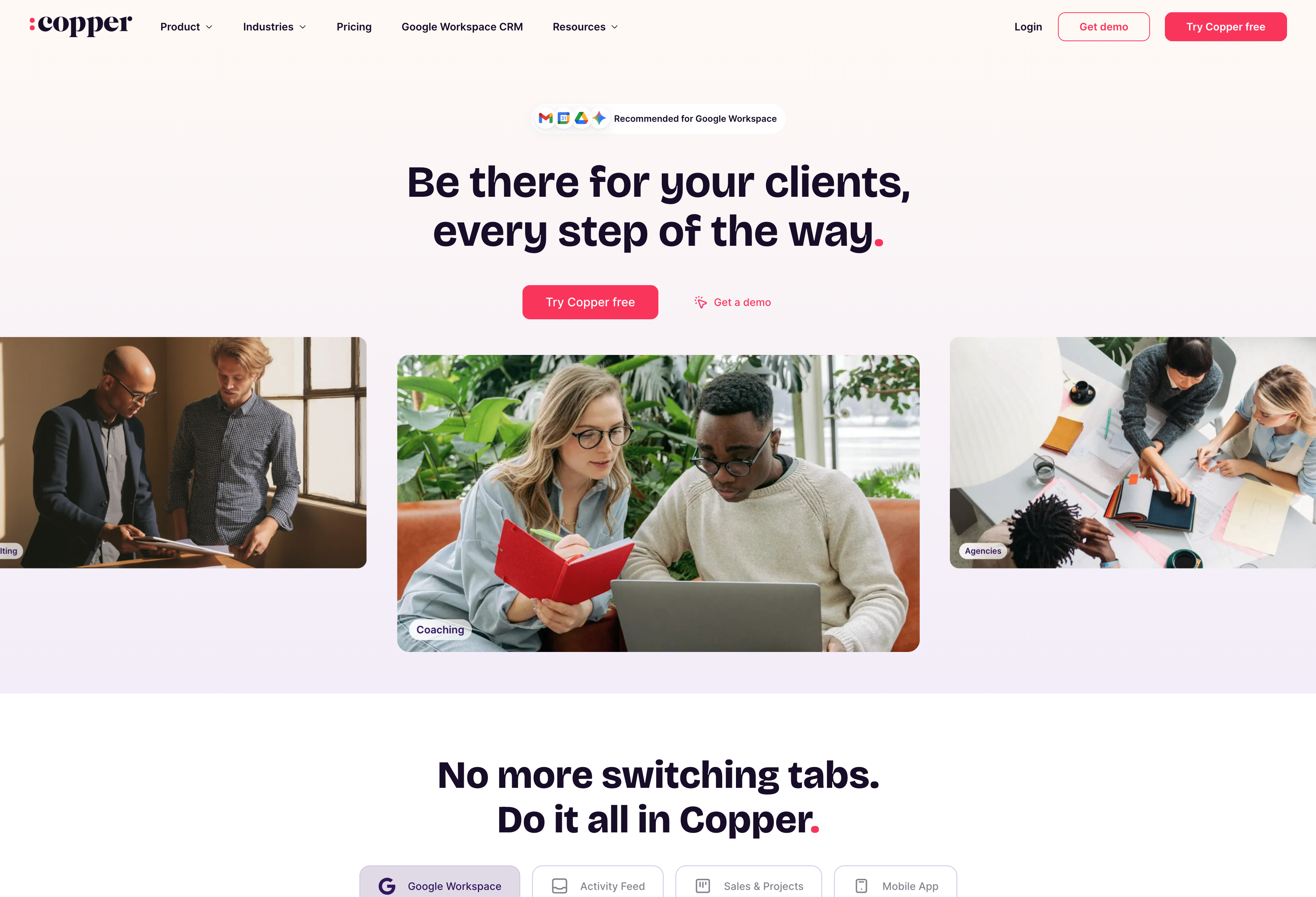
Copper built their entire CRM around Google Workspace integration. If you’re already living in Gmail and Google Calendar, it feels pretty natural right out of the gate.
- Contact management that pulls directly from Gmail conversations
- Deal tracking through visual pipelines showing opportunity stages
- Task reminders for follow-ups and next steps
- Clean, modern interface without cluttered dashboards
- Deep Google integration—email threads, calendar meetings, and Drive files all connect automatically
- Quick setup designed for teams who want basic relationship tracking
Copper works well for solo or very small teams that have light needs. These sales teams generally aren’t ready for (or needing) complex sales processes or marketing automation. If your entire workflow happens inside Google’s ecosystem, Copper feels like a natural extension rather than another tool to learn.
What are the trade-offs with Copper CRM?
Copper’s simplicity becomes a constraint once you need more than basic contact tracking.
- Limited integration library—Slack, Docusign, and advanced tools require higher-priced plans
- Marketing automation locked behind the most expensive tier
- No native project management—you can adapt pipelines for project tracking, but it’s a workaround that most teams find lacking
- Basic reporting across all plans—no advanced analytics or custom reports
- Limited customization compared to other CRMs in the same price range
- No service management module for support tickets or client work
Once you close a deal, you’re back to juggling multiple platforms since Copper doesn’t handle the actual work that follows. Teams often struggle with CRM automation when their platform doesn’t support the workflows they need.
How does Copper CRM pricing work?
Copper starts at $9 per user monthly but pushes most teams toward their Professional plan at $59 to get meaningful functionality.
- Starter ($9)—basic Google integration and contact management
- Basic ($23)—adds pipelines and task automation
- Professional ($59)—workflow automation, bulk email, reporting
- Business ($99)—unlimited contacts, email sequences, custom reports
- No permanent free plan, just a 14-day trial
- Per-seat costs add up quickly for teams larger than 3-4 people
- Marketing tools, project management, and service ticketing require separate subscriptions
Most teams end up needing Professional-tier features to get real automation, which makes costs climb fast. When you factor in the total cost of your tech stack, Copper often ends up being more expensive than unified alternatives that handle multiple functions in one platform. Understanding how to calculate your CRM ROI becomes critical when evaluating these costs.
When it makes sense to look for alternatives to Copper CRM
Most teams don’t wake up one day and decide they hate their CRM. The shift happens gradually—you start bumping into walls that weren’t there before.
Maybe you’re struggling with the lack of customization and flexibility. Or perhaps you’re growing quickly, onboarding new team members fast and suddenly feeling Copper’s per-seat costs creeping up. Maybe you’re just tired of switching between what feels like dozens of different tools just to send marketing emails, track projects, and handle support tickets.
Here’s what we’ve seen drive teams away from Copper:
- Team growth beyond Google Workspace: If your team isn’t exclusively using Google Workspace, Copper likely won’t be the right fit.
- Need for integrated marketing tools: Email campaigns require separate subscriptions, lead scoring and nurturing workflows aren’t available, and connecting marketing activities to sales results requires multiple platforms.
- Post-sale workflow gaps: Copper doesn’t offer native project management. You can repurpose sales pipelines as project boards, but it’s not purpose-built and most teams will need another tool for actual project work.
- Rising costs for additional functionality: At $59/user/month on the Professional plan, Copper looks affordable until you factor in the additional costs for separate tools to also manage marketing and support—at which point unified alternatives are often more cost effective overall.
These gaps aren’t dealbreakers for very small teams, but once you hit mid-size growth, the lack of breadth and automation means Copper stops being the right-sized fit for your actual needs. Our Right-Sizing Your CRM report explores how teams can find platforms that match their growth stage.
The turning point usually happens when someone asks a simple question like “Which marketing campaign generated the most revenue last quarter?” and you realize it’s going to take three hours, two CSV exports, and a long convo with ChatGPT to get an answer. That’s when teams start looking for a CRM that actually supports growth instead of creating more work.
What to look for in a Copper alternative
The best Copper alternatives should fill the gaps that made you start looking in the first place. You want a CRM solution that combines ease of use with the integrations, multi-department support, and scalability that actually helps your team grow (instead of holding it back).
Here’s what to look for in a CRM:
Strong integrations and flexibility
Your CRM should connect seamlessly with the tools you’re already using, not force you to change your entire workflow.
A flexible, connected CRM needs to talk to your core business tools—think Slack for team updates, QuickBooks for financial data, Docusign for contracts, Gong for sales call recordings, and so on. But it’s deeper than simply having these connections available—you also need low-code tools to actually work with these integrations. Best case scenario, you or your operations team can create custom workflows without needing to call IT or submit a ticket every time something needs to change.
Look for a flexible, customizable CRM with seamless integration capabilities and workflow automation that keeps information consistent across platforms. The goal is enabling businesses to turn their CRM into a hub for operations rather than another siloed system that creates more work.
Marketing and service modules beyond sales
For the most part, Copper keeps you locked into sales-only functionality, which means buying separate tools for everything else your business needs.
We’ve seen teams spend more on marketing automation subscriptions than their actual CRM costs. That’s backward. An all-in-one CRM should include built-in marketing tools for email campaigns, nurture sequences, automated follow-ups, and all of the marketing-focused use cases you need to roll out. When your marketing systems are directly connected to your sales systems, nothing gets forgotten or lost in translation. All context for a lead or customer lives in the same place.
Look for a CRM platform that can support your marketing team with tools like email marketing and automation, custom web forms, lead scoring based on actual CRM activity, and unified reporting that shows the full customer journey from first touch to renewal. This approach reduces tool sprawl and keeps customer data flowing consistently across your marketing and customer support teams (instead of getting trapped in disconnected systems).
Fast adoption and ease of use
User adoption drives CRM ROI more than feature checklists ever will.
Look for simple interfaces that don’t require weeks of training just to navigate, customizable dashboards that show what each role actually needs to see, and mobile apps with full functionality, not just a glorified contacts log.
The bottom line?
Adoption matters.
Teams that actually use their CRM daily see real results. Those that don’t end up back where they started—managing relationships through spreadsheets and email. The easier your CRM is to use, the more likely it is that your team actually uses it. Getting CRM adoption right from the start makes a huge difference in long-term success.
Unified data across sales and projects
Without third-party connectors, Copper can create a disconnect between closing deals and delivering the actual work, which leads to handoff friction and visibility gaps.
Look for deal-to-project conversion that seamlessly passes context between sales and delivery teams. You want shared customer records that track the entire relationship lifecycle, project management tools built into the CRM rather than bolted on afterward, and profitability tracking that ties back to original deal terms and scope.
Having one record for each customer—complete with detailed context from past calls, proposals, scope of work documents, and more—prevents the communication breakdowns that happen when sales, delivery, and support teams work from different systems. When someone asks about project status or client history, the answer should come from one place—not three. The best CRM platforms offer robust project management alongside solid pipeline management to keep business operations running smoothly.
9 best Copper CRM alternatives for 2025 & beyond
The following tools represent the best Copper CRM competitors today—each with unique strengths in integrations, adoption, marketing, service, or scalability depending on what your team actually needs.
Some excel at marketing automation, others nail project management, and a few do both without breaking the bank. The key is matching your growth stage and workflow requirements to what each new CRM solution actually delivers, not just what looks good on a features list.
1. Insightly CRM by Unbounce
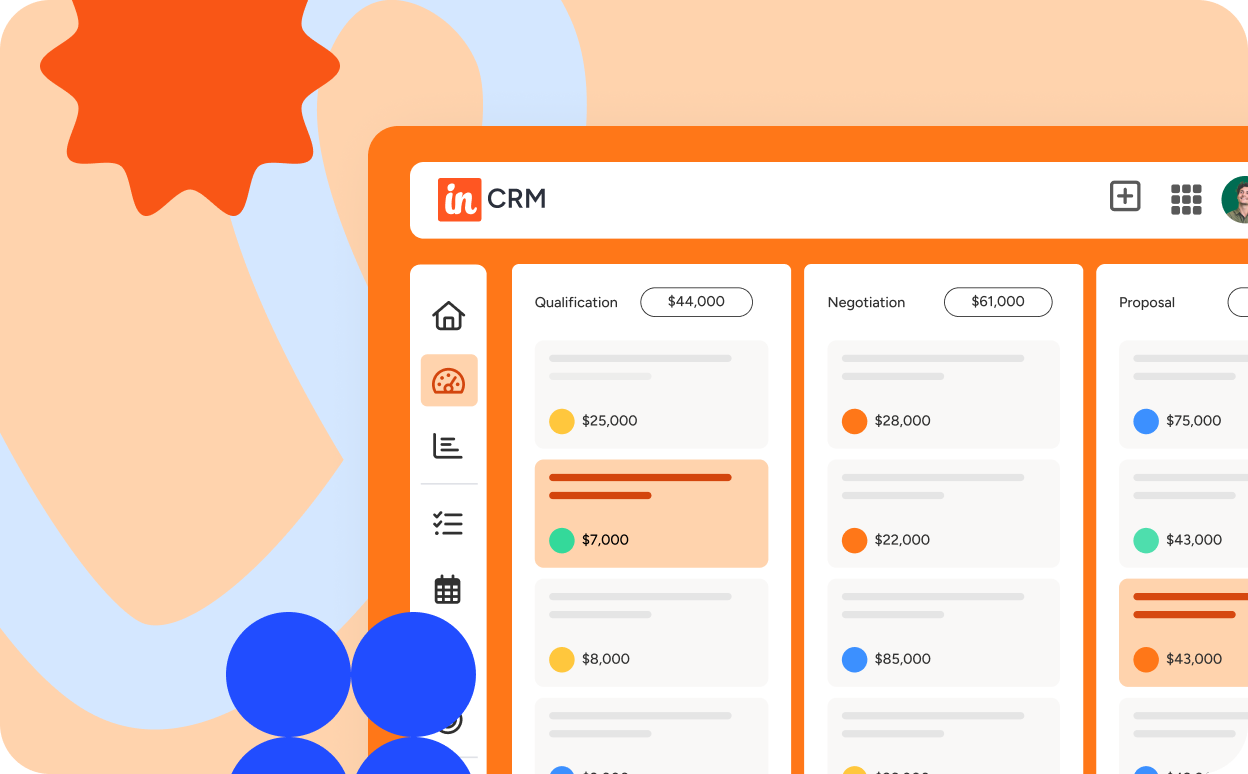
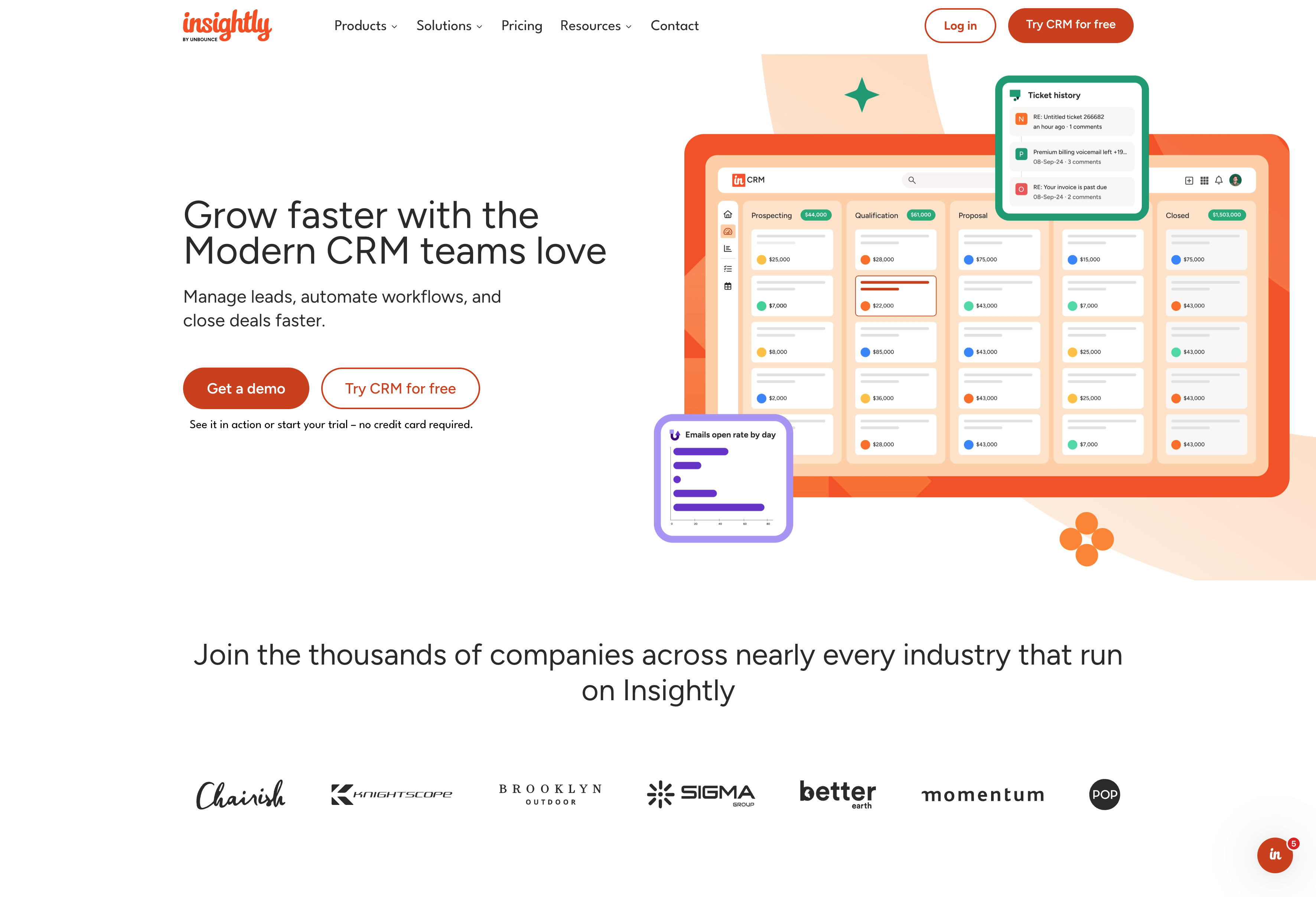
Insightly is the only CRM solution built for growing mid-market businesses—teams that’ve outgrown basic contact management but aren’t ready for enterprise complexity. Their whole thing is combining CRM, marketing, and service in one CRM platform so you’re not paying for three different tools.
What do you get with Insightly?
Insightly allows you to combine CRM software, marketing automation, and service management in one platform when you need it—which means you’re not juggling three different tools to handle the full customer lifecycle. If you only need CRM, perfect—you can start there.
- CRM platform with customizable opportunity pipelines and extensive contact management
- Project management software with deal-to-project conversion, Kanban views, and milestone tracking
- Native integrations with QuickBooks, Docusign, Unbounce, and more for comprehensive sales and marketing management.
- Two-way email sync with Gmail and Outlook for activity logging
- Mobile CRM app to view and manage your CRM data from anywhere
- AI features for email summaries, automated replies, and sales automation (built-in AI copilot) to cut down manual data entry
- AppConnect for workflow automation and integrations with 200+ tools you’re probably already using
- Marketing automation for email campaigns, lead scoring, lead nurturing, and web form creation (available as an add-on when you need it)
- Service management with ticketing that shares your customer database (available as an add-on when you need it)
The project piece is where Insightly really stands out. When you close a deal, it can automatically create a project with all the context from the sales process—no more handoff friction between your sales and delivery teams.
What are the trade-offs with Insightly?
- Not designed for massive enterprises that need enterprise-grade IT governance, complex technical processes, and expensive SI’s
- Marketing automation, service, and project management are strong, but dedicated point solutions might go deeper in specific areas
- Some advanced analytics still require exporting data to external BI tools for full customization
- A unified CRM like Insightly will inevitably take a bit more time to setup than a simple Gmail extension-based CRM (though still way less time than Salesforce)
Who’s Insightly best for?
Insightly works well for small to medium-sized businesses (SMBs) that anticipate scaling beyond what a simple CRM has to offer. It’s perfect for teams that want one tool for sales, marketing, and customer support rather than trying to stitch together multiple point solutions into a complex Frankenstein-type system.
2. HubSpot
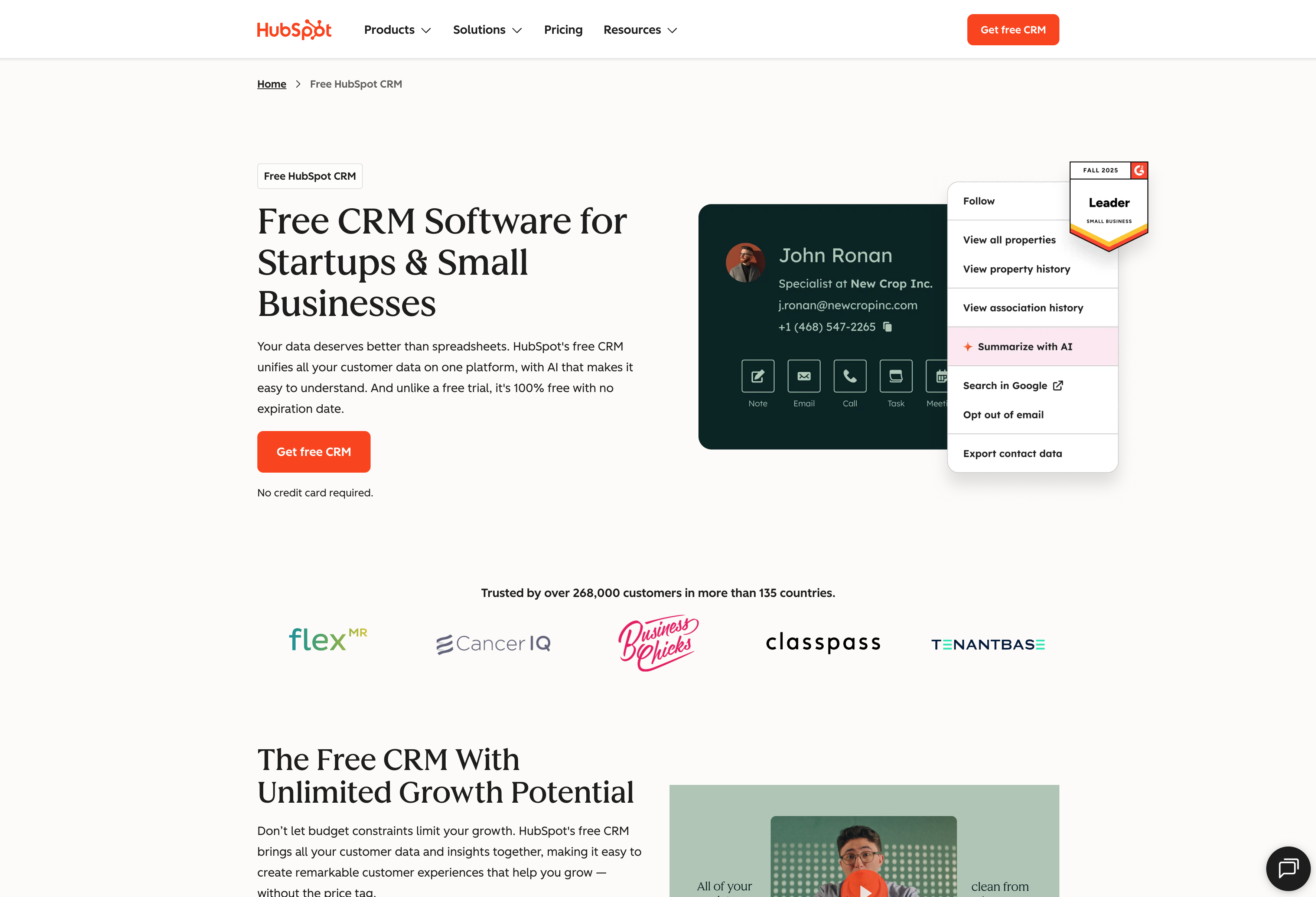
HubSpot started as a marketing automation company and built their CRM around that foundation. They’re known for their free CRM tier and strong content marketing tools, making them popular with teams who want to blend inbound marketing with sales processes.
What do you get with HubSpot?
HubSpot’s CRM software comes with a pretty robust set of tools right out of the gate, especially if you’re focused on content-driven lead generation.
- Free CRM with basic contact management and deal tracking
- Marketing tools including email campaigns, landing pages, and blogging platform
- Sales automation with email sequences and meeting scheduling
- Custom web forms that integrate directly with your CRM
- Reporting dashboards that connect marketing activities to sales outcomes
- App marketplace with hundreds of integrations
HubSpot shines when it comes to complex, sophisticated marketing teams with deep expertise and multiple workflows. If you’re running content campaigns, webinars, or other inbound strategies, their tools make it easy to track which efforts actually turn into customers.
What are the trade-offs with HubSpot?
HubSpot’s marketing focus creates some gaps when you’re looking at the full business picture:
- Costs rise steeply as you add hubs for marketing, sales, service, or content management
- Advanced automation and analytics often locked behind premium tiers
- Steeper learning curve due to the breadth of features
- Smaller teams may feel overwhelmed by the volume of tools and configuration options
- Customization is broad, but managing and maintaining the system requires dedicated resources
Who’s HubSpot best for?
HubSpot works well for teams that generate leads through content marketing and need to track the full customer journey from blog post to closed deal. Companies that want marketing tools and customer support teams working from the same database will appreciate the unified approach. The free tier makes it accessible for smaller teams, though you’ll hit limitations pretty quickly as you scale.
3. Monday.com
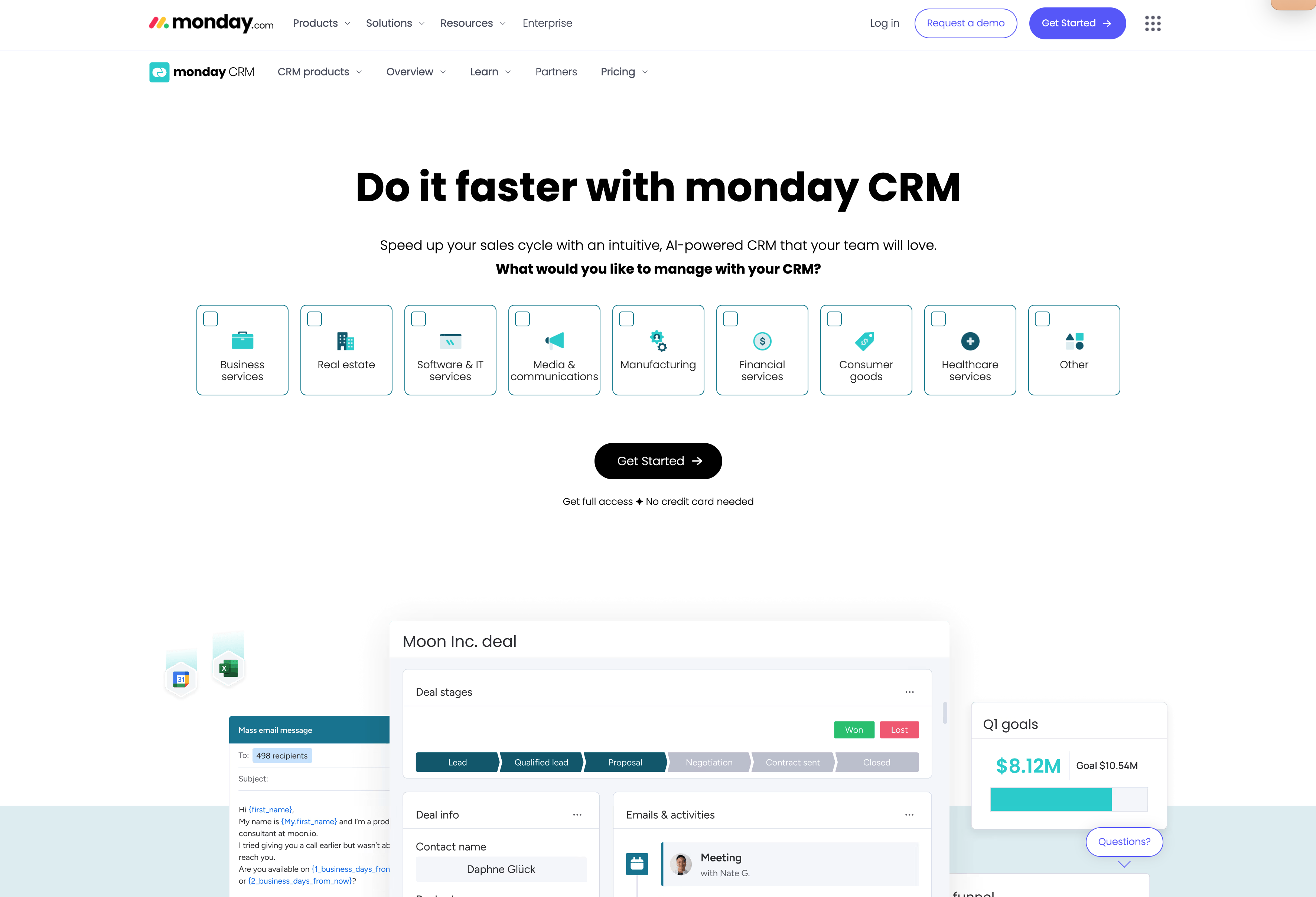
Monday.com is primarily a project management system. As such, their CRM offering is essentially the same core project management software as the foundation, just adjusted to handle sales workflows. It’s built on Monday’s signature visual boards, meaning most elements can be color-coded, customized or organized however you’d like.
What do you get with Monday.com?
Monday gives you a flexible CRM solution wrapped in their work operating system approach.
- Customizable pipelines with boards, dashboards, and Kanban views you can arrange however makes sense
- Two-way email sync with Gmail and Outlook for activity logging
- Visual progress tracking with drag-and-drop deal stages
- Dashboard widgets and reporting that you can mix and match
- Apps marketplace with integrations for most business tools
- Robust project management features built right into the platform
- Timeline views and other project-style layouts for managing deals
The whole thing will feel more like managing projects than a traditional CRM—which could work well if that’s the style your team prefers.
What are the trade-offs with Monday.com?
Monday’s project management roots tend to show up as gaps when you’re evaluating its true potentially as a standalone CRM:
- CRM features may feel bolted onto a project platform rather than purpose-built for sales
- Sales automation stays pretty limited compared to dedicated CRMs
- Reporting and forecasting focus more on dashboards and task tracking than sales metrics
- Integration ecosystem is smaller than other established CRM players
- You’ll often need to find workarounds to get end-to-end sales and marketing functionality
- Advanced workflows often require add-ons or custom development
Who’s Monday.com best for?
Monday works well for teams that focus heavily on project management and have fewer needs for a sales-led process. If you’re already thinking visually about workflows and want high customization for dashboards, it’s worth considering. As your team (and in turn, your needs) grow over time, you may find yourself wanting more than Monday has to offer though.
4. Nutshell
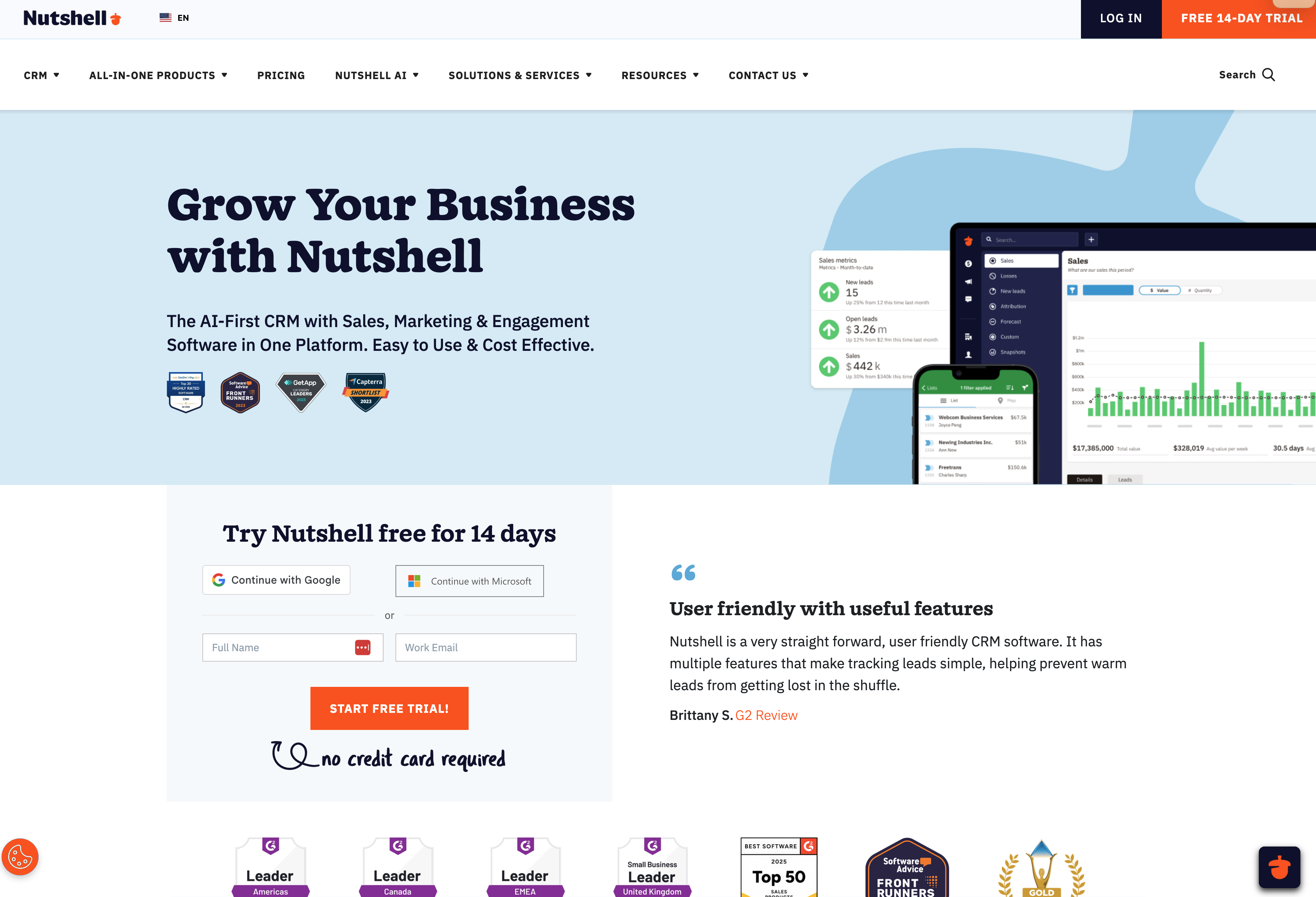
Nutshell CRM positions itself as a straightforward CRM solution for small businesses who want transparency in pricing and simplicity in setup. They’re focused on making CRM software affordable without the complexity that comes with enterprise-level platforms.
What do you get with Nutshell?
Nutshell keeps things pretty simple while still covering the basics you need for contact management and sales tracking.
- Transparent pricing with marketing features like email marketing, SMS, and web chat available on higher-tier plans
- Sales automation for emails, tasks, and follow-ups with simple workflow tools
- Integrations with Google, Microsoft, Slack, and QuickBooks
- Custom report creation with deeper analytics on higher-tier plans
- Built-in web forms and landing pages, with advanced lead generation features as add-ons
- Multi-channel communication options—though SMS, web chat, and messaging integrations vary by plan level
The platform emphasizes ease of use and pricing transparency—you can see exactly what you’re paying for and get started without a steep learning curve.
What are the trade-offs with Nutshell?
Nutshell’s focus on simplicity means you’ll hit some concrete limits as your team grows:
- Limited number of pipelines and customization depth compared to more robust platforms
- Workflow complexity stays pretty basic—not suitable for complex sales operations
- Marketing suite is functional but not as robust as standalone marketing automation platforms
- Fewer integrations compared to bigger players in the CRM space
- Reporting works well for straightforward sales tracking, with deeper analytics only on higher-tier plans
Who’s Nutshell best for?
Nutshell works well for small businesses that need a straightforward CRM solution with multi-channel outreach capabilities. Teams that want simple automations without enterprise-level complexity will appreciate the transparent pricing and easy setup.
5. Pipedrive
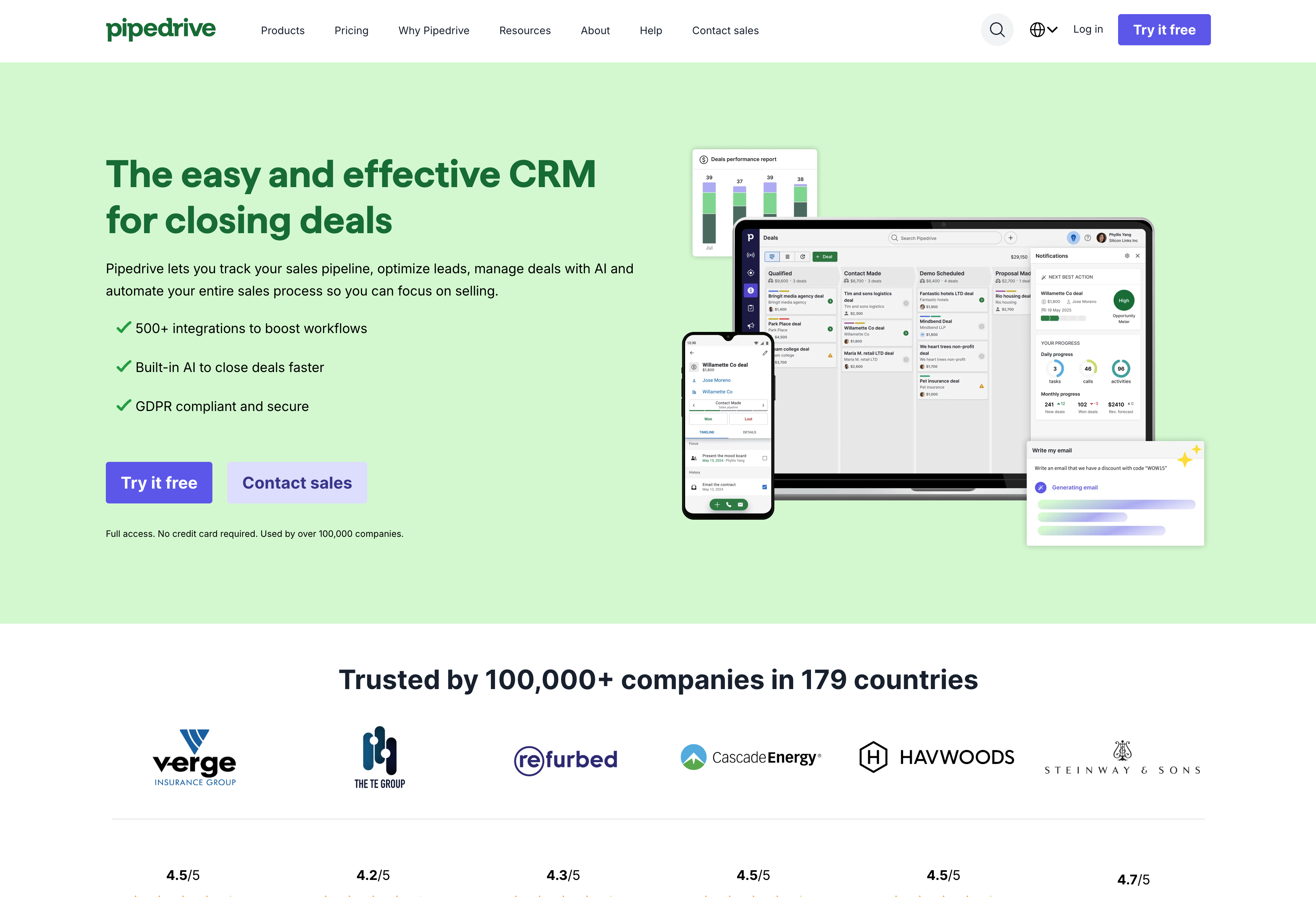
Pipedrive is a sales-focused CRM software built around visual pipeline management. They keep things simple—track your deals, automate follow-ups, and close more business without drowning in features you don’t need.
What do you get with Pipedrive?
Pipedrive gives you the core tools for managing sales pipelines without much else getting in the way.
- Visual pipeline management with drag-and-drop deal stages and activity reminders
- Sales automation through workflow templates, email templates, and lead routing
- Custom fields and goals tracking for individual reps
- Reporting that covers sales metrics, activity tracking, and sales forecasting
- Web forms and contact import tools to keep your pipeline fed
- Mobile app with core CRM functionality
- Campaigns add-on for basic email marketing (sold separately)
Their approach is straightforward: focus on deal progression and remove anything that doesn’t directly help with closing more sales.
What are the trade-offs with Pipedrive?
Pipedrive’s sales-first approach means you’ll hit some gaps as your needs expand:
- Limited marketing capabilities—they do offer add-ons that can handle basic email marketing, but lack advanced automation features
- No service or support module for handling customer tickets or post-sale work
- Advanced reporting and deeper automation sequences only available on higher plans or through paid add-ons
- You’ll need third-party tools for project management and complex customer support workflows
Who’s Pipedrive best for?
Pipedrive is good for sales-driven teams that want crystal-clear deal tracking and sales forecasting without a ton of extra fluff or customization. It’s solid for teams looking for an affordable CRM with clean and simple reporting and sales automation—just know you’ll need other tools for everything that happens after the deal closes.
6. Salesforce
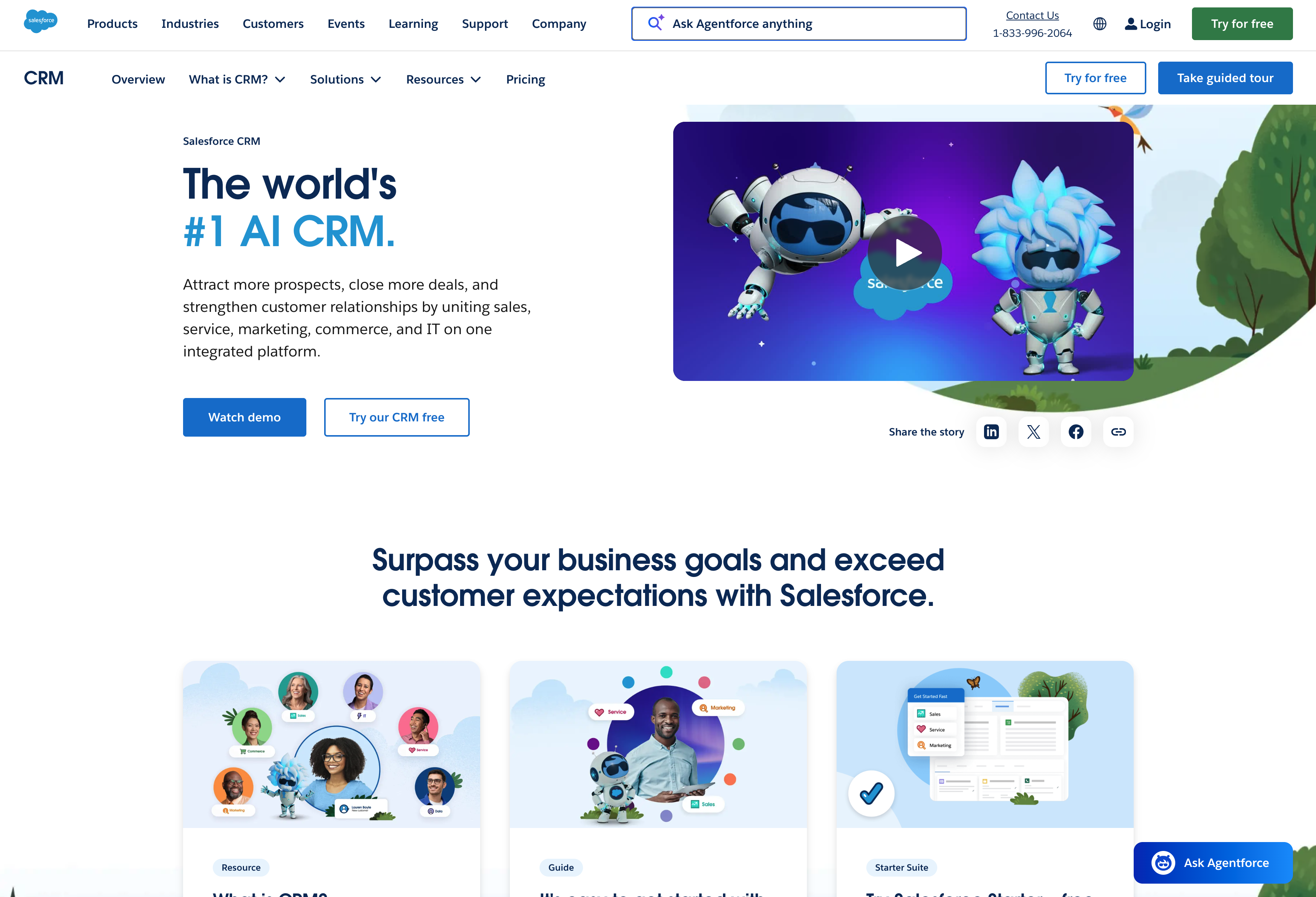
Salesforce is the enterprise CRM solution that pretty much everyone’s heard of (and either loves or has nightmares about). It’s a modular platform where you can build almost anything, which is both its biggest strength and its most intimidating feature.
In practice, Salesforce is primarily for massive global enterprises with near-unlimited resources. If that isn’t you, you’ll likely be much better off using a different alternative from this list.
What do you get with Salesforce?
Salesforce gives you a massive toolkit that can handle just about any business scenario you throw at it.
- Sales Cloud, Service Cloud, Marketing Cloud, and Analytics all running on one unified data model
- Extensive customization through custom objects, complex workflows, and low-code tools
- AppExchange marketplace with thousands of third-party apps and integrations
- Advanced reporting with detailed dashboards, predictive analytics, and AI-powered insights through Einstein
- Enterprise-grade security, compliance features, and global deployment options
- Automation that can handle multi-step, cross-department business processes
The platform’s basically designed for Fortune 500 companies—those with the resources to set it up properly.
What are the trade-offs with Salesforce?
Salesforce’s power comes with some serious overhead (and we mean serious) that smaller teams often underestimate:
- Setup complexity is significant—most implementations require admin specialists or consultants
- Licensing costs climb fast, especially when you start adding multiple clouds and advanced features
- The learning curve is steep for end users who just want to track deals and send emails
- You’ll need dedicated resources to manage, maintain, and optimize the system over time
- Feature overload can actually hurt adoption when sales reps feel overwhelmed by options they don’t need
- Salesforce claims to be integrated, but most integrated products are bolted on or don’t talk to each other easier
- Need expensive System Integrators to maintain and manage (think vast IT teams running formalized technical sprints to build and deploy changes)
Who’s Salesforce best for?
Salesforce works for large organizations with complex sales processes, regulatory requirements, or multi-team coordination needs. If you need deep process automation, enterprise-level analytics, and extensive customization—and you’re prepared to heavily invest time and resources into proper implementation and training—it’s a solid choice.
7. Zoho CRM
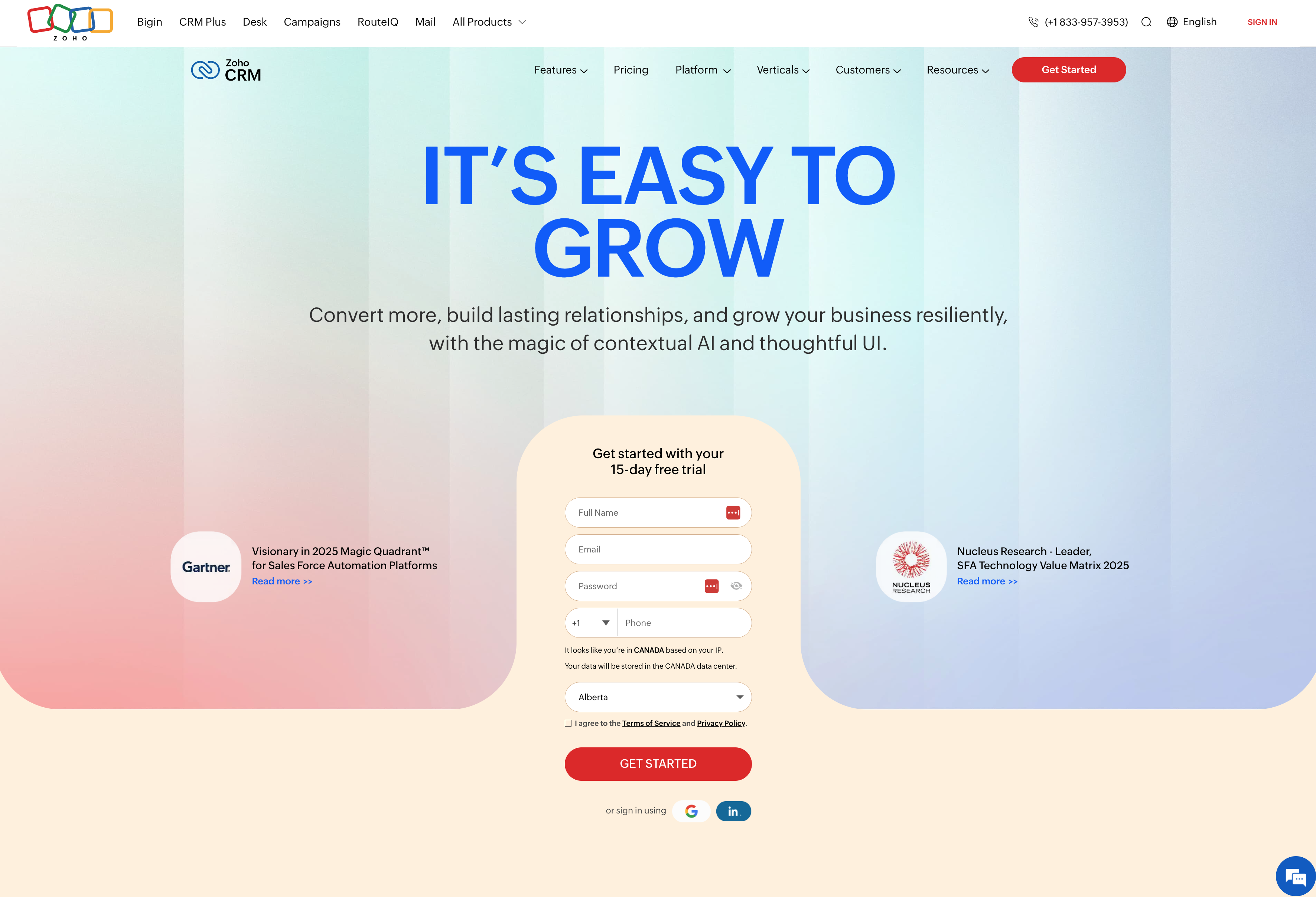
Zoho’s CRM is part of their broader suite of tools that also cover marketing, service, finance, and more. As such, they lean heavily on letting users integrate multiple teams inside a single platform.
What do you get with Zoho CRM?
Zoho provides a CRM system with broad configuration options and integrated business tools.
- Customizable layouts, dashboards, and workflows
- Built-in AI assistant “Zia” for insights and forecasting
- Email, phone, live chat, and social media communication channels
- Web forms and landing pages for lead capture
- Custom reports and data visualization tools
- Extensive customization across most platform features
- Integration with other Zoho applications (accounting, projects, helpdesk, etc.)
The platform focuses on adaptability—you can modify workflows, fields, and processes to match specific business requirements.
What are the trade-offs with Zoho CRM?
Zoho’s breadth creates some practical challenges:
- Interface may feel dated and can overwhelm new users with too many options
- Setup complexity increases with the number of customizations you want
- Technical knowledge often required for automation and advanced features
- Customer support quality varies, with some users reporting slow response times
- Integration reliability can be inconsistent across different Zoho apps
Who’s Zoho CRM best for?
Zoho works for teams that need extensive customization and want a CRM solution that handles multiple business functions. Companies focused on advanced reporting and analytics will find the depth useful. That said, you’ll need to invest plenty of time into configuring and maintaining the system—it’s not a quick setup, but it can adapt to complex workflows once you get it running.
8. Freshsales CRM
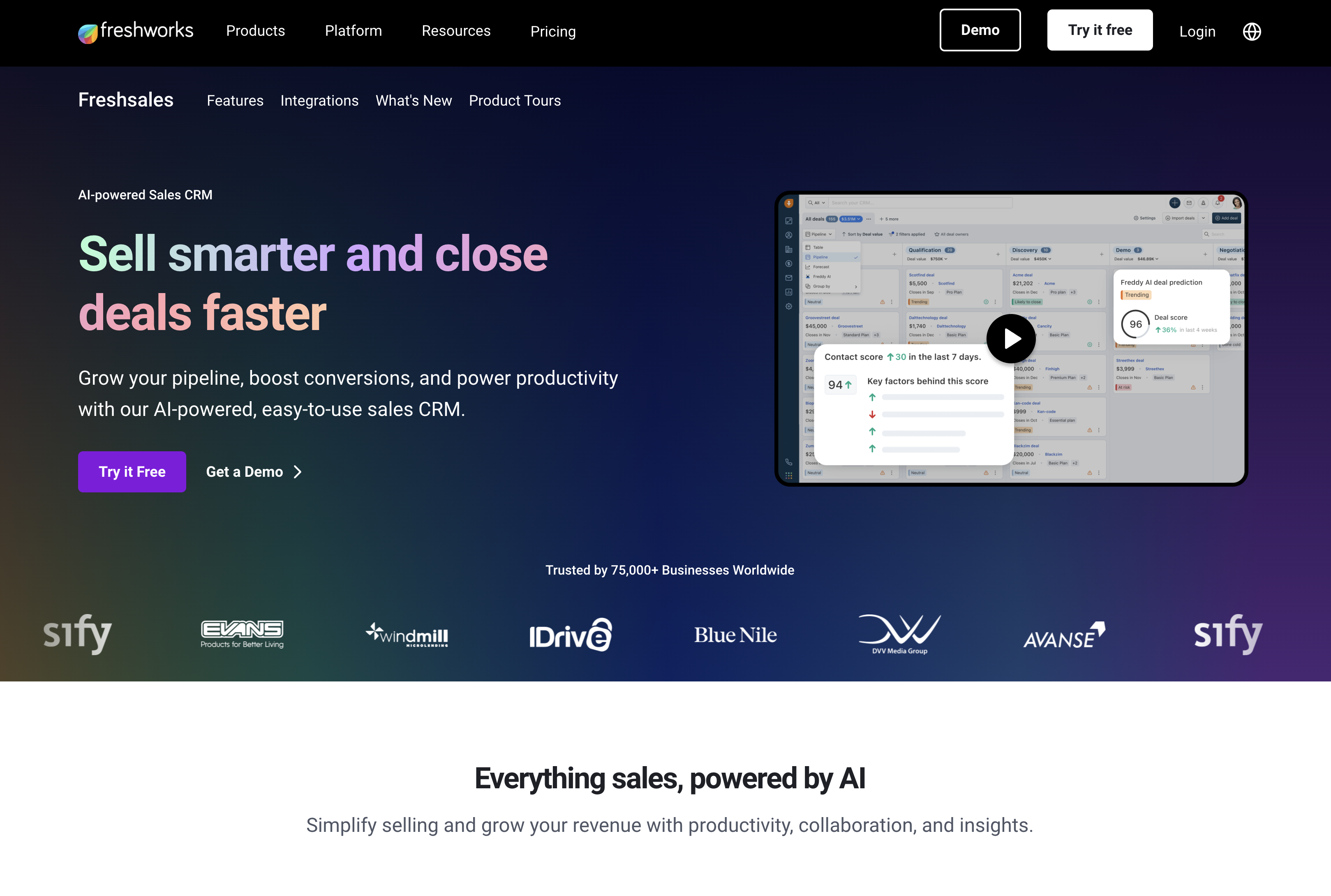
Freshsales CRM is part of the Freshworks suite and targets smaller sales teams who want communication tools like phone or chatbots built right into their CRM software.
What do you get with Freshsales?
Freshsales gives you CRM basics plus communication tools that work right inside the platform.
- Built-in phone, email, chat, and chatbot tools for customer interactions
- Lead scoring and website tracking to prioritize your hottest prospects
- Pipeline management with forecasting and visual deal progression
- Activity tracking and reporting across sales metrics
- Multiple pricing tiers including a free plan for basic usage
- Mobile CRM that covers core functions when you’re away from your desk
- Gradual feature additions as you scale up through their plans
They’ve structured everything so you can start simple and add complexity as your team grows.
What are the trade-offs with Freshsales?
Freshsales focuses mainly on sales engagement, which creates some gaps:
- Marketing and service features are less advanced than what dedicated platforms provide
- Advanced reporting and sales forecasting require higher-tier plans
- The mobile app covers core CRM functions, though some advanced features remain desktop-only
- Integration library is moderate in size compared to the largest CRM ecosystems
- Very complex workflows may become challenging as teams scale
Who’s Freshsales best for?
Freshsales works for small-to-mid sized sales organizations that want built-in communication tools and don’t need heavy marketing automation. Teams needing better pipeline visibility and customer support will appreciate having everything in one system. It’s solid for businesses that want a CRM alternative they can grow into, though you’ll need to manage more setup and configuration than something like Copper.
9. NetHunt CRM
NetHunt CRM lives inside Gmail—like, actually inside it. They’ve built a CRM solution that works as a Google Workspace add-on, so you’re not switching between tabs or learning a whole new interface.
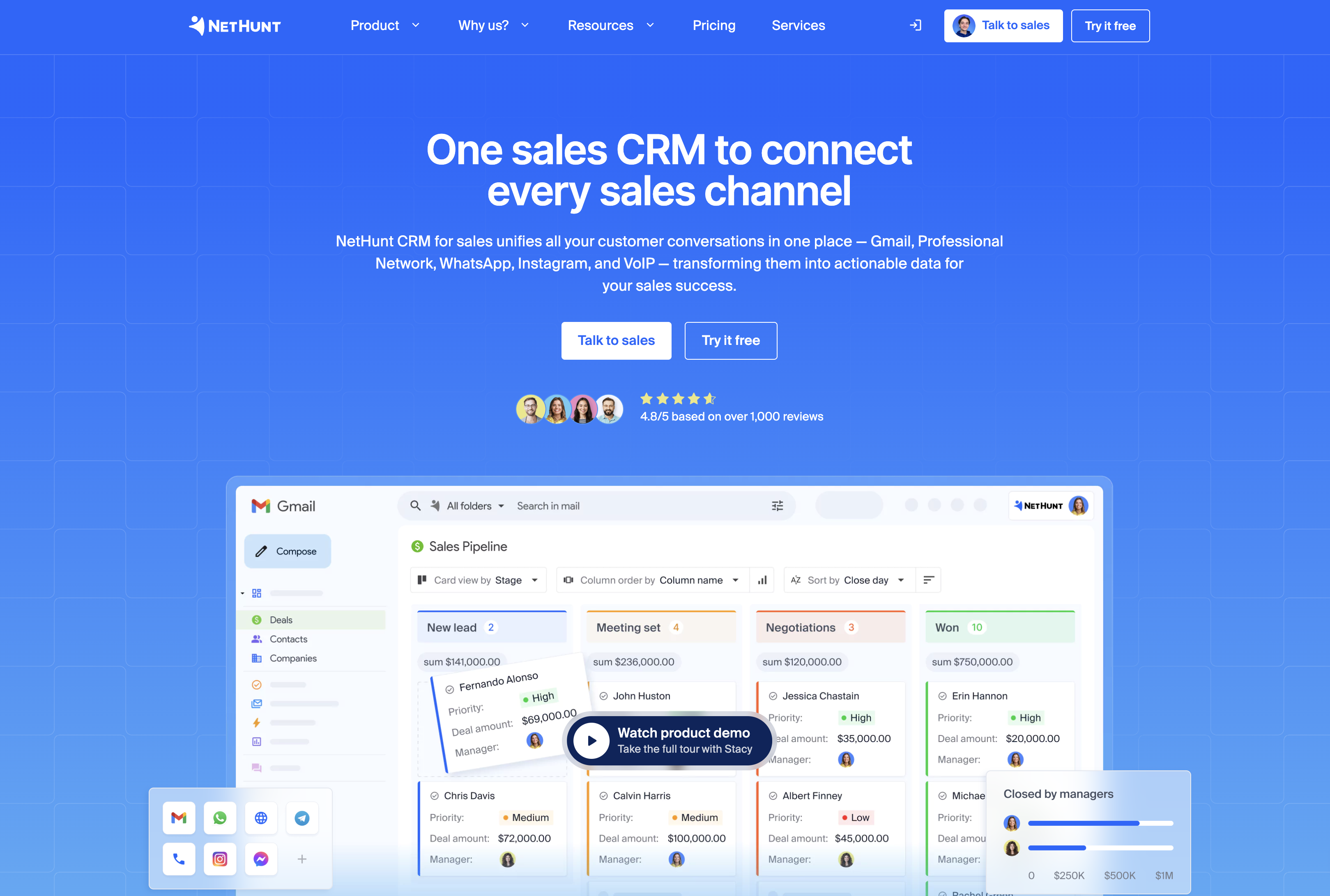
What do you get with NetHunt CRM?
NetHunt keeps everything Gmail-focused, which works great if your team basically lives in email.
- Deep Gmail integration that creates contact records directly from email conversations
- Email sequences and automated workflows that run inside your inbox
- Sales pipelines with shared visibility across your team
- Email marketing campaigns that feel like they’re coming from Gmail
- Reporting that tracks email engagement and sales metrics
- Affordable pricing designed for smaller teams
- Google Workspace users get extensive contact management without leaving their email
The whole thing’s designed around the idea that your email is already your main work hub—why not make it your CRM too?
What are the trade-offs with NetHunt CRM?
Living entirely in Gmail creates some natural limits:
- Works best for Google-first teams, but doesn’t play as well with Microsoft or mixed email setups
- Feature set stays pretty narrow compared to broader CRM platforms
- Marketing and service functions are lightweight—you’re getting email tools, not full automation
- Reporting covers the basics but lacks depth for complex analytics
- As teams grow, the Gmail dependency can become a constraint rather than a convenience
Who’s NetHunt best for?
NetHunt works for small teams that live in Gmail and want more email marketing options without switching platforms. If you’re looking for affordable workflows that extend what you’re already doing in Google Workspace, it makes sense. Organizations that prefer managing customer relationships right inside their inbox rather than learning another system will appreciate the approach.
Subscribe to receive strategies, tech tips, and industry insights, to help your go-to-market team grow with ease.
By submitting this form, you agree to receive email communications from Insightly and accept Insightly’s privacy policy.
Get started with Insightly CRM today
The right CRM solution should fit your team size, workflows, and growth plans—not force you to adapt to what someone else thinks you need.
Insightly offers a comprehensive CRM solution that combines sales, marketing, and service in one platform, so you’re not juggling multiple subscriptions or losing data in handoffs between tools. Here’s what makes it different:
- CRM platform with customizable pipelines, AI-powered features, and deal-to-project conversion
- Marketing automation for email campaigns, lead nurturing, and campaign tracking that connects to actual revenue
- Service management with ticketing that shares your customer database across sales and support teams
- AppConnect integrations with 200+ business tools through low-code workflow builders
- All in one CRM approach that eliminates the need for separate point solutions as you scale
Instead of trying to figure out if Insightly works for your team based on feature lists and comparison charts, start a free trial and test it with your actual data and workflows. Setup takes minutes, not months.