
5 best CRMs for sales teams in 2026 (and how to choose the right one)
Here’s the thing about picking the best CRM for sales teams:
94% of sales professionals use less than 75% of their CRM’s features.
More isn’t always better.
What actually matters is speed to value, ease of adoption, and fit for how your team sells day-to-day. The best sales CRM is the one your reps will actually use—not the one with the longest feature list.
Below, we’ll cover the key capabilities to prioritize, then break down 5 CRMs for sales teams with honest assessments of who each one is best for.
What to look for in a sales CRM
Before diving into specific tools, here’s what actually separates useful CRM software from expensive shelf-ware.
Clean contact management
Your CRM is only as good as the data inside it—garbage in, garbage out.
The system should make logging information dead simple and accessing it even simpler. Required fields and data formatting rules catch issues before they become problems, while duplicate detection prevents the scattered records that plague sales teams.
If reps have to jump through hoops to update a phone number, they won’t do it. The best CRMs make organizing customer data feel effortless.
Automated lead management, lead routing and workflows
Speed wins in sales—when a lead comes in, every minute counts.
The right workflow automation handles lead routing based on territory, deal size, or product interest without requiring manual sorting. Triggers fire for follow-up reminders, Slack alerts, and activity logging automatically.
The goal is removing friction between lead capture and first contact. Your team should spend time talking to prospects, not shuffling data between systems. Good lead scoring helps prioritize who to call first.
Pipeline visualization and forecasting
You can’t manage what you can’t see. Pipeline visibility is non-negotiable.
Look for visual deal tracking with customizable stages that match how you actually sell. The best sales pipeline management tools account for deal probability in forecasts, not just total pipeline value.
You also need the ability to spot stalled deals and at-risk accounts before they slip. Good forecasting helps you intervene early, not just report on losses after the quarter closes.
Performance reporting and dashboards
Dashboards should tell you what’s working at a glance, without needing to hunt through 10 different reports.
Real-time updates on pipeline health, rep activity, and conversion metrics keep everyone aligned. Custom views by product, region, or customer segment let you drill into what matters. The CRM becomes the single source of truth for sales and marketing alike.
Good CRM reporting and dashboards mean faster decisions. When you see SMB deals converting faster than enterprise, you know where to focus.
Easy integrations with your existing tools
Your CRM should connect to your billing system, support platform, and marketing tools without requiring dev help.
Data needs to flow automatically between systems—new signups appearing in CRM, closed deals triggering invoices. Pre-built connectors for common tools like Slack, QuickBooks, and Mailchimp save setup time.
No-code integration builders let you configure new connections in hours, not weeks. As your stack grows, your CRM should adapt without forcing rebuilds. Good CRM automation extends across your entire toolkit.
5 best CRMs for sales teams (and who each is best for)
We’re biased toward Insightly—but we’ll give you the facts to make the right choice. Each tool has a sweet spot. Here’s where they fit.
1. Insightly CRM: Best CRM for mid-market teams that want speed to value without sacrificing on function
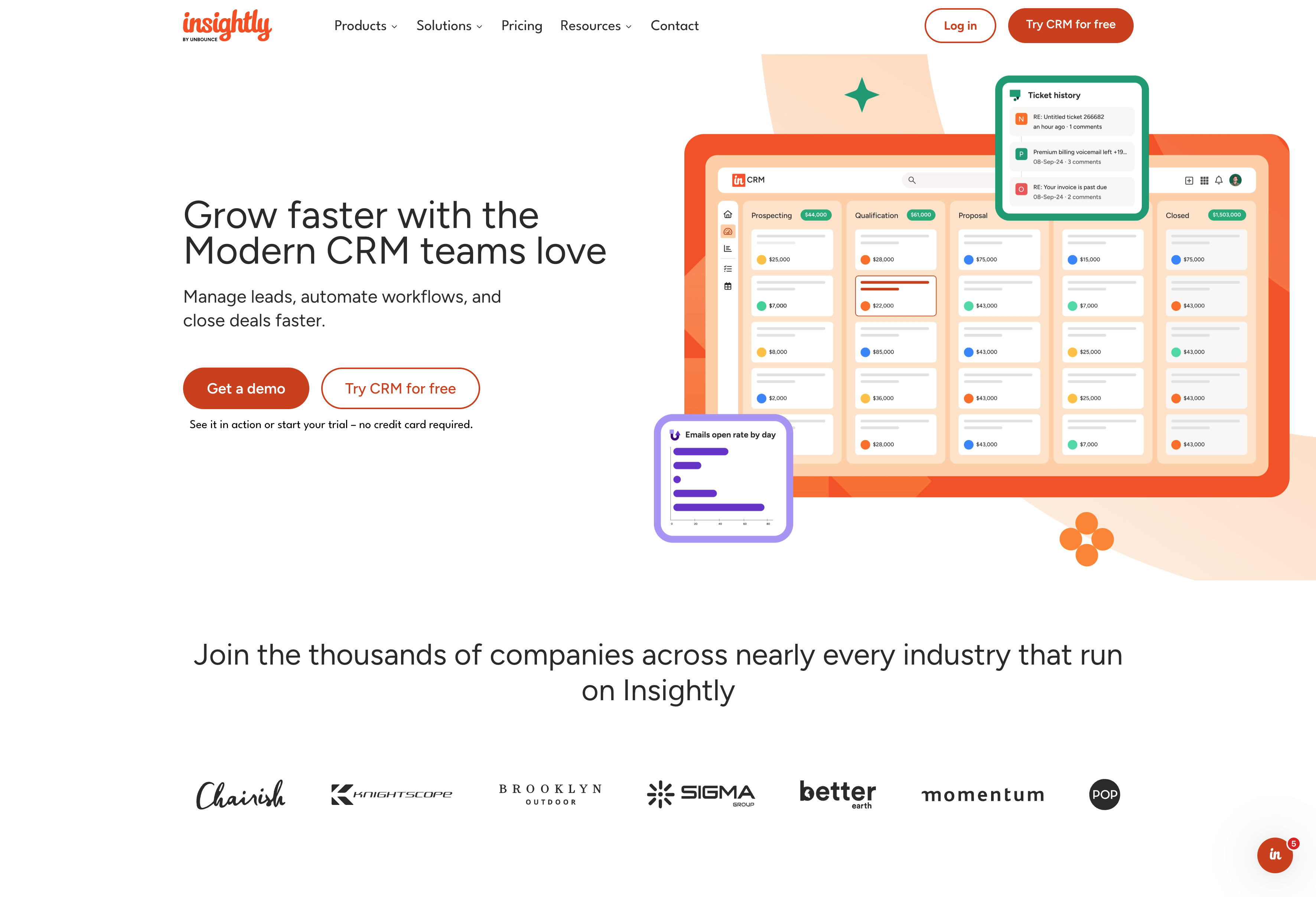
Insightly gives sales teams a complete view of customers while staying simple enough to adopt quickly. It combines CRM, marketing, and service on one platform—no bolting together multiple tools. Implementation is fast compared to heavier enterprise CRMs.
What you get with Insightly
- No-code customization for fields, workflows, and layouts
- Built-in project management for deal-to-delivery handoffs
- AppConnect with 2,000+ pre-built integrations
- CRM, marketing, and service modules on a single database
Who is Insightly best for?
Insightly fits sales teams that want one unified platform without enterprise cost or complexity. It’s ideal for companies that have outgrown starter tools but don’t need Fortune 500 infrastructure—and teams that value fast implementation (weeks, not months) with high adoption rates.
2. HubSpot CRM: Best for content-driven growth and inbound marketing
HubSpot has strong roots in marketing automation—it’s often where startups start for the free CRM and mature inbound tooling. Advanced automation, custom reporting, and predictive scoring live on paid Hubs. Costs can climb quickly as headcount and usage scale, though—something to watch.
What you get with HubSpot
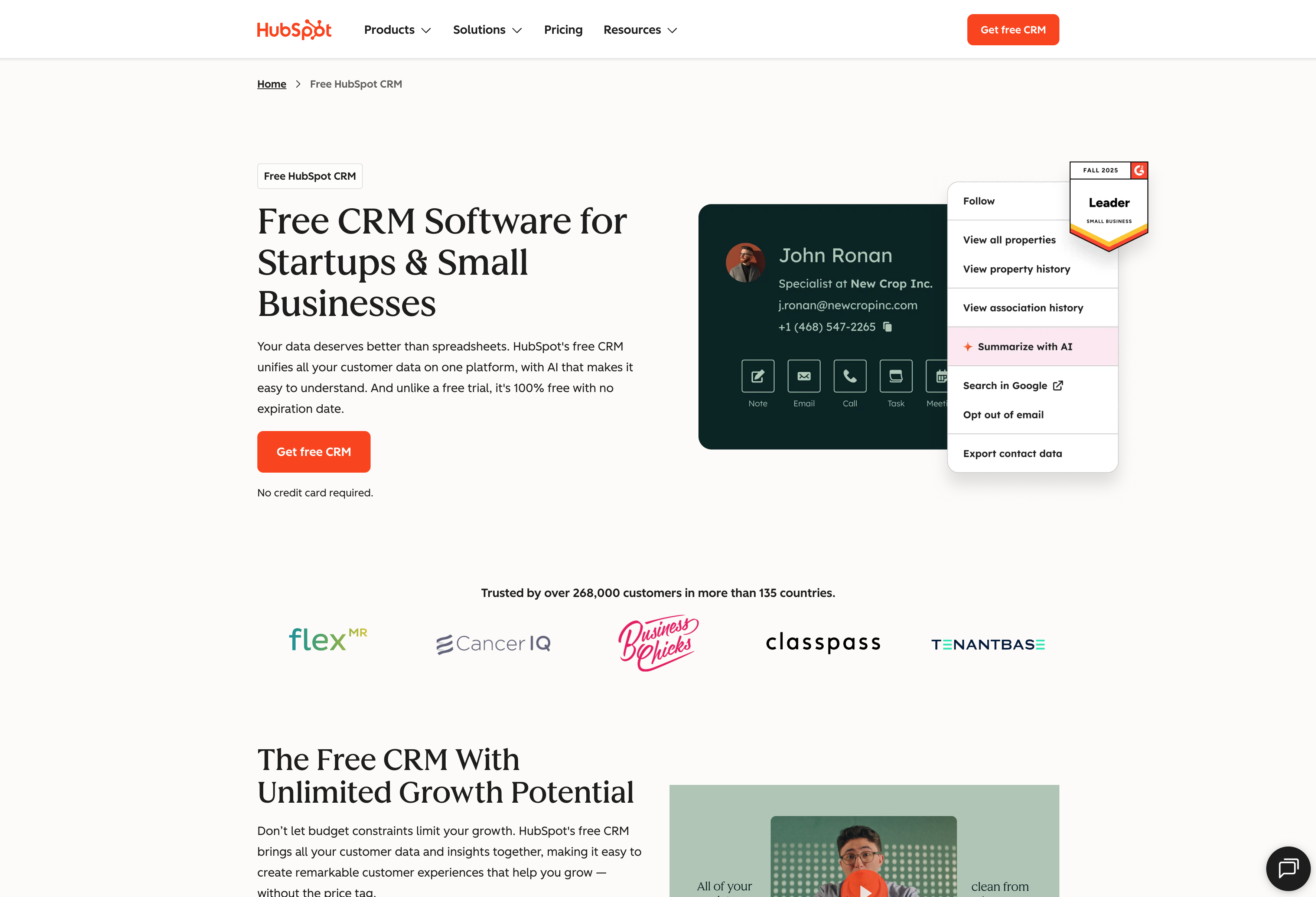
- Free CRM tier with contact, deal, and pipeline tracking
- Marketing automation through Marketing Hub
- Large app marketplace with hundreds of integrations
- Reporting dashboards connecting marketing and sales
Who is HubSpot best for?
HubSpot works well for teams already committed to its ecosystem and marketing-led organizations focused on inbound and content. The free tier handles early-stage needs, but most growing teams pay for multiple Hubs to unlock full functionality.
Be ready for costs to escalate once you need advanced features across sales, marketing, and service.
3. Monday CRM: Best for teams already using Monday for project management
Monday.com is a flexible work management platform with a sales CRM built on its board system. It offers good cross-functional visibility across projects and deals. Just know that the CRM inherits a task-board paradigm rather than a purpose-built CRM object model.
What you get with Monday
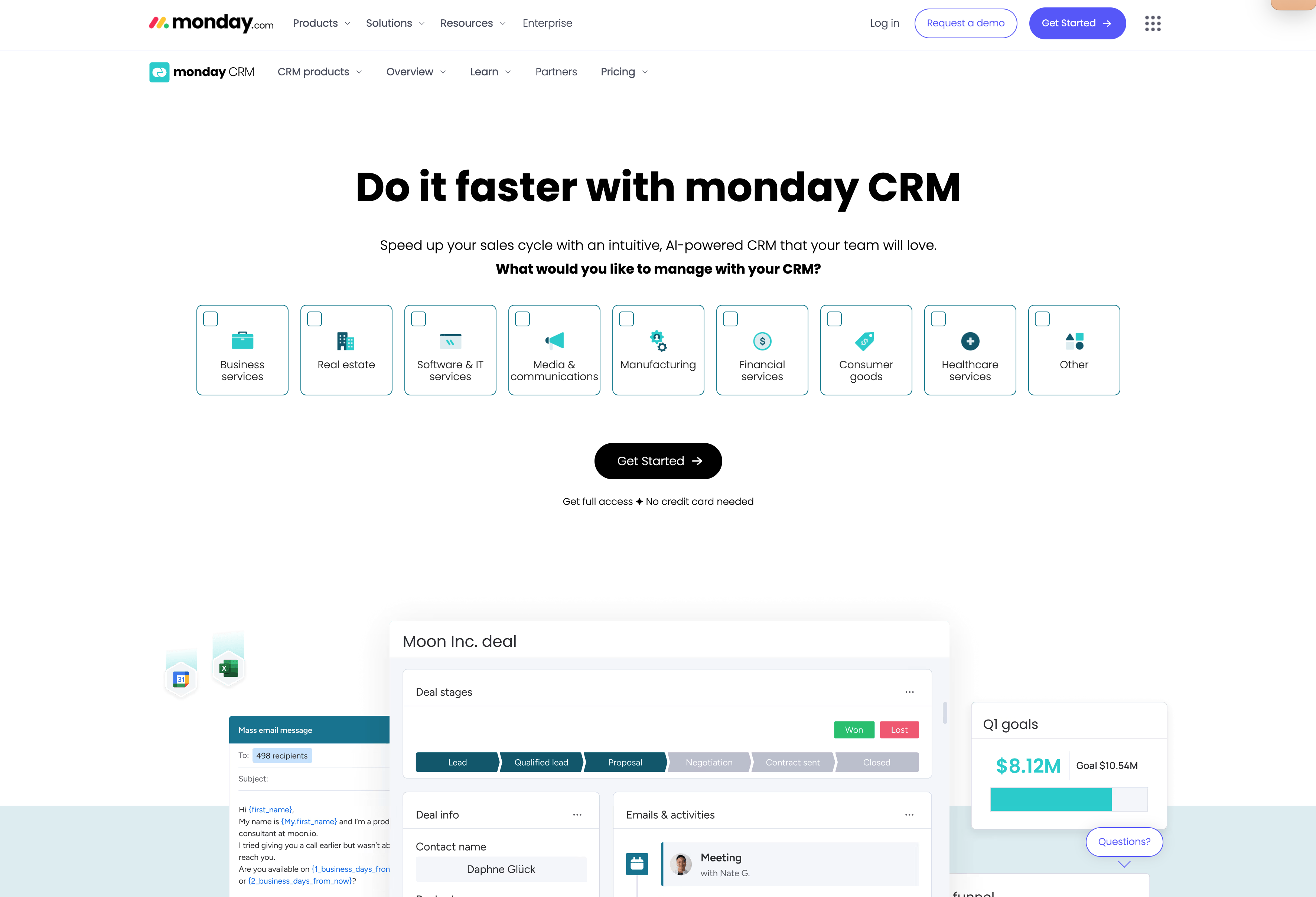
- Visual, board-style interface for pipelines and tasks
- Flexible customization for sales, projects, and workflows
- Automations for reminders, assignments, and notifications
- Collaboration features for cross-functional teams
Who is Monday CRM best for?
Monday.com fits teams already using the platform for operations who want lightweight sales tracking alongside project work. It works best for those comfortable with board-based workflows.
That said, you may find yourself working around the platform when you need deeper CRM functionality like advanced forecasting or complex sales reporting.
4. Pipedrive: Best for sales-led teams that want visual pipeline views
Pipedrive is a sales-first CRM known for visual pipelines and rep-friendly UX. It’s popular with sales-led teams for fast deal tracking, email sync, and straightforward forecasting. You’ll usually need separate tools for marketing automation and post-sale service, but that’s expected for a sales-focused platform.
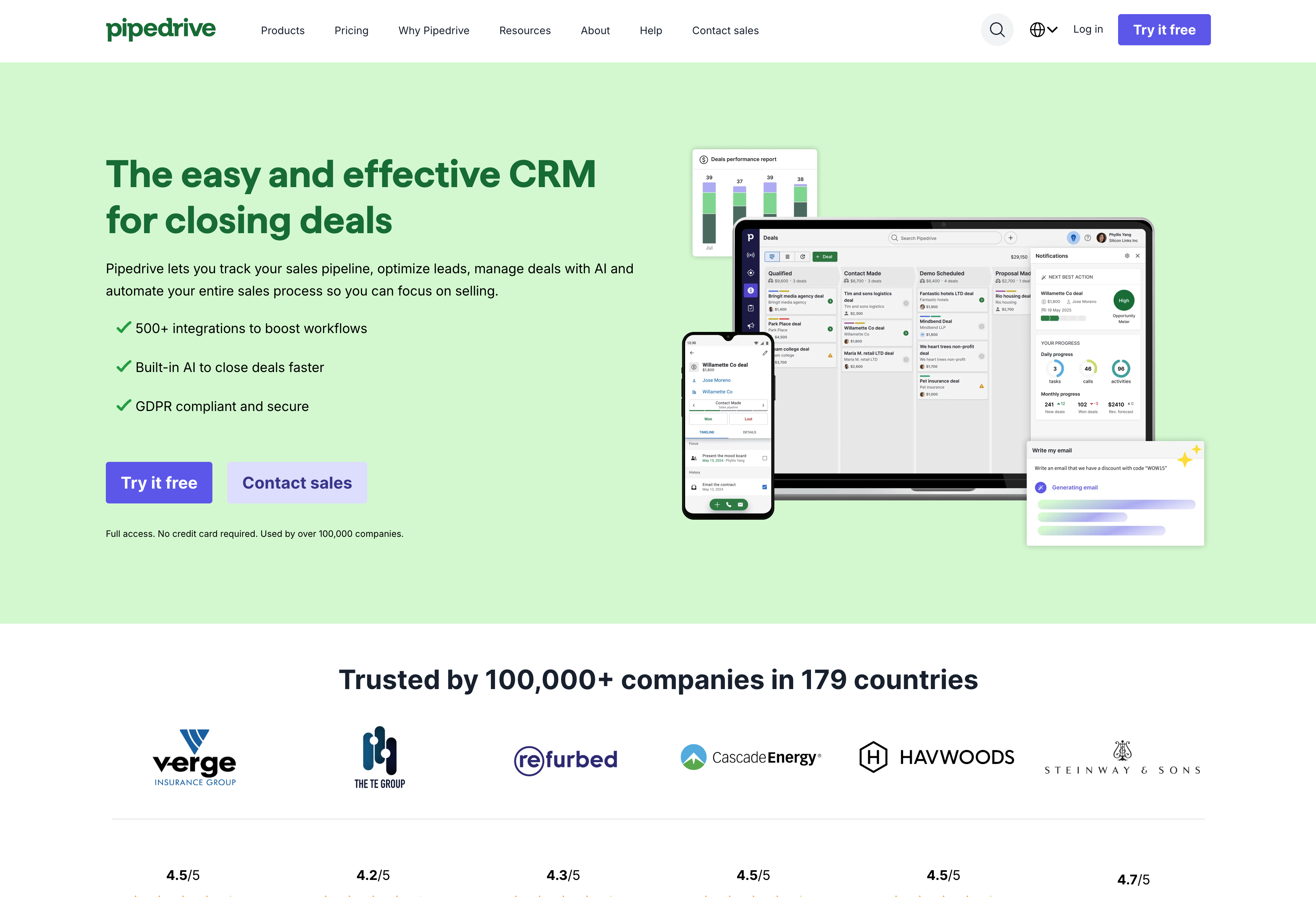
What you get with Pipedrive
- Drag-and-drop pipelines that are simple for reps
- Automations for follow-ups, activity tracking, and deal progression
- AI sales assistant to suggest next actions
- Goal tracking and execution insights
Who is Pipedrive best for?
Pipedrive fits sales-led teams where reps drive most growth. It works well for organizations comfortable managing marketing and customer success through separate tools. Just expect to layer on other platforms as you scale beyond pure sales execution.
5. Salesforce Sales Cloud: Best for large enterprises with deep pockets and complex needs
Salesforce is the industry standard for Fortune 500 companies—all the features you’d expect from a market leader. But the complexity is real: implementation takes months, requires consultants, and every setup is unique. Enterprise edition runs ~$175/user/month before implementation costs.
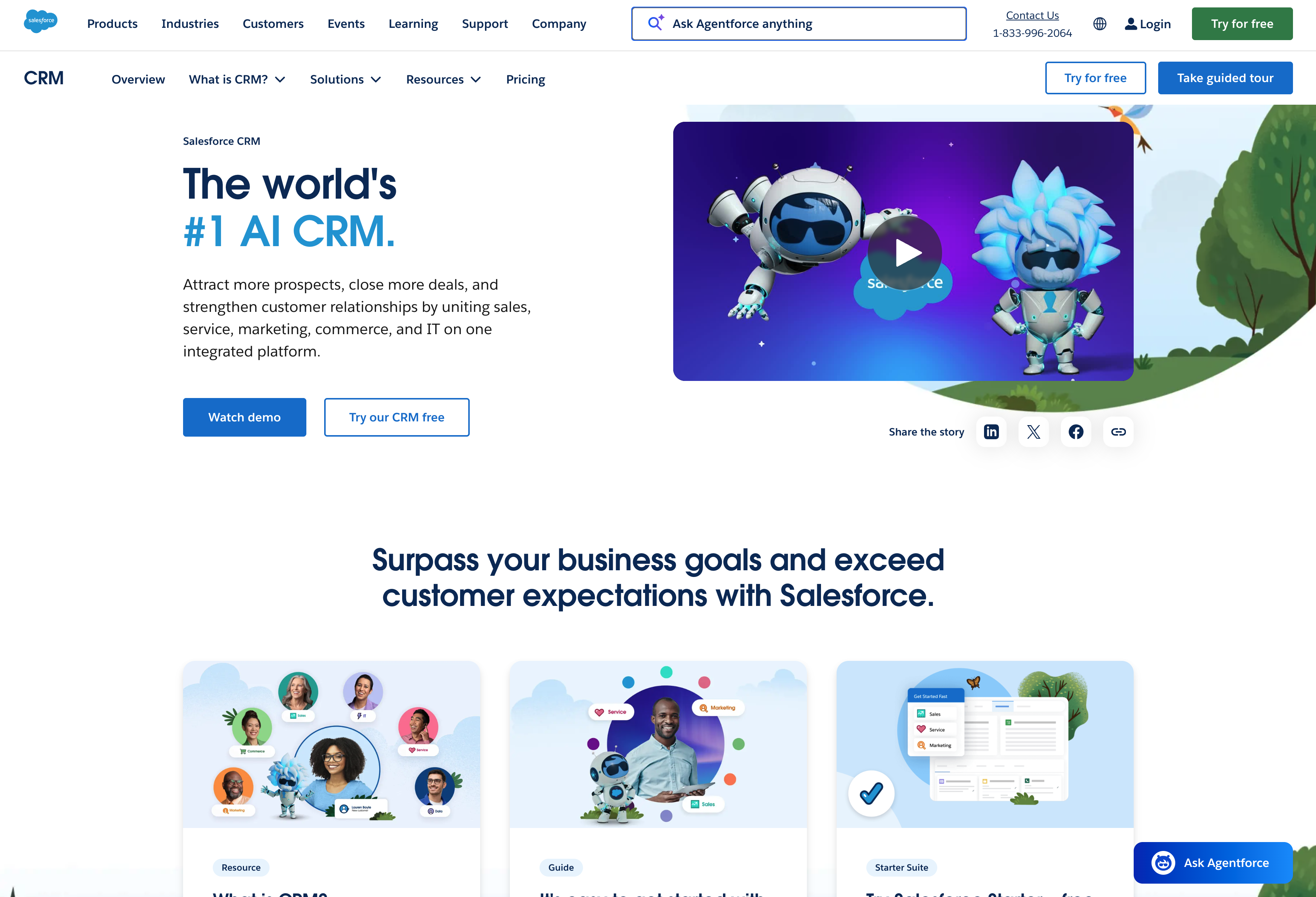
What you get with Salesforce
- Extreme customization and advanced AI via Einstein
- Massive app ecosystem and integration options
- Robust reporting and analytics
- Enterprise-grade security and compliance
Who is Salesforce best for?
Salesforce fits large enterprises (500+ employees) with dedicated admin resources and IT teams. It works for organizations with complex, multi-division sales processes that can absorb $150K-$500K implementation costs and months of setup time.
The truth is, for most mid-market sales teams, Salesforce is overkill given the significant overhead and implementation costs.
How different sales roles actually use a CRM
Different roles interact with CRM in different ways—and that’s exactly the point. Here’s how each member of a sales team puts CRM to work.
Salespeople
Salespeople rely on a CRM for day-to-day usage. This includes tasks like entering and progressing opportunities, writing notes attached to customer interactions and events, and sending emails.
The CRM becomes the rep’s daily workspace for managing their pipeline—deal tracking, activity logging, contact history, and email sync all happen in one place. When everything lives in the CRM, reps spend less time hunting for context and more time selling.
For more on CRM for business development, see how reps use these tools to build relationships.
Sales managers
Sales managers also rely on CRM software for daily use. This includes monitoring reps’ progress and deals over time, routing incoming leads (or setting up automations to do so), and ensuring reps log all interactions appropriately.
The CRM serves as a visibility tool for managing the team—pipeline reviews, identifying stuck deals, and spotting coaching opportunities all flow from the same data. When managers can see what’s happening in real time, they intervene early instead of reacting to missed targets.
Sales leaders and CSOs
Team members in these roles typically use CRM on a weekly basis to review comprehensive dashboards, reports, and trends. They rely on CRM data to forecast for the coming month, quarter, or 1-2 quarters beyond.
The CRM becomes the single source of truth for business health—revenue projections, trend analysis, and board-level reporting all pull from the same system. When leadership trusts the data, strategic decisions happen faster and with more confidence.
SDRs and BDRs
These roles use CRMs daily for tasks like working leads, sending emails, and looking up phone numbers. They receive leads assigned by their manager and update lead records as they move through the qualification process.
The CRM functions as a qualification and routing engine—high-volume activity logging, sequence management, and lead scoring all happen here. When an SDR qualifies a lead for handoff to an AE, the CRM holds the full history so nothing gets lost in translation.
Sales enablement
Sales enablement managers use CRM data to help improve processes on the sales team. They might review the CRM weekly to look for stalled opportunities and friction points, then develop new training programs or assets to help the team address them.
The CRM serves as a feedback loop for what’s working—analyzing data to identify coaching gaps and process improvements. AI in CRM is making this analysis faster, surfacing patterns that would take humans weeks to find manually.
Get started with Insightly CRM today
Insightly CRM is built for mid-market sales teams that want power without the overhead. It’s a complete platform—CRM, marketing, and service—that aligns your teams around a single source of truth.
With Insightly, you can:
- Track deals from first contact to closed-won
- Automate workflows without writing code
- Connect your existing tools through AppConnect
- Align sales, marketing, and service on one platform
Get started with a free trial of Insightly CRM today, or request a personalized demo to see how Insightly can help your sales team hit its goals.
Common questions about choosing a sales CRM
Quick answers to questions that come up when evaluating CRM options.
How much should you expect to pay for sales CRM software?
CRM pricing ranges wildly—from free tiers to $175+/user/month for enterprise.
Here’s a rough breakdown:
- Entry-level plans: $14-30/user/month (Pipedrive, Insightly, Zoho)
- Mid-tier with full features: $50-100/user/month
- Enterprise: $150+/user/month plus implementation costs
Watch for hidden costs too—add-ons for basic features like email templates, integrations locked behind higher tiers, consultant fees, and training expenses can add up fast.
The license fee is just the start. Factor in total cost of ownership before committing.
How long does CRM implementation typically take?
Implementation time depends entirely on the platform and your complexity.
Modern mid-market CRMs take 2-6 weeks for basic setup, with teams using the system within a month. Enterprise platforms like Salesforce can run 6-9 months realistically, with consultant involvement throughout.
Factors that extend timelines include custom integrations, data migration from legacy systems, and complex approval workflows.
Ask vendors for realistic timelines from similar-sized customers—not best-case scenarios from their marketing materials.
How do you get your sales team to actually use the CRM?
Adoption is the real challenge. A CRM nobody uses has zero ROI.
Start with ease of use. If the system is clunky, reps won’t log activities. Make the CRM the path of least resistance with email integration, mobile access, and minimal clicks to complete common tasks.
Tie CRM usage to things reps care about—commissions, pipeline visibility, reduced admin time. And leadership has to use it too. If managers pull reports from spreadsheets instead, reps get the message.
Prioritize adoption, not just features.