5 best CRMs for small teams (and how to choose the right one)
Small teams need to deliver great customer experiences without the budget or headcount of larger companies. A CRM (Customer Relationship Management) system helps you do exactly that.
Small teams can’t afford information silos.
When one person knows something critical but everyone else is in the dark, deals slip through the cracks and customers get frustrated. A good CRM prevents that by making customer data—contact details, deal status, support history, marketing interactions—accessible to everyone who needs it. No more asking around for context or digging through email threads to figure out where things stand.
The right CRM also automates repetitive work so your team focuses on conversations that matter, tracks follow-ups so nothing falls through the cracks, and gives you the data to personalize experiences without manual effort. You get the operational leverage to compete with bigger competitors while actually building relationships that turn prospects into loyal customers.
In this guide, we’ll cover five of the best CRMs for small teams to help you find the right fit for your business and CRM objectives.
TABLE OF CONTENTS
SHARE



Val Riley
» More blog posts by Val Riley
Why do small teams need a CRM?
When you’re running a small team, everyone wears multiple hats. Your sales rep might handle customer support, and your marketing person might jump into sales calls from time to time.
Flexibility isn’t a bad thing, but it does get tricky when the person who took the discovery call for a prosepct is out sick and nobody else has a clue what they discussed.
A CRM solves this by creating one place where all customer information lives.
Previous conversations, deal status, support tickets, everything. Your team stops wasting time hunting for context and starts spending time actually helping customers.
Customers also expect you to remember their preferences, their pain points, and what they’ve already told you. When you’re tracking everything manually or in scattered spreadsheets, that personalization is basically impossible. A CRM makes it automatic—you open a customer record and immediately see their history, making every interaction feel personal without extra work.
What are the best CRMs for small teams (and what each is best for)
That all said, let’s take a look at a few of the top CRM options worth considering.
Keep in mind, each CRM below works for different team situations—there’s no single “best” option that fits everyone. We’ll cover what each platform does well, where it comes up short, and which teams it’s actually right-sized for.
1. Insightly CRM by Unbounce
Insightly is a modern CRM platform built for small to mid-sized businesses that need real functionality without enterprise complexity.
Here’s what makes it different:
Most CRMs force you into a bad fit. Enterprise platforms are overbuilt for small teams, while basic tools lack the features you actually need. Insightly was designed specifically for growing businesses—you get the power you need without paying for complexity you don’t want.
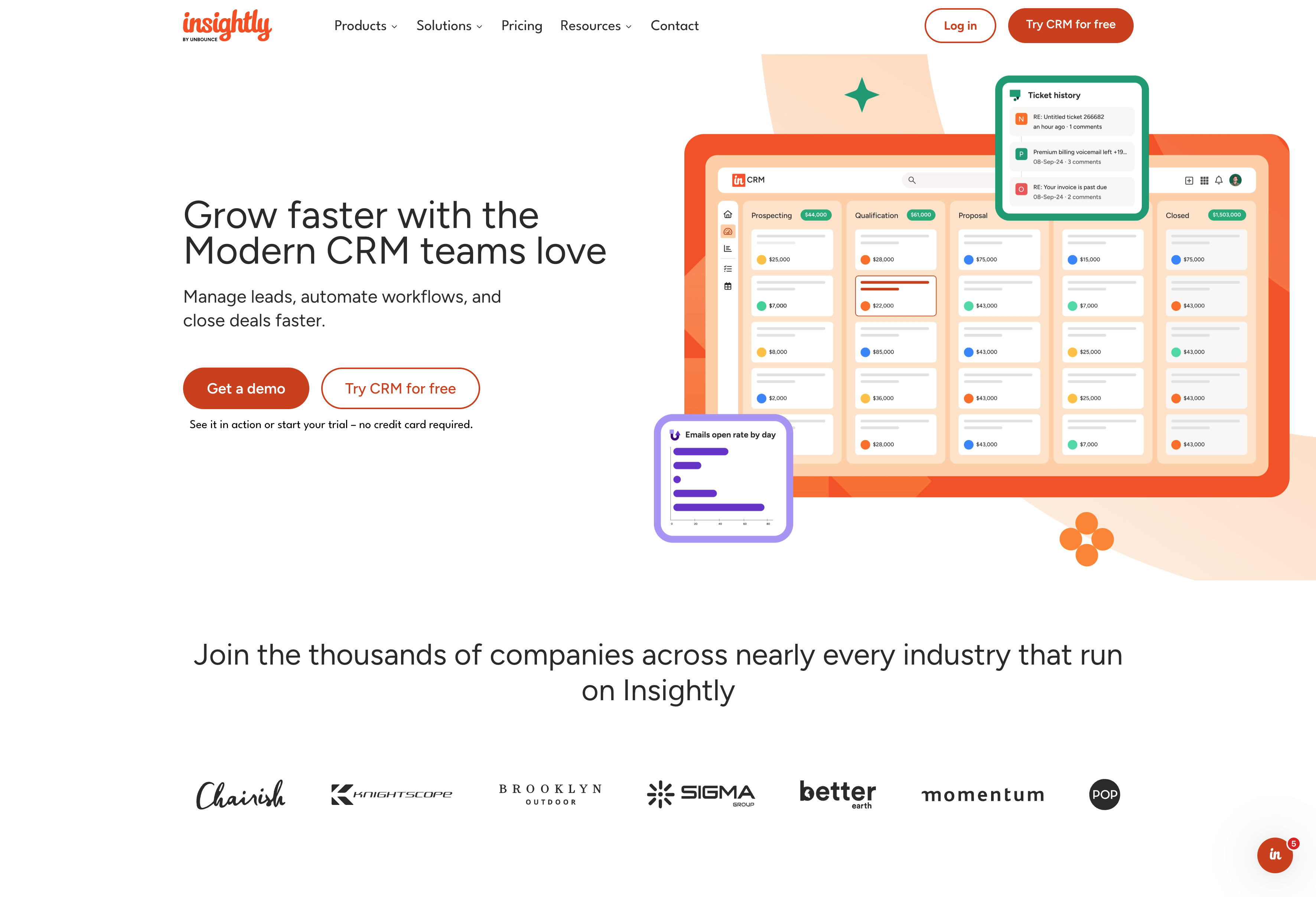
What do you get with Insightly?
- Easy customization without developers—custom fields, objects, dashboards, and workflows you configure yourself
- Built-in project management that converts closed deals straight into delivery projects for seamless handoffs
- AppConnect integration marketplace with 2,000+ no-code integrations your team can build without IT
- AI-powered Copilot (beta) for conversational AI—manage records, get summaries, and write emails in plain English
- Marketing automation and service management on the same unified platform with shared database
- Implementation that averages around 1 month, not 2-4 months like enterprise alternatives
How does Insightly pricing work?
Plans start at $29 per user per month. There’s no free tier, but you get a 14-day trial to test everything. Marketing automation and service management are available as add-ons when you need them.
Who should use Insightly?
Insightly fits growing small to mid-sized businesses that have outgrown spreadsheets and basic CRMs but don’t want the complexity that comes with enterprise platforms. Teams that value easy customization, fast implementation, and a unified platform for sales, marketing, and service tend to do well with it.
It might not the right fit if you’re running a solo business that doesn’t need the full feature set yet.
2. HubSpot
HubSpot started as a marketing automation platform and later expanded into CRM. The platform offers a free tier that’s attracted millions of users. HubSpot operates as a closed ecosystem—it works best when you use HubSpot for everything: marketing, sales, service, and content management.
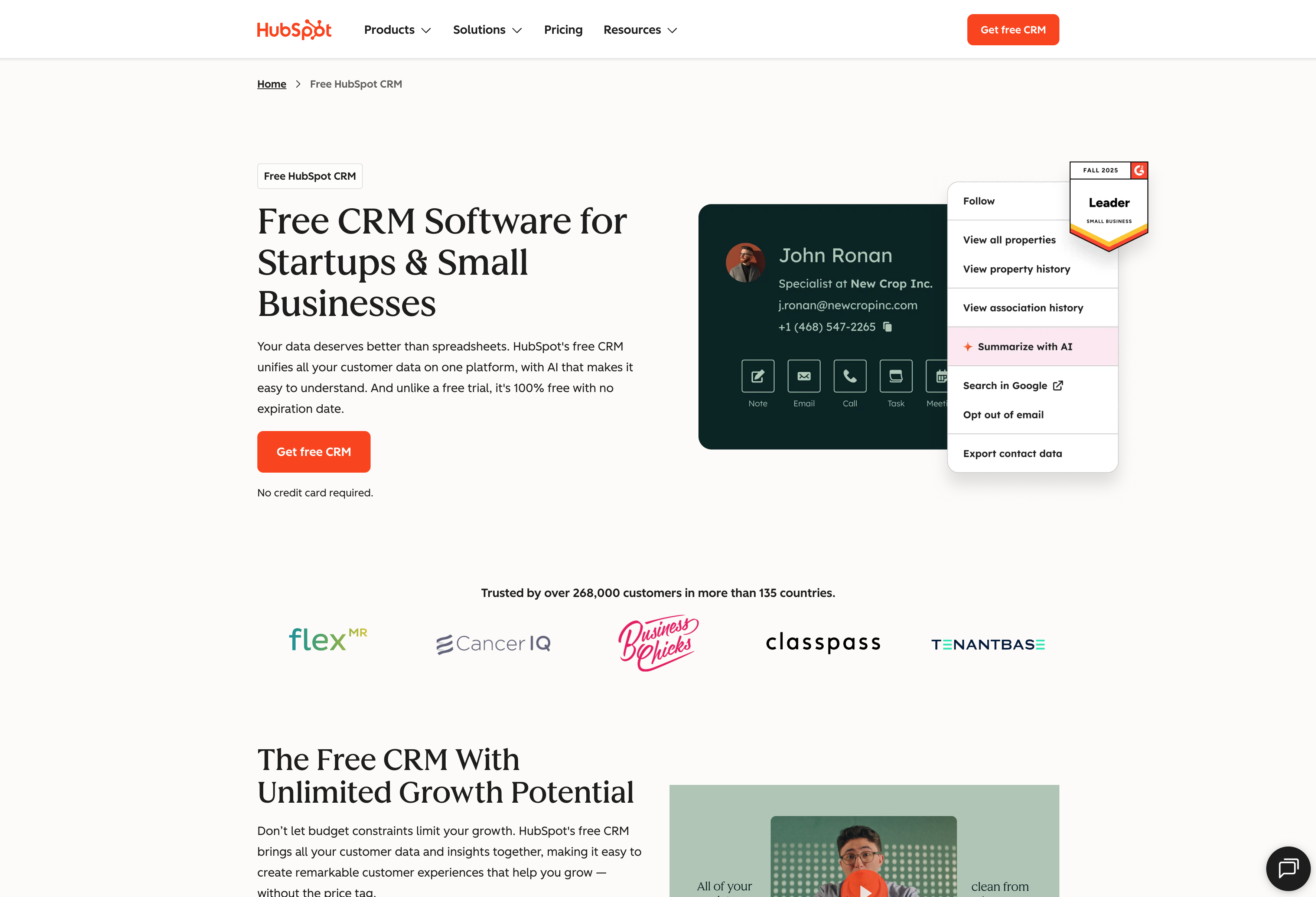
What do you get with HubSpot?
- Free CRM with contact management, deal tracking, and basic reporting
- Strong marketing automation and email marketing capabilities
- Content management system with website hosting, blog tools, and page builders
- Unified reporting across marketing, sales, and service hubs when using multiple products
- Multi-hub ecosystem where products share the same database but price separately
How does HubSpot pricing work?
HubSpot offers a free tier that includes base-level CRM features up certain limits, hence why it cracks this list. That said, the price jumps pretty significantly as you grow.
Sales Pro starts at $100 per user per month, and you’ll need separate subscriptions for Marketing Hub, Service Hub, and other products. Professional plans for small teams can easily hit $450+ per month once you add the functionality most teams need.
Who should use HubSpot?
HubSpot fits marketing-first teams at early-stage companies that can leverage the free tier while building content-led growth. Teams focused on inbound marketing, email campaigns, and landing pages find HubSpot’s tools powerful right out of the box.
The platform becomes harder to justify once you outgrow the free tier—pricing jumps get steep fast. It’s also challenging if you need to integrate deeply with tools outside HubSpot’s ecosystem, since the platform really wants you using HubSpot for everything.
3. Zoho
Zoho CRM is part of the larger Zoho ecosystem—a suite of 45+ business applications covering everything from email to accounting to HR. The platform offers features at relatively low price points, making it attractive for teams considering an all-Zoho solution.
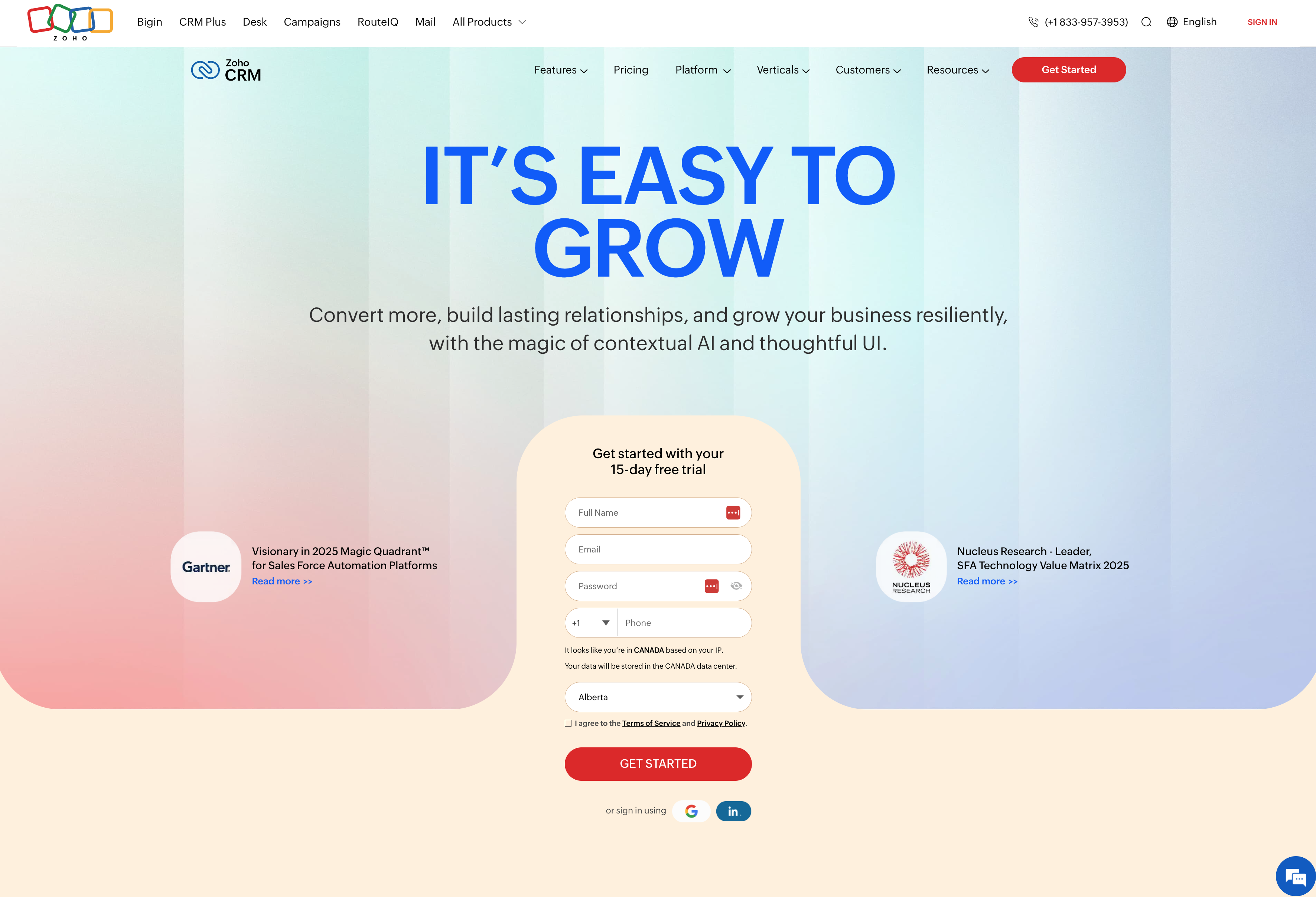
What do you get with Zoho?
- Contact and pipeline management with sales automation and workflows
- Zia AI assistant for predictions, lead scoring, and timing recommendations
- Customizable modules, fields, page layouts, and workflows
- Integration options with 45+ Zoho ecosystem apps (though each requires separate setup)
- Reporting and analytics with customizable dashboards and forecasting
How does Zoho pricing work?
Plans start at $20 per user per month. There’s also a free tier available, plus a 15-day trial to test paid features.
Who should use Zoho?
Zoho fits extremely cost-conscious small teams willing to accept some complexity in exchange for lower monthly costs. Teams already using other Zoho products (Zoho Books, Zoho Mail) can benefit from staying within the ecosystem.
The tradeoff is user experience—the interface feels dated and inconsistent across modules. Integration quality varies significantly, and support can be slow. If you value ease of use, fast implementation, or need reliable integrations with non-Zoho tools, you’ll likely get frustrated.
4. Pipedrive
Pipedrive is a sales-focused CRM built around visual pipeline management. The platform emphasizes simplicity—it’s designed to help sales teams move deals forward without getting bogged down in features they don’t need.
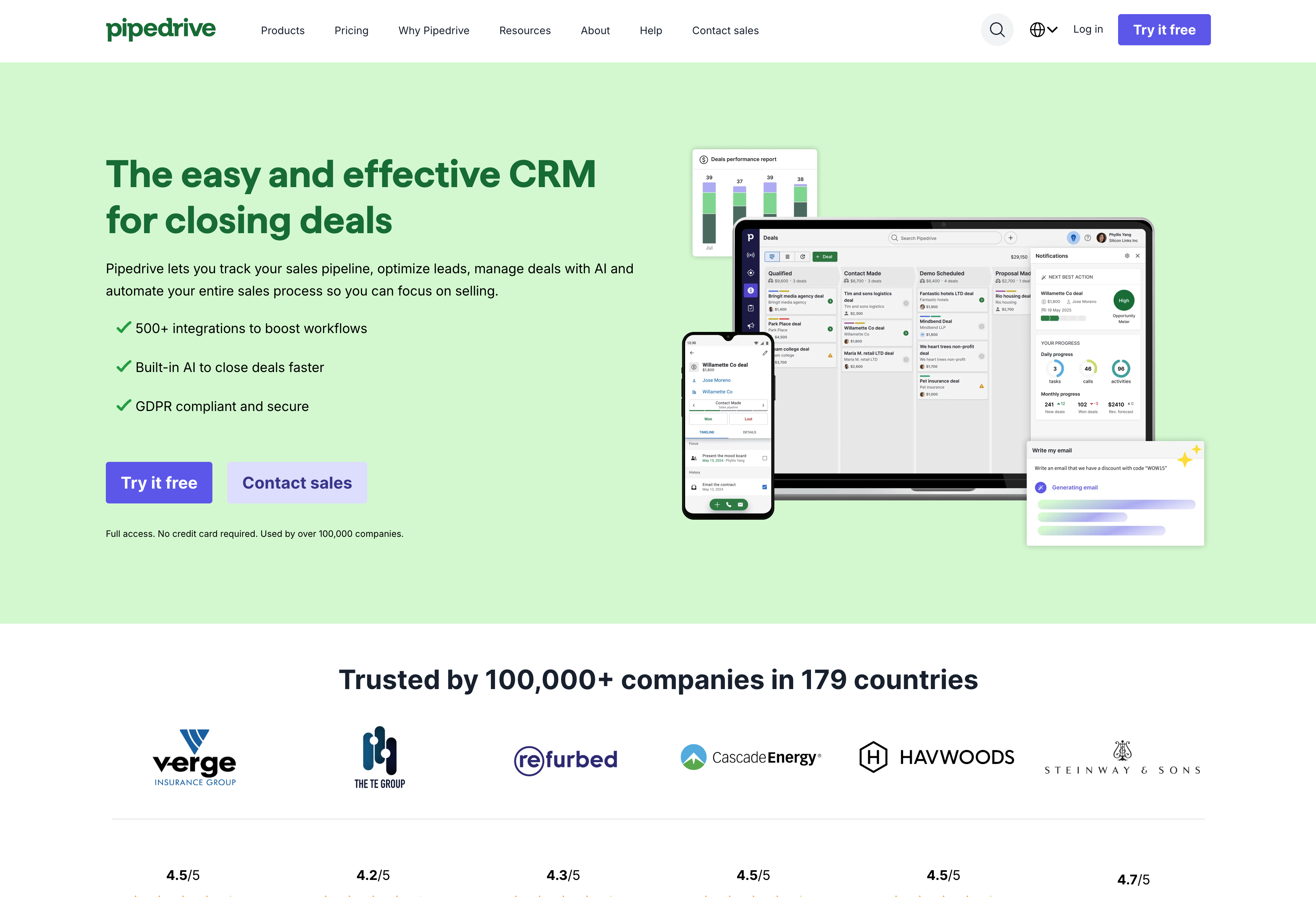
What do you get with Pipedrive?
- Visual pipeline builder with drag-and-drop deal management
- Activity-based selling with reminders and task management
- Email integration with templates, tracking, and scheduling
- Mobile app with full functionality for remote work
- Workflow automation for repetitive tasks and lead routing
How does Pipedrive pricing work?
Plans start at $24 per user per month. There’s no free tier, but you get a 14-day trial. You’ll need to upgrade beyond the entry level to get workflow automation and more advanced reporting though (features that most teams will likely find essential).
Who should use Pipedrive?
Pipedrive fits small sales teams that want simplicity and visual pipeline management without extra features they won’t use. Teams with straightforward sales processes will likely find it easy to adopt and use daily.
The platform gets a little more expensive if you need marketing automation or post-deal project tracking though. Pipedrive does have marketing and project management add-ons available, but at an extra cost of course. It also lacks deep customization compared to platforms like Insightly, so teams with more complex sales workflows will likely outgrow it quickly.
5. Less Annoying CRM
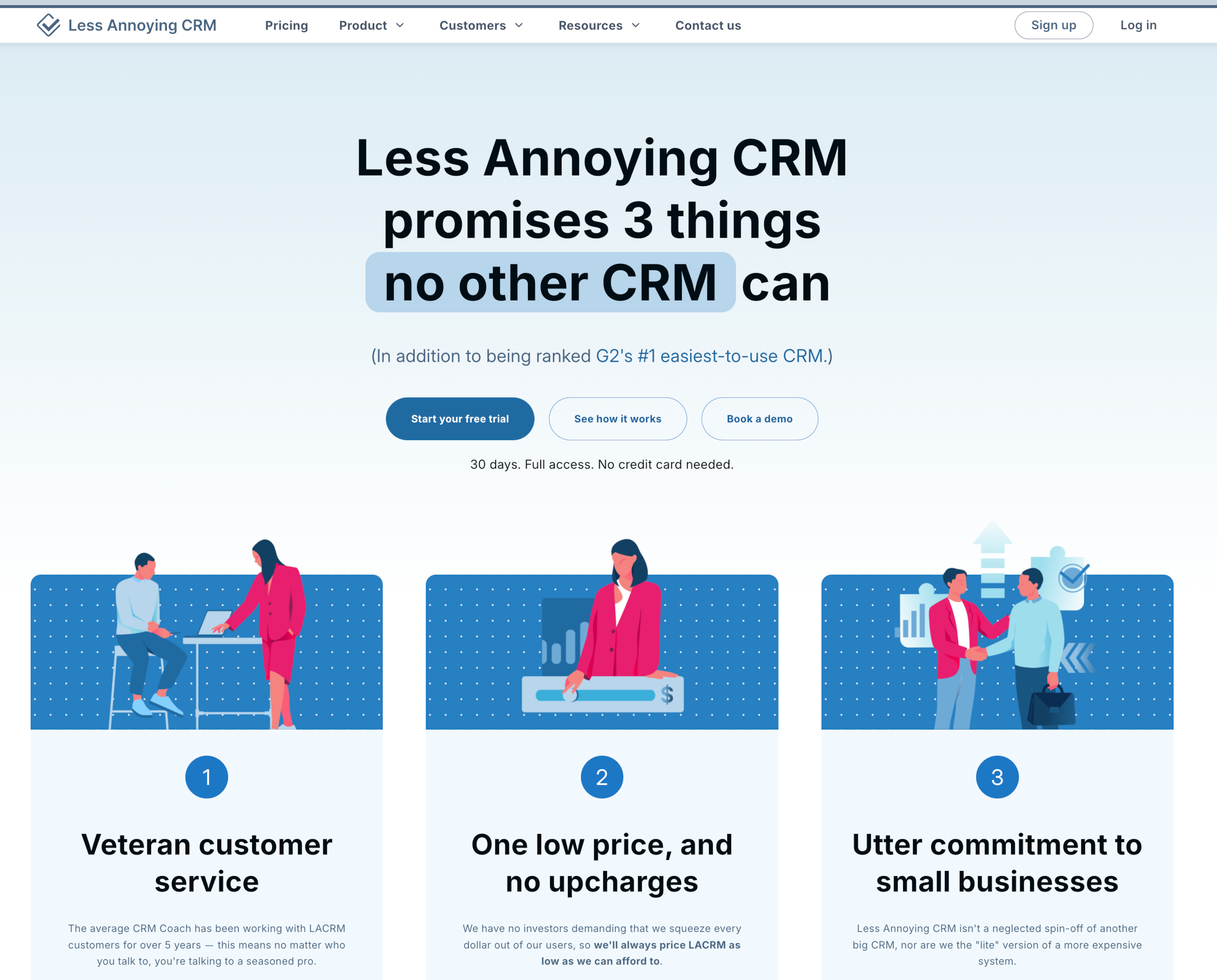
Less Annoying CRM lives up to its name—it’s deliberately simple. The platform was designed for very small businesses that find traditional CRMs overcomplicated, stripping away advanced features in favor of straightforward contact and pipeline management.
What do you get with Less Annoying CRM?
- Contact management with custom fields and relationship tracking
- Simple pipeline management with customizable stages
- Calendar integration and task management for follow-ups
- Basic reporting on sales activity and pipeline health
- Flat pricing with no feature tiers or surprise costs
How does Less Annoying CRM pricing work?
$15 per user per month, flat. No feature tiers, no hidden costs. Everyone gets the same features regardless of team size. There’s a 30-day free trial.
Who should use Less Annoying CRM?
Less Annoying CRM fits very small teams with simple sales processes who value simplicity over feature breadth. Teams frustrated by overcomplicated CRMs who just want basic contact and deal tracking find it refreshing.
Of course, major simplicity comes with trade-offs. The platform becomes limiting quickly as teams grow or needs get more complex. There’s no marketing automation, no service management, no advanced integrations, no workflow automation. If you have scaling ambitions or multiple departments, you’ll outgrow it fast.
Which CRM features are must-haves for small teams?
Not every CRM feature matters equally when your team is lean and everyone wears multiple hats. The features below separate CRMs that actually help small teams collaborate from those built for enterprise org charts.
Contact management that keeps your team on the same page
When your sales rep talks to a prospect, your support team should see that conversation history immediately. No asking around for context or digging through email threads to figure out what was discussed last week.
That’s what contact management does—it centralizes every customer detail in one place so your whole team stays aligned. Names, companies, communication history, deal status, custom fields specific to your business are all accessible to everyone who needs it.
Small teams especially can’t afford information silos where one person knows something critical but everyone else is in the dark. Your contact database should also show relationship connections so your team understands the full network around each customer—who knows who, which companies are connected, and so on.
Look for a CRM that also lets you customize fields without needing IT support.
When you realize you need to track “referral source” or “implementation timeline,” you should be able to add those fields in minutes, not have to submit a ticket and wait two weeks.
Mobile access for teams working remotely or in the field
Small teams rarely sit in offices all day. Your reps work from coffee shops, meet clients at their locations, check in from job sites, and so on. And they need CRM access from everyone.
Your CRM should have a mobile CRM app that lets team members update records, log calls, check deal status, and access customer history from their phones without waiting to get back to their desks.
Mobile access also prevents the “I’ll update it later” problem that leads to missing data and forgotten follow-ups. Plus, you can use push notifications to keep everyone responsive by alerting team members when a deal moves forward, when someone assigns them a task, or when a hot lead comes in. Some CRM apps also offer business card scanning and voice notes make data capture faster when you’re meeting people face-to-face and don’t have time to type everything out.
Workflow automation that eliminates routine tasks
Without the right CRM, hours on end get wasted on manual busywork. Copying data between systems, sending the same emails repeatedly, remembering to follow up at the right time…
Workflow automation handles all of that.
You can use automation to assign new leads to specific reps, send follow-up email sequences, update deal stages, create tasks based on triggers, and so on. Look for no-code automation builders where your ops person can create workflows using drag-and-drop logic without waiting for developers or IT tickets.
Common automations for small teams include:
- Lead routing that sends new leads from your website automatically to the right rep
- Follow-up sequences that send specific emails three days after a demo
- Internal notifications that alert a sales leader when a deal hits $50K
- Task creation that schedules follow-ups five days after sending a proposal
- Record updates that adjust engagement scores when contacts respond to emails
Keep it simple though. Overly complex workflows break and require constant maintenance that small teams don’t have bandwidth for.
Integration capabilities with your existing business tools
Your small team already uses email, calendar, accounting software, project management tools, and communication apps. Your CRM needs to connect with all of them so customer data flows automatically between systems instead of someone manually copying information back and forth.
Look for no-code integration platforms that let business users build connections between apps without hiring developers. Insightly’s AppConnect, for example, gives you drag-and-drop workflows to connect your CRM with 2,000+ other apps.
You’re looking for direct intergrations across:
- Email platforms like Gmail and Outlook
- Communication tools like Slack and Teams
- Accounting software like QuickBooks and Xero
- Document signing tools like DocuSign and PandaDoc
- Project management platforms like Asana and Monday.com
When your CRM integrates properly, closing a deal can automatically create an invoice in your accounting system, schedule an appointment through your calendar systems, and notify your delivery team—all without manual handoffs.
Real-time reporting that gives everyone visibility into customer interactions
Small teams can’t afford limbo. Everyone involved in the sales process needs to know which deals are moving forward, which are stuck, and where bottlenecks exist—without waiting for someone to pull reports manually.
Look for a CRM with custom reports and customizable dashboards (that aren’t gated behind higher plan tiers) where each team member sees metrics relevant to their role without digging through reports meant for executives. Visual reporting—charts, pipeline views, graphs—helps teams spot patterns faster than spreadsheet exports. You should be able to glance at your dashboard and know if you’re on track.
How to choose the right CRM for your small team
Choosing a CRM for your small team comes down to finding the right fit—not the platform with the most features or the biggest brand name.
According to Insightly’s Right Sizing Your CRM report, only 11% of buyers prioritize “closest fit to needs” as their primary selection criteria. Meanwhile, 26% choose based on what they used at a previous company and 25% select based on brand recognition alone.
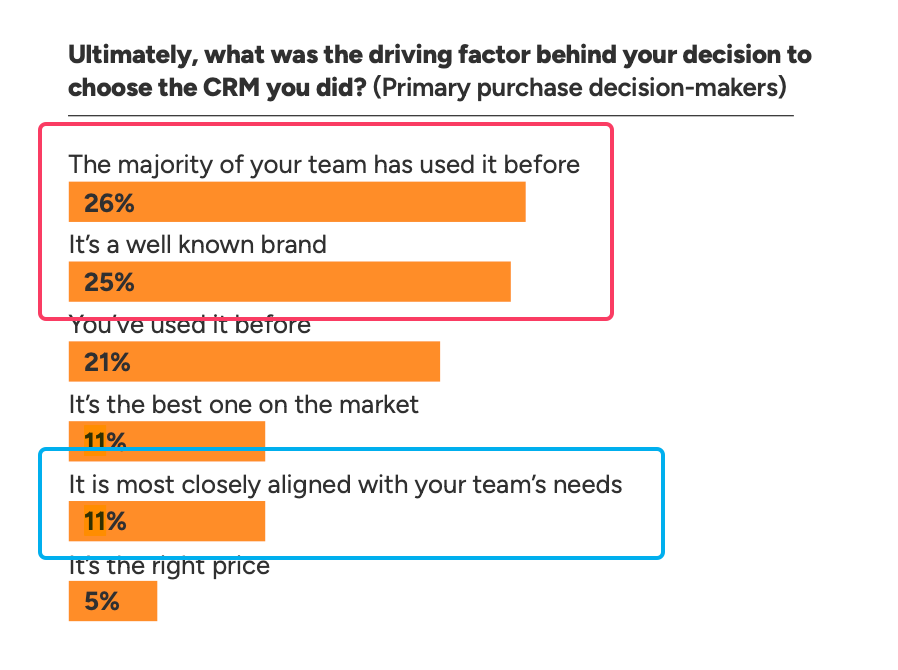
This systematic bias creates expensive mismatches where teams end up with CRMs built for different business models. The same research shows 94% of sales professionals use less than 75% of available CRM features, and 67% use less than half. Feature counts don’t matter if your team won’t use them.
To choose the right CRM for you, start by mapping your actual workflow.
- What does your sales process actually look like?
- How do leads come in?
- Who touches them along the way?
- Where do things typically get stuck?
Find the CRM that matches your workflow with the fewest unnecessary complications.
Also, try to calculate a rough three-year total cost including implementation, integrations, and ongoing maintenance—not just monthly subscription pricing. A CRM that looks cheap upfront can get expensive fast when you factor in plan upgrades as your team grows, consultant fees to implement a complex system, extra integration costs, and time spent managing a system that doesn’t quite fit.
Take Insightly for a 14-day test drive today
Small teams need CRM platforms that deliver real functionality without enterprise complexity or consultant dependency. You need a system your team will actually use—one that fits your workflows instead of forcing you to change how you work.
Insightly is a modern, affordable CRM that small teams love because it’s easy to use, you can customize it to your needs, and it scales with you as you grow. You get a full-featured CRM that fits—no crazy enterprise prices or disguised “low cost” plans that gate essential features.
With Insightly, you can:
-
- Customize fields, objects, and workflows yourself without waiting for IT or hiring developers
-
- Connect your CRM with 2,000+ other apps using AppConnect’s no-code integration builder
-
- Convert closed deals directly into delivery projects for seamless sales-to-service handoffs
-
- Automate repetitive tasks like lead routing, follow-ups, and internal notifications
-
- Access all your customer data on mobile so your team stays productive in the field
-
- Get real-time visibility into pipeline status with customizable dashboards
Plus, Insightly is built to grow with you. Marketing automation and service management are available when you need them. No need to switch to something new as your team grows.
Start with a 14-day free trial to see how Insightly works for your team’s actual workflows.
Subscribe to receive strategies, tech tips, and industry insights, to help your go-to-market team grow with ease.
By submitting this form, you agree to receive email communications from Insightly and accept Insightly’s privacy policy.