10 best CRMs for consultants in 2026 (for any size)
Most CRMs are built for high-volume sales teams running hundreds of deals through a predictable funnel. That’s not how consulting works—you’re managing long sales cycles, relationship-driven deals, and a delivery phase after the contract is signed.
So which CRM actually fits your consulting firm?
It depends on your firm size, whether you need just pipeline management or full deal-to-delivery continuity, and what you’re willing to spend. In this guide, we cover 10 CRMs segmented by firm size and use case, with real pricing and honest trade-offs.
TABLE OF CONTENTS
SHARE



Val Riley
» More blog posts by Val Riley
Key takeaways
- The best CRM for consultants depends on firm size more than feature count. Solo consultants need simple clientflow, small firms need pipeline discipline, mid-market firms need sales-to-delivery continuity, and enterprise firms need governance and customization.
- Insightly is the strongest fit for mid-sized consulting firms that need pipeline management and project delivery in one system instead of separate tools stitched together after the deal closes.
- HubSpot, Pipedrive, Zoho CRM, Copper, HoneyBook, Freshsales, and Productive all have clear use cases, but each comes with trade-offs around cost, project delivery, customization, or long-term scalability.
- Salesforce and Microsoft Dynamics 365 are powerful enterprise systems, but they usually require dedicated admins, longer implementation, and a larger budget than most consulting firms need.
- Third-party reviews are useful directional evidence, not a final verdict. Ratings show adoption and satisfaction patterns, but the right CRM still depends on your consulting workflow, data model, and team adoption.
Why do consulting firms need a CRM system?
Consulting firms face challenges that spreadsheets and scattered emails can’t solve. A CRM for professional services handles the three things that matter most in consulting—managing multiple clients, building a repeatable sales process, and bridging the gap between winning deals and delivering projects.
Managing multiple clients without dropping the ball
You’re juggling five active clients, three proposals, and a past client ready for repeat work. Without a central place to track client data and client interactions, things slip. Dropped follow-ups with existing clients cost you repeat business. Missed deadlines cost you new business.
A CRM gives you one place to see every client relationship and upcoming touchpoint, so you can retain clients without relying on memory. The firms that grow aren’t always the best consultants. They’re the ones who never forget to follow up.
Building a repeatable sales process
Most consulting firms grow through referrals and relationships, which works until it doesn’t.
Without a structured sales pipeline, your business development depends on whoever remembered to send the follow-up email. A CRM gives your sales team (even if that’s just you) a visual sales process with defined stages, tracked sales activities, and clear next steps for every deal in the sales cycle.
Consulting sales cycles are long and relationship-driven. A CRM keeps the pipeline moving even when you’re buried in delivery work, so business development doesn’t stall every time a big project lands.
Bridging the gap from closed deal to project delivery
This is where most CRMs fail consulting firms. The deal closes, and everything gets re-entered into a separate project management tool. Client details, scope, timelines, and pricing all need to be manually transferred, and context gets lost.
The best consulting CRMs bridge this gap, covering the full customer journey from first contact through project delivery. A CRM that stops at “closed-won” only solves half the problem for a consulting business. Customer relationship management should span the full engagement, not just the sale.
What should you look for in consulting CRM software?
Not every CRM feature matters equally for consulting firms. Here are five capability areas to evaluate before comparing tools.
Client management and sales pipeline
At its core, any CRM tool needs to do two things well—help you manage client relationships and give you a clear sales pipeline.
Look for centralized customer data, visual pipeline management with customizable stages, and the ability to track each customer relationship across the full lifecycle. A CRM for sales teams should make this the foundation.
For consulting, you want pipeline stages that match your actual sales process (discovery call, proposal sent, scoping, contract negotiation) rather than generic stages.
Project management tools
Consulting firms don’t stop working when the deal closes, so your CRM shouldn’t either.
Look for project management tools that let you convert won deals into delivery projects without re-entering data. Project and task management should include tracking deliverables, milestones, and deadlines, plus contract management for SOWs and renewals.
Do you need full PM capabilities in your CRM?
Not necessarily. But the handoff between systems is where data gets lost. A CRM with built-in project tracking eliminates that gap.
Workflow automation and task management
Think about how much time your team spends on manual data entry, follow-up reminders, and updating deal statuses. Workflow automation handles the repetitive work—auto-assigning leads, triggering follow-up emails, updating pipeline stages, and creating tasks based on deal movement. The best automation tools let you automate routine tasks without a developer. CRM automation should save hours, not create complexity.
Look for automation capabilities that match your needs—simple rule-based triggers for small firms, or multi-step workflows for teams that need to automate repetitive tasks at scale.
CRM integration with your existing tools
Your CRM needs to connect to your existing tools, including email (Gmail, Outlook), calendar (Google Calendar, Outlook), accounting (QuickBooks, Xero), and communication platforms. A CRM that integrates seamlessly with Microsoft tools or Google Workspace saves your team from double-entry.
Look for native integrations versus connector platforms like Zapier or AppConnect. Native integrations sync more reliably with richer data, and seamless integration turns your CRM into a hub rather than another silo.
Reporting and marketing automation
Reporting should track consulting-relevant metrics like pipeline velocity, win rate, and revenue by service line. The ability to generate reports without building from scratch matters, and AI-powered CRM features can surface insights you’d miss manually.
If your sales and marketing teams use the same CRM, you can run email marketing campaigns and lead scoring from the same database. Marketing teams get better targeting, and marketing campaigns reach the right prospects. Not every consulting firm needs marketing automation, but if you manage inbound leads, having it on the same CRM eliminates data silos.
What are the 10 best CRMs for consultants in 2026?
These 10 CRMs are selected based on consulting fit, not generic rankings. Each includes pricing, third-party review signals, and honest trade-offs organized by firm size and use case.
| CRM | Starting price | Third-party review signal | Best consulting fit |
|---|---|---|---|
| Insightly | $29/user/month | 4.2 stars on 940 G2 reviews; 4.0 stars on 650 Capterra reviews | Mid-sized firms that need CRM and project delivery together |
| HubSpot CRM | Free; Sales Hub from $20/user/month | 4.4 stars on 14,000 G2 reviews; 4.5 stars on 4,500 Capterra reviews | Growing firms built around inbound marketing |
| Salesforce | Sales Professional from $80/user/month | 4.4 stars on 26,000 G2 reviews; 4.4 stars on 19,000 Capterra reviews | Enterprise firms with dedicated CRM admins |
| Pipedrive | Essential from $14/user/month | 4.3 stars on 3,000 G2 reviews; 4.5 stars on 3,000 Capterra reviews | Sales-focused small consulting teams |
| Zoho CRM | Free for up to three users; paid from $14/user/month | 4.1 stars on 2,900 G2 reviews; 4.3 stars on 7,000 Capterra reviews | Budget-conscious firms willing to configure |
| Copper | Starter from $9/user/month | 4.5 stars on 1,200 G2 reviews; 4.4 stars on 620 Capterra reviews | Google Workspace-based consulting teams |
| HoneyBook | Starter from $29/month | 4.4 stars on 190 G2 reviews; 4.7 stars on 680 Capterra reviews | Solo consultants managing proposals, contracts, and payments |
| Microsoft Dynamics 365 | Sales Professional from $65/user/month | 3.8 stars on 1,600 G2 reviews; 4.4 stars on 5,800 Capterra reviews | Microsoft-heavy enterprise consulting firms |
| Freshsales | Free tier; paid from $11/user/month | 4.5 stars on 1,200 G2 reviews; 4.5 stars on 620 Capterra reviews | Small teams that want affordable AI-assisted selling |
| Productive | Essential from $10/user/month | 4.6 stars on 73 G2 reviews; 4.6 stars on 110 Capterra reviews | Project-based firms that prioritize delivery operations |
1. Insightly: Best CRM for mid-sized consulting firms
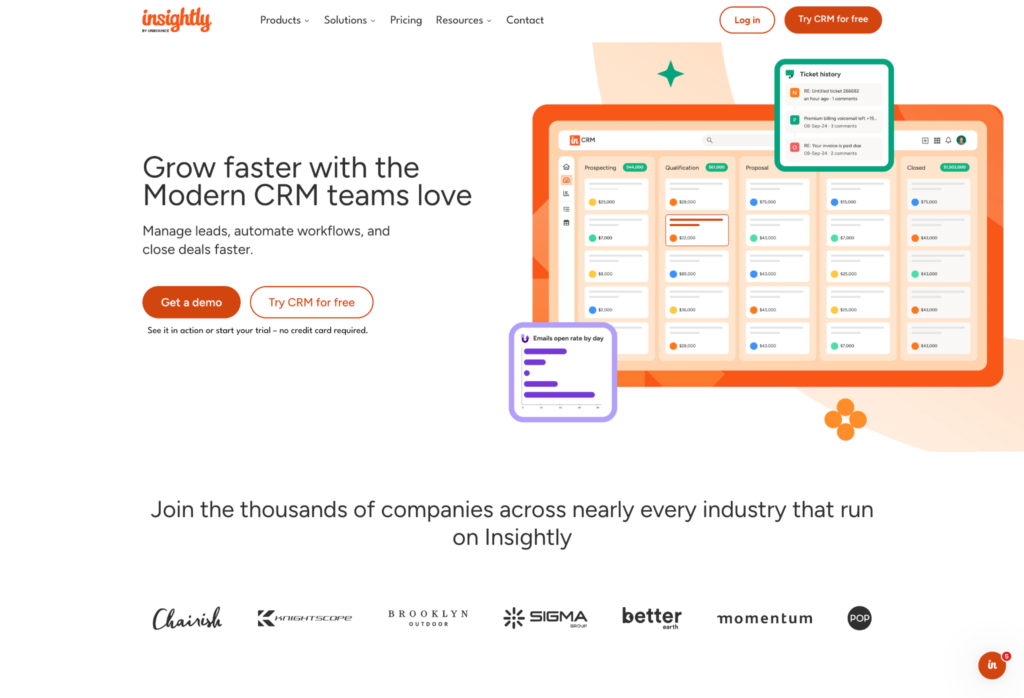
Insightly converts closed deals directly into delivery projects with full data continuity, no re-entry required. That deal-to-project bridge makes it the best CRM for consultants who need pipeline management and project delivery in one system.
What do you get with Insightly?
- Insightly is a comprehensive CRM platform that covers the full consulting workflow—convert won deals to projects using familiar pipeline interfaces, with full visibility for delivery teams
- Connect 2,000+ apps through AppConnect with no-code setup
- Customize fields, objects, dashboards, and workflows through the UI without developers
- Use AI Copilot to manage records and generate email replies in plain language—enterprise-level capabilities without enterprise complexity as an AI-powered CRM
- Add optional marketing automation and service management on the same database
- Built-in project and task management bridges the gap from closed deal to project delivery—the essential business tools consulting firms actually use
- Average implementation takes 1.1 months versus two to four months for Salesforce
- Plans start at $29/user/month (Plus), with Professional and Enterprise tiers—see pricing plans for details
What are the trade-offs?
- Not the cheapest option for solo consultants or micro-firms on a tight budget
- Not the most powerful choice for large enterprises (200+) that need virtually unlimited customization
- Hits the sweet spot for mid-market firms but may feel like more than a solo consultant needs
Insightly reviews
Insightly has a 4.2-star G2 rating from about 940 reviews and a 4.0-star Capterra rating from about 650 reviews.
The positive pattern is strongest around keeping sales, customer history, and delivery context in one place. One Capterra reviewer said Insightly helps by “centralizing customer data, communication history, and project details in one platform.”
The caveat is fit at the edges as firms get more complex. One Capterra reviewer said that, as their business grew, Insightly “did not scale in the way I ultimately needed,” especially in a regulated environment with more demanding integration needs.
Who is Insightly best for?
Mid-market consulting firms (10-200 employees) get the most out of Insightly, especially when the gap between closing deals and delivering projects is a real pain point. It’s a fit if you want pipeline management and project delivery running in one system rather than stitched together after the fact.
But Insightly may not be the best fit for solo consultants who only need lightweight clientflow tools, or for large enterprise firms (200+) that need Salesforce-level customization depth.
2. HubSpot CRM: Best for growing consulting firms
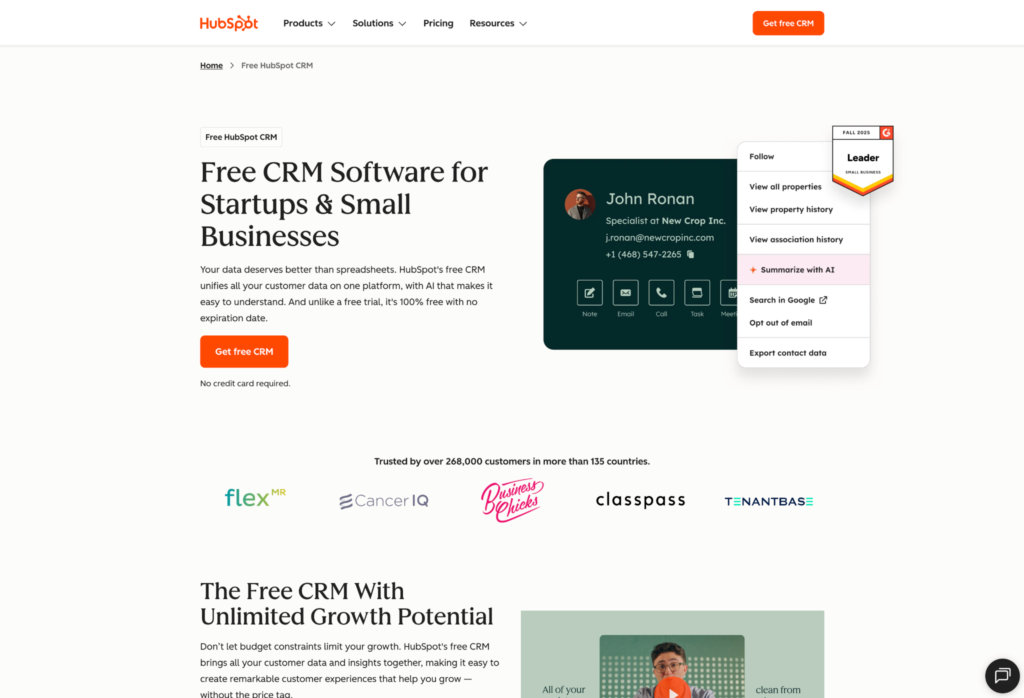
HubSpot CRM is the CRM most people try first, and the free plan gets you started with essentially zero risk.
What do you get with HubSpot?
- Free CRM tier with contact management, deal tracking, and basic reporting (up to 1,000 contacts, two users)
- Strong marketing automation: email workflows, lead nurturing, landing pages, lead scoring (requires separate Marketing Hub subscription)
- Clean, accessible user interface with extensive educational resources
- Easy to create email templates and sales sequences for business growth through consistent follow-up
- Free CRM to start, with paid Sales Hub at $20/user/month (Starter) and Marketing Hub and other hubs as separate subscriptions
What are the trade-offs?
- Costs escalate quickly as you add hubs and contacts—the free plan is generous, but the hub stack adds up fast
- No built-in project management means you’ll need a separate tool for delivery
- CRM customization runs shallower at comparable tiers—custom fields, objects, and workflows hit walls on Starter and Pro
HubSpot reviews
HubSpot Sales Hub has a 4.4-star G2 rating from about 14,000 reviews, and HubSpot CRM has a 4.5-star Capterra rating from about 4,500 reviews.
Reviewers tend to praise HubSpot when teams want sales, marketing, and service activity in one place. One Capterra reviewer said HubSpot keeps “everything from contact management to email campaigns to support tickets” centralized in one platform.
The recurring caution is that HubSpot can become more system than lean teams need. One Capterra reviewer said their company eventually moved to a simpler platform because HubSpot was “too powerful and complex for what we really needed.”
Who is HubSpot best for?
If your consulting firm is growing around inbound marketing and lead generation, HubSpot is a natural entry point with room to scale into marketing automation over time. It works well for firms in the 10-200 range that want to start on a free tier and add paid hubs as the business matures.
But HubSpot CRM may not be the best fit for mid-market firms that need deal-to-project continuity without paying for multiple hubs, or for budget-conscious firms where total cost of ownership tends to exceed mid-market alternatives once the hub stack adds up.
3. Salesforce: Best for enterprise consulting
Salesforce is widely considered the most powerful CRM on the market—and also the most complex. It’s one of the best CRM systems available, but that power comes with a price.
What do you get with Salesforce?
- Virtually unlimited customization via Apex programming and Lightning components (requires developers)
- 7,000+ apps on AppExchange for extending functionality
- Advanced reporting with Einstein AI for forecasting and predictive analytics
- Separate Marketing Cloud and Service Cloud (each with independent pricing)
- Enterprise-grade security for managing sensitive customer interactions at scale
- Sales Professional at $80/user/month, Enterprise at $165/user/month, with implementation costs that often exceed the software itself
What are the trade-offs?
- Consultant dependency for setup makes it a poor fit for small-to-mid-market firms
- Insightly’s Right Sizing Report found 94% of sales pros use less than 75% of their CRM’s features, and Salesforce is the poster child for that kind of feature bloat
- Only worth it if you have the team and budget to run it properly
- Marketing Cloud and Service Cloud are separate products with independent pricing, and even advanced reports need technical expertise to build
Salesforce reviews
Salesforce Sales Cloud has a 4.4-star G2 rating from about 26,000 reviews and a 4.4-star Capterra rating from about 19,000 reviews.
The review pattern validates Salesforce’s strength for teams that need scale, reporting, and a highly configurable sales system. One Capterra reviewer called Salesforce “robust, reliable, and extremely customizable.”
The trade-off is equally clear. Another reviewer said “customization often requires time, training, or additional support.” Setup, configuration, speed, and implementation complexity are the issues to watch.
Who is Salesforce best for?
Salesforce earns its keep at large consulting firms with dedicated admins and the budget to run an enterprise implementation properly. It’s the right call when you need virtually unlimited customization and enterprise-grade security, and you have the team to support both.
But Salesforce may not be the best fit for most consulting firms under 50 people—it’s more CRM than you need, and mid-market firms (10-200 employees) that want fast implementation without developer dependency will feel the weight of it from day one.
4. Pipedrive: Best for sales-focused consultants
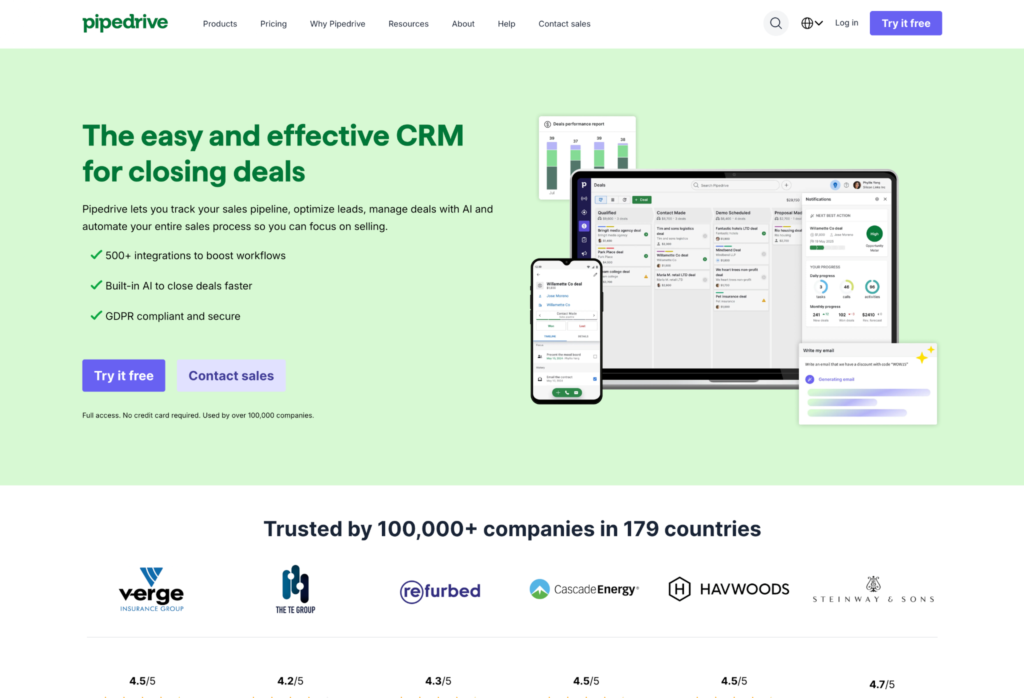
Pipedrive does one thing very well—visual sales pipeline management. A focused sales CRM for teams that care most about tracking deals.
What do you get with Pipedrive?
- Kanban-style drag and drop functionality for deal boards with color-coded action indicators
- Two-way email sync (Gmail, Outlook) with auto-population from LinkedIn
- Activity-based selling features with automated follow-ups and reminders for integrated sales tracking
- 500+ marketplace integrations
- AI Sales Assistant (separate add-on) for revenue forecasting
- Essential at $14/user/month, Professional at $49/user/month, Enterprise at $99/user/month
What are the trade-offs?
- No project management out of the box—if your consulting firm needs more than deal tracking, Pipedrive will feel incomplete
- Limited marketing automation compared to full-platform CRMs
- Sales-only by design—no service management, and AI features and email marketing are paid add-ons rather than core capabilities
Pipedrive reviews
Pipedrive has a 4.3-star G2 rating from about 3,000 reviews and a 4.5-star Capterra rating from about 3,000 reviews.
Reviewers consistently point to simple pipeline management and fast adoption. One Capterra reviewer said Pipedrive helped them “manage my funnel of leads much more effectively,” especially for sales-focused work.
That focus is also the limitation. Another Capterra reviewer said getting “specific numbers or custom views is tricky” without workarounds. When consultants need delivery management, marketing automation, or deeper reporting in the same system, Pipedrive starts to feel narrow.
Who is Pipedrive best for?
When pipeline visibility is the bottleneck rather than delivery management, Pipedrive does the job cleanly. Small consulting firms (2-10) whose primary need is tracking deals and seeing the pipeline at a glance will find it focused and fast to adopt.
But Pipedrive may not be the best fit for mid-market firms (10-200 employees) that need deal-to-project continuity, or for firms that want marketing automation and project delivery sitting inside the same CRM.
5. Zoho CRM: Best for budget-conscious firms
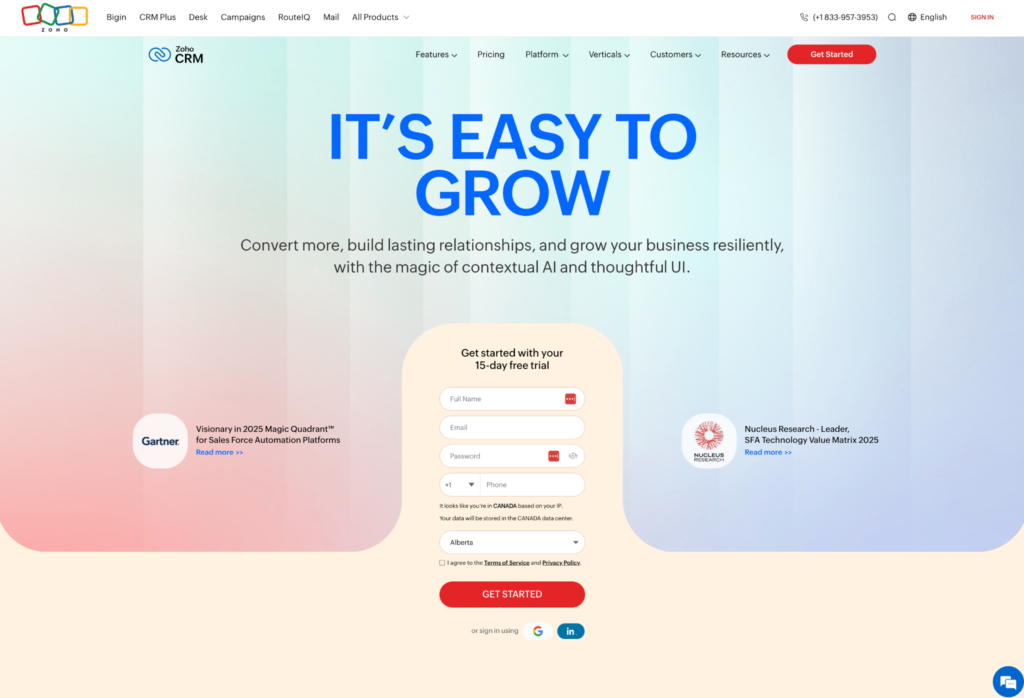
Zoho CRM packs a lot of features into the lowest pricing plans on this list.
What do you get with Zoho CRM?
- Pipeline management, lead scoring, workflow automation, and process management
- Zia AI assistant for lead scoring, best-time-to-contact suggestions, and anomaly detection
- 45+ Zoho ecosystem apps (Zoho Mail, Books, Campaigns, Desk)
- Extensive customization with Canvas design tools (requires Zoho-specific knowledge)
- Free tier for up to three users, with paid pricing plans from $14/user/month (Standard) through $52/user/month (Ultimate)
What are the trade-offs?
- Zoho’s depth creates complexity—the value is hard to beat for small business teams, but setup time is real
- Community-based support means you’ll lean on forums and docs rather than a direct support line
- The real value is lock-in—advanced customization assumes Zoho-specific technical knowledge, and you only get the full payoff if you commit to multiple Zoho apps
Zoho CRM reviews
Zoho CRM has a 4.1-star G2 rating from about 2,900 reviews and a 4.3-star Capterra rating from about 7,000 reviews.
Reviewers like the breadth of workflows and the value for money. One Capterra reviewer said the CRM is “very customizable and can be easily adjusted to fit the needs of our organization” and that it is “a great value for the functionality you get.”
The trade-off is that the same depth can make Zoho heavier to run day to day. A different reviewer said it has a “massive amount of functionality and customization,” but also that “customization is difficult and timely, customer service is very poor and hard to work with.” That makes Zoho affordable and flexible, but less plug-and-play than simpler CRMs.
Who is Zoho CRM best for?
Budget-conscious mid-market firms (10-50) willing to invest the setup time get serious value from Zoho, especially teams ready to go all-in on the broader Zoho ecosystem. You trade hands-on polish for feature depth at the lowest price point on this list.
But Zoho CRM may not be the best fit for mid-market firms that need project delivery built into the CRM, or for firms that want hands-on support rather than forums and documentation as the primary help channel.
6. Copper: Best for Google Workspace teams
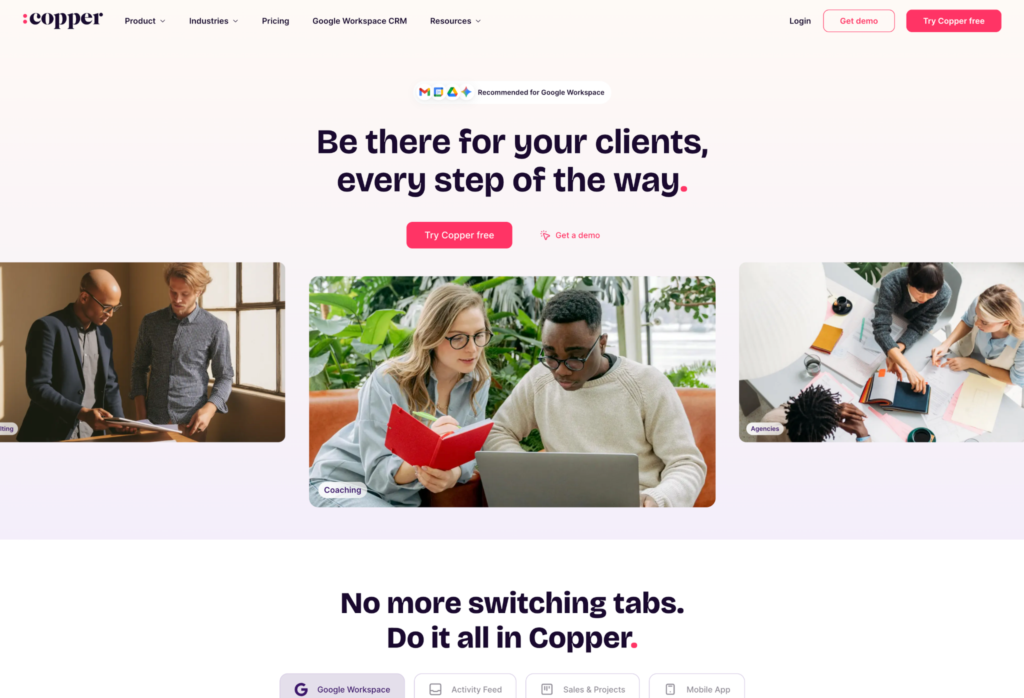
If your consulting firm lives in Gmail and Google Workspace, Copper works inside the tools you already use.
What do you get with Copper?
- Gmail-native Chrome extension: manage contacts, deals, and customer relationship data without leaving your inbox
- Automatic customer data capture from email signatures, enriched with company details
- Two-way sync with Gmail, Google Calendar, and Google Drive
- Visual pipeline with drag-and-drop stages and multiple pipeline support
- Workflow automation and reporting via Google Sheets and Data Studio (Pro+ tiers)
- Starter at $9/user/month, Professional at $59/user/month, Business at $119/user/month
What are the trade-offs?
- Copper’s Google integration is its entire value proposition—if you use Outlook or Microsoft 365, Copper offers very little
- No project management, and the customer relationship features become limiting past 20 people
- Workflow automation and advanced reporting sit behind the Pro and Business tiers, not the $9 entry plan
Copper reviews
Copper has a 4.5-star G2 rating from about 1,200 reviews and a 4.4-star Capterra rating from about 620 reviews.
The review pattern is clear. Copper wins when CRM work needs to live close to Gmail and Google Workspace. One Capterra reviewer said, “Easy, clean integration with Gmail. Fast. Collaborative features are great for teamwork.“
The trade-off is depth. Another Capterra reviewer said, “Loading time lags and search errors are frequent. Sometimes, extracting the relevant data is irksome via filters and it tends to impede our reporting process in the organization.” Copper is streamlined and inbox-native, but firms that need broader automation, delivery management, or heavy reporting may outgrow it.
Who is Copper best for?
Solo or small consulting firms that live in Gmail and Google Workspace all day will find Copper feels less like a separate system and more like a Gmail extension. It’s a natural fit when you want CRM embedded directly in the inbox your team already uses.
But Copper may not be the best fit for mid-market firms (10-200 employees) that need project delivery or marketing automation, and it becomes a dead end for any firm that might switch from Google to Microsoft down the road.
7. HoneyBook: Best for solo consultants
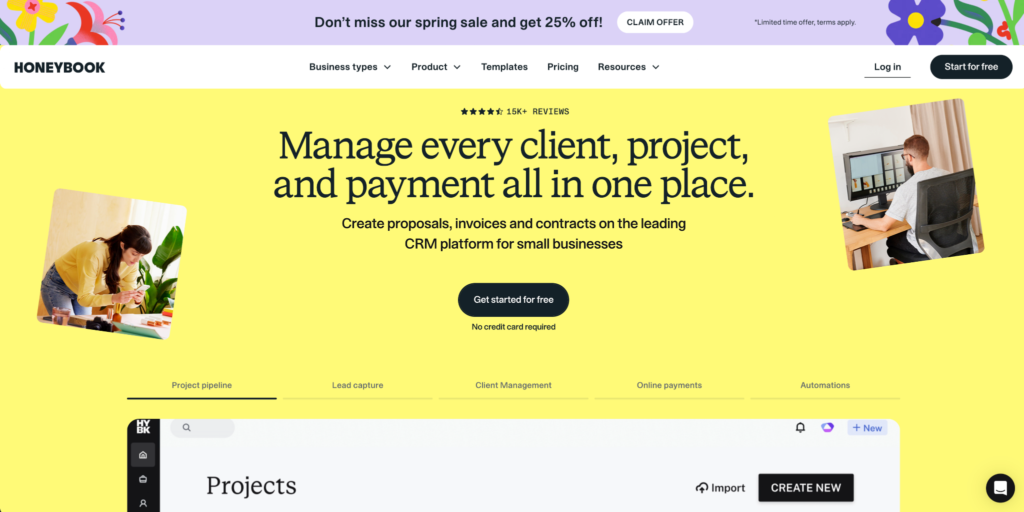
HoneyBook is a clientflow platform rather than a traditional CRM—independent consultants use it to manage proposals, contracts, invoicing, and client interactions in one system.
What do you get with HoneyBook?
- End-to-end clientflow: inquiries, proposals, contracts, invoices, payments, and scheduling from one dashboard
- Combined proposals, contracts, and invoicing as one document that clients sign and pay in a single step
- Built-in payment processing (2.9% + $0.25/transaction for credit cards)
- AI-powered automations for follow-ups, reminders, and status changes
- Client portal with branded workspace for document sharing and payments
- Flat monthly pricing (not per-user): Starter $29/month, Essentials $49/month, Premium $109/month (billed annually)
What are the trade-offs?
- Not a real CRM—it lacks pipeline analytics, forecasting, and lead scoring
- If you’re growing beyond three to five people, you’ll outgrow it fast
- Excellent for the “booking-to-payment” workflow in a consulting practice, but missing the CRM depth firms need at scale
HoneyBook reviews
HoneyBook has a 4.4-star G2 rating from about 190 reviews and a 4.7-star Capterra rating from about 680 reviews.
Reviewers praise the way HoneyBook bundles proposals, contracts, invoices, payments, and client communication for small service businesses. One Capterra reviewer described it as an “all in one platform that you need” for a service-based business.
The caveat is scale. Another Capterra reviewer said HoneyBook “couldn’t handle what I needed for task delegation.” It is useful for solo consultants and small teams, but not built for pipeline analytics, forecasting, or complex delivery operations.
Who is HoneyBook best for?
HoneyBook is built for solo consultants and micro-firms (1-2 people) who want one tool covering proposals, contracts, and payments from first inquiry to invoice. Independent consultants running a consulting practice where clientflow matters more than pipeline analytics are the sweet spot.
But HoneyBook may not be the best fit for mid-market firms (10-200 employees) that need pipeline analytics and project delivery, or for growing teams that will outgrow the platform inside a year or two.
8. Microsoft Dynamics 365: Best for Microsoft ecosystem teams
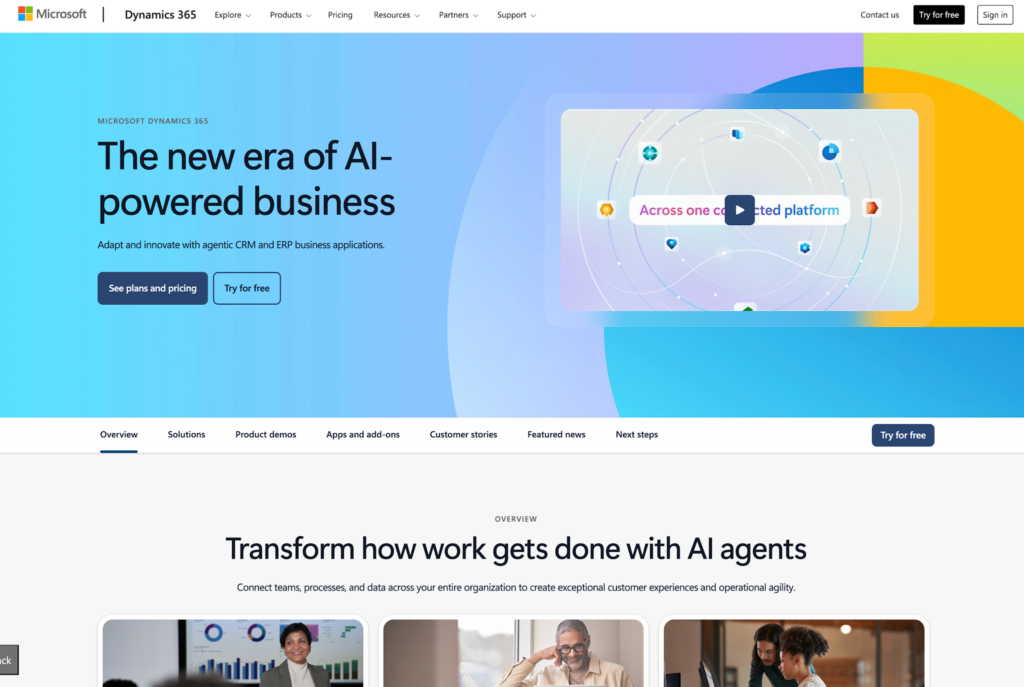
Microsoft Dynamics 365 is the enterprise CRM for consulting firms that already run on Microsoft tools.
What do you get with Microsoft Dynamics 365?
- Native integration with Outlook, Teams, Power BI, Excel, and SharePoint
- Dedicated Project Operations module: project scheduling, resource allocation, time/expense tracking, billing
- Copilot AI across modules for record updates, email assistance, and deal summaries
- Flexible billing models: fixed-price, time-and-materials, and retainer contracts
- Resource scheduling with skills matching and utilization tracking
- Sales Professional at $65/user/month, Project Operations at $120/user/month—one of the priciest options in this roundup, and actual costs exceed list price with implementation
What are the trade-offs?
- Setup takes months and requires Dynamics specialists
- If you’re not already deep in the Microsoft ecosystem, the primary advantage disappears
- Not practical for firms under 50 employees
Microsoft Dynamics 365 reviews
Dynamics 365 Sales has a 3.8-star G2 rating from about 1,600 reviews, while Dynamics 365 has a 4.4-star Capterra rating from about 5,800 reviews.
Reviewers like the Microsoft ecosystem fit, especially when Outlook, Teams, Power BI, and customer data already sit inside the same operating environment. One Capterra reviewer said integration with Microsoft’s own products like Outlook, Teams, and Power BI is “seamless and boosts productivity.”
The downside is familiar for enterprise software. Another Capterra reviewer said Dynamics 365 can require “costly implementation partners to set up your system,” and that advanced settings take time to learn. Setup, licensing, and configuration can get complicated without the right internal support.
Who is Microsoft Dynamics 365 best for?
Large consulting firms (200+ employees) already running Microsoft 365 with dedicated IT and admin staff are the core audience. Professional services teams that need the Project Operations module for resource scheduling, billing, and utilization tracking get the strongest payoff when the Microsoft ecosystem is already in place.
But Microsoft Dynamics 365 may not be the best fit for mid-market firms (10-200 employees) that need fast implementation without specialist dependency, or for firms outside the Microsoft ecosystem where the native integration advantage disappears.
9. Freshsales: Best affordable AI CRM
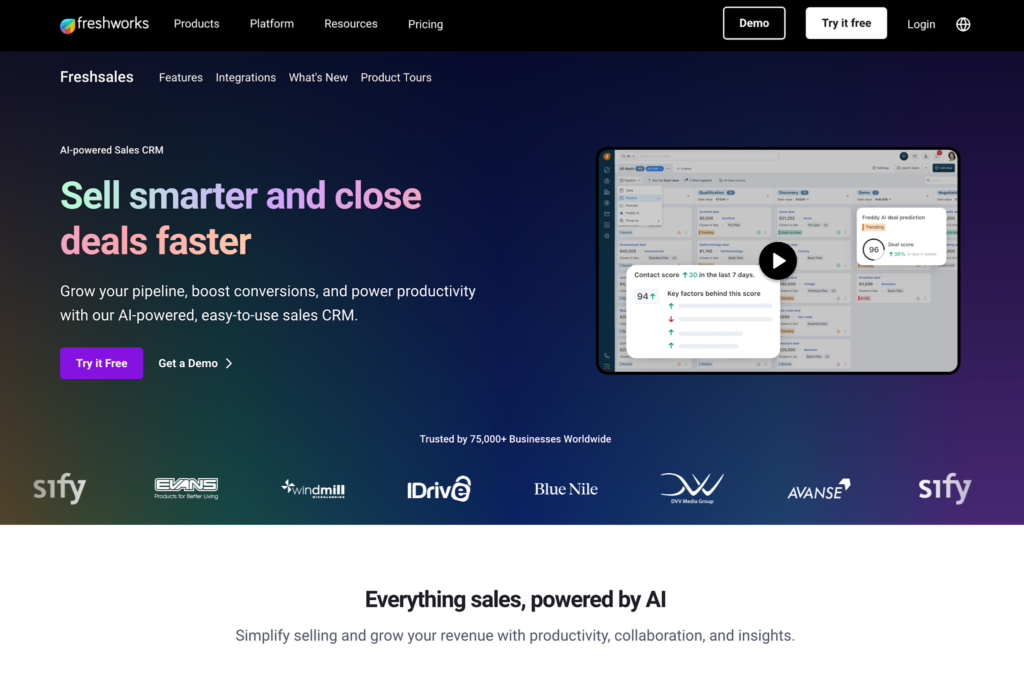
Freshsales is a CRM tool from Freshworks that offers AI features at a lower price point than most competitors.
What do you get with Freshsales?
- AI-powered lead scoring and best-time-to-contact suggestions
- Built-in phone and email with activity tracking
- Visual pipeline management with basic workflow automation
- Mobile access (strongest feature per G2 ratings)
- Free tier available, with paid plans from $11/user/month to $47/user/month
What are the trade-offs?
- Freshsales is a secondary product within Freshworks (Freshdesk is the flagship)—the CRM tool lacks features most CRMs have today, including quote management and robust integrations
- Automation capabilities are limited compared to CRM-first platforms
- You’ll hit the walls quickly as your firm grows
- Single-pipeline limitation, with no role-based permissions, dynamic page layouts, or customizable task management—it’s early-stage relative to other CRMs in this roundup
Freshsales reviews
Freshsales has a 4.5-star G2 rating from about 1,200 reviews and a 4.5-star Capterra rating from about 620 reviews.
Reviewers praise the interface, built-in marketing and sales functions, and overall value for smaller teams. One Capterra reviewer said Freshsales “consolidates virtually every CRM and EDM function that my business needs.”
The caution is integration and reporting depth as you scale. A separate Capterra reviewer said it was “impossible to get out the data in a good and automated way into corporate reporting.” Support, integrations, duplicate handling, and reporting customization can become pain points for firms that need a more robust sales system.
Who is Freshsales best for?
Freshsales works as an affordable entry point for small consulting firms (2-10) that want AI-powered lead scoring without committing to a large CRM budget. It’s a reasonable starter for teams just getting into structured pipeline management who value AI features at the price.
But Freshsales may not be the best fit for mid-market firms (10-200 employees) that need robust automation and project delivery, or for growing firms that will outpace its feature set within a year.
10. Productive: Best for sales-to-delivery integration
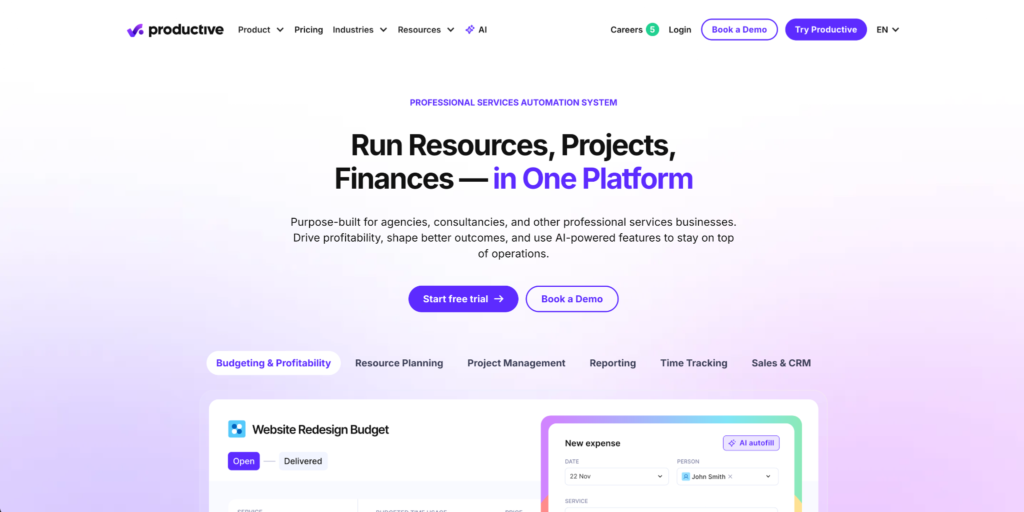
Productive is a professional services automation (PSA) platform with a CRM bolted on, not the other way around.
What do you get with Productive?
- Sales pipeline that converts won deals directly into project management budgets without data re-entry
- Resource planning with utilization tracking: schedule team members against deals before they close
- Real-time budget tracking and burn monitoring by project, client, or service line
- Built-in time tracking with approval workflows
- Recurring budget management for retainer engagements
- Essential at $10/user/month, Professional at $25/user/month, Ultimate at $33/user/month (billed annually, three-seat minimum)
What are the trade-offs?
- Sales process management is secondary to delivery capabilities—Productive’s CRM is bolted on, not the core product
- Lacks lead scoring, email sequences, and marketing automation
- CRM-focused business processes like lead nurturing don’t exist here
Productive reviews
Productive has a 4.6-star G2 rating from 73 reviews and a 4.6-star Capterra rating from about 110 reviews.
The review sample is smaller than the big CRM platforms, but the pattern is consistent. Users value Productive for budgeting, resourcing, project visibility, and agency-style operations. One Capterra reviewer praised having “resource allocation, time tracking, leave request management, budgeting, and CRM under one roof.”
The caveat is that Productive is more PSA than classic CRM. One separate Capterra reviewer said “The Sales tool is probably the least developed,” even though the broader platform worked well for their agency. Sales teams that want CRM-first pipeline depth may find Productive less natural.
Who is Productive best for?
The gap between closing a deal and delivering the project is where consulting margins leak, and Productive closes it from the delivery side. Mid-sized firms (10-75 employees) feeling the pain of disconnected sales and delivery systems, where the primary need is delivery continuity rather than pipeline depth, will get the most out of it.
But Productive may not be the best fit for mid-market firms (10-200 employees) whose primary need is better pipeline management and CRM depth, or for firms that want lead nurturing, email sequences, or marketing automation from their CRM.
How to choose the right CRM for your consulting business
With 10 options on the table, the right choice depends on your situation. Four criteria will narrow the list.
Start with your firm size and budget
Firm size is the single biggest filter for finding the right CRM:
- Solo consultants (1-2): HoneyBook or Zoho Free tier
- Small consulting companies (2-10): Pipedrive, Copper, or Freshsales
- Mid-market consulting firms (10-200): Insightly or HubSpot (Zoho and Productive at the lower end)
- Enterprise (200+): Salesforce or Microsoft Dynamics 365
Match your budget to the tier you’ll actually need, not the lowest advertised price. Factor in CRM implementation costs early. For a small business, a $14/user/month CRM your team actually uses beats a $65/user/month platform that collects dust.
The right CRM for your consulting business is the one your team will adopt.
Map your must-have workflows first
Before comparing features, define the three to five business processes your CRM system must support on day one—lead capture, pipeline tracking, proposal management, deal-to-project handoff, reporting.
Then match those workflows to a CRM’s key features. If deal-to-project conversion is your top priority, that eliminates half the list—and choosing a CRM gets simpler when you know your non-negotiables.
What if you’re not sure which workflows matter most?
Look at where your team wastes the most time today. That’s your starting point.
Run a real trial before you commit
Most CRM software vendors offer free trials or demos. Use them with real data, not sample contacts. Run a two-week trial with one active deal and a few real client records.
Customer satisfaction with a CRM comes down to whether your team uses it daily, not whether it checked every box in a feature comparison.
Watch for hidden costs in pricing plans
The sticker price on CRM pricing plans rarely tells the whole story. Some hidden costs to watch for include:
- Per-user pricing that doubles when you add five more seats
- Essential features locked behind higher paid plans (automation, reporting, integrations)
- Implementation and training costs (especially Salesforce and Dynamics 365)
- Add-ons: marketing automation, AI features, and phone support often cost extra
Ask every vendor for the “all-in” monthly cost for your team size and feature needs. Compare total cost of ownership, not just the base tier price—especially for small teams where every seat counts.
Choose the right CRM for your consulting practice
Most consulting firms lose time and context at the handoff between sales and delivery. The right CRM depends on your firm size, workflows, and budget—but the best choice is one your team actually uses daily. If your firm needs pipeline management and project delivery in one system without enterprise complexity, Insightly was built for that gap.
With Insightly, you can:
-
- Convert won deals directly into delivery projects with full data continuity
-
- Connect 2,000+ apps through AppConnect with no-code setup
-
- Customize with custom fields, objects, and workflows, no developers needed
-
- Get up and running in weeks, not months
Start a free trial to see how Insightly fits your consulting workflows, or request a demo to walk through it with the team.
Subscribe to receive strategies, tech tips, and industry insights, to help your go-to-market team grow with ease.
By submitting this form, you agree to receive email communications from Insightly and accept Insightly’s privacy policy.