Top 6 best CRMs for non-profits in 2026
Nonprofits manage more than donations. You’re tracking donors, volunteers, program participants, grant deliverables, and service outcomes, often across disconnected spreadsheets and half-integrated tools.
The problem?
Most “nonprofit CRMs” focus narrowly on fundraising, ignoring what happens after the donation lands.
So which CRM actually fits how your nonprofit operates?
This guide compares six CRMs suited to different nonprofit profiles, from small grassroots organizations to enterprise foundations. We’ll cover what makes a nonprofit CRM different, compare six leading options, and help you identify the right fit for your organization’s size and needs.
TABLE OF CONTENTS
SHARE



INSIGHTLY TEAM
» More blog posts by INSIGHTLY TEAM
What is a nonprofit CRM?
A nonprofit CRM is a system that centralizes your constituent data, including donors, volunteers, members, and clients, so you can manage relationships, track engagement, and coordinate activities across your organization.
Nonprofit CRMs differ from standard sales CRMs in a few key ways. They’re designed around the supporter lifecycle rather than a sales pipeline, built for donations rather than revenue transactions, and focused on retention and stewardship rather than just acquisition.
But here’s where most nonprofit CRMs fall short:
Most focus exclusively on their role as donor management and fundraising software. They ignore program delivery, volunteer coordination, and service tracking.
For nonprofits that DO more than just fundraise, you need a CRM that tracks the full constituent journey, from first gift through program delivery. The best nonprofit CRMs also handle donor relationships beyond transactions, tracking engagement, communications, and outcomes over time.
6 best CRMs for nonprofits (and who each is best for)
We’ve curated six CRMs that serve different nonprofit profiles, from free options for small organizations to enterprise platforms for large foundations.
We evaluated based on nonprofit-specific features, implementation realities, total cost of ownership, and which platforms each serves best. For each provider below, we’ll cover what you get, key limitations, and who it’s best for.
1. Insightly — Best for mid-sized nonprofits with program delivery needs
Insightly is purpose-built for mid-market organizations that need more than donor tracking, those running programs, managing grants, or delivering services after the donation. For nonprofit organizations in this space, it’s one of the best CRM for non profit options available.
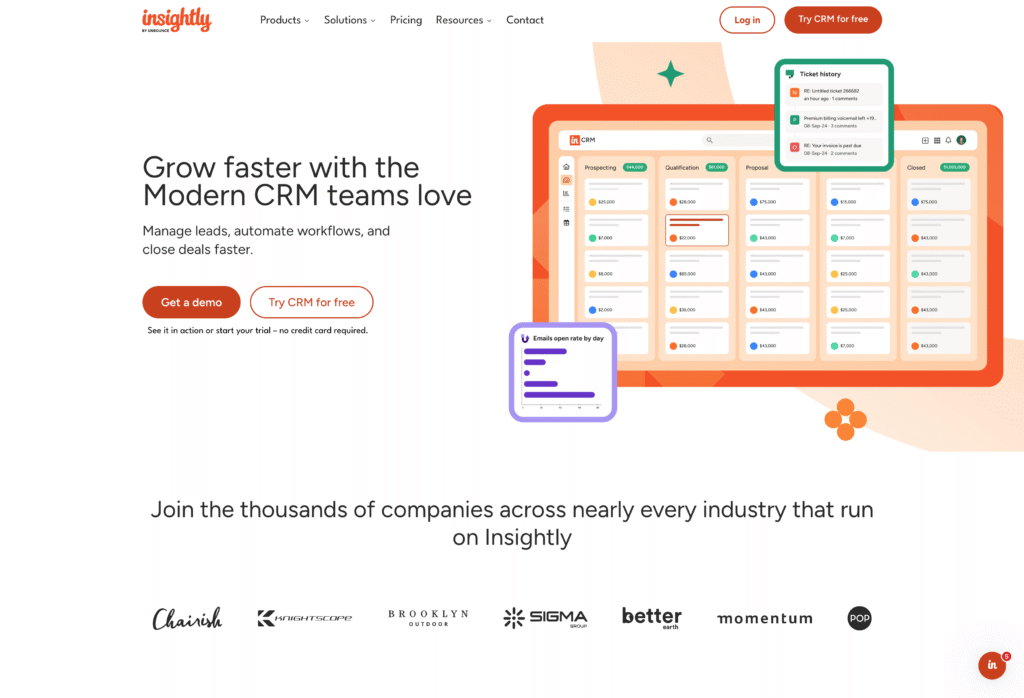
The key differentiator is deal-to-project conversion. This feature lets you hand off closed donations directly to program delivery teams with full data continuity. No re-entering data. No losing context.
Implementation takes weeks, not months. You won’t need consultant dependency to get up and running. And no-code customization through AppConnect gives your team control over 2,000+ integrations without IT involvement.
Pricing: Plans start at $29/user/month (Plus tier), and scale to Professional ($49) and Enterprise ($99) for larger teams with fundraising tools.
What do you get with Insightly?
- Deal-to-project conversion — Hand off closed donations directly to service delivery with full context, no re-entering data or losing history
- No-code customization — Create custom fields, objects, and workflows through the UI without developers
- 2,000+ integrations via AppConnect — Connect QuickBooks, Mailchimp, and your existing tools with drag-and-drop workflow builder
- Marketing automation on same database — Run email campaigns, donor journeys, and lead scoring without a separate platform
- AI Copilot — Manage records and generate email responses through natural language conversation
Who is Insightly best for?
Insightly works well for medium sized nonprofits (25-200 staff) that have outgrown entry-level tools but don’t need enterprise complexity. It’s particularly strong for organizations running programs, delivering services, or fulfilling grants, where tracking what happens after the donation matters as much as the gift itself. Teams that want to be operational in weeks, not months, without relying on consultants will find the implementation straightforward.
The flip side: very small organizations with simple donor-only needs won’t use most of what Insightly offers. Enterprise foundations requiring Salesforce-level customization may find the platform too streamlined for their complexity.
2. Salesforce Nonprofit Cloud — Best for large nonprofits with enterprise needs
Salesforce Nonprofit Cloud is the enterprise standard for nonprofit CRM. It offers unlimited customization, a massive app ecosystem, and AI-powered features for larger nonprofits with the resources to manage it.
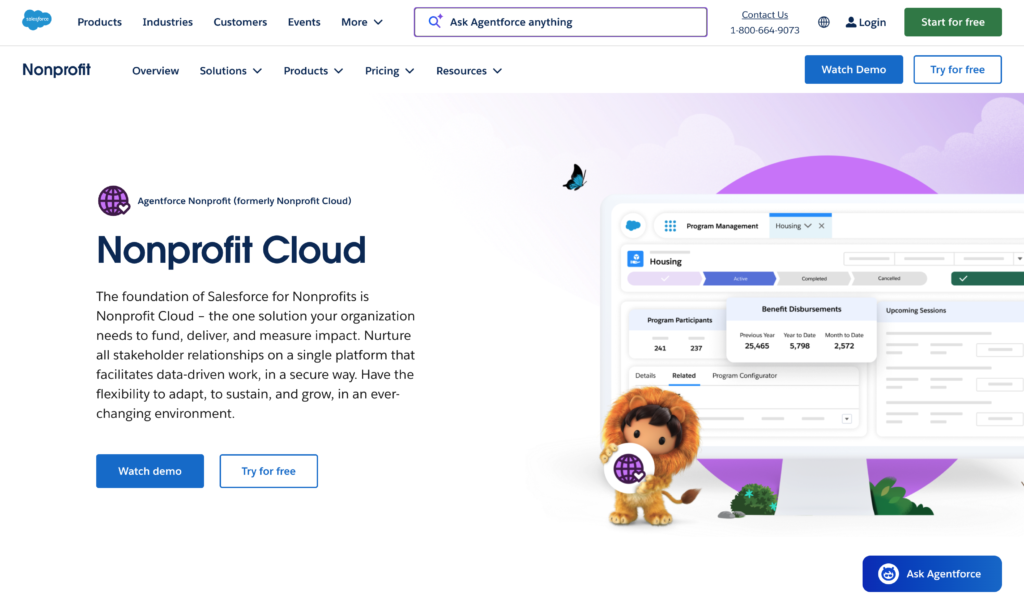
The Power of Us program provides 10 free Enterprise licenses (worth roughly $15,000/year) for eligible 501(c)(3) organizations. That’s a significant benefit.
But “free” licenses are the starting point, not the total cost. Budget $7,000-$30,000 for consultant-led implementation, plus ongoing admin costs. Organizations without dedicated IT resources often struggle with the complexity.
Pricing: 10 free licenses via Power of Us, and paid licenses start at $60/user/month (Enterprise tier)
What do you get with Salesforce Nonprofit Cloud?
- Extensive customization via Apex — Virtually unlimited flexibility using Apex programming and Lightning components (requires developers)
- 40,000+ apps on AppExchange — Pre-built integrations for fundraising (GoFundMe Pro), donor intelligence (WealthEngine), volunteer management, and more
- Einstein AI features — AI-generated donor proposals, program summaries, and grant application reviews
- Program and outcomes management — Track participants, attendance, and impact metrics (requires paid Nonprofit Cloud licenses beyond NPSP)
- Grantmaking tools — Application management, disbursement tracking, and compliance monitoring for foundations
Who is Salesforce Nonprofit Cloud best for?
Large nonprofits (500+ staff) with complex operations and dedicated IT resources are the ideal fit. Foundations with sophisticated grantmaking needs that require custom workflows will find the platform worth the investment. Organizations that have budget for professional implementation ($7K-$30K+) and can support ongoing admin costs will get the most value.
All that power comes with overhead. Mid-sized nonprofits seeking quick, simple setup will find Salesforce overkill. You’ll spend months implementing what simpler platforms deliver in weeks. Compare Insightly vs Salesforce if you’re weighing enterprise capability against speed to value.
3. Bloomerang — Best for donor retention focus
Bloomerang is built around one insight: only 19% of first-time donors give again, but retention jumps to 60% after the second gift. The entire platform focuses on helping you hit that second donation and maintain donor engagement.
The engagement scoring (“Cold” to “On Fire!”) surfaces on every constituent profile, making donor retention a daily operational focus rather than an afterthought. You’ll see at a glance which donor relationships need attention.
Pricing scales by constituent count, not users. That means unlimited users at every tier, so your entire team (including board members) can access the system without per-seat fees.
Pricing: Starts at $125/month for CRM, and scales by database size, not user count
What do you get with Bloomerang?
- Donor engagement scoring — Visual “Engagement Meter” (Cold, Warm, Hot, On Fire!) updates automatically based on giving, volunteering, event attendance, and email engagement
- Real-time retention dashboard — Track retention rates at a glance with suggestions for improvement
- Constituent timeline — Chronological view of every touchpoint: emails opened, events attended, gifts made, communications sent
- Unlimited users — Entire team (including board members) can access without per-seat fees
- Built-in email marketing — Native tools plus Mailchimp and Constant Contact integrations
Who is Bloomerang best for?
Small to mid-sized nonprofits where donor retention is the priority will get the most from Bloomerang. Organizations that want intuitive software their whole team can learn quickly, including board members and volunteers who need access without adding per-seat costs, will appreciate the unlimited user model.
Where Bloomerang falls short: complex multi-program organizations. If you need robust project tracking, service delivery management, or extensive customization, you’ll hit the platform’s limits. It’s built for donor relationships, not operational complexity.
4. HubSpot — Best free option for small nonprofits
HubSpot offers a genuinely free CRM tier. Contact management, deal tracking, and basic reporting for up to 1,000 contacts and two users at no cost. For small nonprofits testing whether a CRM for non profit is right for them, that’s a real option.
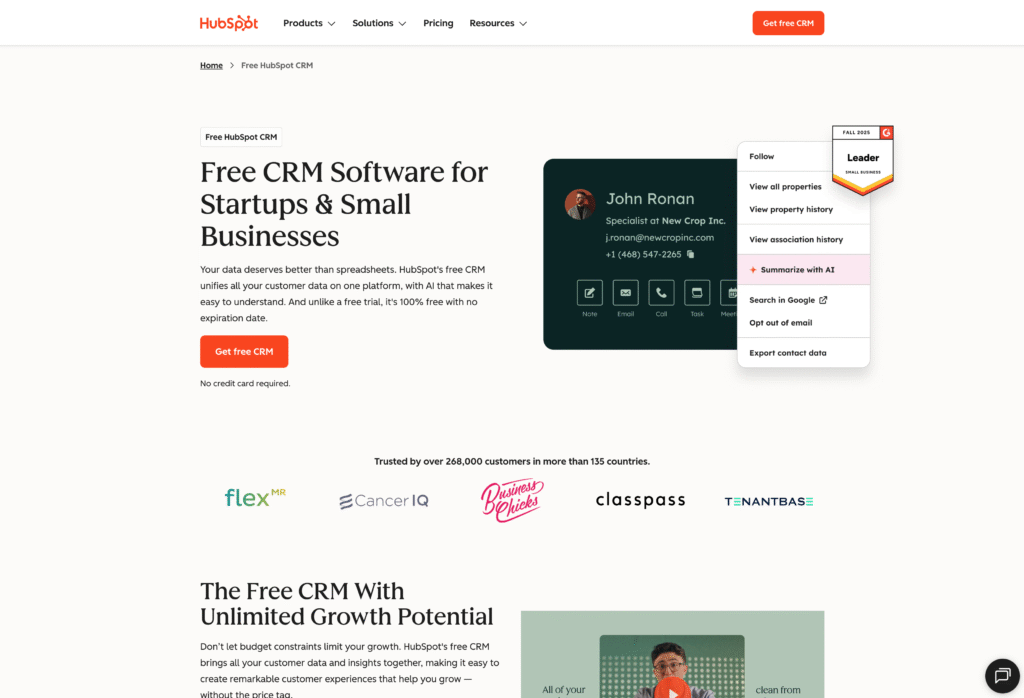
But HubSpot is built for businesses, not nonprofits. There’s no native donor management, fundraising tools, or grant tracking. You’ll need third-party integrations for core nonprofit functions, and that adds complexity.
They do offer a discount that helps, with 40% off Professional and Enterprise tiers for eligible nonprofits (must apply through HubSpot’s nonprofit program). But even with the discount, costs add up quickly once you exceed free tier limits, and the discount doesn’t apply to Starter plans.
Pricing: Free tier available, and paid plans start at $15/user/month (Starter), with 40% nonprofit discount on Pro/Enterprise
What do you get with HubSpot?
- Free CRM tier — Contact management, deal tracking, 2,000 marketing emails/month (with HubSpot branding)
- Email marketing and automation — Powerful workflows, lead nurturing, and landing pages (Marketing Hub subscription required for advanced features)
- Unified reporting — Customizable dashboards tracking pipeline and campaign performance
- Multi-hub ecosystem — Connected products (Marketing, Sales, Service, Content) sharing one database
- Strong brand recognition — Extensive documentation, certifications, and community support
Who is HubSpot best for?
Very small nonprofits (under 1,000 contacts, two users) who want to test CRM without budget commitment will find HubSpot’s free tier useful. Organizations already using HubSpot for business operations, or teams with technical staff who can manage third-party integrations for donation processing, can make it work.
The trade-off is clear though: HubSpot wasn’t built for nonprofits. There’s no native donor management, and you’ll need integrations like Classy or Donorbox for fundraising basics. Growing organizations will also hit the free tier’s limits fast.
Recommended reading: Compare Insightly vs HubSpot if you’re outgrowing what free offers.
5. DonorPerfect — Best donor management software for fundraising
DonorPerfect has been in the nonprofit software market for decades, serving 75,000+ nonprofit professionals with a focused donor management and fundraising software platform. Longevity matters when you’re trusting a vendor with your donor data.
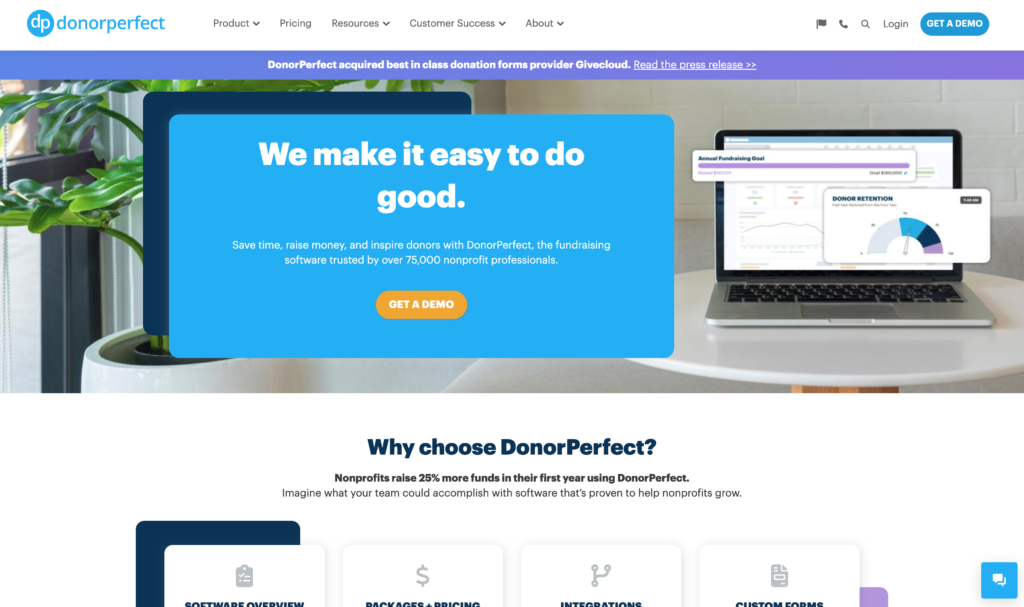
The platform is known for excellent customer support (96% positive rating) and comprehensive giving history tracking. Development teams that live and breathe donor relationships will appreciate the depth of donor data available.
Like Bloomerang, pricing scales by constituent count, not users. Unlimited users at every tier keeps costs predictable as your team grows.
Pricing: Starts around $99/month (Lite tier, 1,000 constituents), and scales with database size
What do you get with DonorPerfect?
- Comprehensive donor profiles — Photos, giving metrics, major donor indicators, and donor scoring (0-100 scale) to prioritize outreach
- Integrated payment processing — PCI-compliant processing with automatic recurring giving, card expiration updates, and digital wallets (Apple Pay, Google Pay)
- Constant Contact integration included — Email marketing bundled at no extra cost
- 90-day phone support for new users — Rare in the industry, with dedicated onboarding assistance
- 70+ standard reports — Pre-built dashboards with unlimited custom report building
Who is DonorPerfect best for?
Nonprofits focused primarily on individual donor fundraising will find DonorPerfect a strong fit. Development teams that need robust giving history tracking and donor scoring to prioritize outreach can put the data to immediate use. Organizations that value strong customer support and want an established vendor, DonorPerfect has been in the nonprofit software market for 38+ years, will appreciate the stability.
What you won’t get: project management or service delivery tracking. DonorPerfect is laser-focused on donor management. If your organization needs to track what happens after the gift, including programs, grants, or service delivery, you’ll need a different platform or additional tools.
6. Neon CRM — Best for membership-based organizations
Neon CRM is designed for nonprofit organizations that manage members: associations, arts organizations, museums, and volunteer-heavy groups that need unified tracking across donations, memberships, events, and volunteer management.
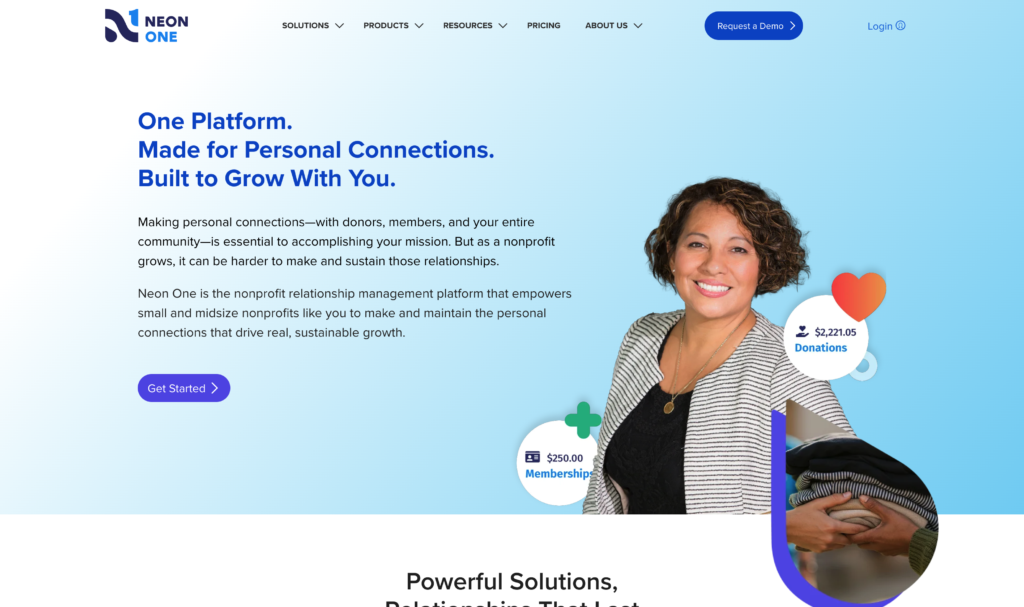
The pricing model stands out: revenue-based pricing (not contact-based) means unlimited records without worrying about database growth. You pay based on your organization’s revenue, not how many people you track.
The self-service portal lets members renew dues, register for events, log volunteer hours, and access exclusive content through one login. That reduces administrative burden significantly.
Pricing: Starts at $99/month (Essentials), and $209/month for event and volunteer management (Impact tier)
What do you get with Neon CRM?
- Membership tier management — Customizable tiers with unique pricing, auto-renewal, and member-only content access
- Member self-service portal — One login for dues payment, event registration, volunteer hour logging, and exclusive content
- Event registration and ticketing — Multiple ticket types, seating management, and quick check-in with real-time attendance tracking
- Volunteer tracking — Timesheets for hours, expenses, and mileage with approval workflows
- Unified constituent records — Single view showing donations, membership status, volunteer hours, and event attendance
Who is Neon CRM best for?
Membership-based organizations, including associations, professional societies, arts groups, and museums, where tracking dues, renewals, and member engagement matters as much as donations will find Neon CRM purpose-built for their needs. Volunteer-heavy nonprofits that need integrated time tracking can manage everything in one place. Mid-sized organizations ready to invest in a feature-rich platform with revenue-based pricing (unlimited contacts) will appreciate the predictable costs.
Just know what you’re signing up for: Neon CRM has a steep learning curve, and full implementation takes several months. Small organizations with simple needs will find it overkill. Teams wanting quick deployment should look elsewhere.
What key nonprofit CRM features should you look for?
Beyond the tool-by-tool comparison, these are the core capabilities that matter for most nonprofit operations.
What separates nonprofit CRMs from generic business tools? We’d recommend paying close attention to five feature categories.
Constituent and donor management
At minimum, your CRM should centralize all constituent data, including donors, volunteers, members, and program participants, in one searchable database.
Key capabilities to evaluate:
- Complete interaction history (gifts, communications, events, volunteer hours) on each profile
- Household and relationship tracking (spouses, family foundations, corporate connections)
- Custom fields to capture nonprofit-specific donor data (giving capacity, interests, affiliations)
- Duplicate detection and merging
The goal is a 360-degree view of each constituent. Not just what they gave, but how they engage. For service-based nonprofits, constituent management extends beyond donors to clients, beneficiaries, and program participants.
Payment processing or fundraising software integrations
Your CRM should handle the full donation lifecycle, from online giving forms to recurring gift management to acknowledgment letters.
Key capabilities to evaluate:
- Customizable donation forms (branded, mobile-responsive, embeddable)
- Recurring giving management with automatic card expiration updates
- Multiple payment methods (credit card, ACH, digital wallets)
- Campaign and appeal tracking with goal visualization
- Automated acknowledgments and tax receipts
Watch for processing fees. Some platforms include payment processing, others require third-party integrations with their own fees. An affordable solution factors in these hidden costs.
Also consider what happens after the donation. Does your CRM track grant fulfillment or program delivery?
Marketing and communications
Donor communications drive retention. Your CRM should either include email marketing or integrate seamlessly with dedicated communication tools and platforms.
Key capabilities to evaluate:
- Email campaign builder with templates and personalization
- Automated donor journeys (welcome series, lapsed donor re-engagement, stewardship sequences)
- Segmentation based on giving history, engagement, and interests
- Open and click tracking with performance analytics
To avoid pogo-sticking between a bunch of fragmented tools, look for a CRM that offers built-in marketing automation on the same database. This can eliminate sync issues between your CRM and email platforms.
Reporting and analytics to analyze donor data
You can’t improve what you don’t measure. Your CRM should surface insights on donor retention, campaign performance, and organizational growth.
Key capabilities to evaluate:
- Pre-built reports for common metrics (retention rates, donor acquisition, campaign ROI)
- Custom report builder for organization-specific KPIs
- Dashboard visualizations for at-a-glance monitoring
- Donor behavior tracking (engagement scores, giving patterns, lapse risk)
- Grant and program outcome reporting for funders
Ask about export capabilities too. Can you pull data into Excel or your board reporting and analytics tools easily? Some platforms (Salesforce) offer powerful analytics but require technical expertise to configure. Others (Insightly, Bloomerang) surface insights out of the box.
Integrations with your existing tools
Your CRM doesn’t operate in isolation. It needs to connect with your accounting software, email platform, event tools, and other systems. The best nonprofit CRMs will let you connect your existing fundraising platform and core tools without developers or custom development.
Key integration categories:
- Accounting (QuickBooks, Xero) for financial reconciliation
- Email marketing (Mailchimp, Constant Contact) if not built-in
- Payment processing (Stripe, PayPal) for donation handling
- Event platforms (Eventbrite) for attendee sync
- Volunteer management tools if not native
Ask how integrations work too. Native connections are generally more reliable than Zapier workarounds, and no-code integration builders put your team in control. For example, Insightly’s AppConnect lets you connect your existing tools without IT involvement.
How do you choose the right CRM for your nonprofit?
Features matter, but fit matters more. A powerful platform that your team won’t use is worse than a simpler one they adopt fully. Beyond raw feature checklists, consider the following factors.
1. Define what you actually need
Start with your operations, not vendor demos. What are the actual workflows your CRM needs to support?
Questions to answer before evaluating:
- Are you primarily tracking donors, or also volunteers, members, and program participants?
- Do you need to manage what happens after the donation (grants, programs, service delivery)?
- How many users need access, just development staff, or the whole organization?
- What tools does the CRM need to connect with?
Most CRMs excel at one profile: donor-focused, membership-focused, or operations-focused. Know which fits your nonprofit organizations before comparing features.
The truth is:
94% of sales professionals use less than 75% of their CRM’s features. Buying more than you need isn’t a bargain when finding the right nonprofit CRM.
2. Consider total cost of ownership
List price is just the starting point. The real cost includes implementation, training, integrations, and ongoing support.
Potentially hidden costs to factor in:
- Implementation consulting (Salesforce: $7K-$30K+, and simpler platforms are often self-service)
- Training for staff and ongoing learning curve
- Integration fees (AppExchange apps, third-party connectors)
- Per-contact fees that scale with your database
- Support packages (some charge extra for phone support)
Compare 3-year total cost, not just monthly subscription, when evaluating any nonprofit CRM.
What does “free” actually cost?
Free tiers (HubSpot, Salesforce NPSP) often require significant investment in integrations, training, or consultants to be functional. Make sure to review the hidden costs carefully.
3. Evaluate implementation time and training
A CRM only delivers value when your team actually uses it, and only 34% of organizations report their team fully embraces their CRM for non profit.
Implementation factors:
- How long until the system is operational? (Weeks vs. months)
- Do you need external consultants or can you handle setup yourself?
- What’s the learning curve for daily users?
- Does the vendor provide onboarding support included in the price?
Fast implementation matters. Every month spent in “setup mode” is a month without CRM benefits.
Enterprise platforms offer power but require investment. Mid-market tools trade some flexibility for faster time to value. From our experience, service-based organizations especially benefit from quick deployment.
4. Test before you commit
Most CRMs offer free trials or demos. Use them to test with your actual workflows, not generic scenarios.
What to test:
- Can you set up your donation forms and import existing contacts easily?
- Does the interface make sense to your least technical team member?
- Are the reports you need available out of the box?
A 14-day trial reveals more than any sales demo, especially if you involve the people who’ll use it daily. That’s the surest path to finding the best CRM for non profit fit.
Start your 14-day free trial with Insightly today
The right nonprofit CRM depends on your size, complexity, and what you need to track beyond donations.
For mid-sized nonprofits that manage programs, deliver services, or fulfill grants, not just fundraise, Insightly CRM provides the deal-to-project handoff that other platforms lack.
With Insightly, you can:
- Convert closed donations directly to program delivery with full data continuity
- Customize fields, objects, and workflows without developers
- Connect 2,000+ apps through no-code AppConnect integrations
- Get operational in weeks, not months, with no consultant dependency
Explore pricing, start a 14-day free trial, or compare CRMs to see how Insightly fits your nonprofit.
Subscribe to receive strategies, tech tips, and industry insights, to help your go-to-market team grow with ease.
By submitting this form, you agree to receive email communications from Insightly and accept Insightly’s privacy policy.