
The top 7 best CRMs for law firms in 2026 (+ what you get with each)
Most law firms still track clients with spreadsheets, sticky notes, and a prayer that nothing falls through the cracks. It works until it doesn’t. And by the time you realize a lead went cold or a follow-up got missed, the damage is done.
Enterprise CRMs like Salesforce exist, but they come with six-figure implementation costs and consultant dependencies that make no sense for a 30-attorney firm. You need something in between.
That’s what this guide covers: 7 CRMs that actually fit mid-sized law firms. Not the bloated 25-tool lists you’ll find elsewhere, but a curated selection with real pricing, honest trade-offs, and clear recommendations for who should use what.
So which CRM is right for your firm?

TABLE OF CONTENTS
SHARE


INSIGHTLY TEAM
» More blog posts by INSIGHTLY TEAM
It depends on your size, practice area, and existing tech stack. A personal injury firm with high-volume intake has different needs than a corporate transactions practice managing long-term client relationships.
In this guide, we’ll cover the features that matter for legal CRM software, detailed profiles of each tool, and practical selection criteria to help you make the right choice.
Why do law firms need CRM software?
First, 78% of law firms already use a CRM system. If you’re not, you’re competing at a disadvantage.
A law firm CRM is a centralized database for client information, case details, and communication history. It replaces the scattered notes, email folders, and mental tracking that attorneys rely on by default.
The real value comes from operational efficiency—not just contact management or storage.
Here’s what a good CRM system delivers for professional services firms:
- Centralized client data eliminates information silos between partners and associates
- Automated follow-ups prevent dropped leads during busy periods
- Business development visibility shows who’s referring clients and what’s converting
- Client engagement tracking keeps everyone informed on relationship status
In fact, 84% of firms report improved efficiency after adopting legal technology. The firms pulling ahead aren’t “working harder” than the rest. They’re working with systems that capture, organize, and act on client data automatically.
Without customer relationship management software, you’re leaving money on the table and burning hours on admin work that should run itself. A clear CRM strategy separates modern law firms from other law firms still operating on memory and hope.
What features should you look for in legal CRM software?
Not all CRMs work for law firms. Legal workflows have unique requirements that generic sales tools don’t address out of the box. Here are the five features that separate useful legal CRM systems from client relationship management software built for other industries.
Client intake process and lead management
Client intake is where most firms leak revenue. Leads fall through cracks, follow-ups get missed, and potential clients go elsewhere.
A good legal CRM captures client inquiries from multiple channels (web forms, phone, referrals) into one pipeline. No more checking three inboxes and hoping nothing slipped.
Here’s what to look for in lead management features:
- Customizable client intake forms that sync directly to contact records
- Automated email and SMS follow-ups triggered by form submissions
- Conflict checking at the intake stage before you invest time in consultations
- Client scheduling with calendar sync for seamless appointment booking
The goal is to simplify client intake so there’s zero manual data entry from first contact to signed retainer. If your intake process takes more than 10 minutes per lead, your CRM isn’t working.
Case and matter management integration
Can your CRM talk to your practice management software?
CRMs track relationships. Practice management software tracks matters. They need to connect, or you’re double-entering data every time a prospect becomes a client.
Look for native integrations with tools like Clio, PracticePanther, or Filevine. Without integration, your team wastes hours copying client details between systems and risks errors that create compliance headaches.
There’s another approach worth considering:
Deal-to-project conversion.
Instead of syncing separate systems, some CRMs (like Insightly) convert won opportunities directly into project records. All client history, notes, and documents transfer automatically. No integration maintenance or sync delays.
The best setup keeps client interactions intact from lead through case closure. Whether through integration or built-in project management, your CRM should preserve the complete client history so attorneys never walk into meetings blind.
Document management and security
Law firms handle sensitive client data. Your CRM needs to protect it.
Key security features to evaluate: SOC2 compliance, encryption at rest and in transit, and role-based access controls. If your firm handles international clients, add GDPR compliance to the list.
What about document storage?
Most CRMs aren’t document management systems. They shouldn’t be. Look for integrations with DocuSign, PandaDoc, or your existing document platform. Templates for engagement letters and retainers save time, but your CRM doesn’t need to replace your DMS.
The priority is data security. Client information must stay protected, and access must be controlled by role. A junior associate shouldn’t see the same client data as a managing partner handling sensitive matters.
Workflow automation
Manual tasks kill billable hours. Automation gives them back.
Workflow automation means trigger-based actions: send an email when a status changes, create a task when a lead enters the pipeline, notify an attorney when a deadline approaches. Each automation compounds into hours saved per week.
Common workflow automation use cases for law firms:
- Welcome emails triggered by intake form submission
- Reminder sequences before scheduled consultations
- Task creation when matters reach specific stages
- Document requests triggered by case milestones
Legal workflows have enough complexity without adding manual busywork. The right CRM automation handles routine tasks so attorneys can focus on clients.
The best CRM does work for you while you focus on what matters.
Marketing automation for client acquisition
Business development isn’t just for sales teams. Law firms need it too.
Marketing automation nurtures prospective clients who aren’t ready to hire today but will be tomorrow. Instead of hoping they remember you when the time comes, you stay top-of-mind with consistent communication that requires no daily effort.
Key marketing features for client acquisition:
- Email drip campaigns that nurture potential clients through decision stages
- Referral source tracking so you know which marketing efforts actually convert
- ROI measurement on advertising spend to cut what isn’t working
- Personalized client experience based on practice area or matter type
Firms using marketing automation report higher conversion rates with existing clients and new clients alike. You’re not just capturing leads. You’re building a pipeline of retained clients who trust you before they ever pick up the phone.
Not every legal CRM includes marketing tools. Check before you buy, or plan to integrate a separate marketing platform.
7 best CRM software for law firms (and who each is best for)
We evaluated dozens of CRMs to find the 7 that actually work for mid-sized law firms. For each tool below, we’ll break down pricing, key features, and honest assessments of who should (and shouldn’t) use it.
1. Insightly CRM by Unbounce
Insightly is purpose-built for the mid-market. Firms that have outgrown entry-level tools but don’t need enterprise complexity or consultant dependency get the most value here.
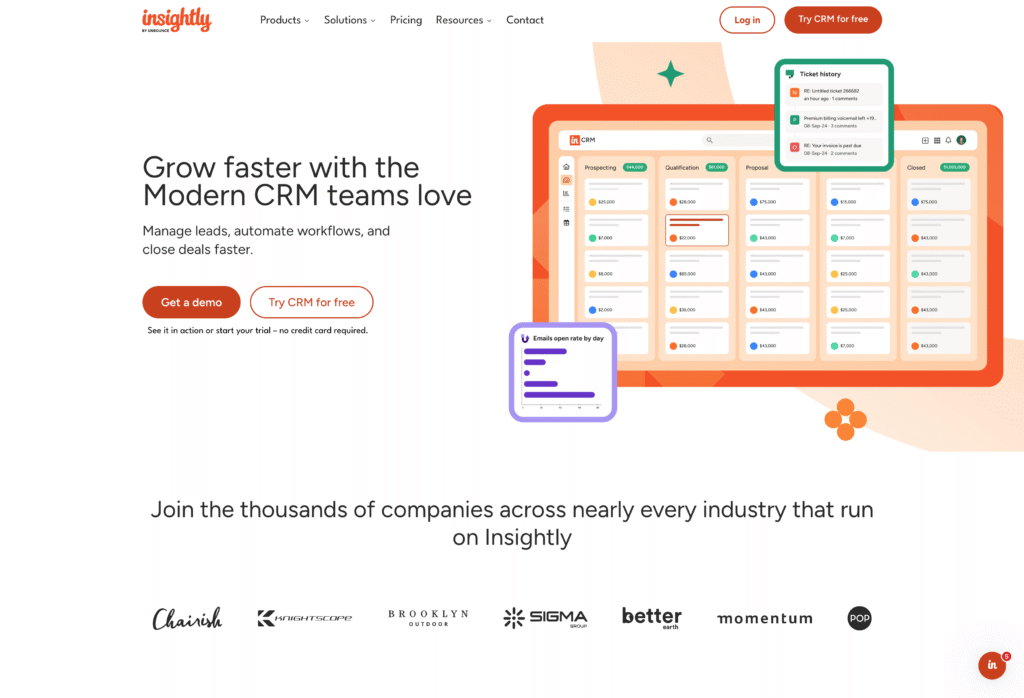
What sets Insightly apart is deal-to-project conversion. When you close a client, Insightly converts that opportunity directly into a delivery project. All the client history, notes, and documents transfer automatically. For law firms managing matters (not just leads), this creates continuity that separate CRM and practice management tools can’t match.
Implementation takes weeks, not months. You won’t need a consultant to get started.
Pricing: $29-99/user/month (annual billing). Plus ($29), Professional ($49), Enterprise ($99)
What do you get with Insightly?
- Fast time to value: Average 1.1-month implementation vs. 2-4 months for enterprise alternatives, with ROI typically achieved in 9 months
- No-code customization: Create custom fields, objects, page layouts, dashboards, and workflows through the UI without developers or consultants
- Built-in project management: Convert closed deals directly to delivery projects using familiar pipeline interfaces, with full visibility for service teams
- 2,000+ integrations via AppConnect: Drag-and-drop, no-code workflow builder connects your tech stack without IT involvement
- Conversational AI (Copilot): Manage records, get deal summaries, and generate email replies by asking in plain language
- US-based support: Direct phone and email support from knowledgeable team members
Who is Insightly best for?
Insightly fits mid-sized law firms (25-100 attorneys) that need to track clients from first contact through case delivery. It’s strong for practices with defined workflows, including personal injury, corporate transactions, and family law, where the handoff from business development to service delivery matters. Firms already on Google Workspace or Microsoft 365 get immediate value from native integrations.
The trade-off is that Insightly isn’t legal-specific. You won’t find native trust accounting or court calendaring. And if you need email sequencing for automated follow-up campaigns, you’ll need to pair it with another tool or look elsewhere. For firms that want an integrated solution bridging CRM and project management, it’s a strong choice.
2. Clio Grow
Clio Grow is the CRM add-on for firms already using Clio Manage. Tight integration is its superpower. If you’re in the Clio ecosystem, Clio Grow is the default choice for client intake.
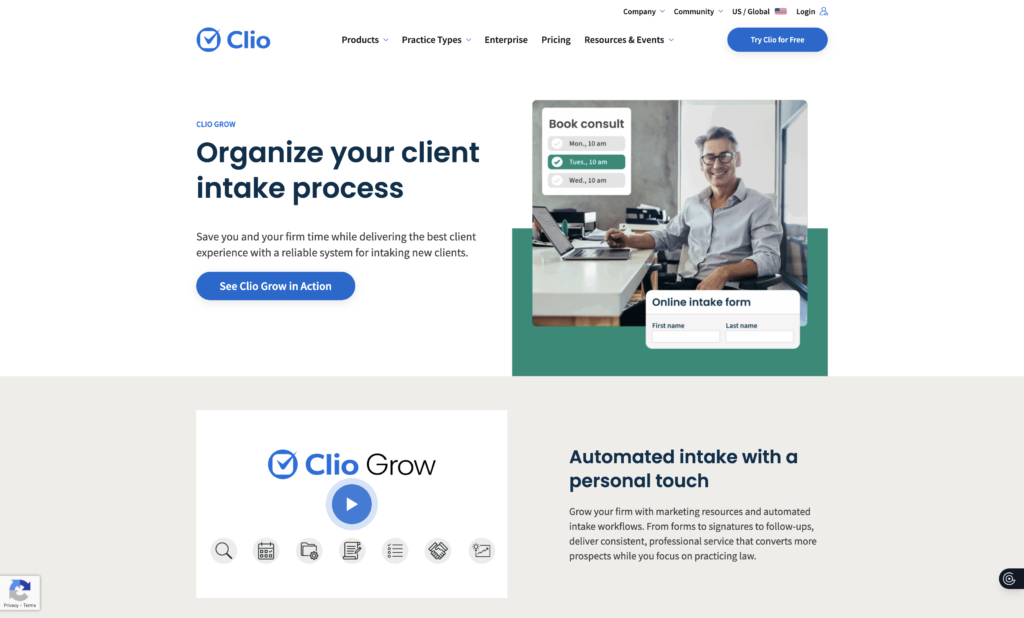
The catch is that it only works with Clio Manage. If you’re on a different practice management platform, Clio Grow isn’t an option.
Pricing: $49-59/user/month as add-on to Clio Manage, or included with Clio Complete ($139-149/user/month)
What do you get with Clio Grow?
- Customizable intake forms: Multi-language support with automated follow-up sequences
- Visual matter pipeline: Drag-and-drop interface for tracking prospects through stages
- Built-in e-signature: HelloSign integration for retainer agreements
- Automated text reminders: Firms report significantly lower no-show rates with automated text reminders
- Appointment booking: Calendar sync for client scheduling
- Clio Manage sync: Seamless contact and matter data transfer to practice management
Who is Clio Grow best for?
Clio Grow works best for small to mid-sized firms (2-25 attorneys) already invested in the Clio ecosystem. General practice, family law, and estate planning firms benefit most from the tight Clio Manage integration. The client intake process becomes seamless when your CRM and practice management share the same database.
The trade-off is ecosystem lock-in. If you’re not on Clio Manage, Clio Grow doesn’t make sense. The website builder also has SEO limitations, using hash links instead of dedicated pages for practice areas. If you depend on organic search traffic for lead generation, don’t rely on the built-in website tools.
3. Lawmatics
Lawmatics is the marketing powerhouse for law firms. It’s built specifically for legal intake and lead nurturing, with deeper marketing automation than any other legal CRM software on this list.
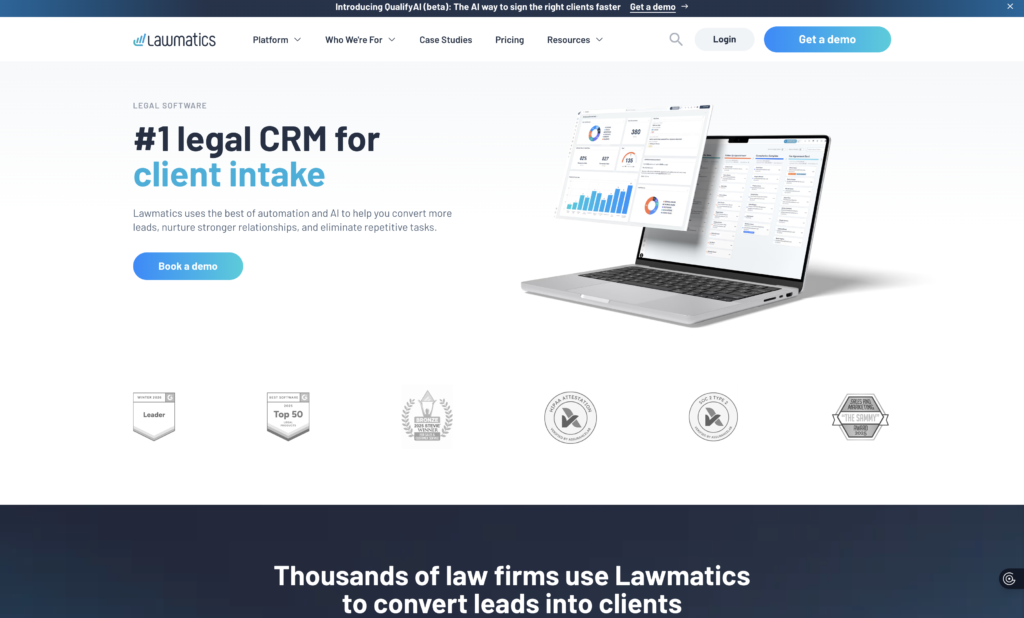
The required commitment is real though. Implementation takes 2-6 months depending on your firm’s complexity, and pricing starts at $199/month with a 3-user minimum.
Pricing: $199/month (Lite) to $249/month (Pro) minimum, 3 users required, annual commitment
What do you get with Lawmatics?
- Drag-and-drop intake forms: Automated workflows trigger from form submissions
- Email drip campaigns: Visual builders for lead nurturing sequences
- ROI tracking: Google Ads and CallRail integration for advertising spend visibility
- AI-powered email drafting: LM[AI] generates client communications
- Practice management integrations: Clio, PracticePanther, Filevine, Smokeball connections
Who is Lawmatics best for?
Lawmatics fits mid-size to large firms (10+ attorneys) focused on client acquisition and marketing ROI. Bankruptcy, criminal defense, family law, immigration, and personal injury practices get the most value from its intake automation and advertising tracking. If you want to automate client intake at scale and measure what’s working, Lawmatics delivers.
The trade-offs are significant upfront investment. The 3-user minimum, $199+/month starting cost, and 2-6 month implementation timeline mean this isn’t a quick decision. The mobile app is also underdeveloped compared to desktop. Make sure you’re ready for the commitment before signing.
4. HubSpot CRM
HubSpot brings enterprise marketing power to law firms with a free tier that’s hard to ignore. If you’re prioritizing inbound marketing alongside client management, HubSpot’s content and lead generation tools are best-in-class.
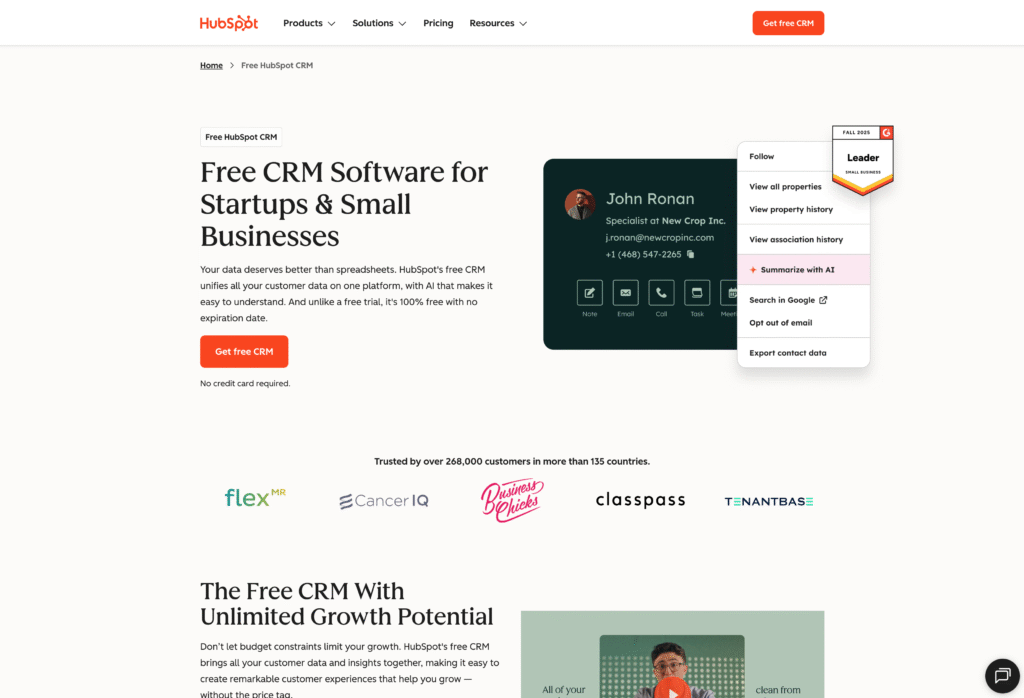
Costs escalate quickly beyond the starter tier, though, so plan accordingly.
Pricing: Free (2 seats, 1M contacts), Starter $20/user/month, Professional $100/user/month (+$750 onboarding fee)
What do you get with HubSpot CRM?
- Free CRM tier: Contact management, deal tracking, and basic reporting at no cost
- Unified contact management: Automatic activity logging across email and calls
- Lead scoring and workflow automation: Prioritize prospects and automate follow-ups
- Marketing automation: Email campaigns, landing pages, and lead nurturing (separate Marketing Hub subscription)
- Legal tool integrations: Clio, LawPay, TimeSolv, DocuSign connections
- AI chatbots: 24/7 lead capture on your website
Who is HubSpot CRM best for?
HubSpot works well for small firms (2-25 attorneys) prioritizing inbound marketing alongside client management. Personal injury, family law, immigration, and estate planning practices with high-volume intake benefit most. Firms with marketing staff or agency support get the best results.
The trade-off is cost escalation. The free tier is limited, and meaningful automation requires Professional ($100/user + $750 onboarding). There’s no native legal billing or trust accounting either. If you need marketing power and can budget for the upgrade path, HubSpot delivers. If you need legal-specific features out of the box, look elsewhere.
5. Salesforce
Salesforce is the 800-pound gorilla. Powerful, flexible, and expensive. For firms with the budget and IT resources to make it work, Salesforce can do almost anything.
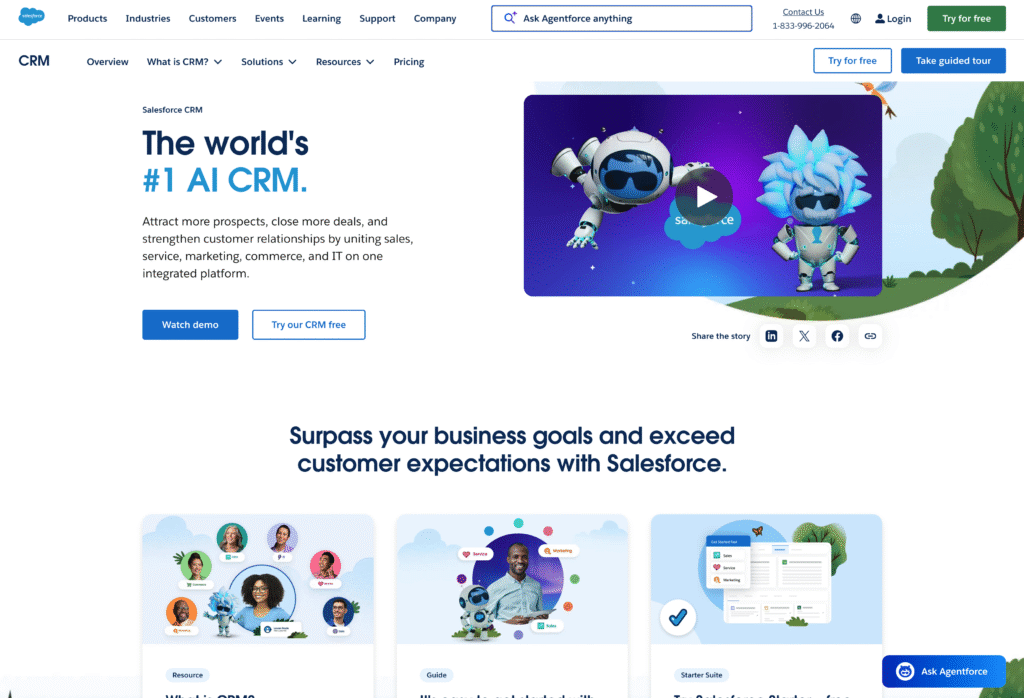
The question is whether you need that much (and the usual answer is most mid-market firms don’t).
Pricing: Starts at $25/user/month but realistic costs are $100-175/user/month. Implementation: $25K-$500K+. Legal add-ons (Litify, NuLaw): additional $85-200/user/month
What do you get with Salesforce?
- Extensive customization via Apex: Virtually unlimited flexibility using custom objects and Lightning components (requires developers)
- 7,000+ AppExchange integrations: Including legal-specific apps like Litify and NuLaw
- Advanced workflow automation: Visual workflow tools for complex processes (Enterprise tier+)
- Robust reporting with Einstein AI: Customizable dashboards and predictive analytics
- Enterprise-grade security: SOC 2 compliance, role-based permissions, data encryption
For a detailed comparison, see our Salesforce vs. Insightly analysis for professional services.
Who is Salesforce best for?
Salesforce fits large firms (50+ attorneys) with dedicated IT staff and implementation budget. Am Law 200 firms and corporate legal departments already using Salesforce enterprise-wide benefit from ecosystem consistency.
The trade-offs are significant. Implementation costs range from $25K-$500K+. Users also report a steep learning curve that can take months to overcome. Ongoing consultant dependency is common. Mid-market firms typically find better value elsewhere. Unless you’re enterprise-scale with resources to match, the complexity isn’t worth it.
6. Pipedrive
Pipedrive keeps it simple. Visual pipeline management without the complexity. If you want an easy-to-use CRM that your team will actually adopt, Pipedrive delivers.
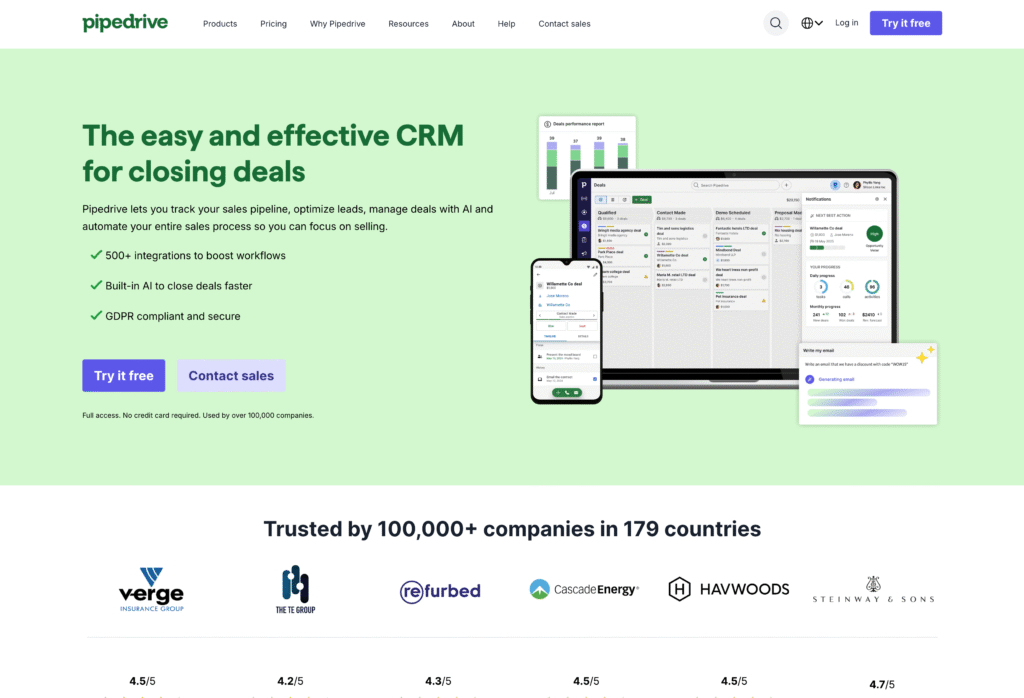
It’s not built for legal, but it’s customizable enough to work.
Pricing: $14-99/user/month (annual billing). Add-ons like LeadBooster and Smart Docs increase costs. Realistic budget for small law firms: ~$79/user/month for full functionality
What do you get with Pipedrive?
- Visual pipeline management: Kanban-style drag-and-drop boards with customizable stages
- Contact management with email sync: Two-way sync for Gmail and Outlook
- Auto-fill documents and e-signatures: Smart Docs add-on for client agreements
- 500+ marketplace integrations: Including QuickBooks and project management tools
- 24/7 chatbots for lead capture: LeadBooster add-on for website visitors
For a detailed comparison, see how Pipedrive compares to mid-market alternatives.
Who is Pipedrive best for?
Pipedrive fits solo practitioners and small firms (1-20 attorneys) wanting simple, visual client tracking. Litigation-focused practices with straightforward workflows get immediate value from the intuitive pipeline interface.
The trade-off is lack of legal-specific features. No timekeeping, trust accounting, or court calendaring. Essential features also require paid add-ons, so the low starting price can be misleading. For small law firms prioritizing ease of use over comprehensive legal tools, Pipedrive works. For firms needing legal practice management, it’s a starting point, not a complete solution.
7. Zoho CRM
Zoho CRM offers serious value, especially for firms already using other Zoho products. The Law Firm vertical provides pre-built modules for matters, contracts, and billing that most general CRMs lack.
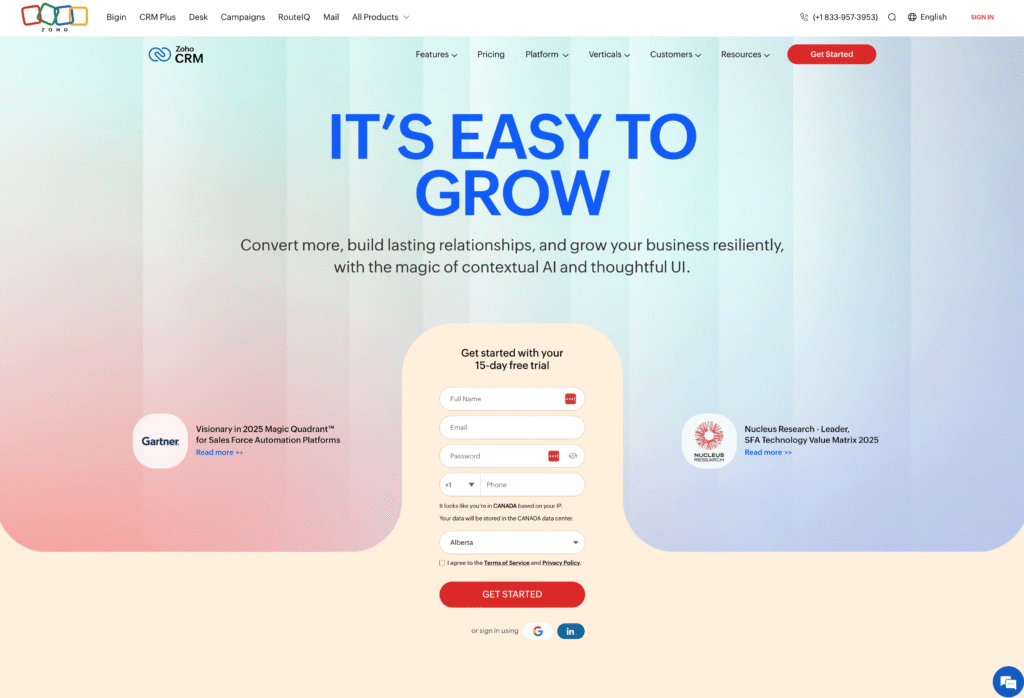
Pricing: Free (3 users), Standard ~$14/user/month, Enterprise ~$40/user/month (required for law firm features)
What do you get with Zoho CRM?
- Law Firm vertical: Pre-built modules for matters, contracts, and hourly billing (Enterprise tier)
- Contract generation with e-signatures: Zoho Sign integration for client agreements
- Time tracking: Support for flat fee, hourly, and contingency billing models
- Zia AI assistant: Predictive insights, best-time-to-contact suggestions, anomaly detection
- 45+ Zoho ecosystem apps: Connect with Zoho Mail, Books, Campaigns, and Desk
For a detailed comparison, see how Zoho compares to alternatives.
Who is Zoho CRM best for?
Zoho CRM fits small to mid-size firms (3-50 attorneys) seeking affordable, customizable CRM with legal-specific features. Firms already using Zoho ecosystem tools (Books, Sign, Desk) benefit most from seamless integration.
The trade-offs are a steep learning curve and variable customer support quality depending on your tier. Legal features also require Enterprise ($40/user), which narrows the cost advantage compared to competitors. If your firm is already in the Zoho ecosystem, it’s a natural fit. If you’re starting fresh, evaluate whether the setup investment is worth it.
How to choose the right CRM software for law firms
The “best” CRM depends on your firm’s specific situation. A law office CRM that works for a 10-attorney family law practice won’t fit a 75-attorney corporate firm.
Here’s what to evaluate:
- Budget: Legal CRM pricing ranges $14-200/user/month. Know your limit before scheduling demos
- Firm size: Solo practitioners have different needs than 25-attorney firms, which have different needs than 100+ attorney operations
- Practice management integration: What software are you already using? Integration matters more than features you’ll never touch
- Technical comfort: Some CRMs require extensive customization. Others work out of the box. Match the tool to your team’s reality
- Growth trajectory: A good CRM system today should still work when you’ve doubled in size
How do you actually evaluate?
Start with free trials. Most tools on this list offer them. Test with real workflows, not hypothetical scenarios. Talk to similar firms using each CRM tool. A reference call reveals more than any demo.
If possible, pilot with a small team before firm-wide rollout. A CRM for law firms that works on paper may not work in practice. Find out before you’re committed.
The best CRM for business development is the one your team will actually use. Feature lists don’t matter if adoption fails. Prioritize integrations that connect your existing tools over features that sound impressive but sit unused.
Why thousands of companies trust Insightly as their CRM
Subscribe to receive strategies, tech tips, and industry insights, to help your go-to-market team grow with ease.
By submitting this form, you agree to receive email communications from Insightly and accept Insightly’s privacy policy.