5 best CRMs for marketing agencies in 2026 (compared)
Marketing agencies need to manage client relationships all the way through from the initial pitch to the final deliverables. The sales process doesn’t end when the initial deal closes.
Most CRM tools handle sales pipelines fine (that’s what they’re built for after all). But they fall short once the deal closes and project work begins. Finding the best CRM for marketing agencies means finding one that fits how your team actually operates.
In this guide, we compare five platforms that handle agency workflows well, starting with a quick comparison table and then breaking down what each one does best.

TABLE OF CONTENTS
SHARE



Val Riley
» More blog posts by Val Riley
What makes a CRM “right” for marketing agencies?
What separates a good marketing agency CRM from a generic one?
The ability to bridge sales and delivery in a single system.
Agencies track relationships across multiple stakeholders, associate campaigns or projects with specific deals, and need visibility into team workload — all things some traditional CRMs treat as afterthoughts. Integration matters too, since agencies live in creative and project tools that need to connect without manual data entry.
The best CRMs for agencies treat “closed-won” as the beginning of the client relationship, not the end of the CRM’s usefulness.
The 5 best CRMs for marketing agencies
Each of these platforms handles agency workflows differently. The “best” one depends on what your team prioritizes — sales pipeline visibility, project delivery, marketing automation, or budget.
Here’s how they compare at a high level, followed by a closer look at each.
The 5 best CRMs for marketing agencies at a glance
| CRM | Best for | Ideal user | Pricing |
|---|---|---|---|
| Insightly | Agencies that deliver client projects | Creative/digital agencies needing sales + delivery in one place | From ~$29/user/mo |
| HubSpot | Inbound-focused agencies | Marketing teams running email campaigns and lead nurturing | Free tier; paid from $20/user/mo |
| Pipedrive | Sales-driven agencies | New business teams prioritizing pipeline visibility | From $14/user/mo |
| Zoho CRM | Budget-conscious agencies | Small agencies wanting features without premium pricing | Free for 3 users; paid from $14/user/mo |
| Monday CRM | Project-first teams | Agencies already using Monday for task management | From $12/seat/mo |
1. Insightly — Best for agencies that deliver client projects
Insightly is a mid-market CRM with native project management built in. For agencies, that means sales and delivery live in the same system. You’re not switching tools entirely when a deal closes.
The standout feature for agencies is Insightly’s deal-to-project conversion.
When you close a deal, all client context (contacts, notes, history) carries over into the delivery phase automatically. Plus, AppConnect adds 2,000+ integrations, so your creative and project tools stay connected without a ton of manual data entry.
What do you get with Insightly?
- Pipeline management with customizable deal stages and workflow automation
- Built-in project management using the same interface as your sales pipeline
- Deal-to-project conversion that preserves all client data and history
- Dashboards and reporting showing both pipeline and active project status
- Fast implementation — most teams are up and running in about a month, not the 2-4 months enterprise CRMs typically require
Who is Insightly best for?
Insightly works well for agencies where project delivery is core to the business — creative shops, consultancies, digital agencies that need visibility across sales and delivery. Teams tired of maintaining separate systems for pipeline and project tracking will appreciate the unified approach.
That said, agencies focused purely on lead generation with no post-sale delivery component might find the project features unnecessary. And those needing enterprise-scale customization may want to look at Salesforce instead.
2. HubSpot — Best for agencies heavily reliant on inbound marketing
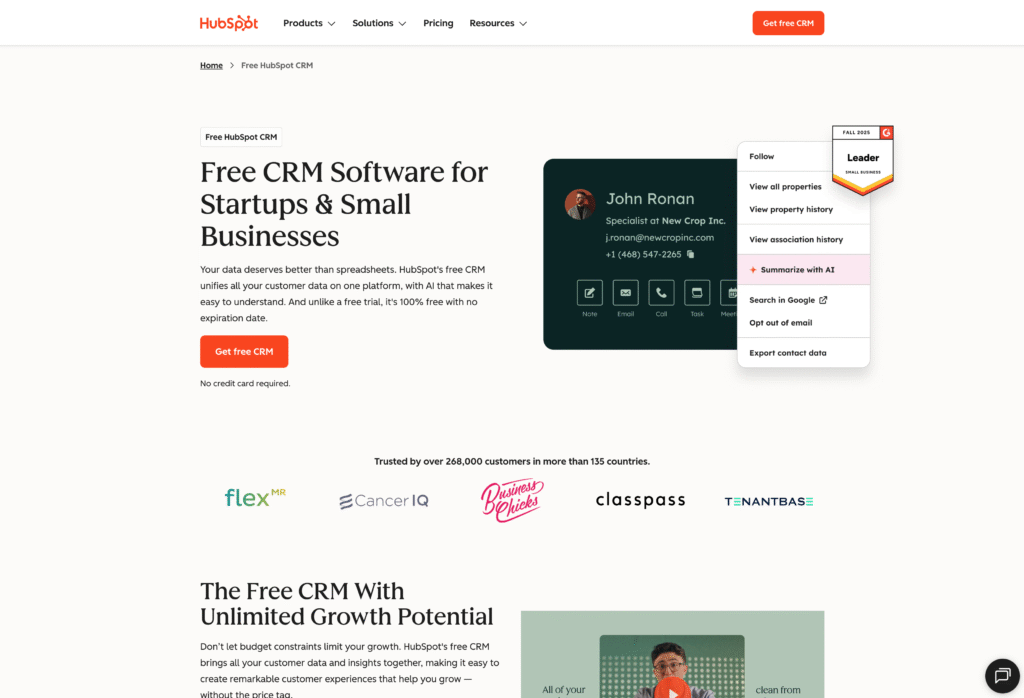
HubSpot is a marketing automation platform with CRM attached. For agencies running inbound campaigns — whether for clients or their own lead generation — the native marketing tools integrate tightly with contact management and deal tracking.
The strength is that email campaigns, landing pages, and lead nurturing all live in the same system as your pipeline. Agencies that sell inbound marketing services often use HubSpot internally because it mirrors what they’re implementing for clients.
What do you get with HubSpot?
- Contact and deal management with activity tracking
- Email marketing and automation workflows built into the platform
- Landing page builder and form tools for lead capture
- Reporting dashboards connecting marketing activities to pipeline
- Free tier available for basic CRM functions
Who is HubSpot best for?
HubSpot fits agencies whose primary service is inbound marketing and want their internal operations to mirror what they deliver to clients. Teams prioritizing email campaigns and lead nurturing over project delivery will find the marketing tools more useful than CRMs that treat marketing as an afterthought.
That said, costs climb significantly at scale, and the ecosystem can feel like lock-in once you’re deep into the platform. Agencies needing heavy customization or post-sale project tracking may find better options elsewhere.
3. Pipedrive — Best for sales-driven agencies wanting visual pipelines
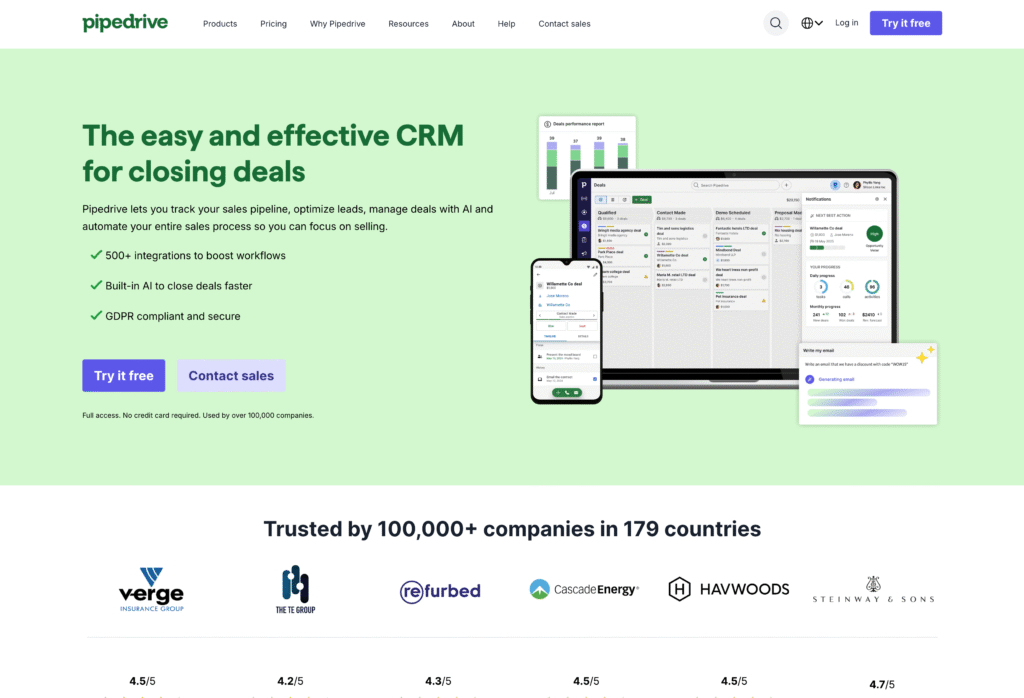
Pipedrive’s primary differentiator is their visual pipeline management system designed for sales teams. The kanban-style interface makes deal progress immediately clear — drag a deal from one stage to the next and everyone sees where things stand.
For agencies with dedicated new business functions, Pipedrive offers clean deal tracking without unnecessary complexity. The straightforward interface also tends to get better adoption from sales reps who resist more complicated systems.
What do you get with Pipedrive?
- Visual drag-and-drop pipeline management
- Activity-based selling with reminders and task tracking
- Email integration and templates for outreach
- Customizable deal stages and fields
- Sales reporting and forecasting dashboards
Note that project management requires a paid add-on — it’s not built into the core platform.
Who is Pipedrive best for?
Pipedrive works well for agencies with dedicated sales teams focused on new business development. If your priority is simple, visual pipeline management without feature bloat, the clean interface delivers exactly that.
That said, agencies needing built-in project management will pay extra for it as an add-on. And those wanting marketing automation alongside CRM will also need to pay extra for their marketing add-on.
4. Zoho CRM — Best for budget-conscious agencies
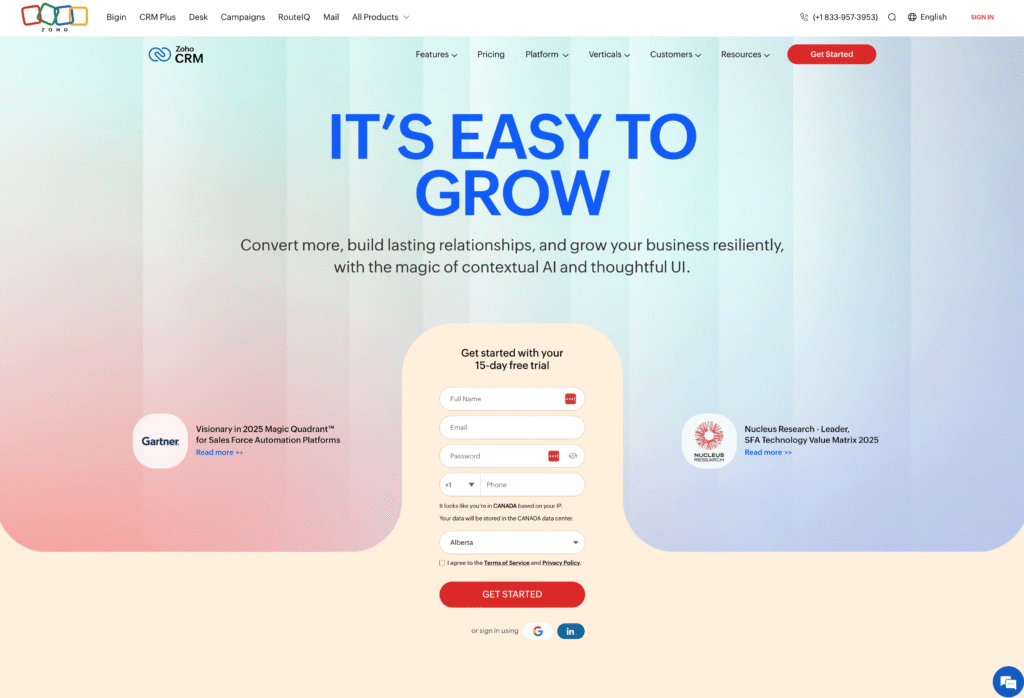
Zoho CRM delivers full-featured contact and deal management at accessible price points. For agencies watching costs, the free tier supports up to 3 users — making it viable for smaller teams that need solid CRM basics without premium pricing.
The broader Zoho ecosystem is worth noting too. If you need project management, invoicing, or other tools, they integrate natively with the CRM.
What do you get with Zoho CRM?
- Contact and deal management with customizable modules
- Workflow automation and assignment rules
- Email integration and basic templates
- Reporting and analytics dashboards
- Free version for teams of 3 or fewer
- Access to Zoho’s broader app ecosystem (projects, invoicing, etc.)
Who is Zoho CRM best for?
Zoho fits small agencies prioritizing cost control who need solid CRM fundamentals. Teams already using other Zoho tools will appreciate the ecosystem integration — everything connects without third-party workarounds.
That said, the interface has a steeper learning curve than some alternatives. And agencies expecting responsive customer support have reported mixed experiences. If intuitive UX out of the box matters to your team, factor in some onboarding time.
5. Monday CRM — Best for project-first teams
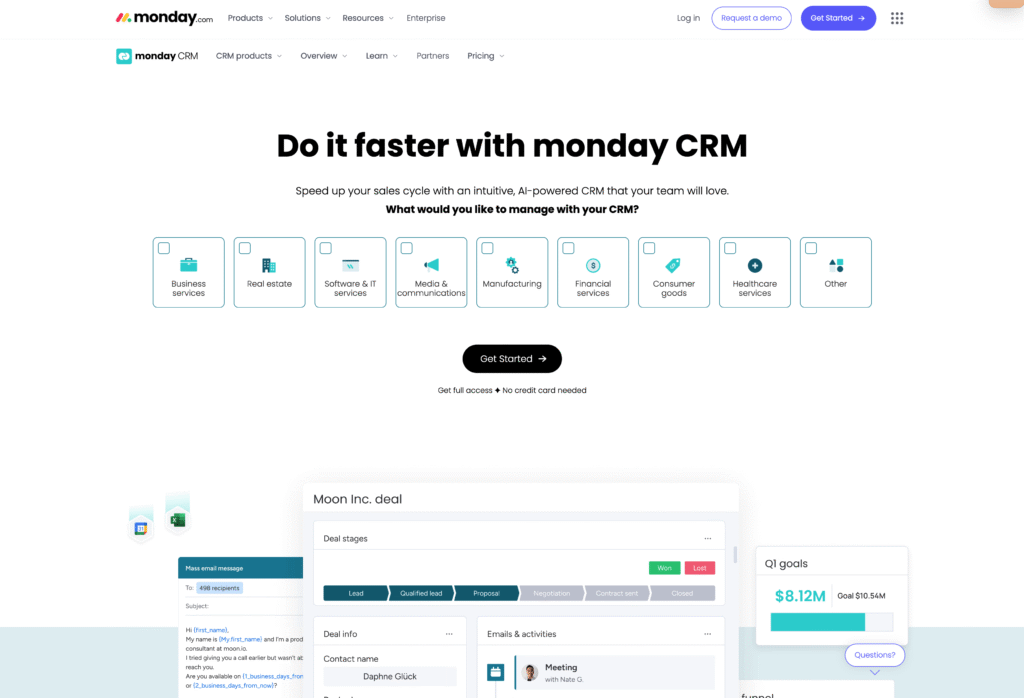
Monday CRM is a project management platform that added sales tracking. For agencies already using Monday for delivery work, working with their CRM means one less tool to manage. It’s the same interface for both projects and pipeline, and the visual board approach carries over from Monday’s project management roots.
What do you get with Monday CRM?
- Visual boards for tracking deals and client relationships
- Customizable pipelines and deal stages
- Task and activity management tied to contacts
- Automations for status updates and notifications
- Native connection to Monday’s project management features
- Dashboards for pipeline visibility
Who is Monday CRM best for?
Monday CRM fits agencies already using Monday for project management who want to consolidate tools. Teams that prioritize visual workflow management across both sales and delivery will appreciate the consistent interface.
That said, Monday’s CRM is an add-on to their core project management product — it’s not a CRM-first platform. Agencies wanting deeper sales functionality may find it lighter than dedicated CRMs.
How to choose the right CRM for your agency
Start with where client relationships currently break down. Is the pain point in sales tracking, project handoffs, marketing automation, or something else? That breakdown point tells you which CRM features actually matter for your team — and which ones you can ignore.
From there, evaluate how each platform handles your specific gap. A CRM built for marketing automation solves different problems than one built for post-sale delivery, even if both technically have “project management” somewhere in the feature list.
For a deeper comparison of how the major CRMs stack up across these criteria, Insightly’s 2025 CRM Comparison Guide breaks down the differences side by side.
Get started with Insightly today
There’s no single best CRM for marketing agencies — there’s only the right one for how your agency works. The breakdown point matters more than the feature list.
For agencies where that breakdown happens between winning work and delivering it, Insightly bridges the gap.
With Insightly, you can:
- Track opportunities through pipeline stages built for your sales process
- Convert closed deals into projects without losing context or client history
- Manage delivery alongside sales in a single system
Explore how it works for agencies like yours.
Subscribe to receive strategies, tech tips, and industry insights, to help your go-to-market team grow with ease.
By submitting this form, you agree to receive email communications from Insightly and accept Insightly’s privacy policy.