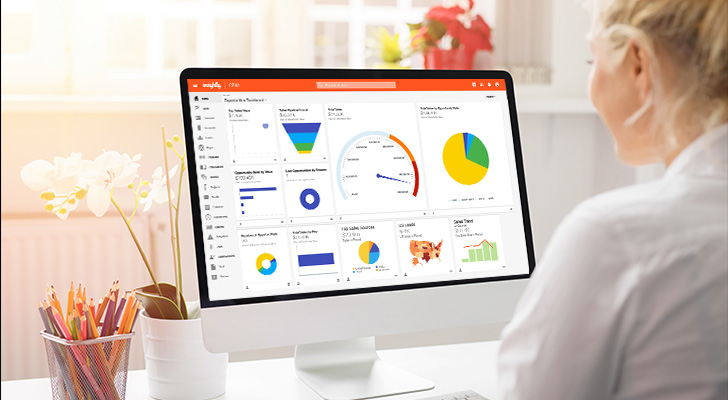

Business development runs on relationships.
But keeping track of those relationships gets messy fast. When you had 20 accounts, a spreadsheet was fine. Now you’re managing 200 prospects, partners, and referral sources, and deals slip through the cracks because nobody remembers who talked to whom last week.
A CRM built for biz dev does more than store contact info.
It captures every touchpoint automatically, surfaces the right follow-up at the right moment, and gives your whole team visibility into what’s actually moving. The difference between a good quarter and a missed target often comes down to whether your system helps you stay on top of relationships (or buries them in data entry).
This guide breaks down what features matter most for business development teams, plus five CRMs worth evaluating and who each one fits best.
What makes a CRM actually work for business development
Not every customer relationship management platform is built with biz dev in mind. Many CRMs prioritize transactional sales or marketing automation first, treating business development workflows as an afterthought. The result? Features that look good on a checklist but don’t match how your team actually works.
Before comparing specific tools, it’s worth understanding the key features that separate a CRM built for biz dev from one that’s been retrofitted for it.
Bulk prospect management and lead routing
Business development means working a high volume of prospects at once. Your contact database needs to handle imports, segmentation, and assignment without turning every batch of new leads into a manual project.
The contact management basics matter — organizing contact data by account, tracking contact details across multiple stakeholders, segmenting lists without exporting to spreadsheets.
But the real efficiency gains come from what happens after leads enter the system. Look for automatic lead routing that gets prospects to the right sales reps fast:
- Territory-based assignment that matches leads to regional owners
- Company size or industry rules that route enterprise prospects differently than SMB
- Round-robin distribution that balances workload across the team
When a lead sits untouched for three days because nobody knew it was theirs, that’s a system failure.
Automatic activity logging
Manual data entry kills CRM adoption. If your team has to log sales activities by hand — every email, call, and meeting — they won’t do it consistently. And inconsistent data is almost worse than no data.
A modern CRM should sync automatically with your email (Gmail or Outlook) and calendar to capture communication history without extra steps. This matters because biz dev relationships tend to unfold over months (or years). When you pick up a conversation six months later, you need the full history without digging through old threads.
Activity logging also feeds your reporting. You can’t measure outreach velocity or touchpoint frequency if reps skip the repetitive tasks of recording what they did.
Pipeline visibility with customizable stages
Your biz dev sales pipeline probably doesn’t look like a standard sales funnel. Strategic partnerships, channel deals, and direct sales each move through different stages — and lumping them together obscures more than it reveals.
Look for a CRM with strong pipeline management that lets you create multiple pipelines with custom stages. Your partnership pipeline might track relationship building, proposal, and contract negotiation while direct sales follows a different sales process entirely.
Visual pipeline views (kanban boards, stage-based lists) help you spot stalled deals at a glance. That relevant data makes it easier to prioritize where to focus and make informed decisions about forecasting.
Post-sale handoff capability
Business development doesn’t end at closed-won — especially for professional services firms, agencies, and B2B companies where customer relationships continue into delivery.
Some CRMs let you convert a closed opportunity directly into a project or account record, carrying over all client data so delivery teams don’t start from scratch. This matters because dropped handoffs damage relationships. The biz dev rep promised something specific, and now the implementation team has no record of what was discussed.
If your sales cycle extends into onboarding, implementation, or ongoing services, look for deal-to-project conversion that keeps context intact and enables personalized service from day one.
5 best CRMs for business development teams
Each CRM below serves a different type of team. The “best” choice depends on your company size, technical resources, and how biz dev fits into your broader go-to-market motion. Here’s who each platform works for (and where it may fall short).
1. Insightly — best for mid-market teams that need fast implementation
Insightly is purpose-built for mid-market companies that have outgrown starter CRM software but don’t need enterprise complexity. It combines CRM with optional marketing automation and service management on a shared database, so your biz dev team works from the same customer records as everyone else.
What do you get with Insightly?
Here’s what makes Insightly stand out as a centralized platform for business development:
- Deal-to-project conversion — Close a deal and instantly create a linked project record with full context carried over. Especially valuable for professional services or agency biz dev where closing deals is just the start of the relationship.
- No-code customization — Build the exact workflow automation you need without developers. Custom pipelines, fields, and objects your ops team can manage without waiting on IT.
- AppConnect integrations — Connect to 1,000+ apps through a no-code builder, linking your CRM to email, marketing automation, ERP, and whatever else your team already uses.
- Speed to value — Most teams get Insightly running in weeks, not months. No lengthy implementation projects or mandatory consultant engagements.
Who is Insightly best for?
Insightly fits mid-market biz dev teams that want real customization without enterprise overhead. Professional services firms, agencies, and B2B companies that need deal-to-project handoffs and self-service administration should take a serious look.
It’s less ideal for large enterprises with 1,000+ CRM users with virtually unlimited resources to build deep customizations managed by a dedicated internal dev team. Insightly is the right CRM for teams that want power without complexity — not maximum configurability at any cost.
At the same time, that doesn’t mean Insightly isn’t still one of the most customization-friendly CRMs available. And you won’t need dedicated dev resources just to add new custom fields like some of the alternatives on the market.
2. Salesforce Sales Cloud — best for enterprises with dedicated admin resources
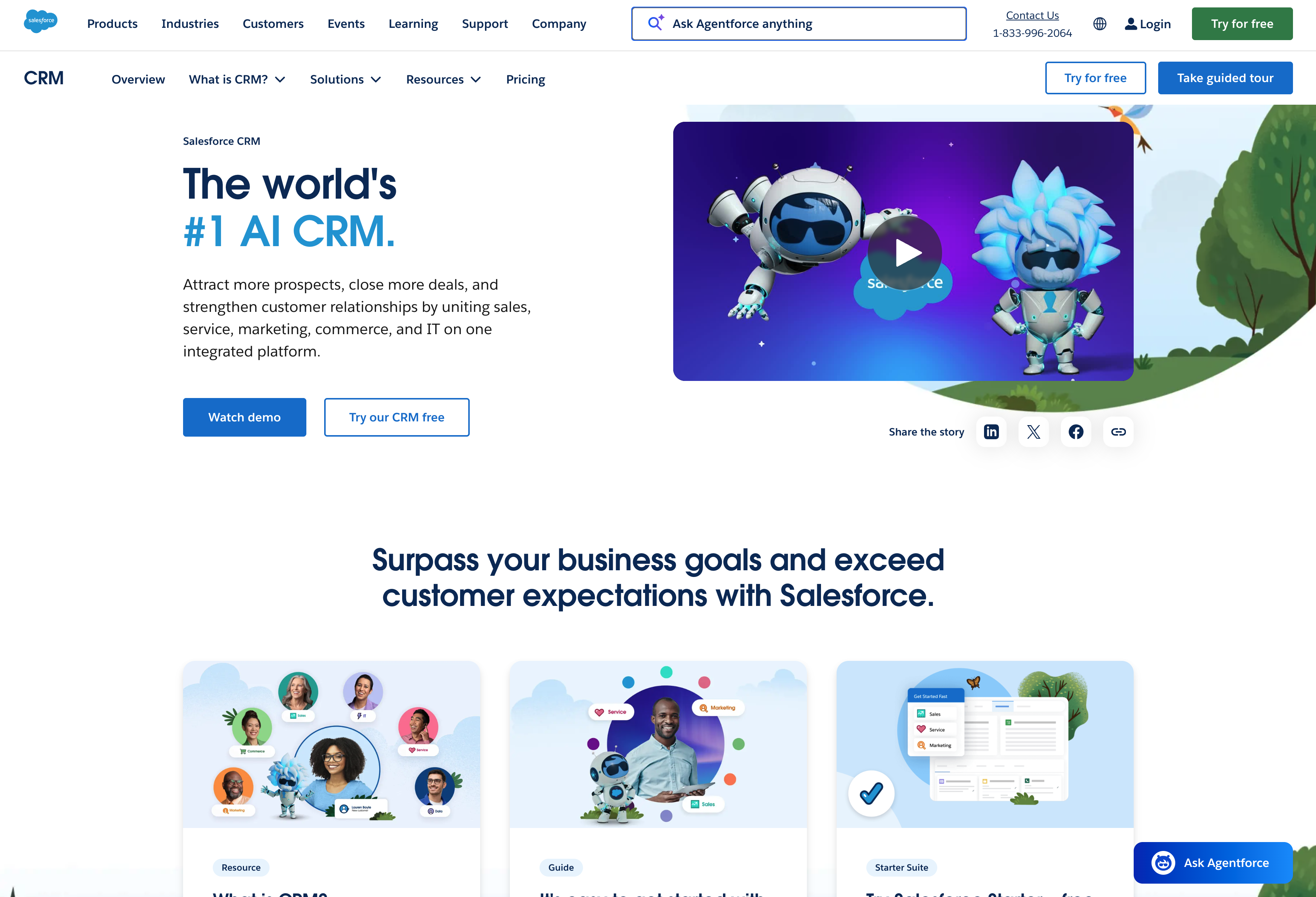
Salesforce is the default CRM system for large organizations, and for good reason. As one of the most popular CRM platforms available, it can do almost anything you need. But that flexibility comes with complexity and cost that only makes sense if you have the internal resources to manage it.
What do you get with Salesforce?
Salesforce delivers advanced CRM features for teams with technical resources to configure them:
- Massive customization potential — Custom objects, complex automation, advanced reporting, and deep workflow logic. If off-the-shelf CRM tools can’t handle your requirements, Salesforce can probably be configured to do it.
- Ecosystem and integrations — Thousands of apps on AppExchange plus native connections to most enterprise tools. If a tool exists, it likely connects to Salesforce.
- Business intelligence and reporting — Detailed analytics, forecasting, and dashboards that slice data however you need — assuming someone on your team knows how to build them.
- Enterprise security and compliance — Robust permissioning, audit trails, and certifications that large organizations require.
These advanced capabilities come at a cost, though (both in dollars and complexity).
Who is Salesforce best for?
Salesforce fits large enterprises with dedicated admin staff (or budget for ongoing consultant support) and complex, multi-department CRM needs. If your company already runs Salesforce for other functions, adding biz dev workflows keeps everything in one place.
It’s less ideal for mid-market sales teams without dedicated admins. Salesforce’s “Essentials” tier still carries enterprise architecture at its core — you can’t simplify it through pricing alone. Implementation typically takes months, and most companies end up hiring consultants for initial setup.
Recommended reading: Insightly vs Salesforce: Which is best for you?
3. HubSpot Sales Hub — best for marketing-led growth teams
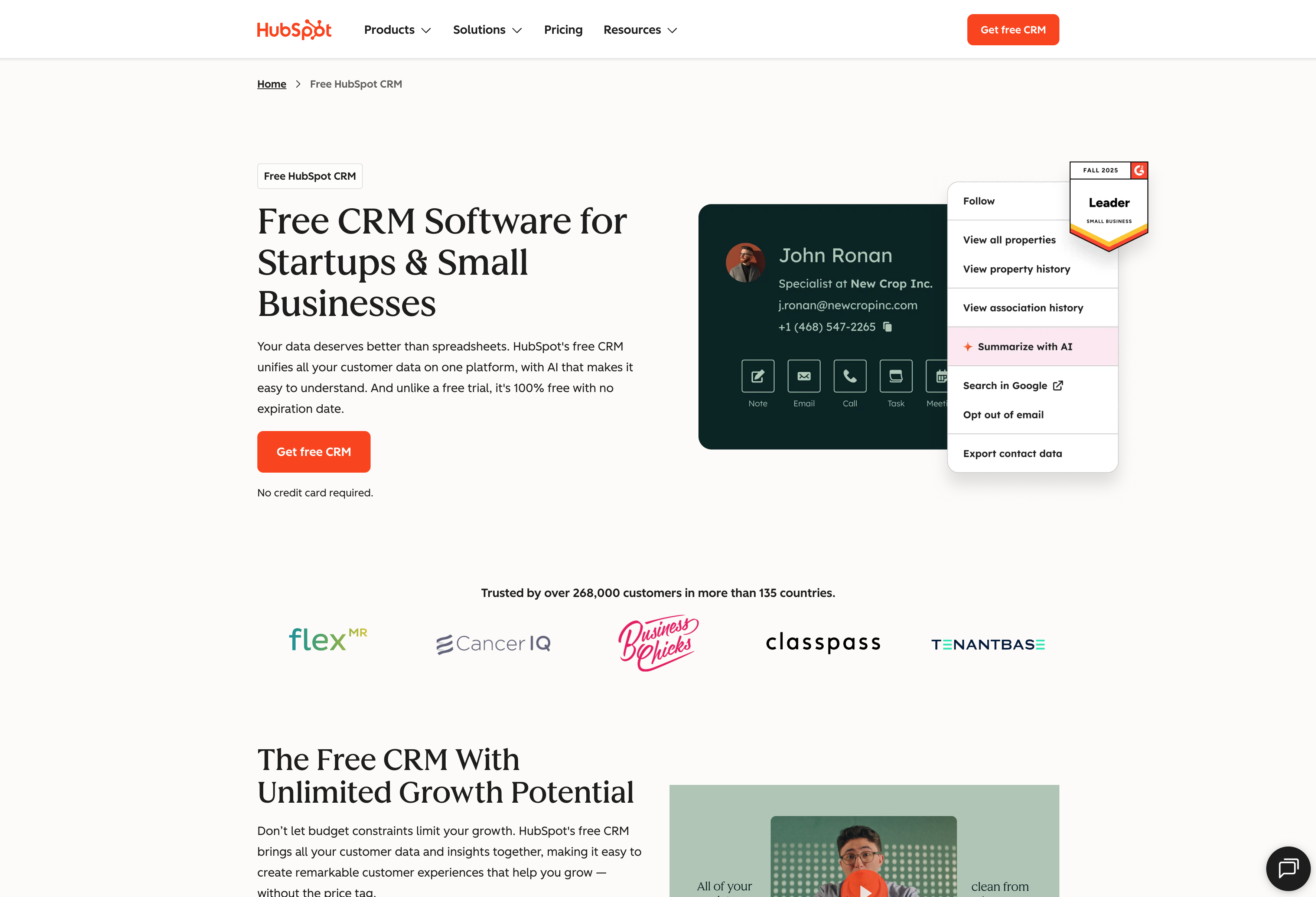
HubSpot started as a marketing automation platform and added sales features over time — which shapes how it works best. The tight integration between marketing and sales is its biggest strength (and its biggest constraint). If your biz dev team follows up on inbound leads generated by marketing campaigns, HubSpot keeps the full customer’s journey visible.
What do you get with HubSpot?
HubSpot offers strong marketing tools alongside its CRM:
- Marketing-to-sales continuity — Track prospects from first website visit through closed deal. Campaign attribution and lead scoring are built in, so you know which marketing efforts drive real pipeline.
- Free CRM tier — HubSpot’s free version is genuinely useful for small teams testing the waters. You get contact management, deal tracking, and basic pipeline views at no cost.
- Sequences and automation — Email sequences, task automation, and workflow triggers help biz dev reps nurture leads and stay on top of follow-ups without manual tracking.
- Unified platform option — Marketing Hub, Sales Hub, and Service Hub share the same database, keeping teams on the same page with consistent customer data.
The platform works well when marketing and sales are tightly aligned.
Who is HubSpot best for?
HubSpot fits companies where marketing drives most of the pipeline and biz dev’s job is converting marketing-qualified leads. If your team tracks campaign attribution and follows up on content downloads, the handoff from marketing is seamless.
It’s less ideal for outbound-heavy biz dev teams or companies where sales operates independently from marketing. HubSpot’s DNA is inbound-first, and it shows in how the product is structured. Also, as you scale, pricing climbs quickly — the features biz dev teams need (sequences, custom reporting, multiple pipelines) live in paid tiers that can rival Salesforce.
Recommended reading: Insightly vs HubSpot: Which is best for you?
4. Pipedrive — best for small teams focused purely on pipeline
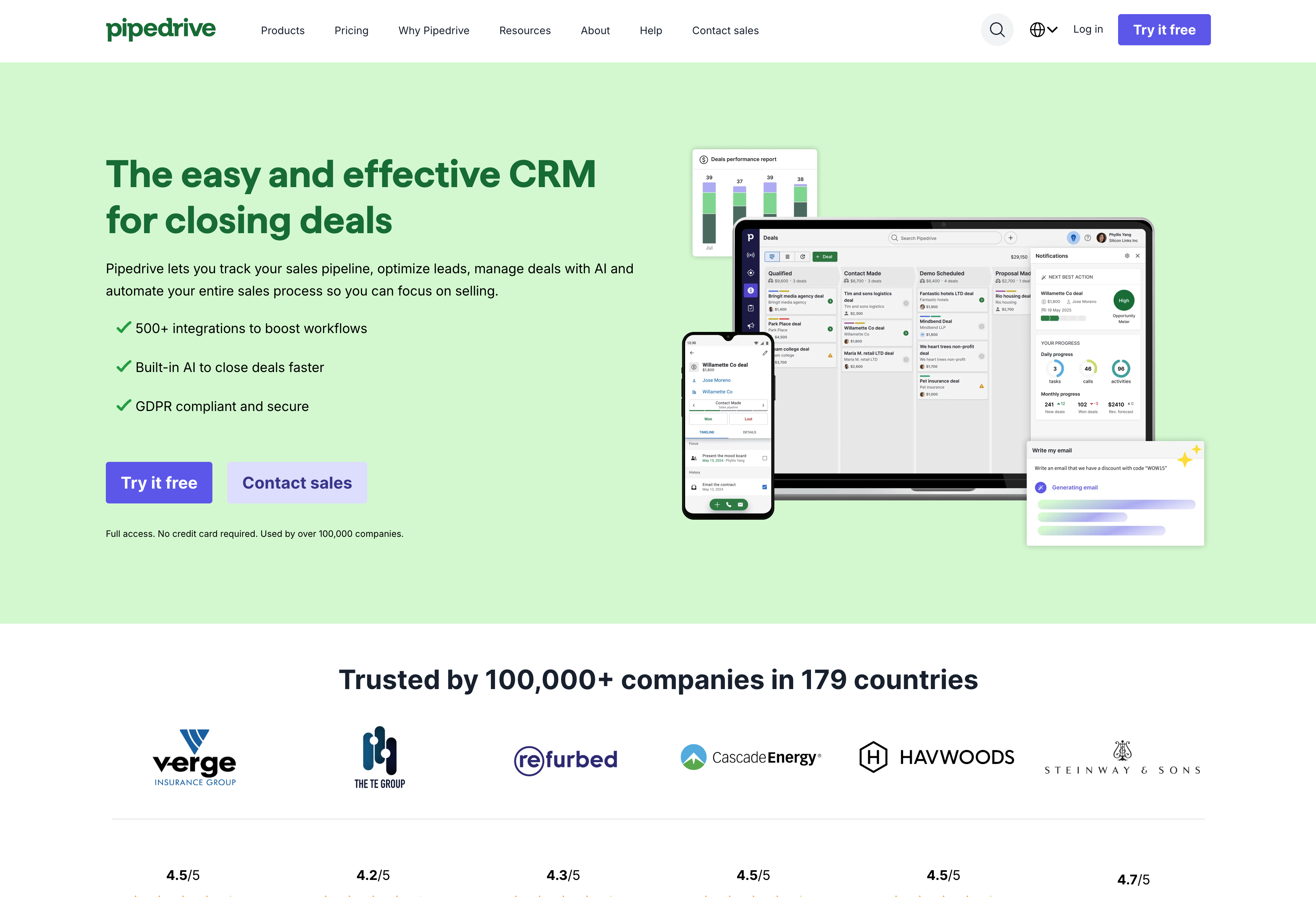
Pipedrive was built by salespeople who wanted a simple, visual way to manage deals — and it shows. The intuitive interface prioritizes ease of use over feature depth, making it a solid choice for small businesses running a straightforward sales motion.
What do you get with Pipedrive?
Pipedrive keeps things focused on pipeline execution:
- Visual pipeline management — The drag-and-drop pipeline is genuinely well-designed. Clear stage progression, deal cards with key info visible, and a user interface that doesn’t require training to understand.
- Activity-based selling — Pipedrive emphasizes scheduling and completing sales activities (calls, emails, meetings) rather than just tracking deal stages. It keeps reps focused on the next follow up action.
- Transparent pricing — More affordable than enterprise options, with per-user pricing that doesn’t hide essential features behind expensive tiers.
- Quick setup — Minimal configuration required. You can have a functional pipeline running within hours, not weeks.
For teams that need basic CRM features without complexity, Pipedrive delivers.
Who is Pipedrive best for?
Pipedrive fits small biz dev teams (under 10 people) running a relatively simple sales motion who value ease of use over feature depth. If your process is prospect → qualify → propose → close without a lot of complexity, Pipedrive handles it cleanly.
It’s less ideal for growing teams that will need more sophisticated workflows within the next 1-2 years. Limited customization compared to mid-market options means you’ll hit Pipedrive’s ceiling as your business grows. Switching CRMs later is painful — finding the right CRM software early saves headaches down the road.
Recommended reading: Insightly vs Pipedrive: Which is best for you?
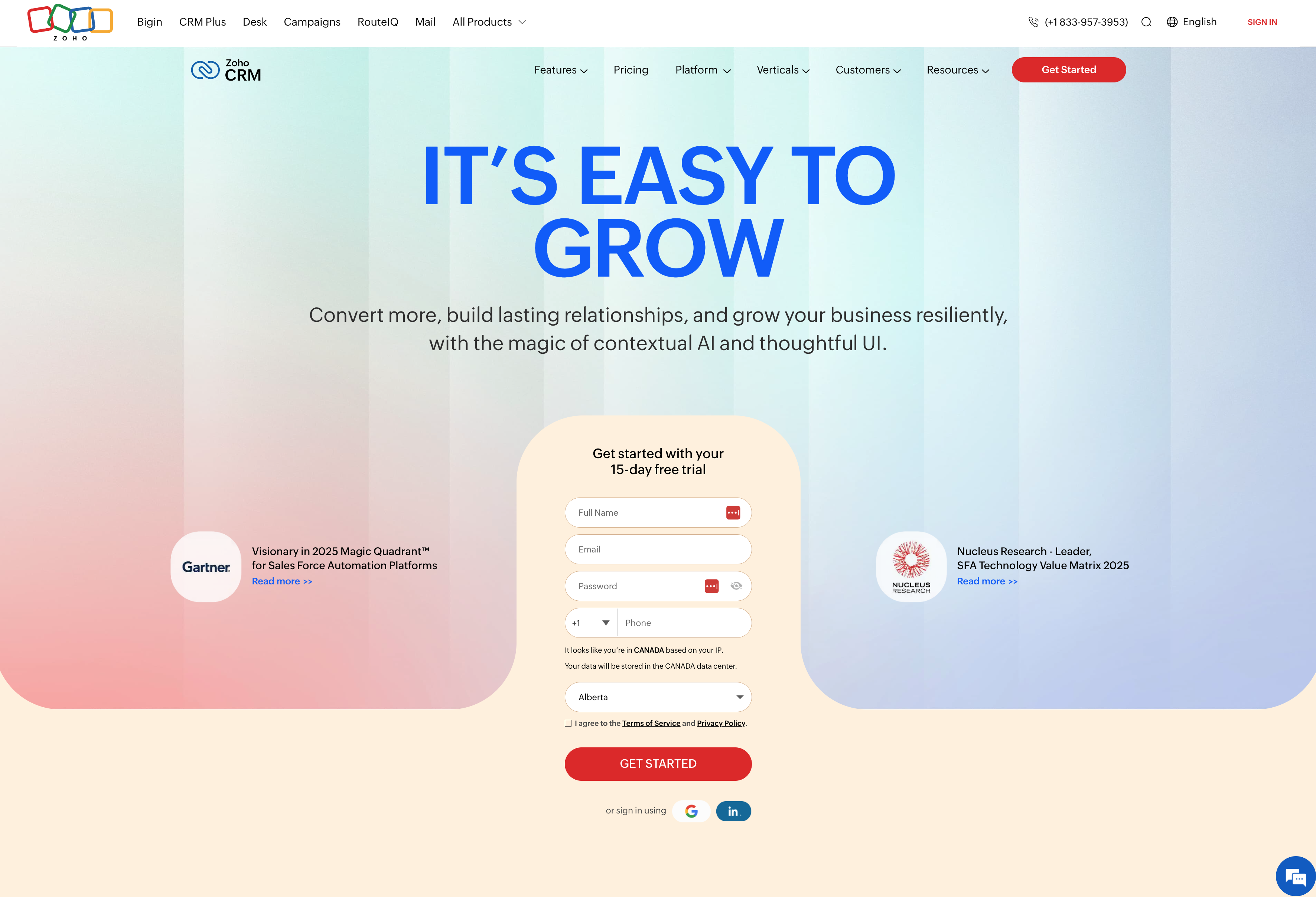
5. Zoho CRM — best for budget-conscious teams wanting flexibility
Zoho offers a lot of CRM for the price — it’s one of the more affordable CRM solutions that still includes meaningful customization. If budget is a primary constraint but you need more than a basic tool, Zoho is worth considering as you search for the best CRM fit.
What do you get with Zoho?
Zoho packs features into lower price points:
- Feature depth at lower cost — Pipeline management, workflow tools to automate repetitive tasks, reporting, and customization at a price below most competitors. You’re not sacrificing core functionality to save money.
- Zoho ecosystem — If you’re already using Zoho for email, projects, or analytics, adding CRM is straightforward. The apps share CRM data and work together reasonably well.
- AI tools (Zia) — Zoho includes AI-powered predictions and suggestions, though usefulness varies depending on your data volume and use case.
- Multiple editions — From free tier to enterprise, with incremental feature additions at each level. You can start small and upgrade as needs grow.
For teams watching every dollar, Zoho covers the basics and then some.
Who is Zoho best for?
Zoho fits budget-constrained teams that need more than a basic CRM but can’t justify Salesforce or HubSpot pricing. It also works well for companies already using other Zoho products where ecosystem integration supports their business processes.
It’s less ideal for teams that prioritize UX and ease of adoption. The interface can feel dated compared to newer CRMs, and some users report a steeper learning curve. If your biz dev reps resist tools that feel clunky, Zoho may struggle with adoption — which ultimately hurts customer experience and business growth despite the feature set.
Recommended reading: Insightly vs Zoho: Which is best for you?
Who uses a CRM on a business development team?
A growing business typically has several roles on a sales team. Account executives are senior salespeople who close new business, often supported by junior sales reps who help work leads and develop them into opportunities over time. These junior reps are commonly called Business Development Representatives (BDRs), Sales Development Representatives (SDRs), or Marketing Development Representatives (MDRs) — lower-cost team members who make senior reps more efficient by handling early-stage prospecting.
BDRs, SDRs, and MDRs are heavy CRM system users. They’re either working leads delivered by the marketing team or doing cold outreach to find new prospects. They enter data daily and move leads through qualification stages — which means the CRM you choose directly affects their productivity and the quality of data flowing to the rest of the team.
Your development reps should be thoroughly trained on the CRM and become expert users as part of their initial onboarding. Since they’re often the first point of contact with prospects, the data they enter needs to be accurate. A CRM that’s difficult to use or requires too many manual steps will hurt adoption — and incomplete data downstream.
Start building your biz dev pipeline with Insightly
The right CRM for your biz dev team depends on your size, complexity, and where you’re headed. But speed to value matters more than feature checklists — a system your team actually uses beats a powerful tool that collects dust.
If you’re a mid-market company that needs real customization without enterprise overhead, Insightly gives you pipeline management, deal-to-project handoffs, and no-code integrations in a system your team can run themselves.
With Insightly, you can:
- Track every prospect and deal from first touch to closed-won
- Convert closed deals into projects without losing context
- Connect your CRM to the tools you already use — no developers required
- Get your team up and running in weeks, not months
Ready to see how it fits your workflow?
Start a free trial or request a personalized walkthrough.
Common questions about CRMs for business development
Still weighing your options? Here are answers to questions we hear often from biz dev teams evaluating CRM software.
What’s the difference between a CRM and business development software?
“Business development software” is a broad category that can include CRMs, prospecting tools, partnership management platforms, contract management systems, and more. A CRM is one piece of the puzzle — not the whole thing.
A CRM specifically manages your contacts, tracks interactions, and moves deals through your pipeline. Other biz dev tools might focus on lead sourcing, outreach automation, or document workflows. For most business development teams, the CRM serves as the central hub that connects to those specialized tools.
Do small businesses need a dedicated CRM for business development?
If you’re tracking more than a handful of active prospects, yes. Spreadsheets break down quickly when you need to see relationship history, assign follow-ups across a team, and forecast pipeline accurately.
The threshold varies, but most teams hit CRM territory around 50+ active prospects or 3+ people working deals simultaneously. Starting with a CRM early — even a simple one — prevents painful data migration later when you’ve outgrown your spreadsheet and need to manage leads at scale. The cost of switching systems mid-growth is almost always higher than starting right.
How long does CRM implementation typically take?
It depends entirely on the platform and your complexity. Simpler CRMs like Pipedrive or Insightly can be running within days to weeks. Enterprise platforms like Salesforce often take months.
The biggest time sink usually isn’t the software setup — it’s migrating existing data, configuring custom fields, and training your sales teams to actually use it. Implementation costs go beyond licensing fees, so factor in the internal time investment too.
If implementation speed matters, prioritize CRMs with self-service setup and avoid platforms that require consultant-led deployments to get the right CRM running.