Top 6 best CRMs for Google Workspace for 2026
If you’re running your business on Google Workspace, you’ve probably tried managing customer relationships with a patchwork of Sheets, Contacts, and Gmail labels.
And you’ve probably hit the wall where that stops working.
The right CRM plugs directly into your Google stack so your team can manage deals, track conversations, and update records without switching tabs or copying data by hand.
In this guide, we’ll break down what to look for in a Google Workspace CRM and compare six options worth considering.

TABLE OF CONTENTS
SHARE


INSIGHTLY TEAM
» More blog posts by INSIGHTLY TEAM
Why Google Workspace users need a dedicated CRM
Google Workspace handles communication and collaboration well, but it doesn’t include a native CRM—and the workarounds only stretch so far.
Spreadsheets can hold contact information, but they can’t log emails automatically, send follow-up reminders, or show you where deals are stuck.
And Gmail search can find old threads, but it can’t piece together the full history of a customer relationship across your whole team. You end up juggling multiple tools, re-entering duplicate data, and losing track of customer interactions that matter.
A dedicated CRM built to work with Google Workspace closes these gaps.
It syncs your contacts, calendars, and emails into one view—without forcing you to abandon the tools your team already uses. The goal isn’t to replace Google Workspace—it’s to make it work harder for customer relationship management.
What to look for in a CRM for Google Workspace
Not all Google Workspace integrations are created equal. Here’s what separates a CRM that actually fits your workflow from one that just checks the “integrates with Google” box.
Integration depth matters more than integration claims
Every CRM on this list integrates with Google Workspace to some degree, but the depth varies wildly. Some just sync contacts, while others let you manage your entire pipeline from inside Gmail.
The features worth testing:
- Two-way sync, so changes in your CRM update Google and vice versa
- Automatic email logging without manual forwarding
- Google Calendar integration that creates CRM activities from meetings
- Google Drive linking that attaches files directly to records
If those pieces aren’t in place, you’ll spend more time maintaining the integration than benefiting from it.
Here’s the real test:
Can your team do their core CRM work without leaving Google apps?
If they’re constantly switching tabs to update records or check deal status, adoption will suffer. The best integrations connect seamlessly enough that your team barely notices they’re using a separate tool.
Implementation speed and adoption rates beat feature lists
The most feature-packed CRM software in the world won’t help if your sales teams refuse to use it. And that’s more common than you’d think—**94% of sales professionals use less than 75% of their CRM’s available features**.
When you’re evaluating options, dig into the implementation timeline.
- Does setup take weeks or months?
- Will you need consultants or technical resources to get started?
- What does onboarding look like for non-technical users?
A CRM that’s live in two weeks with 80% team adoption beats a “comprehensive” platform that takes six months to deploy and gets used by three people. Advanced features mean nothing without a user-friendly interface that your team will actually open every day.
No-code customization keeps your team in control
Your sales process isn’t identical to every other company’s, so your CRM system shouldn’t force you into a rigid default setup.
Look for no-code automation tools that let you create custom fields, build workflows that handle repetitive tasks, and add integrations without filing IT tickets or hiring consultants.
The difference matters most as you scale—when your business processes change, you need to update your CRM platform in hours, not quarters. If every customization requires developer time, you’ll either stop adapting the system to fit your specific business processes or stop using it altogether.
The best customizable CRMs put that control in the hands of your ops team, not your engineering backlog.
6 best CRMs for Google Workspace (and who each is best for)
Here’s our breakdown of six CRMs that work well with Google Workspace, including who each one fits best—and who might want to look elsewhere.
1. Insightly—Best for mid-market teams that need flexibility without complexity
Insightly sits in the middle ground between basic CRMs you’ll outgrow and enterprise platforms that require dedicated administrators. That makes it a strong fit for growing teams on Google Workspace who need room to scale without drowning in configuration.
The platform connects to your Google stack through AppConnect, a no-code integration builder, so you’re not waiting on IT or paying for custom development work.
What do you get with Insightly?
- Full pipeline management with customizable stages and deal tracking linked to your Google Calendar and Gmail activity
- AppConnect integrates with 1,000+ apps without code—including native Google Workspace connections that sync contacts, log emails automatically, and link Drive files to records
- AI Copilot lets your team interact with CRM data through natural language instead of clicking through menus
- Deal-to-project conversion carries customer data from closed-won through delivery without re-entering information
Who is Insightly best for?
Mid-market teams who’ve outgrown entry-level tools but don’t want the implementation overhead of Salesforce. Companies that need custom fields, workflows, and integrations but don’t have dedicated CRM administrators or developer resources on staff.
It may not be the perfect choice for enterprise organizations with complex, multi-division requirements (and unlimited resources to build a custom setup) or very early-stage startups without an established sales process yet.
2. Copper—Best for teams that live entirely in Gmail
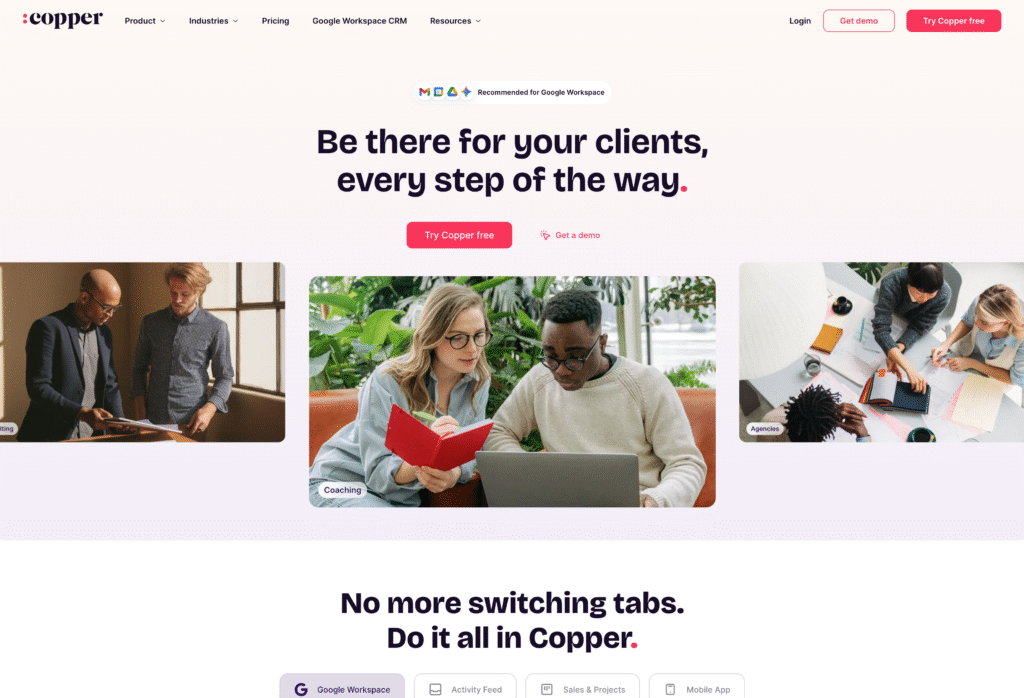
Copper was built specifically for Google Workspace and it shows. The integration is as tight as you’ll find anywhere, with the CRM essentially living inside your Gmail sidebar. If your team’s entire workflow happens in Gmail and you want the lowest possible friction, Copper deserves a close look.
What do you get with Copper?
- Purpose-built for Google Workspace, which makes it a solid choice for smaller businesses looking for a CRM as close to “built into Gmail” as it gets
- CRM sidebar embedded directly in Gmail—view contact details, deal status, and activity history without opening a separate tab
- Automatic contact creation and email logging with minimal setup
- Google Drive integration that links files to contact and deal records
- Pipeline management with drag-and-drop interface
Who is Copper best for?
Small teams (under 50) whose entire sales process happens through Gmail and who prioritize simplicity over customization. Businesses that want the fastest possible implementation with minimal training.
May not be ideal for teams that need deep customization, complex workflows, or integrations beyond email management. Copper’s tight Gmail focus can feel limiting as you scale.
3. HubSpot CRM—Best for teams prioritizing marketing automation
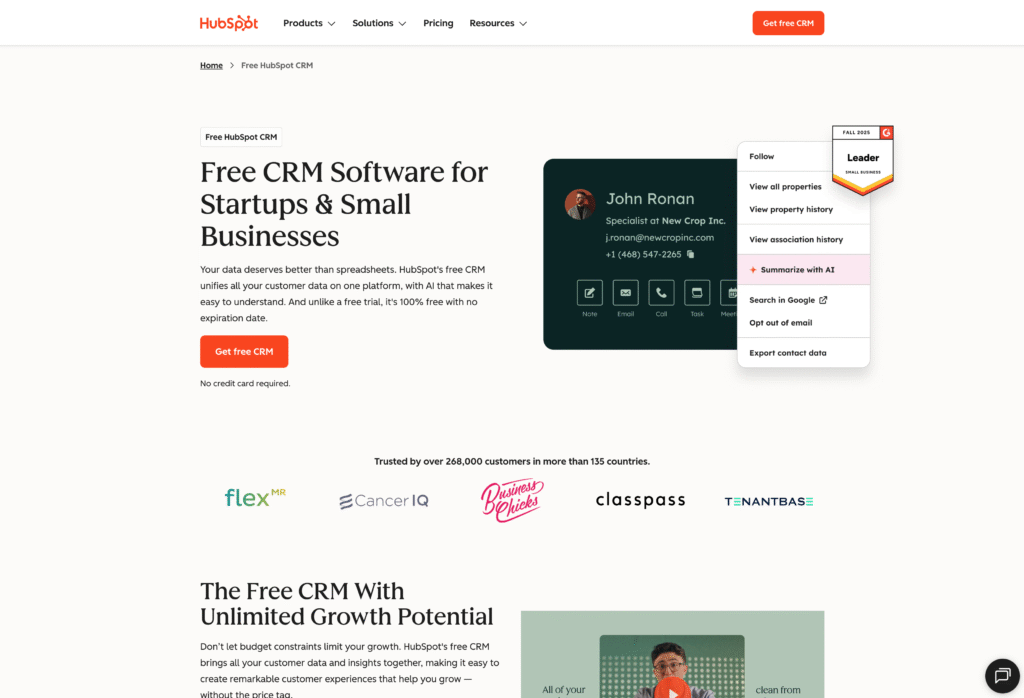
HubSpot’s free CRM tier is genuinely useful, and the platform’s real strength is connecting sales activity to marketing automation. If you’re already running campaigns through HubSpot Marketing, the CRM is a natural extension—your sales and marketing data lives in the same place.
Google Workspace integration covers the basics: email tracking, calendar sync, and contact management.
What do you get with HubSpot CRM?
- Free tier includes contact management, deal tracking, and email templates with Google Workspace sync
- Email tracking shows when contacts open messages and click links
- Google Calendar integration syncs meetings and supports booking links
- Built-in connection to HubSpot’s marketing, service, and operations hubs (paid upgrades)
Who is HubSpot best for?
HubSpot makes the most sense for teams already using their marketing tools who want sales and marketing data in one place. It’s also a reasonable starting point for companies that want to begin with a free CRM and add paid features as they grow—just budget carefully for those upgrades.
That said, it may not be the best option for mid-market teams that need custom objects, complex workflows, or deep integrations. HubSpot’s pricing escalates quickly once you move beyond basic features, and enterprise-level customization requires their higher tiers.
4. Streak—Best for solopreneurs who never leave Gmail
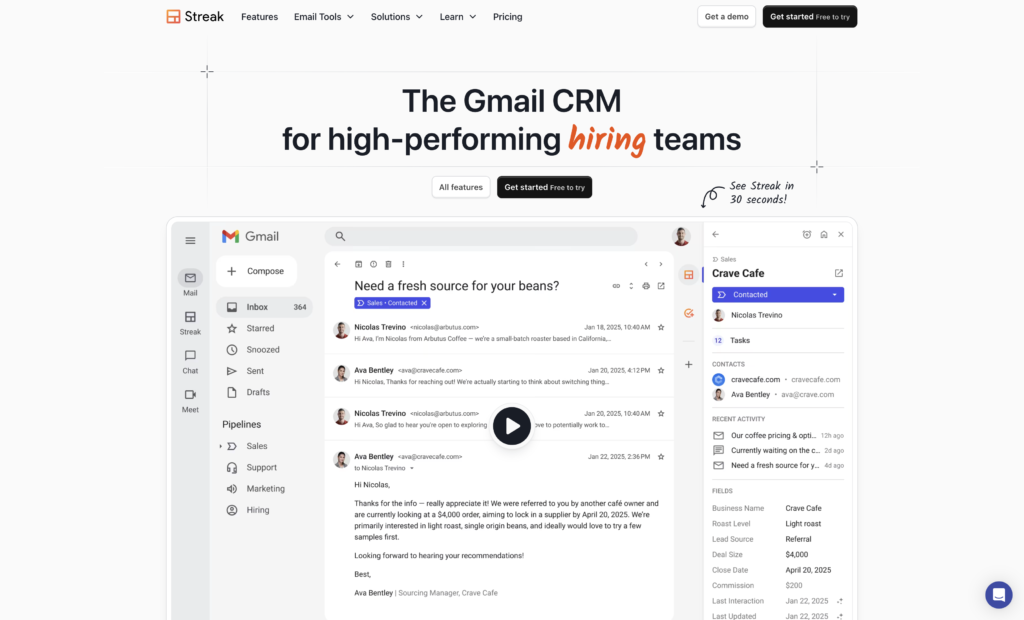
Streak turns Gmail itself into a CRM by adding pipeline views, mail merge, and contact management directly to your inbox.
There’s no separate application to learn—the CRM lives inside Gmail as a Chrome extension. For individuals or tiny teams who want zero context-switching, it’s the most Gmail-native option on this list.
What do you get with Streak?
- Pipeline management built directly into the Gmail interface—see and update deals without leaving your inbox
- Mail merge for sending personalized bulk emails
- Email tracking and snippets (saved templates)
- Free tier available for basic use with limited pipelines
Who is Streak best for?
Solopreneurs, freelancers, and very small teams (under 10) who want the simplest possible CRM. It works well for users who genuinely never want to leave Gmail and don’t need robust reporting or automation.
Of course, the trade-off is that growing teams that need collaboration features, complex workflows, or integrations with tools outside Google will hit Streak’s ceiling quickly. Simplicity becomes a limitation when your process gets more sophisticated.
5. Zoho CRM—Best for budget-conscious teams with technical resources
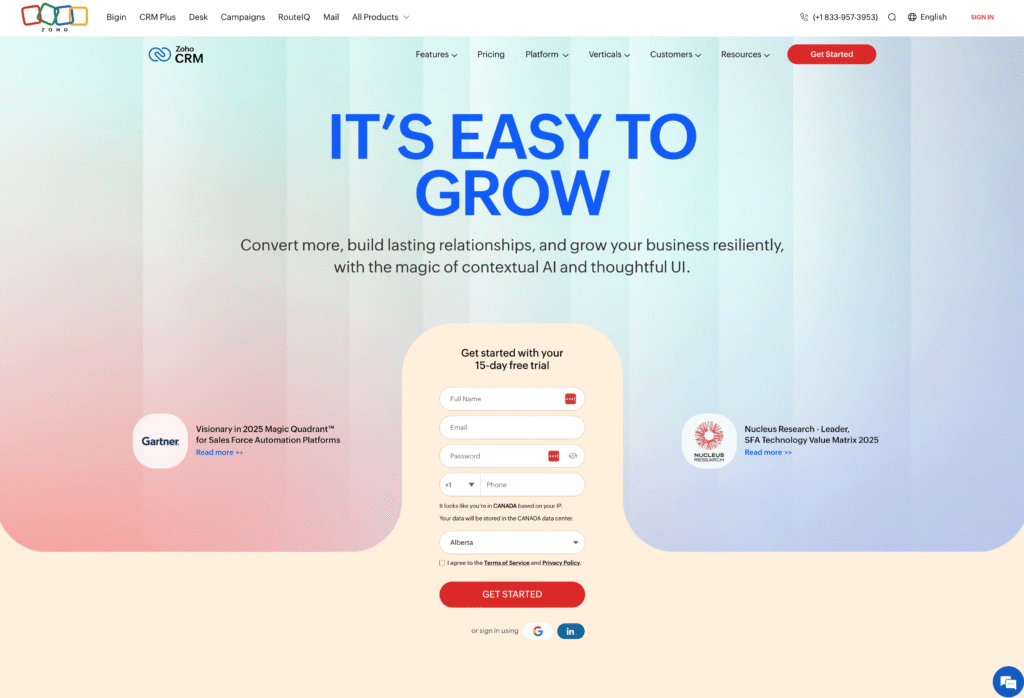
Zoho CRM packs significant functionality at lower price points than most competitors, and the Google Workspace integration covers essential sync features. The trade-off is complexity—getting the most out of Zoho typically requires more setup time and technical comfort than simpler alternatives.
What do you get with Zoho CRM?
- Contact and deal management with Google Workspace sync (contacts, calendar, email)
- Workflow automation and custom modules
- AI assistant (Zia) for predictions and suggestions
- Part of the broader Zoho ecosystem with 40+ integrated apps
Who is Zoho best for?
Budget-conscious teams willing to invest time in setup and configuration to save on per-user costs. It’s also a natural fit for companies already using other Zoho products who want ecosystem integration across their tools.
That said, teams without technical resources for initial setup may struggle. Zoho’s flexibility comes with a steeper learning curve, and the interface can feel cluttered compared to purpose-built alternatives.
6. Pipedrive—Best for sales teams that want visual pipeline management
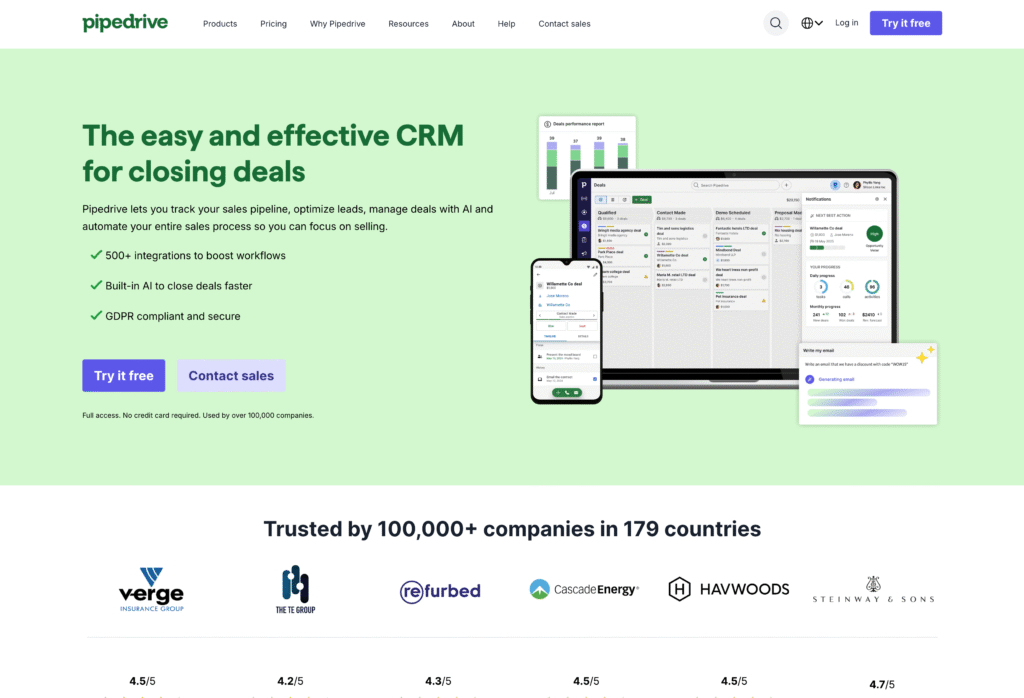
Pipedrive is built around a visual, drag-and-drop pipeline that makes deal stages immediately clear. Sales reps can see exactly where every opportunity stands at a glance, which keeps the focus on moving deals forward rather than navigating menus.
What do you get with Pipedrive?
- Visual pipeline with drag-and-drop deal management
- Activity-based selling approach with reminders and task tracking
- Google Workspace sync for contacts and Google Calendar events
- Email integration (some features require add-ons or higher tiers)
Who is Pipedrive best for?
Pipedrive works for sales-focused teams that prioritize pipeline visibility and want a clean, visual interface. It’s particularly well-suited for companies with straightforward sales processes and clearly defined deal stages.
Teams that need robust Google Workspace integration beyond basics should look closely at the add-on requirements. Pipedrive’s email features often require upgrades, and the platform is less deeply integrated with Google than Copper or Insightly.
Why thousands of companies trust Insightly as their CRM
So which CRM actually fits a Google Workspace team?
Insightly hits the middle ground most mid-market teams are looking for with real integration depth, no-code flexibility, and implementation timelines measured in weeks.
You get room to grow without the consultant dependency of enterprise platforms or the scaling walls of starter tools.
With Insightly, you can:
- Sync your Google Workspace data automatically (contacts, calendar, email) into a single CRM view
- Build custom integrations through AppConnect without writing code or waiting on IT
- Get your team live in weeks, not months—with adoption rates that stick
Ready to see how Insightly fits your workflow?
Start a free trial or request a demo to see the platform in action.
Subscribe to receive strategies, tech tips, and industry insights, to help your go-to-market team grow with ease.
By submitting this form, you agree to receive email communications from Insightly and accept Insightly’s privacy policy.