The 7 best CRMs for marketing teams in 2026 (compared)
If you’re a marketer evaluating CRM tools, you’ve probably noticed most “best CRM” lists are written for sales teams.
Pipeline this, deal tracking that…
The reality is, marketing teams have different priorities. You want to know which campaigns actually drive revenue, which lead sources convert, and what happens to prospects after you hand them to sales.
The wrong CRM leaves you guessing. The right one shows you the full customer journey—from first touch to closed deal.
In this guide, we’ll compare seven CRMs that work well for marketing teams and break down which fits best depending on the use case, your priorities, and what your team looks like.
Let’s go.

TABLE OF CONTENTS
SHARE


INSIGHTLY TEAM
» More blog posts by INSIGHTLY TEAM
Why marketing teams need CRM access (not just marketing automation)
Marketing automation handles the top of the funnel—email campaigns, lead scoring, nurture sequences. But it stops at the handoff. Once a lead becomes an opportunity, most marketing automation platforms lose visibility entirely.
That creates a blind spot. You know how many MQLs you generated, but not how many became customers or which campaigns drove the revenue that actually closed.
Customer relationship management fills that gap by giving marketing teams visibility into what happens after the handoff. You can see which lead sources convert at the highest rates, where deals stall in the pipeline, and which campaigns contribute to closed-won revenue.
When sales and marketing teams share the same CRM data, you stop arguing about lead quality and start optimizing based on actual outcomes.
What makes a CRM work for marketing teams
Not every CRM serves marketing teams equally—some are built purely for sales workflows. Here’s what to prioritize when evaluating options from a marketing perspective.
Visibility into what happens after leads hand off to sales
The most valuable thing a CRM gives marketing is post-handoff visibility. You can finally see whether the leads you’re generating actually convert.
Look for CRMs that track leads through the entire sales pipeline, from first touch through closed-won, with clear attribution back to the original campaign or source.
You should be able to answer questions like:
- Which channels produce leads that actually close?
- How long do different lead sources take to move through the customer journey?
- Where do marketing-sourced sales leads get stuck in the process?
Marketing automation that shares data with your CRM
Lots of teams run marketing automation and CRM as separate systems.
Usually it’s because sales has their own tool of choice and marketing has theirs. Regardless, this split approach creates sync issues, duplicate records, and gaps in your customer view.
The better approach is a CRM with built-in marketing automation features or native integration with your marketing tools. When both systems share the same database, every email open, form fill, and campaign response is attached to the same contact record your sales team sees.
That shared CRM data eliminates the “marketing says one thing, CRM says another” problem.
Reporting that connects campaigns to closed revenue
Vanity metrics like email opens and click rates don’t tell you whether your marketing efforts actually contribute to revenue. You need reporting tools that connect campaign activity to pipeline and closed deals.
Look for CRMs with attribution reporting—the ability to see which marketing campaigns, content, and channels influenced deals that closed. Multi-touch attribution is even better, showing every marketing touchpoint in a deal’s history.
This kind of reporting lets you make budget decisions based on what actually drives revenue, not just what generates the most leads.
7 best CRMs for marketing teams in 2026
These seven platforms offer different strengths for marketing teams—from unified marketing-sales platforms to budget-friendly starters. Here’s how each one stacks up.
1. Insightly CRM by Unbounce—best for mid-market marketing-sales alignment
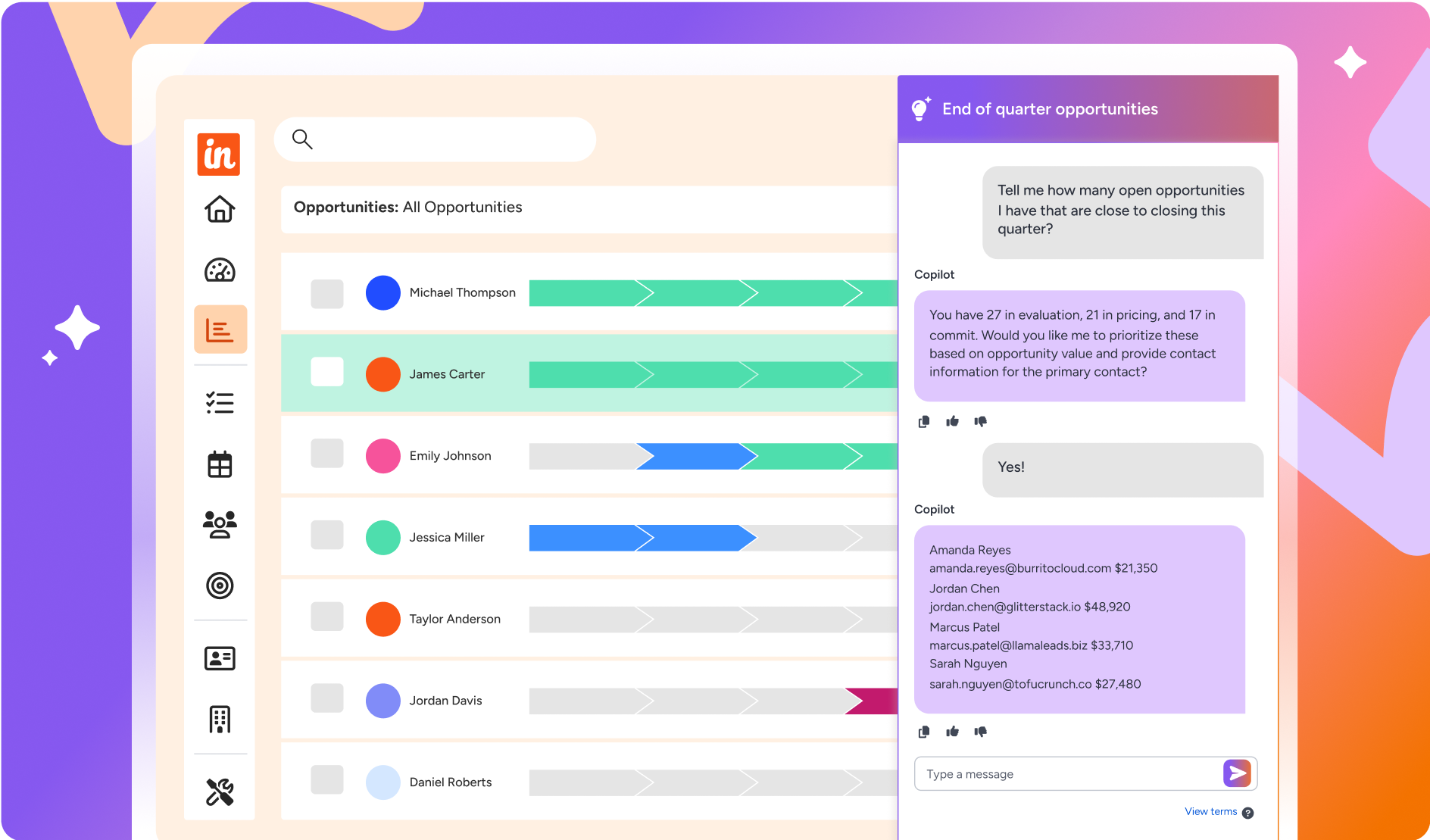
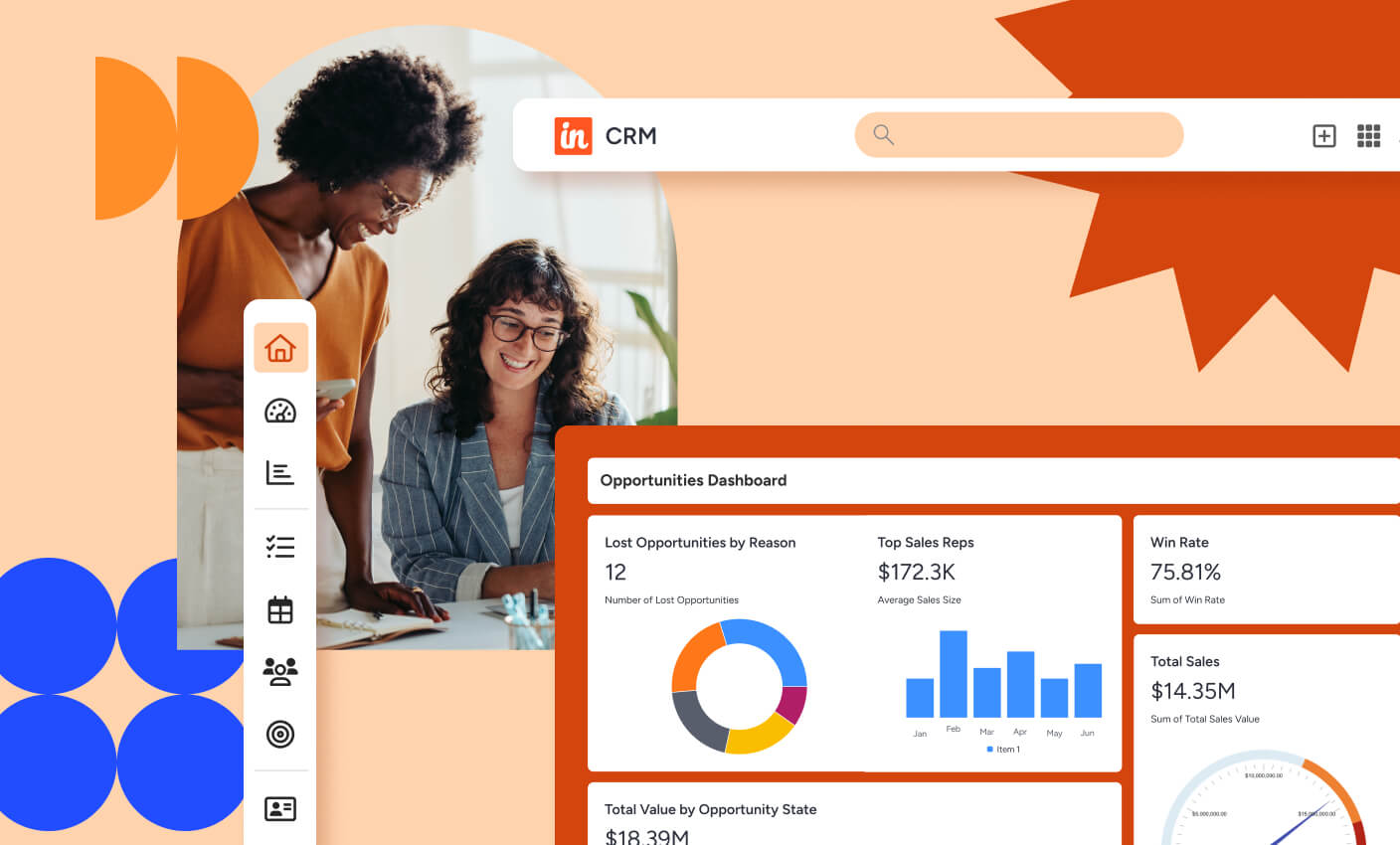
Insightly is a mid-market CRM software that combines sales and marketing tools on a shared database—so marketing sees exactly what happens to leads after handoff. It’s built for growing companies that need real sales and marketing alignment without the complexity and cost of enterprise platforms like Salesforce.
The unified platform approach means your marketing automation and CRM data live in the same place, eliminating sync issues and giving both teams the same view of every customer.
What do you get with Insightly?
- Insightly Marketing with email campaigns, automated journeys, lead scoring and grading, landing pages, and A/B testing—all connected to your CRM data
- Native integration with Unbounce for building high-converting landing pages (Insightly is part of the Unbounce ecosystem)
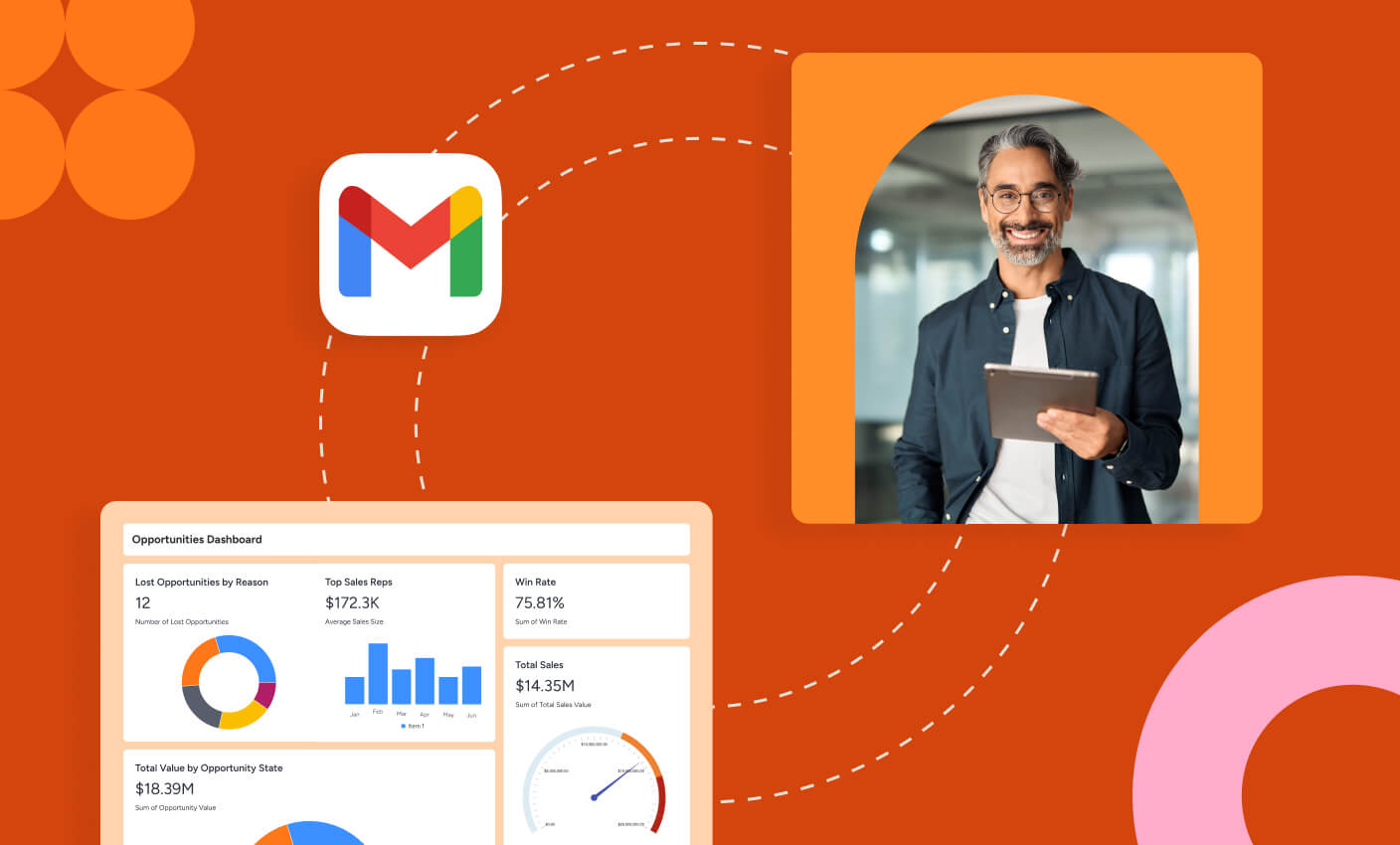
- AppConnect integrates with 2,000+ apps to connect your existing marketing stack without custom development
- Pipeline and opportunity tracking with clear visibility into which marketing sources drive closed revenue
- Customizable fields, objects, and workflows so marketing ops can adapt the system without developer resources
- Relationship linking that shows connections between contacts, organizations, and opportunities
Who is Insightly best for?
Insightly fits marketing teams at mid-market companies ($3M–$50M revenue) that need to align with sales but can’t justify enterprise CRM complexity. If you’re struggling with disconnected marketing and sales data—or outgrowing a starter CRM—Insightly is worth evaluating. Implementation typically takes weeks rather than months.
2. HubSpot—best for inbound marketing teams
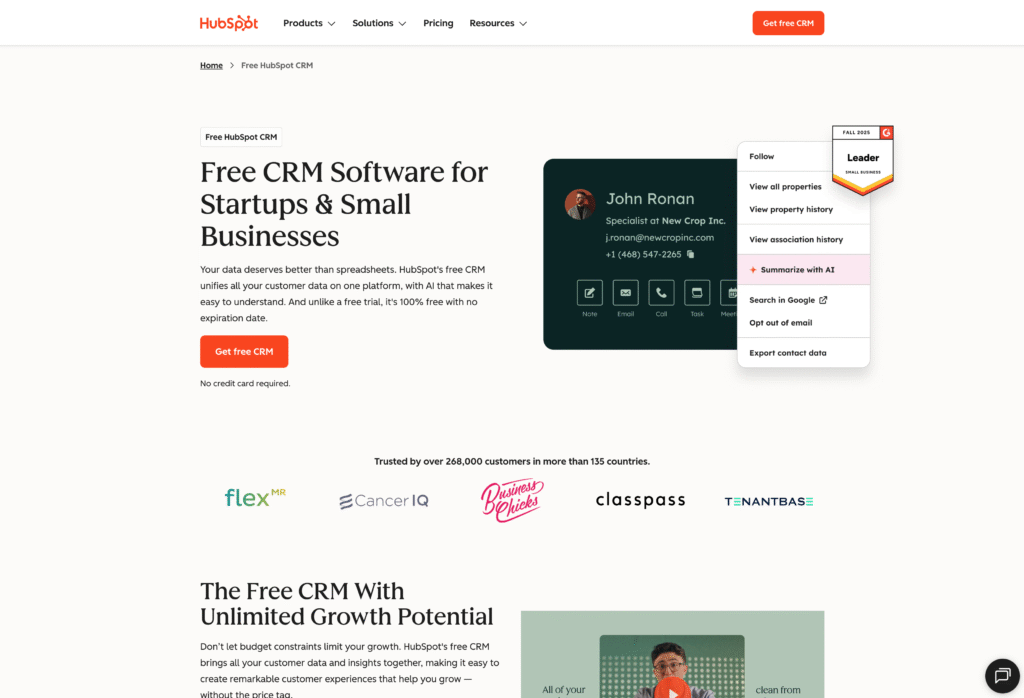
HubSpot built its reputation on inbound marketing, and its HubSpot CRM reflects that DNA. The marketing tools are genuinely strong—content management, SEO tools, social media, email marketing, and automation features are tightly integrated with the CRM.
The free CRM tier is generous and gets many teams started. But the pricing model escalates quickly as you add marketing features—expect significant jumps when you need advanced automation, reporting, or want to remove HubSpot branding.
What do you get with HubSpot?
- Free CRM with contact management, deal tracking, email templates, and basic reporting
- Marketing Hub adds email marketing, landing pages, forms, ad management, and automation workflows
- Content management system (CMS) for website and blog hosting
- Strong reporting and attribution across marketing and sales activities
- Extensive integration marketplace connecting to most marketing tools
Who is HubSpot best for?
HubSpot works well for marketing teams focused heavily on inbound—content marketing, SEO, and lead nurturing as core marketing strategy.
Be realistic about pricing though. The free tier is limited, and Marketing Hub Professional starts at $800/month. Teams that need advanced features often end up paying significantly more than expected. If budget is tight, compare total cost carefully against mid-market alternatives—the learning curve for pricing tiers can be steep.
Recommended reading: Insightly vs. HubSpot: Which is best for you?
3. Zoho CRM—best for all-in-one affordability
Zoho CRM is part of the broader Zoho ecosystem—40+ business apps covering everything from email to accounting to project management. For teams already using Zoho tools (or looking to consolidate), the integration is seamless.
The CRM system itself includes solid marketing features: email campaigns, web forms, lead scoring, and customer segmentation. Zoho Campaigns adds more sophisticated email marketing when you need it.
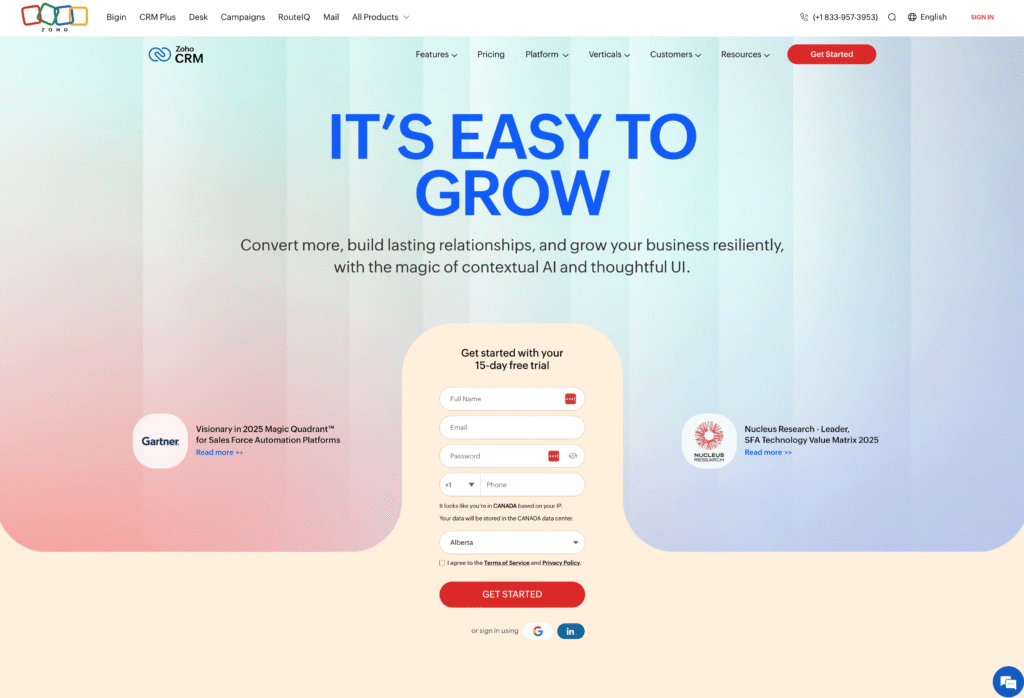
What do you get with Zoho CRM?
- Built-in email marketing, web forms, and lead scoring
- Zia AI assistant for lead predictions and workflow suggestions
- Native integration with Zoho Campaigns for advanced email automation
- Social media monitoring and engagement tools
- Canvas design studio for custom layouts and data visualization
Who is Zoho CRM best for?
Zoho fits budget-conscious teams that want comprehensive CRM features without enterprise pricing—especially if you’re already using other Zoho apps.
The learning curve can be steeper than simpler tools, and the interface feels dated compared to newer CRM platforms. But for the price-to-feature ratio, it’s hard to beat.
Recommended reading: Insightly vs. Zoho: Which is best for you?
4. ActiveCampaign—best for email automation
ActiveCampaign started as an email marketing platform and added CRM capabilities later—so its email marketing automation tools are exceptionally deep. If your marketing strategy centers on sophisticated email sequences, behavioral triggers, and multi-step nurture campaigns, ActiveCampaign delivers.
The CRM functionality is capable but secondary to the marketing automation. It handles contact management, pipeline tracking, and deal management, but it’s clearly designed around the email and automation engine.
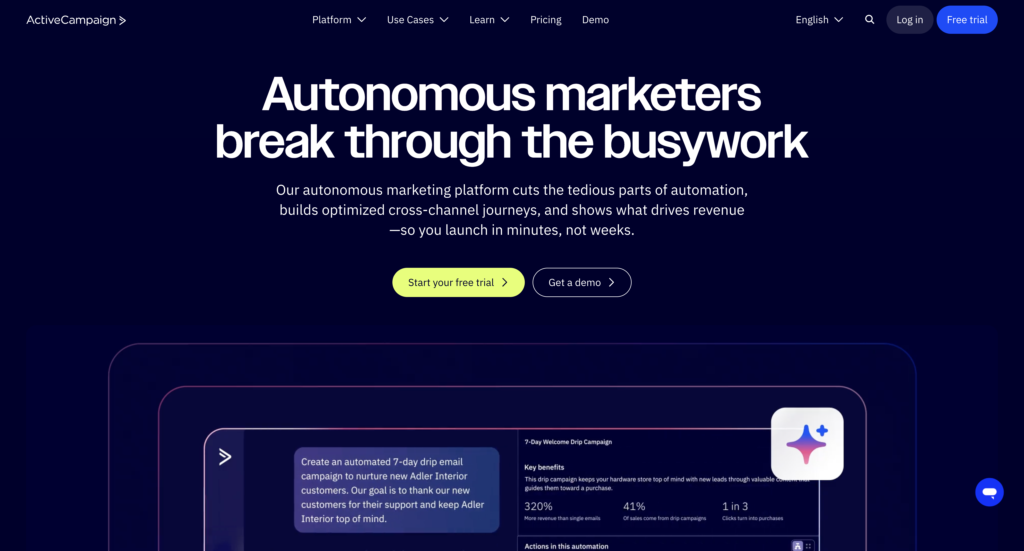
What do you get with ActiveCampaign?
- Advanced email automation with branching logic, conditional content, and behavioral triggers
- Visual automation builder for complex multi-step campaigns
- Built-in CRM features with pipeline management and deal tracking
- Site tracking, lead scoring, and predictive sending
- SMS marketing and Facebook Custom Audiences integration
Who is ActiveCampaign best for?
ActiveCampaign is ideal for marketing teams where email automation is the primary use case—agencies, e-commerce, and businesses with complex nurture sequences that rely on marketing emails as one tool for everything.
If you need a full-featured CRM with marketing as the add-on instead, the balance may feel backward. But if email is your core channel, the automation depth is hard to match.
5. Salesforce—best for enterprise marketing operations
Salesforce is the enterprise standard for customer relationship management for a reason—it can do virtually anything you need, with customization options that go as deep as your budget allows. Marketing Cloud adds enterprise-grade campaign management, journey building, and analytics.
The trade-off is complexity and cost. Salesforce implementations typically require consultants, take months, and demand ongoing administration. For large organizations with dedicated ops teams and significant budgets, that’s manageable. For mid-market companies, it’s often overkill.
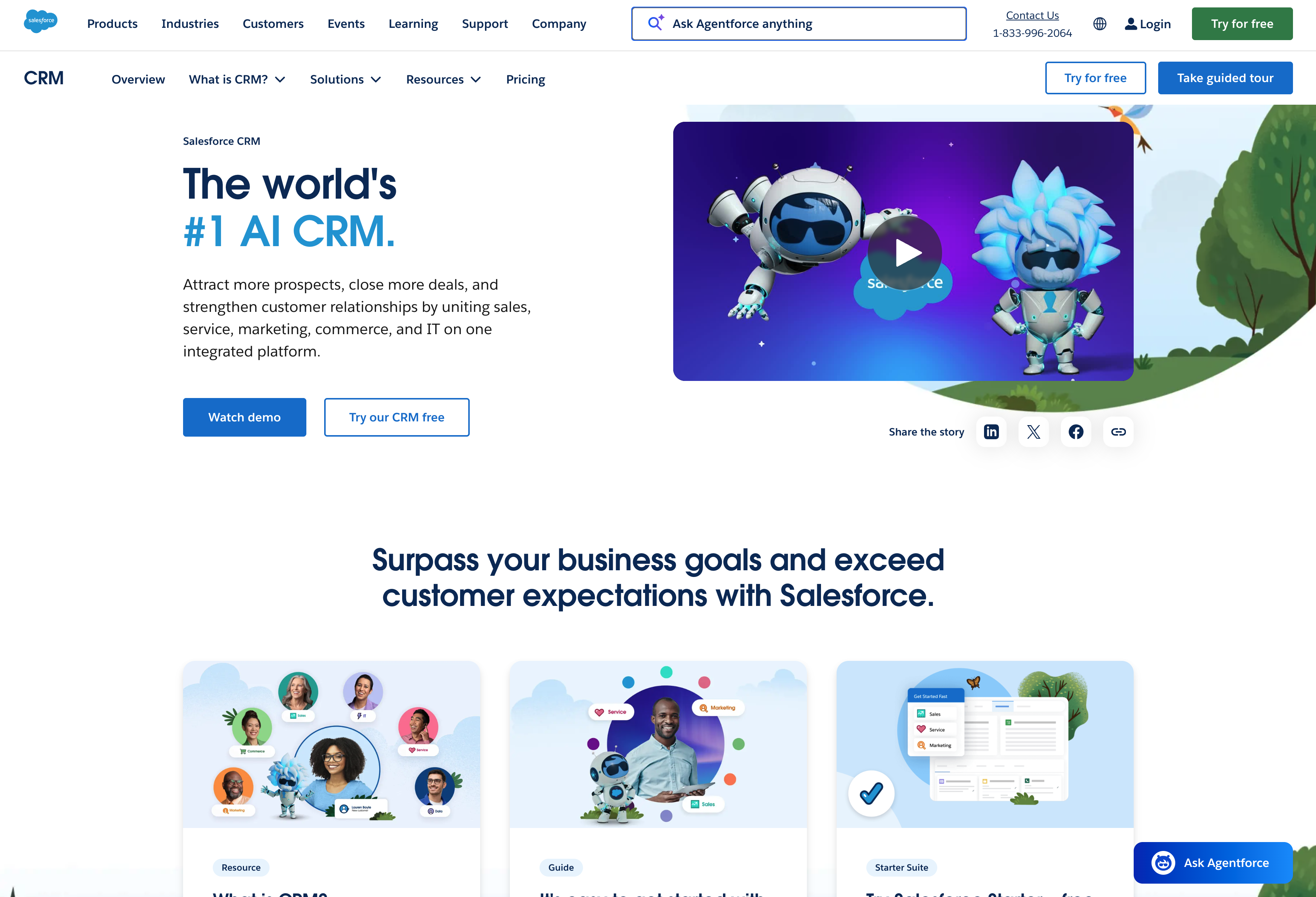
What do you get with Salesforce?
- Marketing Cloud with email studio, journey builder, audience segmentation, and advertising integration
- Einstein AI for predictive analytics, lead scoring, and personalization
- Extensive AppExchange marketplace with thousands of integrations
- Enterprise-grade customization—virtually any workflow or data model is possible
- Comprehensive reporting tools and dashboards
Who is Salesforce best for?
Salesforce makes sense for enterprise organizations with complex marketing operations, large sales teams, and budgets to match—plus dedicated admins to manage the system.
Mid-market companies often find they’re paying for capabilities they don’t use and complexity they don’t need. If you don’t have a Salesforce admin on staff (or budget for consultants), implementation and ongoing management can be painful.
Recommended reading: Insightly vs. Salesforce: Which is best for you?
6. Pipedrive—best for pipeline-focused marketing teams
Pipedrive is built around visual pipeline management—the interface centers on moving deals through stages, which makes it popular with sales teams. Marketing functionality is more limited than dedicated marketing CRM tools, but the Campaigns add-on brings email marketing into the platform.
The simplicity is both strength and limitation. You’ll get up and running quickly, but you may hit walls if you need sophisticated marketing automation or complex segmentation.
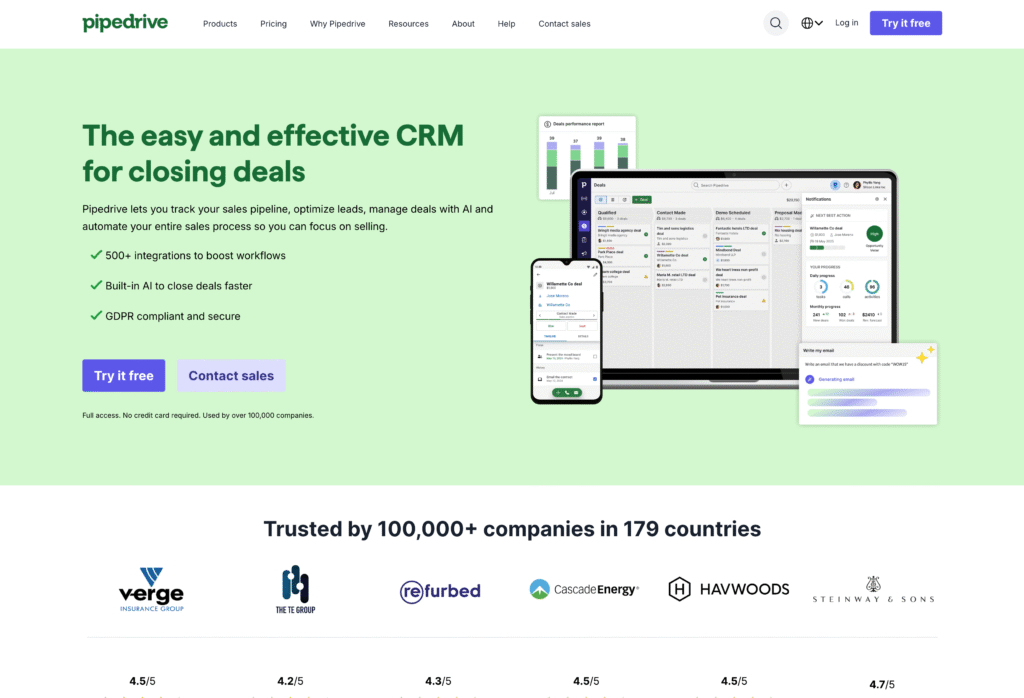
What do you get with Pipedrive?
- Visual pipeline interface that’s easy to learn and use
- Campaigns add-on for email marketing and basic automation
- LeadBooster for lead generation (chatbots, web forms, prospector tool)
- Activity-based selling approach with clear task management
- Solid mobile app for teams on the move
Who is Pipedrive best for?
Pipedrive works for marketing teams at sales-driven organizations where sales pipeline visibility matters more than sophisticated marketing automation.
If your marketing needs are straightforward—marketing campaigns, lead capture, basic nurturing—Pipedrive handles it without complexity. But if you need advanced automation, multi-channel campaigns, or detailed attribution for your sales process, you’ll likely outgrow it.
Recommended reading: Insightly vs. Pipedrive: Which is best for you?
7. Freshsales—best for teams on a tight budget
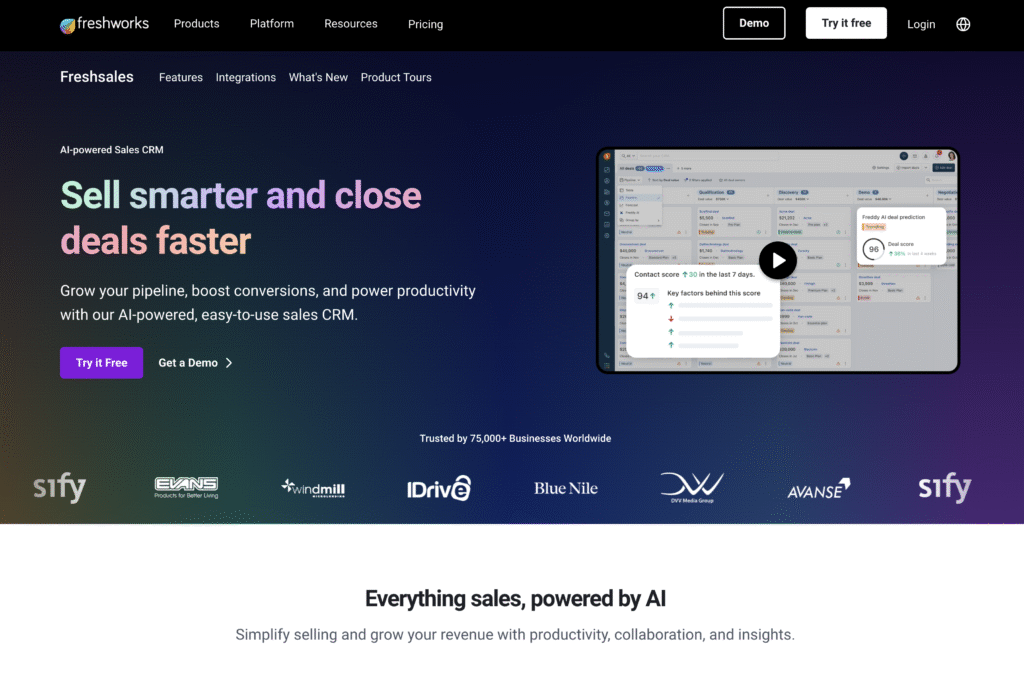
Freshsales (part of Freshworks) offers capable CRM software at price points that undercut most competitors. The free plan includes contact management, deal tracking, and basic email. Paid plans add AI-powered lead scoring, workflow automation, and Freshmarketer integration for marketing automation.
The platform is clean and relatively easy to learn—a reasonable choice for teams getting started with CRM who don’t want to pay HubSpot or Salesforce prices.
What do you get with Freshsales?
- Free tier with contact and deal management, built-in phone and email
- Freddy AI for lead scoring, deal insights, and next-best-action recommendations
- Freshmarketer integration for email campaigns, journeys, and landing pages
- Workflow automation on paid plans
- Pricing starts around $15/user/month for paid tiers
Who is Freshsales best for?
Freshsales fits small teams and startups that need CRM features without significant software budget—especially those already using other Freshworks products.
The platform is simpler than mid-market options like Insightly or HubSpot, which can be a benefit (faster to implement, easier to learn) or a limitation (less customization, fewer advanced features) depending on how you see it. If you anticipate rapid growth or need complex workflows, you may outgrow it quickly.
Recommended reading: Insightly vs. Freshsales: Which is best for you?
Track campaigns to closed revenue with Insightly
Marketing teams that track performance only to the lead handoff are missing the most important part of the picture—whether those leads actually become customers.
Insightly gives mid-market marketing teams the visibility they need to connect campaigns to closed revenue, without the complexity and cost of enterprise platforms.
With Insightly, you can:
- See which campaigns drive closed deals, not just leads—track attribution from first touch through closed-won
- Align with sales on the same data—both teams work from one database, eliminating the “your leads are bad” vs. “you’re not following up” debate
- Run marketing automation on shared CRM data—email campaigns, lead scoring, and nurture sequences all connected to your pipeline
- Customize workflows without developers—marketing ops can adapt the system as your processes evolve
See how Insightly connects your marketing and sales data—start a free trial or request a demo.
Subscribe to receive strategies, tech tips, and industry insights, to help your go-to-market team grow with ease.
By submitting this form, you agree to receive email communications from Insightly and accept Insightly’s privacy policy.