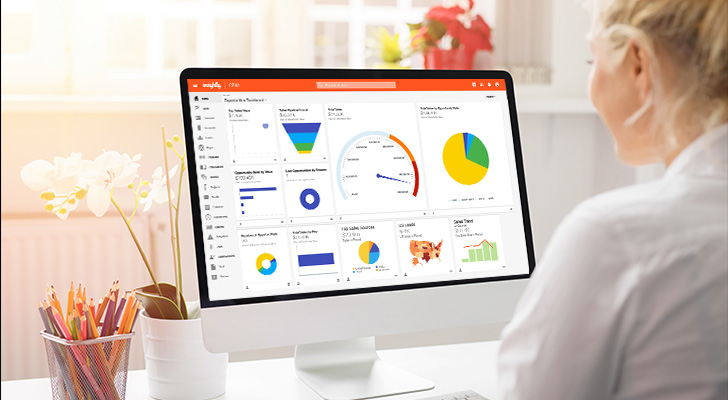

Cloud-based CRM software has become standard infrastructure for sales teams that need customer data accessible from anywhere.
But not every CRM platform delivers the same value. Some are built for enterprise scale, others for small-team simplicity, and a few fit nicely into the mid-market sweet spot between.
This guide covers what cloud CRM actually means, the benefits worth prioritizing, and how five leading platforms compare so you can find the best cloud based CRM for your team’s size and workflow.
What is cloud-based CRM software?
A cloud-based CRM is a customer relationship management tool developed and hosted by a third-party provider and accessed through the internet. Your team logs in via browser — no on-premise servers, no IT infrastructure to maintain.
That wasn’t always the case. Not long ago, businesses needed to purchase expensive hardware and spend weeks or months installing it, so they could buy expensive software to help them manage customer relationships. These companies also needed teams of IT professionals to keep things running smoothly. And while a decade or two ago, these private solutions provided powerful, enterprise-grade CRM tools, that model looks dated by today’s standards.
As technology improved, all that expensive hardware vanished from server closets in office buildings and took up residency “somewhere in the cloud.” Rather than connecting to applications hosted by their company and within their walls, users started accessing their most important business tools through web browsers — including their CRM.
For companies still using private infrastructure, the immediate benefits of using a cloud-based CRM are obvious. Without the need to purchase and maintain hardware, install and update software and ensure the continued operation of both, costs are significantly lower. And for smaller businesses without the resources for their own servers, cloud-based CRMs give them capabilities that were once reserved for enterprise organizations.
Cloud CRM vs. on-premise: why most teams choose the cloud
With on-premise CRM, your company owns the servers, manages software updates, and handles every security patch.
A decade ago, that made sense — cloud infrastructure was unproven and companies wanted control. Today, it mostly means your IT team spends time on maintenance instead of projects that move the business forward.
Cloud CRM shifts that infrastructure burden to your provider.
Your team logs in through a browser, accesses customer data from any device, and doesn’t think about what’s happening on the backend. No VPN required.
The cost models work differently too.
Traditional on-prem CRM systems usually require large upfront capital expenditure for hardware, plus ongoing budget for maintenance and upgrades. A cloud platform spreads cost into monthly or annual subscriptions that scale predictably with your team size — add users when you hire, remove them when you don’t need them.
What about the setup process?
On-premise installations typically require months of IT involvement — procurement, configuration, testing, training. Cloud CRM platforms can be configured and running in days or weeks because the infrastructure already exists.
Data security used to be the argument for keeping everything in-house. But major cloud providers now invest more in security infrastructure than most companies could afford internally. Think dedicated teams, enterprise-grade encryption, and compliance certifications that would take years to achieve on your own.
The hybrid approach (some systems on-premise, CRM in the cloud) made sense during the transition period, but most companies have moved past it entirely as cloud security matured and integration capabilities expanded.
5 benefits of cloud-based CRM software
Despite the obvious benefits, many companies still worry about storing valuable customer information in an ephemeral cloud that they don’t control. While it’s a reasonable concern, cloud-based solutions are everywhere these days. And when you choose the right cloud-based CRM provider, your business’ customer data is actually more secure than if it was stored at your company’s location.
Enhanced security you don’t have to manage yourself
A good cloud-based CRM provider either maintains its infrastructure or selects data centers with the highest possible levels of security and encryption. While these providers facilitate the connection between the web-based CRM they develop and the hardware it runs on, they have no access to the data that passes through it. Put simply, a trustworthy cloud-based CRM provider can’t see, modify or otherwise access any of its clients’ customer information.
While it’s not impossible to implement, on-premise solutions usually don’t have this added layer of security. More importantly, since CRM providers serve hundreds or thousands of different businesses, they use infrastructure maintained by large-scale teams working around the clock to keep things running smoothly.
This extra level of security extends to your employees, too. With local systems, customer data often ends up in various insecure places. As a single source of truth, a cloud-based provider with strong access policies and end-to-end encryption ensures your valuable customer information is always in a single, secure location.
Faster setup and easier day-to-day use
Thanks to the economies of scale, it makes more sense — and dollars — to offload the purchase and maintenance of expensive equipment to cloud providers. That makes cloud-based platforms hard to beat when it comes to setup, maintenance and access.
In other words, your business’ IT department can focus on strategy and development rather than hardware maintenance. That translates into zero downtime, no monthly data migrations and no monitoring backups. Maintenance, updates and upgrades are all seamless.
When it comes to the teams using a cloud-based CRM, they access their single most important tool from the software they use the most: their web browser. More importantly, there’s no need to connect through complicated VPN tunnels when they’re off-site. While this process has become more prevalent in the last few years, salespeople are always on the go. With a cloud-based CRM, as long as they have an internet connection, they have everything they need to do their job.
This same ease of access extends to the smallest businesses. For bigger companies still using on-premises software, knowing that their competitors have access to better data and tools for a fraction of the cost is a powerful motivator for change.
Better data for smarter business decisions
The better the CRM, the better the data, the better the results, and those results are superior customer experiences, higher customer loyalty and more sales, to name a few. Even a simple CRM running on a laptop can provide insights to help you maintain better customer relationships.
But simple tools and even enterprise CRMs simply can’t match the flexibility and connectivity of cloud-based solutions. And while a business could certainly implement the same level of data collection and analysis into an existing, on-premise solution, the costs to do so would be astronomical.
By their very nature, cloud-based CRMs give you access to much better data collection, integration and analytics. The best CRMs allow you to get more from your business insights by choosing what kind of data to capture and providing tools to model that data in a way that makes the most sense for your company. When it comes to CRMs, the best results are in the cloud.
Flexibility and scalability as your team grows
On-site solutions are inherently rigid and difficult to customize. In most cases, they’re designed and engineered to function in specific ways, and building custom features into them is a lengthy, expensive process. In short, traditional software systems expect you to work a certain way, regardless of how your business operates.
Since they’re built with web technology, cloud-based CRMs are much more flexible. A great CRM provides customizations out of the box, so you can tailor your experience to the way you work — not the other way around. You can choose your own metrics, build custom dashboards and even take advantage of advanced automations designed for your workflows, not someone else’s.
Most importantly, a cloud-based CRM is infinitely scalable. A business pays for what it needs — nothing more and nothing less. And when the company grows, a cloud-based CRM grows right along with it, no planning or maintenance required.
That server room that you needed with an on-premise solution? It’s a thing of the past. No worries about having to budget each year to buy new servers or rent space to house them. Your IT team can spend their time elsewhere.
Integrations that connect your entire tech stack
If we’re being honest, today, very few businesses aren’t using some form of cloud-based software. Especially over the last few years, tools such as Zoom, Slack and Google Suite are now mainstays in business workflows. Most marketing tools are online, for that matter. For companies still maintaining private servers, business processes can seem scattered and difficult to track, let alone manage.
A CRM is designed to function as your business’ single source of truth for customer data. Unless it’s a cloud-based solution with the same flexibility as the other tools your teams use, that’s a difficult proposition.
The best cloud-based CRMs are capable of integrating with all the tools your business uses across every department. Better still, web technology is backward compatible, so even if your business still uses local finance tools, such as QuickBooks or Sage, a good cloud-based CRM can integrate with them. A great CRM can do it simply.
AI-powered assistance for faster workflows
The newest generation of cloud CRMs add artificial intelligence that goes beyond automating tasks. Conversational interfaces let you ask questions in plain English instead of building reports manually, and AI-generated email drafts pull context directly from your CRM data so you’re not starting from scratch.
When evaluating AI CRM capabilities, look for features that reduce friction:
- Predictive lead scoring that surfaces which prospects are most likely to close
- Smart activity suggestions so reps know what to do next
- Automated data capture that cuts manual data entry (the logging burden that slows adoption)
Key features to look for in a cloud CRM
Not every cloud CRM software feature matters equally. The CRM functionality that drives real adoption depends on your workflow, but a few capabilities consistently separate tools teams use from expensive contact databases.
Contact and pipeline management
Contact management is the foundation. You need a centralized database where every email, call, and meeting lives in one searchable record — accessible to anyone on the team without digging through inboxes or Slack threads.
Your sales pipeline builds on that customer data by organizing deals into stages. This gives you visibility into how much potential revenue sits at each phase and which opportunities need attention before they go cold.
The CRM data structure matters here. Generic funnels rarely match how teams actually sell, so look for platforms that let you customize pipeline stages to reflect your real process rather than forcing you into someone else’s workflow.
Workflow automation and AI capabilities
Sales automation should eliminate the repetitive work that eats into selling time. Think lead assignment based on territory, follow-up reminders when deals go quiet, and automatic record updates when opportunities change stages.
As a simple test, ask — can your ops team automate processes without calling IT?
The most valuable CRM workflows are ones you can build and adjust as your sales motion evolves, not rules locked behind a developer backlog.
AI in CRM extends this further. Conversational interfaces let you query data in plain language instead of clicking through dashboards. Email composition tools draft responses using context already in the system. And when AI makes the CRM easier to use, adoption climbs — which means your marketing automation and sales tools actually deliver ROI instead of collecting dust.
Reporting and analytics dashboards
Reporting tools determine whether your CRM drives data-driven decisions or just stores contact information. At minimum, you need dashboards covering pipeline health, sales velocity, win rates by rep or product, and sales forecasting accuracy. Custom analytics tools matter too — every business tracks different KPIs, and if building the reports your leadership needs requires support tickets or outside consultants, you’ll never actually get them.
Real-time data is where cloud CRMs pull ahead. On-premise systems often sync overnight, which means your Monday pipeline review reflects Friday’s numbers. Cloud platforms show current sales performance so decisions happen based on what’s true right now.
Mobile access and real-time sync
Mobile access removes the friction that tanks CRM adoption.
Reps can update deals between meetings, check customer history before a call, and log activities from their phone instead of waiting until they’re back at a desk.
When the CRM system meets people where they work, logging actually happens. And real-time sync means updates from mobile devices appear instantly for everyone — no more “which version is current?” confusion.
No-code customization and integrations
Advanced customization should live in your ops team’s hands, not a developer backlog.
No-code integrations let you add custom fields, modify page layouts, and build automation rules without writing code, which matters because your CRM tool needs to evolve as your business does.
Extensive integration capabilities determine whether your CRM becomes the single source of truth or just another silo. Look for native connections to your existing stack — email, calendar, accounting software — plus a robust API or integration platform for custom builds.
If you’re using Insightly, you’ll be able to take advantage of the 2000+ integrations available inside of AppConnect to bring everything you need together under one platform.
The real test: does data flow automatically in both directions? Basic integrations require someone to manually export and import to keep systems synced. That’s not integration — it’s data entry with extra steps.
5 best cloud-based CRMs for 2026 (and who each is best for)
Each of these cloud based CRM solutions excels in different scenarios. The best cloud based CRM for your team depends on size, technical resources, and whether you need standalone CRM software or a unified platform spanning sales, marketing, and service.
1. Insightly — best for mid-market teams
Insightly is positioned as the “right-sized” CRM solution for companies that have outgrown entry-level tools but don’t need enterprise complexity. The sweet spot is 25-500 employees who want real customization without hiring consultants to build it.
What sets this cloud based CRM software apart is fit. Where enterprise platforms like Salesforce require months of implementation and consultant fees, Insightly deploys in weeks with configuration handled by your own team.
Plus, the unified database architecture (CRM, marketing, and service sharing one system) also means no syncing headaches or duplicate records.
What do you get with Insightly?
- Fast time to value with implementation in weeks, not months — most teams are fully operational within a month (see the ROI study)
- No-code customization for custom fields, objects, dashboards, and workflow automation — configurable by business users without developers or consultants
- Sales CRM with built-in project delivery — convert closed deals directly to projects for seamless service team handoffs
- AppConnect integration platform with 2,000+ connectors for drag-and-drop workflow automation across your stack
- AI Copilot (in beta) for managing records, deal summaries, and email drafts using plain-English conversation
- Marketing automation and customer service on the same unified database — no separate systems to integrate
Who is Insightly best for?
Insightly is an excellent choice for mid-market companies with complex sales processes who want to manage customer relationships across the full lifecycle (from first touch through customer service) without stitching together separate tools.
Professional services firms, agencies, and B2B companies fit particularly well. Deals convert to projects, and you need visibility from initial contact through service delivery. After a deal is closed, delivery and customer service teams can see the same record sales closed, not a synced copy missing context.
Teams that want CRM customization without IT dependency or consultant fees will appreciate the no-code tools. Operations controls the system, not a developer backlog.
2. Salesforce — best for enterprises with dedicated admin resources
Salesforce Sales Cloud dominates the enterprise CRM market among major CRM providers. The platform can be customized to handle virtually any workflow, and its ecosystem of apps and integrations is unmatched in breadth.
Of course, that flexibility has trade-offs. Implementations typically require dedicated administrators, and complex customizations often need developers or consultants — driving total cost of ownership beyond license fees.
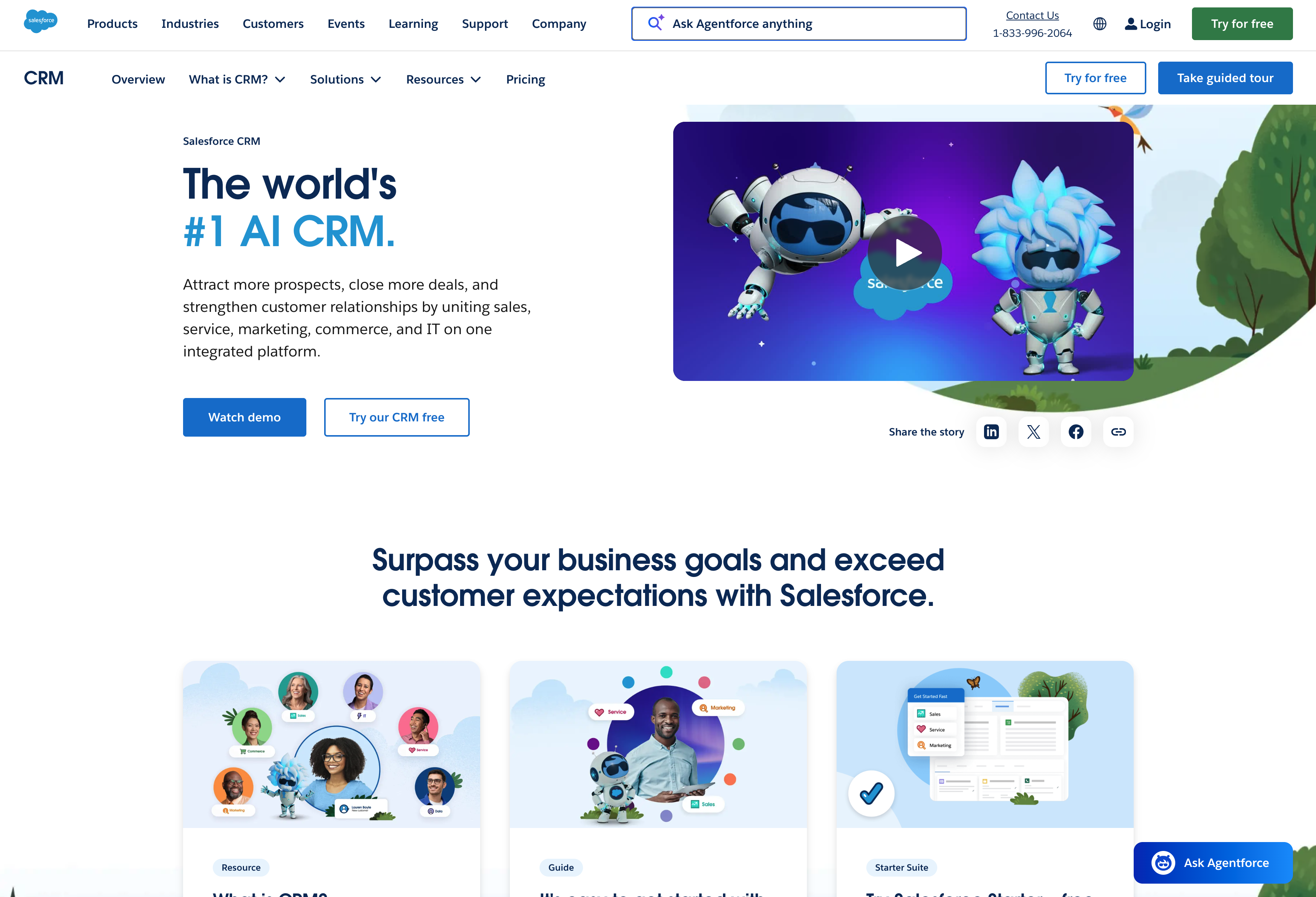
What do you get with Salesforce?
- Extensive CRM capabilities for modeling the entire sales process, with custom objects, fields, workflows, and automation rules
- AppExchange marketplace with thousands of add-on applications — from e-signature to advanced analytics — plus Einstein AI for predictive scoring
- Multiple product clouds (Sales Cloud, Service Cloud, Marketing Cloud) that combine into comprehensive platforms, though each adds complexity and cost
- Deep reporting and dashboards flexible enough to build nearly any analysis, assuming you have the expertise to configure it
Who is Salesforce best for?
Large enterprises (500+ employees) with dedicated Salesforce administrators and budget for implementation partners. The platform’s flexibility justifies the investment when you have resources to build and maintain customizations.
Companies with highly specific CRM workflows that simpler tools can’t accommodate fit well (if they have the team to support ongoing configuration).
3. HubSpot — best for inbound marketing-focused teams
HubSpot CRM built its reputation on inbound marketing and stands out among marketing automation platforms for offering a genuinely useful free tier. Small teams can start without financial commitment. That said, costs escalate once you need features beyond basics.
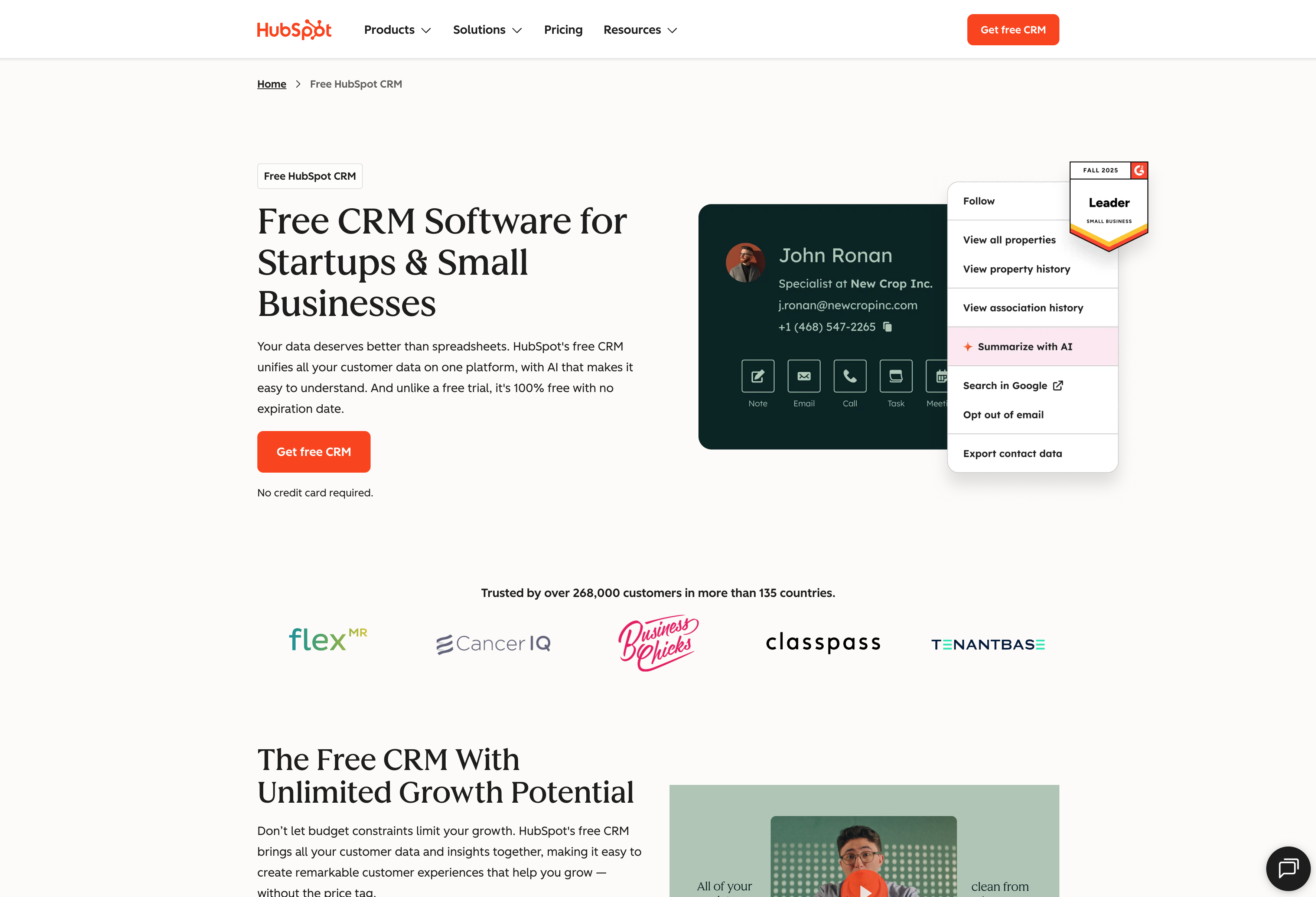
What do you get with HubSpot?
- Free plan with contact management, deal tracking, and basic reporting — functional enough for small teams getting organized, not just a teaser
- Strong email marketing and lead management in paid tiers, including sequences, landing pages, and lead scoring integrated with the contact database
- Clean interface that new users can navigate without extensive training, though advanced features require learning HubSpot’s specific approach
- Separate Hubs (Marketing, Sales, Service) purchasable individually or bundled, with pricing that varies by features and contact tiers
Who is HubSpot best for?
HubSpot works best at the extremes.
- Very small startups and early-stage teams can operate comfortably within the free tier, getting genuine value from a functional CRM without financial commitment.
- At the other end, large organizations with budget to invest heavily in their CRM infrastructure get strong returns from HubSpot’s marketing tools and broader ecosystem.
The gap is in the middle.
Companies that have outgrown the free plan but aren’t ready to spend what a full HubSpot implementation costs often find themselves in an awkward position — needing more than basics but facing steep pricing jumps to get there.
4. Pipedrive — best for small sales teams focused purely on pipeline
Pipedrive does one thing exceptionally well: visual sales pipeline management for teams who want simplicity over comprehensive features. Sales reps can see their entire funnel at a glance.
And the platform deliberately stays lean. That makes it fast to implement and easy to adopt, but limits you if you later need marketing automation or customer service on the same system.
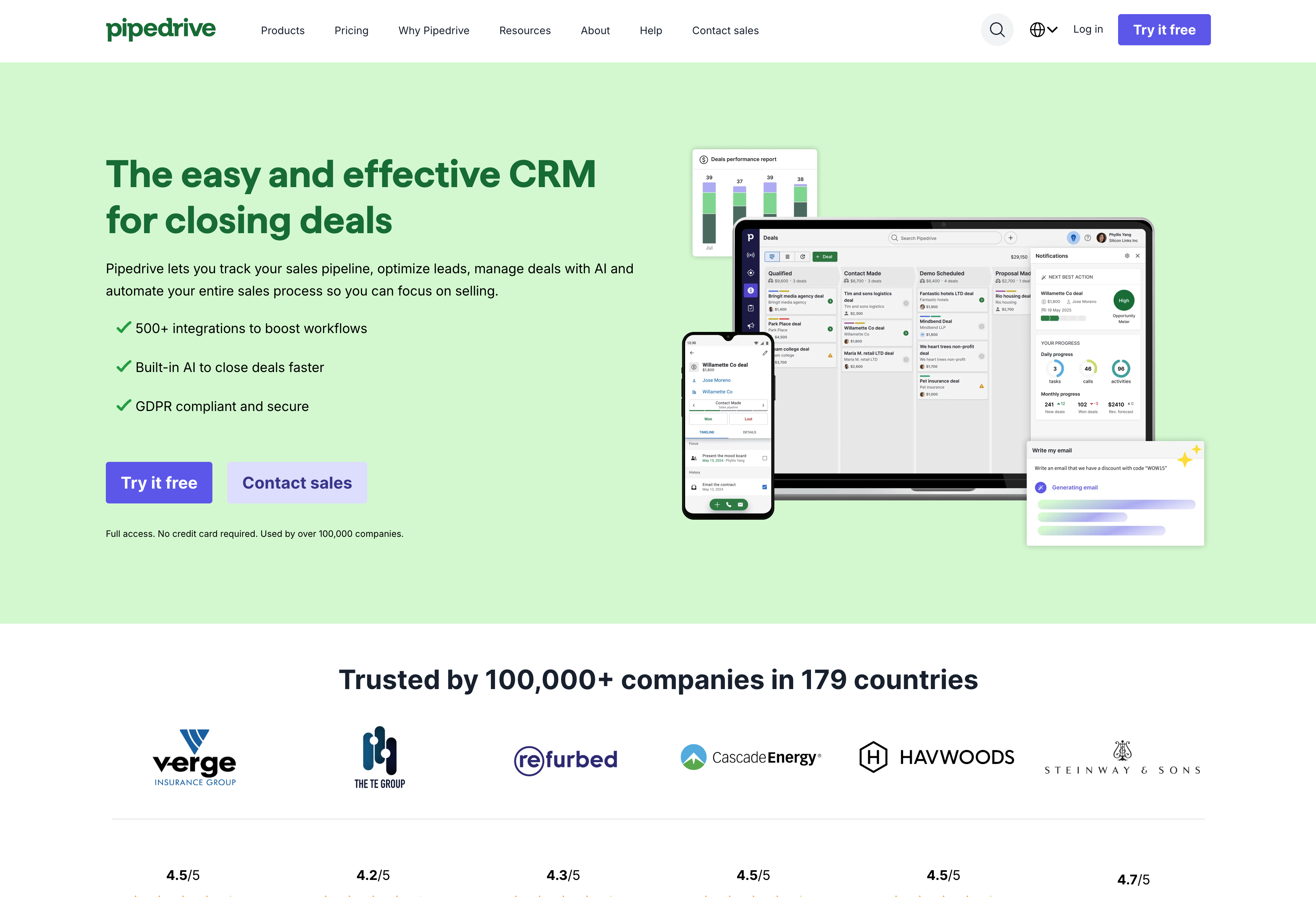
What do you get with Pipedrive?
- Visual, drag-and-drop pipeline interface for intuitive deal management — move opportunities between stages with minimal clicks
- Activity-based selling approach with task management, reminders, and scheduling that keeps reps focused on next actions in their sales processes
- Pricing from $14/user/month (Essential) to $99/user/month (Enterprise) with annual billing, plus add-ons like LeadBooster
- Marketplace integrations for email, calling, and productivity tools, though the ecosystem is smaller than Salesforce or HubSpot
Who is Pipedrive best for?
Pipedrive fits small sales teams that need straightforward pipeline management and prefer a visual, deal-centric interface. It’s also a solid choice where reps have resisted CRM adoption before — the activity-based approach keeps focus on next actions rather than data entry.
That said, marketing and project management require paid add-ons, there’s no service module, and the interface can feel complex for teams new to CRM. The add-on pricing model also means costs climb as you discover you need features beyond the base.
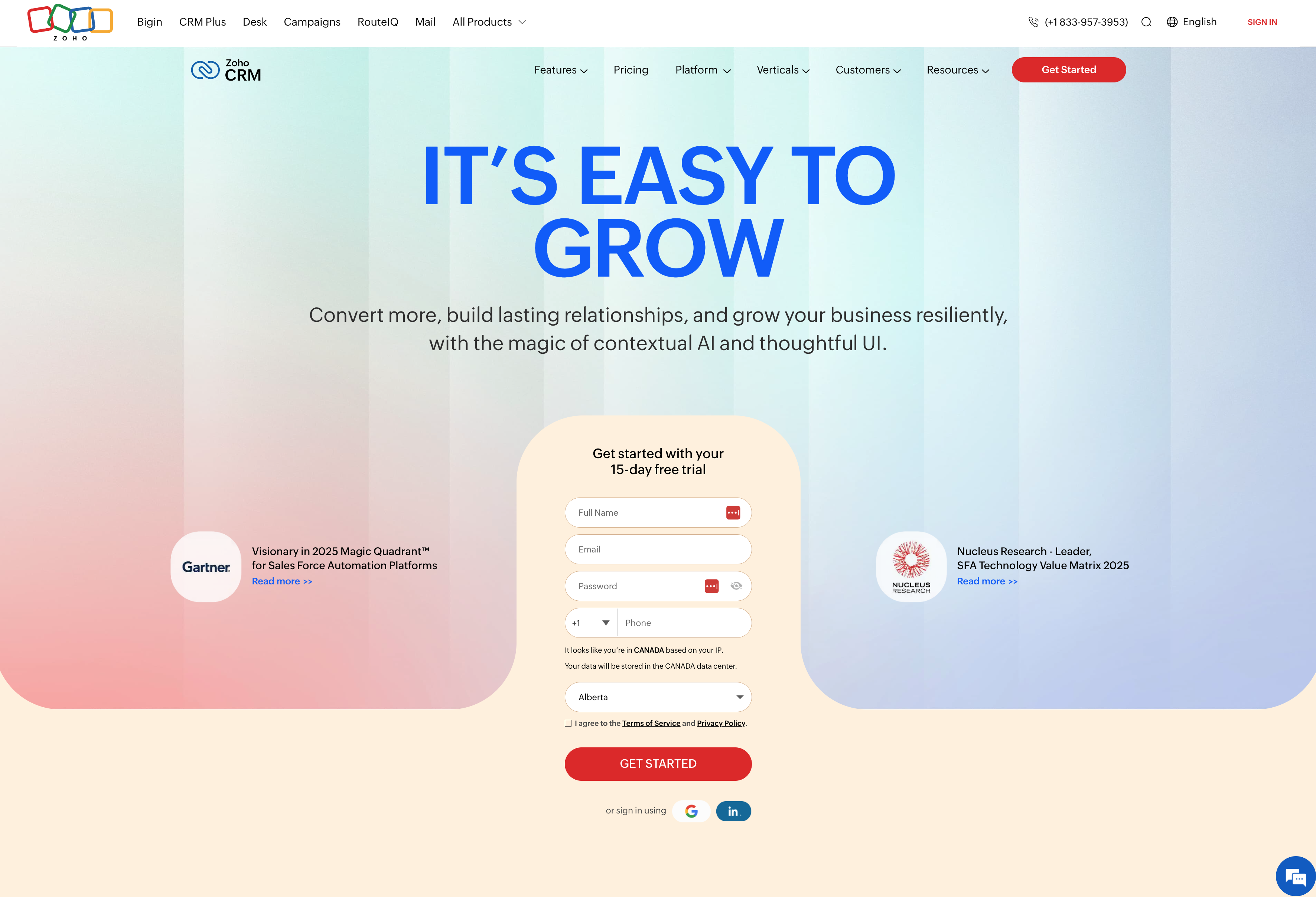
5. Zoho CRM — best for budget-conscious teams needing broad functionality
Zoho CRM offers impressive feature breadth at price points well below competitors among cloud based crm systems. The platform includes a free tier for up to three users. The trade-off: the interface feels less polished than alternatives, and the learning curve can be steeper.
Zoho CRM sits within a broader suite of 45+ business applications. That creates value if you adopt multiple Zoho products, but adds complexity if you’re using the CRM standalone.
What do you get with Zoho CRM?
- Comprehensive crm capabilities including sales automation, marketing tools, and service desk features across tiers from free (3 users) to $52/user/month (Ultimate) with annual billing
- Zia AI assistant for lead scoring, predictions, and workflow suggestions, plus Blueprint for standardizing sales processes with guided paths
- Canvas design studio for customizing the interface without code, along with automation through workflows and macros
- Deep integration with other Zoho products (Books, Desk, Campaigns) that rewards teams adopting the broader ecosystem
Who is Zoho CRM best for?
Zoho CRM fits budget-conscious teams that need more functionality than basic tools offer but can’t justify Salesforce or HubSpot pricing. It’s particularly strong for organizations already committed to the Zoho ecosystem — if you’re using Zoho Mail, Books, and Desk, keeping CRM in the family makes sense.
Be prepared for a steep learning curve and plan on Zoho-specific expertise or consultants for meaningful customization. Direct support doesn’t exist unless you pay for premium, so you’ll navigate community forums instead. And while Zoho offers 45+ apps, each requires separate integration work to get them talking to each other.
How to choose the right cloud CRM for your team
If you’re shopping around for a CRM, there are dozens of options to choose from. The process can feel overwhelming, especially if you’re new to cloud-based solutions.
Rather than parsing all the jargon, take a step back and talk to your stakeholders — executives, salespeople, marketers, and anyone else who will use your new CRM. Find out what features they need to enhance their processes. This discussion gives you a baseline when evaluating options.
Once you’ve narrowed down a few solutions, keep these questions in mind:
- Is it easy to set up and does it provide a good user experience?
- How well does it integrate with your existing tools?
- Does it offer custom workflows and automation that adapt to your team’s working style?
- How does the provider manage data and security?
- Do they offer a demo or free trial?
Every CRM is different, and so is every business — take your time choosing. Beyond features, make sure the CRM you pick delivers a solid user experience customized to your needs and manages your data securely. While cloud software can deliver better experiences and security than on-premise solutions, not every provider does.
Start managing customer relationships in the cloud with Insightly
Cloud CRM software has become essential infrastructure for growing businesses — but choosing the wrong platform means months of implementation pain, consultant fees, and features your team will never use.
Insightly is purpose-built for mid-market companies that need serious CRM functionality without enterprise complexity. You get modern, robust features with fast time to value — typically weeks, not months — and everything is configurable by your team without coding or consultants.
With Insightly, you can:
- Go live in weeks with an intuitive interface that drives adoption without extensive training
- Customize without coding using custom fields, objects, dashboards, and workflow automation your team controls
- Convert closed deals directly to projects for seamless sales-to-delivery handoffs
- Connect your entire tech stack through AppConnect’s 2,000+ no-code integrations
- Ask your CRM questions in plain English with AI-powered Copilot
- Run marketing and support from the same database with Marketing and Service add-ons
Ready to see why thousands of growing teams choose Insightly?
Request a demo or start your free trial today.
More common questions about cloud CRM software
Still have questions about whether cloud CRM is right for your business? Here are the answers to what buyers ask most often.
What’s the difference between cloud CRM and on-premise CRM?
Cloud CRM is hosted by your provider and accessed through web browsers. You don’t manage servers, install updates, or handle security patches — your team just logs in and works. Traditional crm systems running on-premise use your company’s own servers, giving you complete control but requiring IT resources for maintenance and security.
Most companies choose cloud today because it’s faster to deploy, accessible from anywhere, and shifts infrastructure burden to providers with dedicated security teams.
Is cloud-based CRM secure?
Reputable cloud CRM providers typically offer stronger data security than most companies can implement on-premise. This includes enterprise-grade encryption, SOC 2 compliance, regular security audits, and dedicated teams monitoring threats around the clock.
The key is choosing established providers with clear security certifications rather than assuming cloud means less secure. In practice, your sensitive customer data and customer information are often safer with a major CRM provider than on an under-maintained company server.
How much does cloud CRM software cost?
Cloud CRM software pricing varies widely based on features and scale. Free tiers exist (HubSpot, Zoho), entry-level paid plans from crm providers start around $14-29/user/month, and enterprise tiers can reach $150+ per user month.
The real cost comparison should include implementation time, customization needs, and whether you’ll need consultants or developers. A cheaper license requiring expensive setup may cost more than a pricier platform you can configure yourself.