8 best CRMs for professional services firms in 2026
Professional services firms run on client relationships, complex project scopes, and deadlines that don’t move. Yet many end up stuck with a CRM designed for straightforward transactional sales, where the deal closes and everybody moves on.
That’s not how professional services work.
Your deals turn into engagements. Your contacts become long-term clients. And the information your sales team collects needs to follow the relationship into delivery, not disappear into a closed-won archive.

TABLE OF CONTENTS
SHARE


INSIGHTLY TEAM
» More blog posts by INSIGHTLY TEAM
So how do you find the right CRM for you?
Of course, it depends on your firm’s size, how you manage projects after the deal closes, and how much customization you need without IT involvement.
In this guide, we’ll break down the features that matter most for professional services firms, walk through eight leading options with real trade-offs, and give you a framework for matching your firm’s needs to the right tool.
PS: If you want to jump straight to the list of options, consider this your shortcut. The context below will help frame the discussion and ultimately decision, but we also know you don’t have all day.
Key takeaways
- Professional services firms need a CRM that carries client context from first conversation through delivery, renewal, and future engagements
- The biggest CRM decision is often what happens after the deal closes. If sales and delivery run in separate systems, client context gets lost exactly when the work begins.
- The right CRM depends more on operating model than feature count, because a marketing-led firm, delivery-heavy agency, and sales-led consulting team all need different things
- Mid-market firms should weigh no-code customization heavily, especially when an ops lead owns the CRM instead of a dedicated IT team
- Right-sizing usually beats buying the most powerful platform, because the CRM only works if the team actually uses it
Why do professional services firms need a dedicated CRM?
Professional services firms face challenges that generic CRMs weren’t designed to handle. The sales cycle is longer, the client relationship extends well beyond the initial deal, and the work itself requires coordination between teams that need shared context to deliver.
Complex client relationships need more than a spreadsheet
Professional services firms don’t close a deal and walk away. You need to manage client relationships across multiple projects, stakeholders, and touchpoints. These are long term client relationships by nature, often spanning years, not quarters. A single client account might involve a dozen contacts across three departments, with communication history stretching back through two contract renewals and a scope change.
The data backs this up.
According to Insightly’s Right Sizing Your CRM report, 94% of sales professionals use less than 75% of their available CRM features.
The real problem is finding a CRM with the right features for how the professional services industry actually manages client interactions.
What does that look like in practice?
- Tracking client communications and communication history across multiple contacts within the same account, so nothing falls through the cracks when a colleague picks up a thread
- Managing client interactions across project phases, from initial discovery through delivery and renewal
- Maintaining relationship continuity across a full client lifecycle, not just the sales funnel
Managing client relationships in professional services is really a context management problem, not just a contact management one.
What happens when sales and service delivery are disconnected?
Here’s how it usually plays out:
The deal closes, the sales rep celebrates, and the delivery team receives a forwarded email with an attached proposal and a note that says “See below.” The client context that took three months of sales processes to build? Restarted from zero.
This is the structural problem in many professional services companies. The sales cycle runs in the CRM. Service delivery runs in a project management tool (or a spreadsheet, or someone’s head). These two business processes rarely connect.
The downstream costs of this disconnect add up. Delivery teams burn hours manually recreating what sales already captured, key details from the sales process never make it to the team doing the work, and eventually the client says “I already told your sales team this”—the moment trust starts to erode.
The sales-to-delivery handoff is where client trust is built or broken—it’s not just an operational inconvenience.
When you’re evaluating a CRM for your professional services firm, native deal-to-project conversion should sit on your required capability list. If the answer to “what happens after the deal closes?” involves exporting a CSV or forwarding an email, that’s a gap worth pricing into your decision.
What should you look for in CRM software for professional services?
Not every CRM capability matters equally for professional services firms. These five criteria separate a generic CRM from one that fits how your firm actually wins and delivers work.
Client management across the full lifecycle
A CRM for professional services firms needs to track the entire client journey, from first outreach through proposal, project delivery, and long-term retention. Many CRM systems handle the front-end sales pipeline well enough but go quiet after the deal closes. For professional services, that’s where the real relationship management begins.
Here’s what that means at each stage:
- Pre-sale: Full contact management with relationship mapping, so you know who the decision-maker is, who the day-to-day contact will be, and how they connect to other accounts in your portfolio
- Delivery: Visibility into client data during active projects, so the team doing the work can see what was promised, what’s been communicated, and what the client’s history looks like
- Retention: Active tracking of client behavior and client satisfaction signals, so you can spot disengagement before renewal conversations start and take steps to retain clients proactively
Client data should follow the relationship, not get re-entered at every phase transition. Customer relationship management in professional services means a single, continuous record that every team can access.
Deal-to-project conversion for seamless service delivery
When a deal closes, the project shouldn’t start from scratch.
Native deal-to-project conversion means all the context from the sales process, contacts, requirements, scope notes, and communication history, carries directly into the delivery workflow. The delivery team picks up exactly where sales left off, without re-entry, context switching, or a separate system.
For professional services firms, this is the evaluation question that matters most. Ask any potential CRM vendor how closed deals connect to or become projects. If the answer involves a separate project management tool, that’s a gap to factor into your total cost of ownership.
The best CRM platforms for professional services handle project execution within the same system where the deal was managed. Your delivery team sees what was sold, who the contacts are, and what the client expects, without anyone having to re-create that information. The sales processes and the service delivery process run on the same data.
Automated workflows that replace manual follow-ups
Your firm runs on follow-ups—proposals that need chasing, deliverable milestones that need reminders, and business development activities that need consistent execution across a pipeline measured in months rather than days.
Automated workflows replace the mental overhead of tracking all of this manually.
What gets automated in practice?
- Follow-up reminders on outstanding proposals, triggered by time or deal stage, so nothing goes cold because someone forgot to check back
- Task management triggers when project stages advance, automatically assigning next steps to the right team member
- Sequences that keep business development activities moving without manual nudges, from initial outreach through qualification and follow-up
The real value of task automation is making sure the firm’s processes actually run the way they’re supposed to, even when everyone is deep in client delivery work—saving a few minutes per day is beside the point.
Workflow automation also extends beyond internal CRM tasks. Integration tools connect your CRM to accounting software, communication platforms, and project tools, so automated workflows span your full tech stack rather than stopping at the CRM’s edges.
Advanced reporting on utilization, revenue, and profitability
A standard sales dashboard won’t cut it here. The questions that drive a professional services firm are different:
- Are we winning the right clients?
- Are we utilizing the team efficiently?
- Where is margin leaking?
Here’s the distinction that matters:
Sales performance reporting shows sales revenue closed. Profitability reporting shows whether that revenue was worth chasing. A client that generates $200,000 in annual revenue sounds good in a vacuum, but if delivery on the project required $300,000 in your billable time from your team, that’s a margin problem—not a success story.
The key metrics for a professional services CRM include:
- Utilization and capacity reporting, so you can see who’s overloaded and who has bandwidth before you commit to a new engagement
- Revenue and pipeline forecasting that accounts for both active deals and delivery capacity
- Profitability analysis by client or service line, built on custom fields that match how your firm actually structures its CRM data
In depth analytics tailored to your business require custom fields and configurable dashboards that go beyond out-of-the-box reporting capabilities. The CRM should let you define the reporting dimensions that matter to your firm, without needing a developer to build them.
No-code customization your ops team controls
Here’s one of the core questions far too many overlook:
Who actually maintains your CRM after implementation?
Most professional services firms don’t have dedicated IT teams. When the CRM needs a new custom field, a changed workflow, or an updated report, if that requires a developer or external consultant, it doesn’t happen fast enough. Sometimes it doesn’t happen at all.
The result is that CRM tools gradually drift from how the firm actually works, customer data stops being trusted, and teams start routing around the system instead of through it.
What does no-code control actually mean?
It means your ops team (or whoever wears that hat) can modify page layouts, add custom fields, adjust pipeline stages, and update how data flows through the system, all through the UI, without writing a line of code. These are the key features that often decide whether the system stays aligned with your business or becomes another tool people avoid—more than basic CRM functionality tweaks.
When your team controls the system, the system stays current.
This isn’t a nice-to-have.
Full stop.
For mid-market professional services firms without IT resources, no-code customization is often what helps keep your CRM tools aligned with how the business operates as it grows.
The 8 best CRM software options for professional services
Each option below fits a different type of professional services firm. The right choice depends on your firm’s size, whether project delivery is a core priority, and how much customization depth you need without developer involvement.
How do the top professional services CRMs compare at a glance?
Here’s the quick comparison:
| CRM | Pricing | Best for | Reviews |
|---|---|---|---|
| Insightly CRM | From $29/user/month | Mid-market professional services firms that need sales pipeline and project delivery together | 4.2 star G2 rating, 4.0 star Capterra rating |
| HubSpot CRM | Free CRM, Sales Hub from $20/user/month | Marketing-driven firms that already run on inbound demand generation | 4.4 star G2 rating, 4.5 star Capterra rating |
| Salesforce | Sales Professional from $80/user/month | Enterprise professional services firms with dedicated CRM admins and complex reporting needs | 4.4 star G2 rating, 4.4 star Capterra rating |
| Zoho CRM | Free tier, paid plans from $14/user/month | Budget-conscious professional services teams that can invest in setup and configuration | 4.1 star G2 rating, 4.3 star Capterra rating |
| Accelo | Pricing by request | Delivery-heavy firms that prioritize time tracking, billing, and project profitability | 4.4 star G2 rating, 4.5 star Capterra rating |
| Productive | From $10/user/month | Delivery-heavy service firms that care most about budgets, resourcing, and project visibility | 4.6 star G2 rating, 4.6 star Capterra rating |
| Nutshell | From $13/user/month | Smaller professional services teams that want simple pipeline visibility and fast adoption | 4.3 star G2 rating, 4.4 star Capterra rating |
| Pipeline CRM | From $25/user/month | Sales-focused consulting firms where business development is the main bottleneck | 4.3 star G2 rating, 4.3 star Capterra rating |
1. Insightly CRM: Best for mid-market professional services firms
Insightly is a CRM built for mid-market professional services firms that need sales pipeline management and post-sale project delivery in one platform. It’s designed to close the gap between winning a deal and delivering on it.
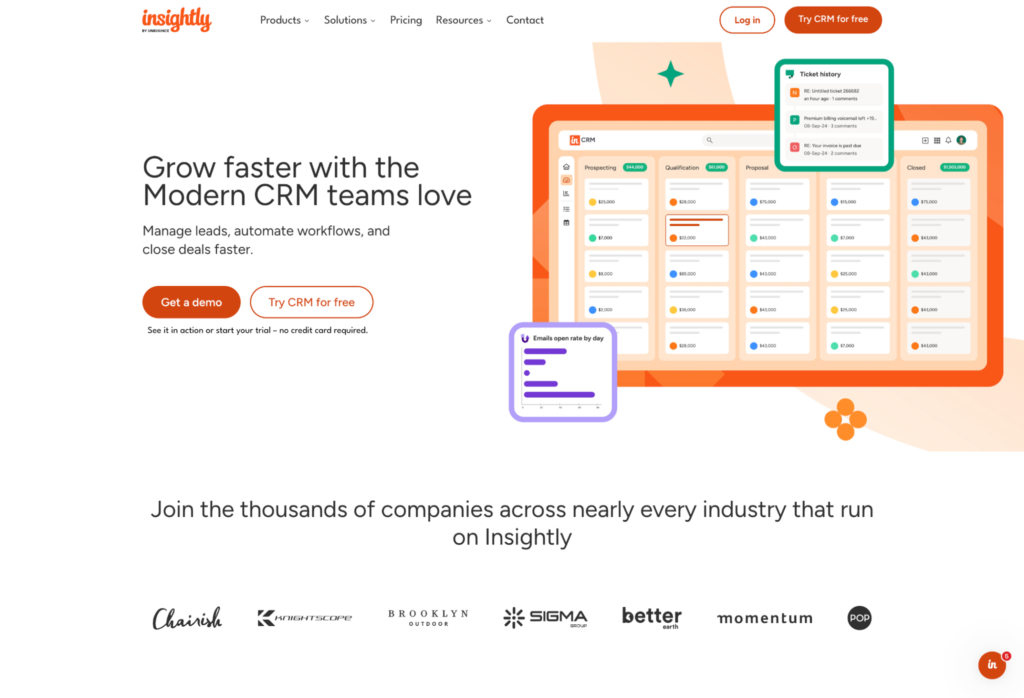
Insightly CRM is purpose-built for growing professional services firms that need sales pipeline management, project delivery tracking, and no-code customization in one place. It deploys in weeks, and your ops team can maintain it without consultant help.
What do you get with Insightly?
- Native deal-to-project conversion: Closed deals convert directly into delivery projects with full data continuity—contacts, scope, and history all carry over without re-entry
- No-code customization: Your ops team controls custom fields, page layouts, workflows, and dashboards through the UI, with no developers required
- AI Copilot: Natural language CRM interaction makes adoption easier for team members who resist traditional CRM interfaces
- AppConnect integrations: Drag-and-drop builder connects Insightly to 2,000+ apps—accounting, communication, project tools—without IT involvement
- Fast implementation: Average deployment of 1.1 months, compared to two to four months for enterprise CRM alternatives like Salesforce
What are the trade-offs?
- Not built for enterprise-scale organizations that need code-level customization (Apex development, Salesforce-grade compliance frameworks)
- Not designed for solo practitioners who don’t yet need structured pipeline management
- Marketing Automation and Service Management are add-on modules on a shared database, not bundled from day one—a feature for firms that want to add capabilities as they grow, but worth knowing upfront
Insightly reviews
Insightly has a 4.2-star G2 rating from about 940 reviews and a 4.0-star Capterra rating from about 650 reviews.
The review pattern supports Insightly’s fit for teams that want CRM and delivery context together. One Capterra reviewer said they “use the Project Management tool daily” alongside CRM and contact management. The caveat is advanced customization depth, with another reviewer saying there are “things that simply can’t be done due to system limitations” when developers need Salesforce-style extensibility.
Who is Insightly best for?
- Mid-market professional services firms (50 to 250 employees) that need both sales pipeline and post-sale delivery tracking in one place
- Firms that want to avoid enterprise implementation timelines and consultant dependency
- Teams where an ops function (not an IT department) will own the CRM day-to-day
- Organizations sitting in the gap between solo practioners (overkill) and enterprise (not enough depth)
2. HubSpot CRM: Best for marketing-driven professional services
HubSpot CRM is a broadly adopted platform built around inbound marketing, with sales and service functionality layered on top. It’s best suited for professional services firms where content-driven demand generation is the primary growth channel.
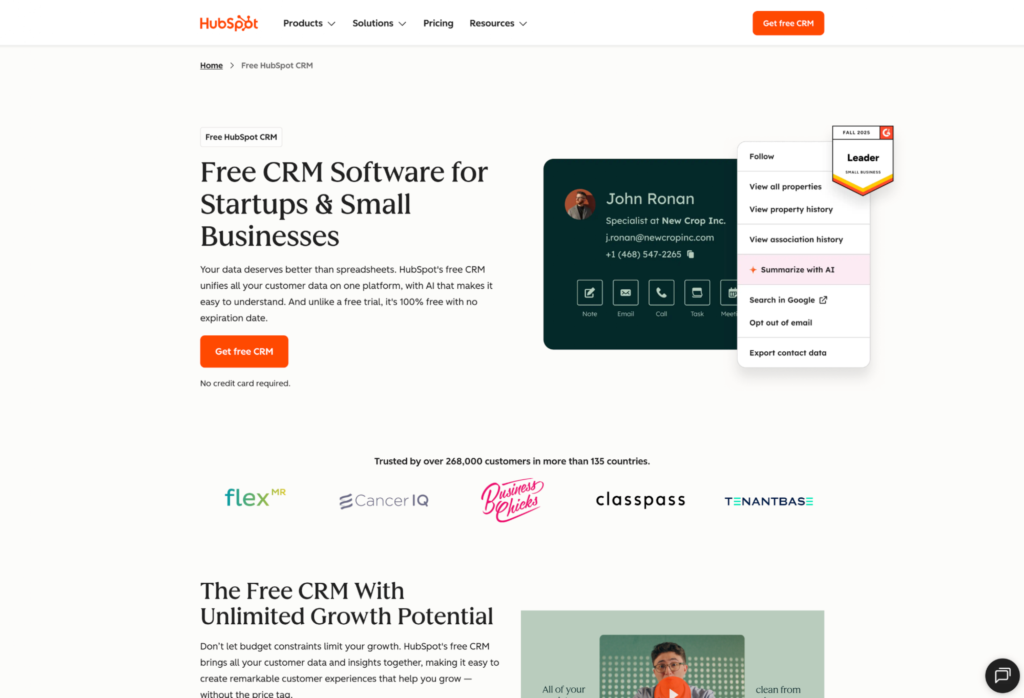
HubSpot CRM is the strongest option for professional services organizations that run on inbound content strategy. If marketing campaigns are your primary demand generation engine, HubSpot’s ecosystem was built for that exact workflow.
What do you get with HubSpot?
- Free CRM tier: Handles basic contact management and deal tracking for small teams getting started
- Best-in-class marketing tools: Email marketing and lead nurturing are among the strongest available
- Shared-database Hub ecosystem: Marketing Hub, Sales Hub, and Service Hub run on the same underlying data
- Sales automation: Sequences and lead rotation become available at Pro and Enterprise tiers
- Education and certifications: HubSpot Academy is a real advantage for sales enablement and team training
What are the trade-offs?
- No native deal-to-project conversion—your team needs a separate project management tool to handle delivery after close
- The sales-to-delivery handoff creates duplicate data entry and lost context for firms where that workflow runs daily
- Each Hub (Marketing, Sales, Service) is a separate subscription, and full feature access requires Pro or Enterprise tiers
- Total cost of ownership can climb significantly beyond what the free CRM entry point suggests
HubSpot reviews
HubSpot Sales Hub has a 4.4-star G2 rating from about 14,000 reviews, and HubSpot CRM has a 4.5-star Capterra rating from about 4,500 reviews.
On Capterra, one reviewer said HubSpot “integrates all of our sales, marketing and customer service into one visually appealing interface,” which lines up with the appeal for firms that want marketing, sales, and service activity in one system. Another reviewer said the marketing add-ons “can get expensive quickly, especially as you scale,” which reinforces the cost and hub-stack tradeoff for growing teams.
Who is HubSpot best for?
- Professional services firms where marketing-driven demand generation is the primary growth lever
- Teams where content marketing is central to the go-to-market strategy
- Firms that already handle project delivery in a separate tool their team knows well
- Less of a fit for firms without a dedicated marketing function or those relying primarily on outbound and referral business
Firms weighing the two platforms directly can work through the Insightly and HubSpot comparison for a capability-by-capability breakdown.
3. Salesforce: Best for enterprise professional services firms
Salesforce is the enterprise CRM benchmark for large professional services firms that need deep customization, advanced reporting, and governance at scale. It’s powerful, but it assumes you have the people and budget to run it properly.
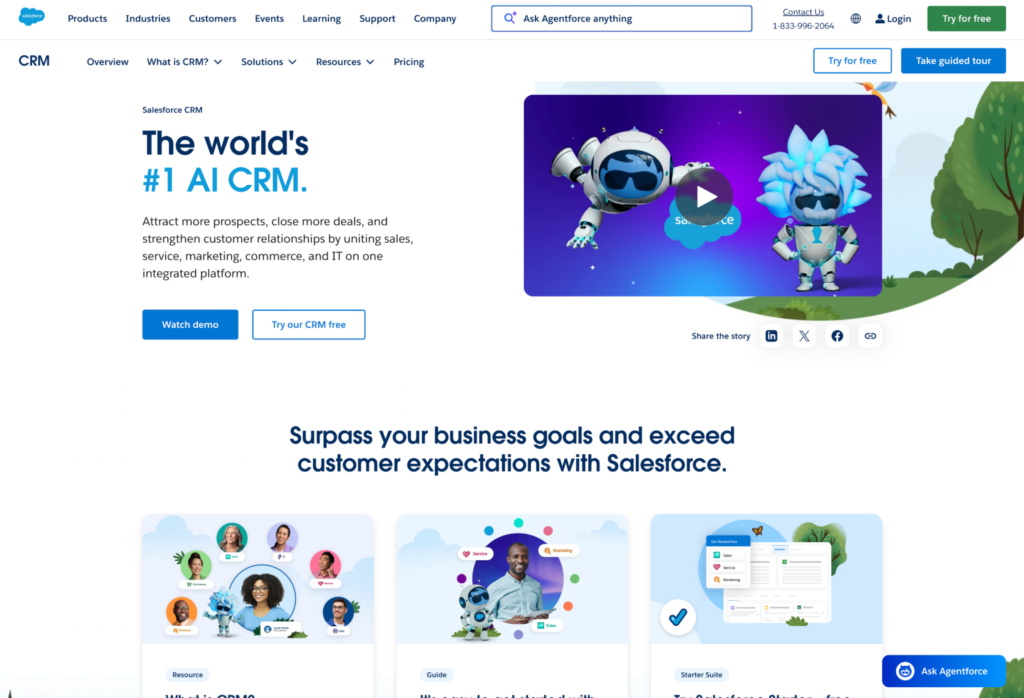
Salesforce makes the most sense when CRM administration is a real function inside the business. For a firm with complex compliance needs, multi-team reporting, and a technical RevOps or IT team, that depth can be worth the cost.
What do you get with Salesforce?
- Deep customization: Apex programming and Lightning components give technical teams broad control over data models, workflows, and user experience
- Large app ecosystem: AppExchange offers 7,000+ apps for extending the platform across sales, service, analytics, and industry-specific workflows
- Advanced reporting and AI: Einstein AI supports forecasting and predictive analytics for teams with enough data and process maturity to use it well
- Enterprise security: Strong fit for firms managing sensitive client data, complex permissions, and larger compliance requirements
- Enterprise pricing: Sales Professional starts at $80/user/month and Enterprise at $165/user/month, with implementation costs that often exceed the software subscription
What are the trade-offs?
- Setup usually requires admins, consultants, or developers, which makes it heavy for most small and mid-market firms
- Salesforce can become more system than teams use day to day, especially when the business only needs core CRM and delivery visibility
- Marketing Cloud and Service Cloud are separate products with separate pricing
- Advanced reports, custom workflows, and integrations take technical expertise to build and maintain
Salesforce reviews
Salesforce Sales Cloud has a 4.4-star G2 rating from about 26,000 reviews and a 4.4-star Capterra rating from about 19,000 reviews.
The review pattern supports Salesforce’s fit for firms that need scale, reporting depth, and a highly configurable sales system. One Capterra reviewer called Salesforce “robust, reliable, and extremely customizable.”
The caution is the work required to get that value. Another reviewer said “customization often requires time, training, or additional support,” which lines up with the admin, training, and implementation burden enterprise firms need to plan for.
Who is Salesforce best for?
- Enterprise professional services firms with dedicated CRM admins, RevOps, or IT support
- Organizations with complex security, compliance, reporting, and customization requirements
- Firms with the budget for a serious implementation and ongoing administration
- Less of a fit for mid-market firms that want fast implementation, no-code ownership, and sales-to-delivery visibility without enterprise overhead
4. Zoho CRM: Best for budget-conscious professional services teams
Zoho CRM is the value play in this list. It gives budget-conscious professional services teams a broad CRM toolkit at a lower entry price, especially if they are willing to configure the system around their own workflows.
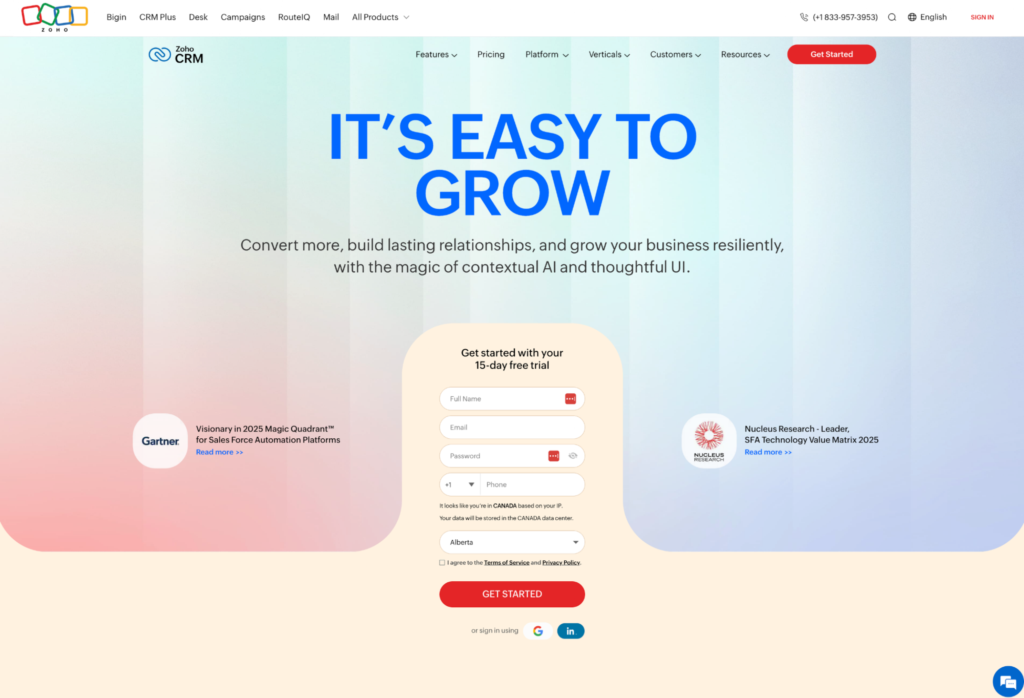
Zoho works best when price matters, but the team still wants customization, automation, and access to a larger business software suite. The trade is time, since the setup burden is part of how Zoho keeps the cost low.
What do you get with Zoho CRM?
- Core CRM depth: Pipeline management, lead scoring, workflow automation, and process management cover the basics for sales teams
- Zia AI assistant: Lead scoring, best-time-to-contact suggestions, and anomaly detection help teams spot priority activity
- Broad Zoho ecosystem: 45+ apps across email, accounting, campaigns, support, and other business functions
- Customization tools: Canvas design tools and configurable workflows give teams room to shape the CRM around their process
- Low entry price: Free tier for up to three users, with paid plans from $14/user/month for Standard through $52/user/month for Ultimate
What are the trade-offs?
- The same depth that makes Zoho good value also creates setup work and a real learning curve
- Community-heavy support means teams may lean on forums and documentation more than direct hands-on support
- The full payoff often comes from buying into the broader Zoho suite, which can create ecosystem lock-in
- Professional services firms that need project delivery inside the CRM may still need another system after the deal closes
Zoho CRM reviews
Zoho CRM has a 4.1-star G2 rating from about 2,900 reviews and a 4.3-star Capterra rating from about 7,000 reviews.
Reviewers tend to like the breadth for the price. One Capterra reviewer said the CRM is “very customizable and can be easily adjusted to fit the needs of our organization” and called it “a great value for the functionality you get.”
The trade-off is day-to-day configuration effort. Another reviewer said Zoho has a “massive amount of functionality and customization,” then pointed to “customization is difficult and timely” as the cost of that depth.
Who is Zoho CRM best for?
- Budget-conscious professional services teams that want strong CRM value at a lower per-user price
- Small and mid-sized firms willing to spend time on configuration
- Teams already using, or ready to adopt, several Zoho apps
- Less of a fit for firms that need built-in project delivery, hands-on support, or a CRM their team can run with minimal setup
5. Accelo: Best for time tracking and billing integration
Accelo is a Professional Services Automation (PSA) platform built for delivery-heavy firms that run on billable hours. Unlike CRM-first tools, it centers on time tracking, invoicing, and project profitability rather than pipeline management.
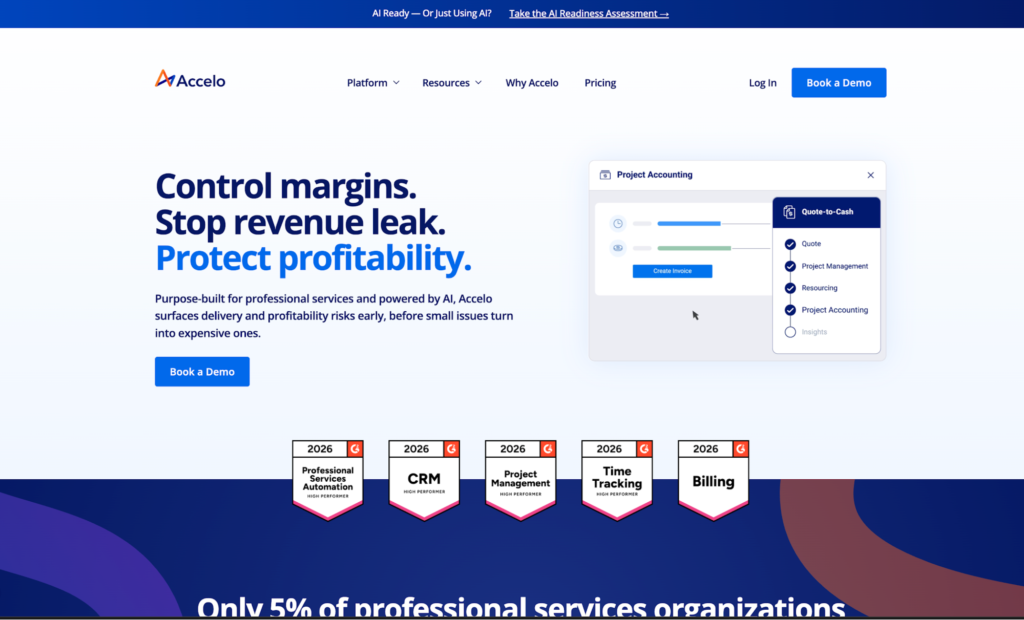
Accelo is a Professional Services Automation (PSA) platform rather than a CRM-first tool, and the distinction matters. Its strength is delivery operations—time tracking, billing, project management, and accounting integration in a single platform.
What do you get with Accelo?
- Native time tracking: Handles both billable and non-billable hours, with automated billing that syncs logged time directly to invoices
- Project management depth: Gantt charts, resource allocation, and project-to-budget tracking give profitability visibility at the engagement level
- Client portal: Delivery transparency for clients throughout the engagement
- Sales-to-delivery connection: Sales module links pipeline activity to downstream delivery work
- Pricing by request: Accelo no longer publishes public per-user pricing. Third-party data from March 2024 had Professional around $50/user/month, Business around $70 (adds retainer management), and Advanced around $90 (adds automation and smart scheduling), with user minimums that scale up by tier
What are the trade-offs?
- PSA-first means sales CRM functionality is shallower than a dedicated CRM platform
- Complex sales cycles, multi-stage pipelines, and significant business development operations may feel thin
- Strong for agencies running active retainers where delivery and billing are the operational focus—less strong for firms with long, complex pre-sale cycles that need deep pipeline management before work begins
- Automation, smart scheduling, and advanced workflow triggers sit on the top Advanced tier—firms that need these to run day-to-day will pay for the ceiling, not the floor
Accelo reviews
Accelo has a 4.4-star G2 rating and a 4.5-star Capterra rating, with 174 Capterra reviews currently visible.
One Capterra reviewer said Accelo helped manage “the entire sales cycle from managing contacts, Lead tracking, project planning and automated billing” and highlighted “a client portal feature for our clients to collaborate on projects, accept quotes and view invoices”, which supports the platform’s sales-to-delivery, billing, and client-visibility pitch. The trade-off is cost and flexibility, with another reviewer saying “the charge per user… can build quite quickly” and calling out “the inflexibility with proposals”.
Who is Accelo best for?
- Delivery-heavy professional services firms—agencies, IT services companies, managed service providers
- Firms where project profitability, billable hours, and client invoicing are the operational core
- Teams whose biggest challenge is tracking and billing for work in progress
- Less of a fit for firms where sales pipeline management and deal velocity drive the business—those firms may want to evaluate CRM options built specifically for consulting
6. Productive: Best for project budgeting and resource planning
Productive is also a PSA platform with CRM functionality attached, which makes it strongest for agencies and service firms that care most about delivery operations. If budgets, resourcing, utilization, and project visibility are the pressure points, Productive starts from the right end of the problem.
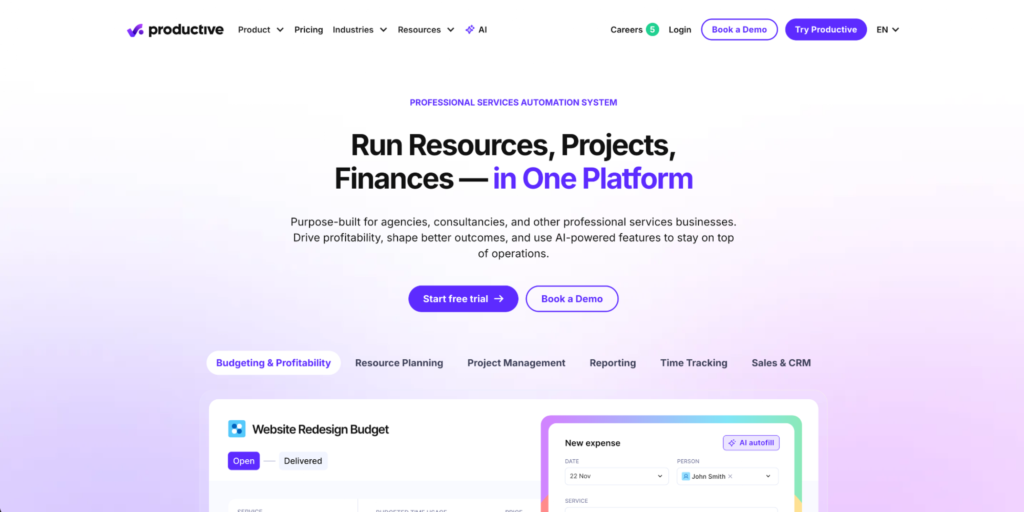
Productive is less natural for firms that want a classic CRM-first sales engine. Its strength is connecting deals to budgets and delivery work once the engagement starts.
What do you get with Productive?
- Sales-to-budget handoff: Won deals can convert into project management budgets without re-entering the same data
- Resource planning: Teams can schedule people against deals before they close, which helps delivery leaders understand capacity earlier
- Budget tracking: Real-time burn monitoring by project, client, or service line gives managers better margin visibility
- Time tracking and approvals: Built-in time workflows support billable delivery teams
- Agency-friendly pricing: Essential starts at $10/user/month, Professional at $25/user/month, and Ultimate at $33/user/month, billed annually with a three-seat minimum
What are the trade-offs?
- Productive is more PSA than classic CRM, so sales process management is secondary to delivery operations
- Lead scoring, email sequences, and marketing automation are not the core product
- CRM-first business development teams may find the pipeline tools lighter than dedicated CRM platforms
- Firms that mainly need better sales forecasting or lead nurturing may be better served by a CRM-first option
Productive reviews
Productive has a 4.6-star G2 rating from 73 reviews and a 4.6-star Capterra rating from about 110 reviews.
The review sample is smaller than the big CRM platforms, but the pattern fits Productive’s delivery-ops positioning. One Capterra reviewer praised having “resource allocation, time tracking, leave request management, budgeting, and CRM under one roof.”
The caveat is CRM depth. A separate Capterra reviewer said “The Sales tool is probably the least developed,” even though the broader platform worked well for their agency.
Who is Productive best for?
- Agencies and delivery-heavy service firms where project budgets, resourcing, and visibility drive the operating model
- Teams that want delivery continuity more than deep CRM pipeline management
- Firms with retainer work, recurring budgets, and capacity planning pressure
- Less of a fit for teams whose main need is classic CRM depth, lead nurturing, email sequences, or marketing automation
7. Nutshell: Best for smaller professional services teams
Nutshell is a lightweight CRM designed for small teams that need fast setup and clean pipeline visibility without a long implementation runway. It trades depth for ease of adoption.
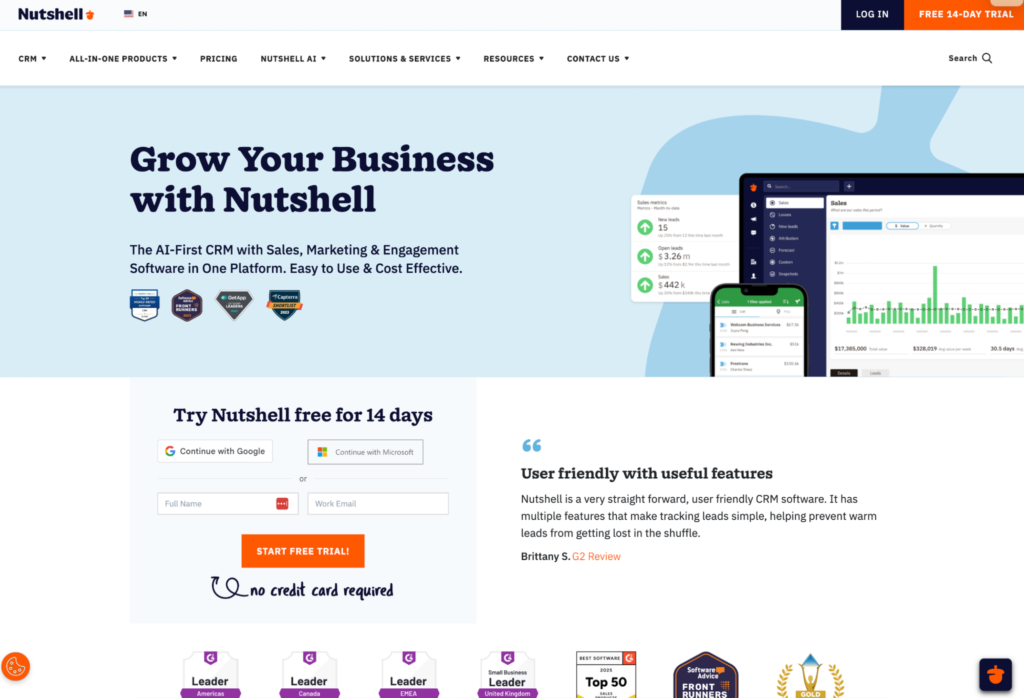
Nutshell fits smaller professional services teams who need a clean, easy-to-adopt CRM without a steep learning curve. For a team of five or 10 people, out-of-the-box simplicity is the value Nutshell delivers.
What do you get with Nutshell?
- Visual pipeline management: Multiple view options (board, list, map) suit teams that think about deals differently
- Email sequences and basic automation: Handles follow-ups without complex setup
- Integrated marketing tools: Forms and basic campaigns included
- Fast onboarding: No consultant dependency or weeks of configuration
- Competitive small-team pricing: Lower per-user rates than many mid-market options, with add-ons like quote generation available
What are the trade-offs?
- Limited custom field depth restricts how much you can tailor the system to specific workflows
- Pipeline management works for straightforward deals but doesn’t handle complex multi-stakeholder engagements as cleanly
- No native project management for post-sale delivery—teams still need a separate tool once the deal closes
- Works well until you outgrow it, which for some professional services teams happens faster than expected
Nutshell reviews
Nutshell has a 4.3-star G2 rating and a 4.4-star Capterra rating.
On Capterra, one reviewer said “Nutshell has been easy to use from day one … the onboarding process was fantastic,” which fits the appeal for small teams that want a clean rollout, easy adoption, and a CRM people actually use. Another said “We have outgrown the capabilities … it just doesn’t fit our needs anymore,” which reinforces the trade-off for firms that need more depth for service delivery or more complex workflows.
Who is Nutshell best for?
- Solo practitioners (1 to 2 people) and independent consultants
- Small teams (2 to 50 people)
- Firms where simplicity and speed of adoption matter more than deep customization or long-term scalability
8. Pipeline CRM: Best for sales-focused consulting firms
Pipeline CRM is a sales-only platform built around pipeline visibility and deal management for consulting firms where business development is the primary bottleneck. It doesn’t extend into project delivery.
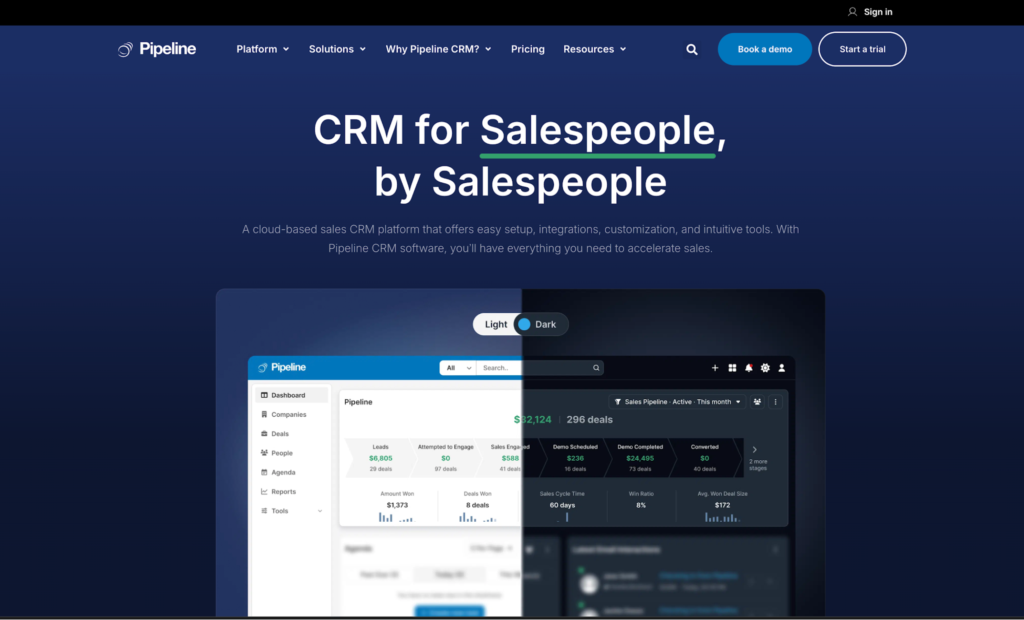
Pipeline CRM is designed for consulting firms whose primary challenge is managing a high-volume sales pipeline. If your bottleneck is business development, not delivery, it’s a focused sales CRM that does one thing well.
What do you get with Pipeline CRM?
- Kanban pipeline organization: Visual deal management with up to 25 custom fields per deal
- Performance dashboards and KPI tracking: Available on Develop plan and above, giving sales managers real-time visibility into team activity and deal progress
- Sales productivity features: Email tracking, automation, and eSign on higher tiers
- Transparent pricing: Start ($25/user/month), Develop ($33), Grow ($49 with bulk email, drip campaigns, and advanced analytics)
What are the trade-offs?
- Sales-only tool—no native deal-to-project conversion
- Every closed deal requires a manual handoff to delivery in a separate system
- Business development and delivery run on disconnected platforms
- Re-entry and context loss is a real workflow cost for professional services firms where project setup depends on what was sold and promised
Pipeline CRM reviews
Pipeline CRM has a 4.3-star G2 rating and a 4.3-star Capterra rating.
One Capterra reviewer said “Journey mapping throughout the deal process was clear and easily traceable throughout the sales cycle,” which fits the appeal for firms that want better pipeline visibility, clearer lead health, and more structured follow-up. Another said “It helps you keep track of people, but doesn’t really help you bring in the $$$ once a sale has been made,” which gets at the trade-off for firms that need deal-to-project continuity instead of a manual delivery handoff.
Who is Pipeline CRM best for?
- Sales teams at consulting firms where business development is the primary bottleneck
- Firms that manage delivery with a separate tool their team is already confident in
- Less of a fit for firms that need CRM options connecting sales activity to delivery—it’s a strong sales tool, not a sales-and-delivery tool
How do you choose the right CRM for your professional services business?
The right CRM for a professional services business is the one that fits how your firm actually operates today and where you’re headed over the next two to three years—not the one with the longest feature list.
Three variables should drive the decision:
1. Firm size and complexity
Solo practitioners (1 to 2 people) and small firms (2 to 50 people) need simplicity and fast adoption, which is where tools like Nutshell fit. That said, smaller professional services firms in the 10 to 50 employee range with heavy project workloads—think agencies, IT services, managed service shops—often fit Accelo better than a CRM-first tool, since billable hours and project profitability are the operational core.
Mid-market firms (50 to 250 employees) need customization depth, integration flexibility, and the ability to connect sales and delivery, which is where a right-sized CRM platform for mid-market teams like Insightly pays off.
Enterprise-scale organizations with dedicated IT teams and complex compliance requirements may need the depth of a platform like Salesforce, even with the longer implementation timeline and higher total cost of ownership.
2. Sales-to-delivery workflow
If your delivery depends heavily on what was sold—scope, contacts, history, requirements—native deal-to-project conversion should be a required capability, not a nice-to-have.
If delivery is genuinely decoupled from sales, a sales-focused CRM may be sufficient.
3. Who maintains the CRM
If you have dedicated IT or RevOps resources, a complex platform with code-level customization is manageable.
If your ops team wears multiple hats (and in many professional services businesses, they do), no-code customization is what keeps the system aligned with how the business actually works. A CRM that requires outside help for every field change or workflow update will gradually drift from reality.
Why thousands of companies trust Insightly
Companies that switch to Insightly from more complex platforms often report faster time-to-value and higher adoption than they expected.
The numbers tell the story. According to an independant ROI study, the average implementation timeframe for Insightly takes 1.1 months—less than half the time it takes to implement enterprise CRM alternatives.
Again, the fact that 94% of sales professionals using less than 75% of their CRM features is exactly why right-sizing your CRM matters.
You don’t necessarily need the most powerful CRM in the world. What you need is a CRM your team will actually use that supports how your business operates, not the one with the longest feature list.
Get started with Insightly today
The right CRM for a professional services firm is the one that fits where you are today and stays aligned with how you work as the firm grows.
With Insightly, you can:
- Convert closed deals directly into delivery projects with deal-to-project conversion—no re-entry, no context loss
- Track every client interaction, project milestone, and pipeline stage in one CRM platform
- Build custom workflows, fields, and reports through no-code customization—no developers or consultants required
- Connect your existing tech stack through AppConnect’s 2,000+ integrations
Insightly deploys in weeks, not months, and fits nicely as a professional services CRM that feels purpose-built for the mid-market gap. Start a 14-day free trial to see how it fits your firm.
All provider context in this resource is based on information available as of August 2026. Product details, pricing and availability may change.
FAQs about choosing a CRM for professional services firms
The right CRM decision usually comes down to a few practical questions that sit just outside a standard feature comparison. These are the follow-ups worth asking before you commit to a platform.