The 8 best Agile CRM alternatives in 2026 (+ reviews & pricing)
Agile CRM is affordable and feature-rich for small businesses that need sales, marketing, and service tools in one place. For teams willing to work within its limitations, it delivers solid value.
But here’s where it gets tricky:
- Aggressive feature caps force sudden pricing jumps when you need just one more integration or automation rule
- The dated interface and steep learning curve slow adoption
- No project management for post-sale work
If you’ve hit these walls with Agile CRM—or you’re evaluating and seeing the red flags early—there are stronger Agile CRM alternatives worth considering.
In this guide, we’ll walk through eight alternatives. You’ll see how each compares on features, pricing, implementation complexity, and fit for growing businesses.
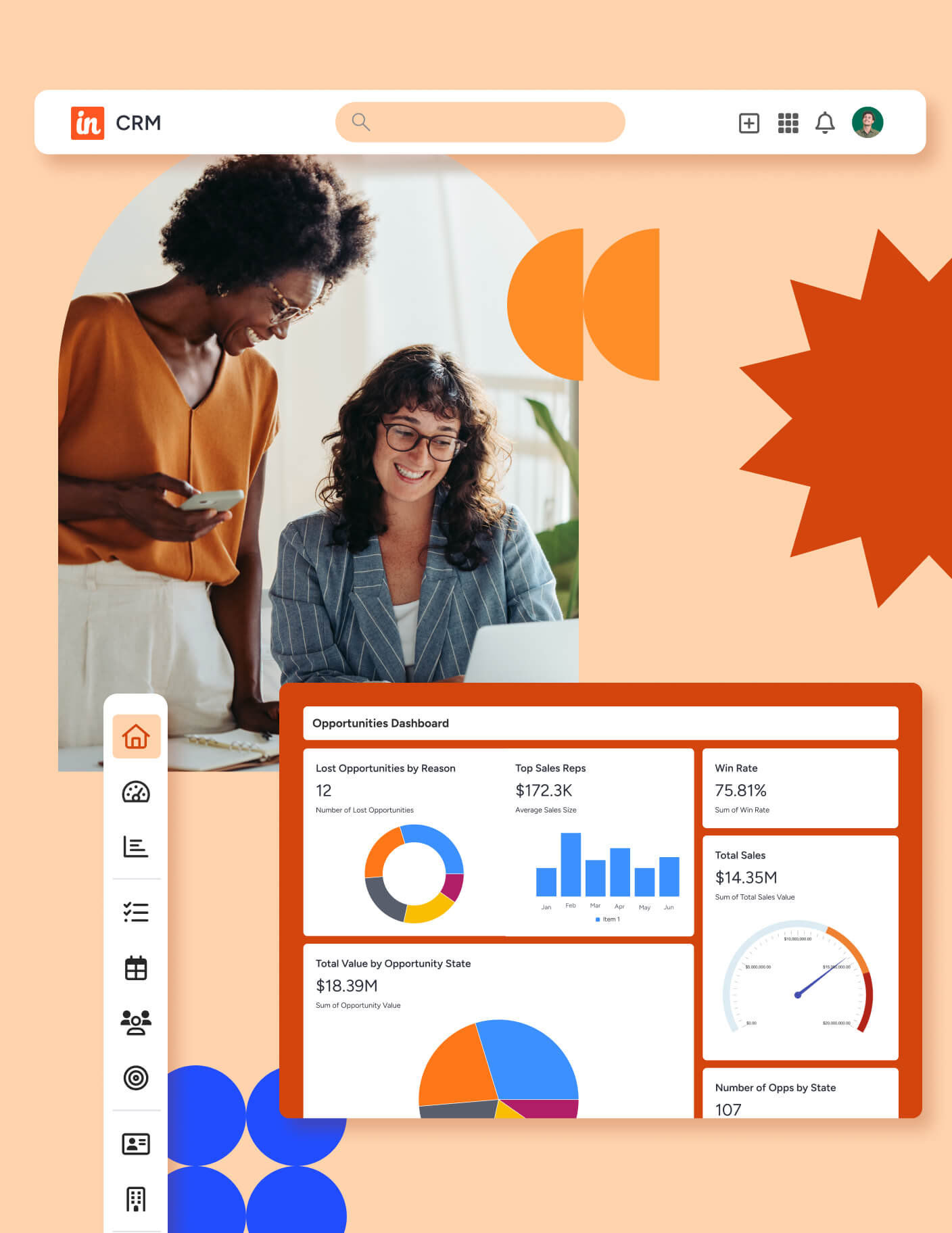
TABLE OF CONTENTS
SHARE



Val Riley
» More blog posts by Val Riley
What is Agile CRM?
Agile CRM is an all-in-one platform combining sales, marketing, and customer service tools in a single interface. Built primarily for small businesses and startups that need comprehensive CRM functionality without enterprise complexity.
The platform includes contact management, deal tracking, email marketing, marketing automation, and helpdesk features. Designed around an affordable entry point—a free plan supporting up to 10 users with basic features.
Agile positions itself as a cost-effective alternative to platforms like Salesforce, delivering “everything you need” at a fraction of the price. 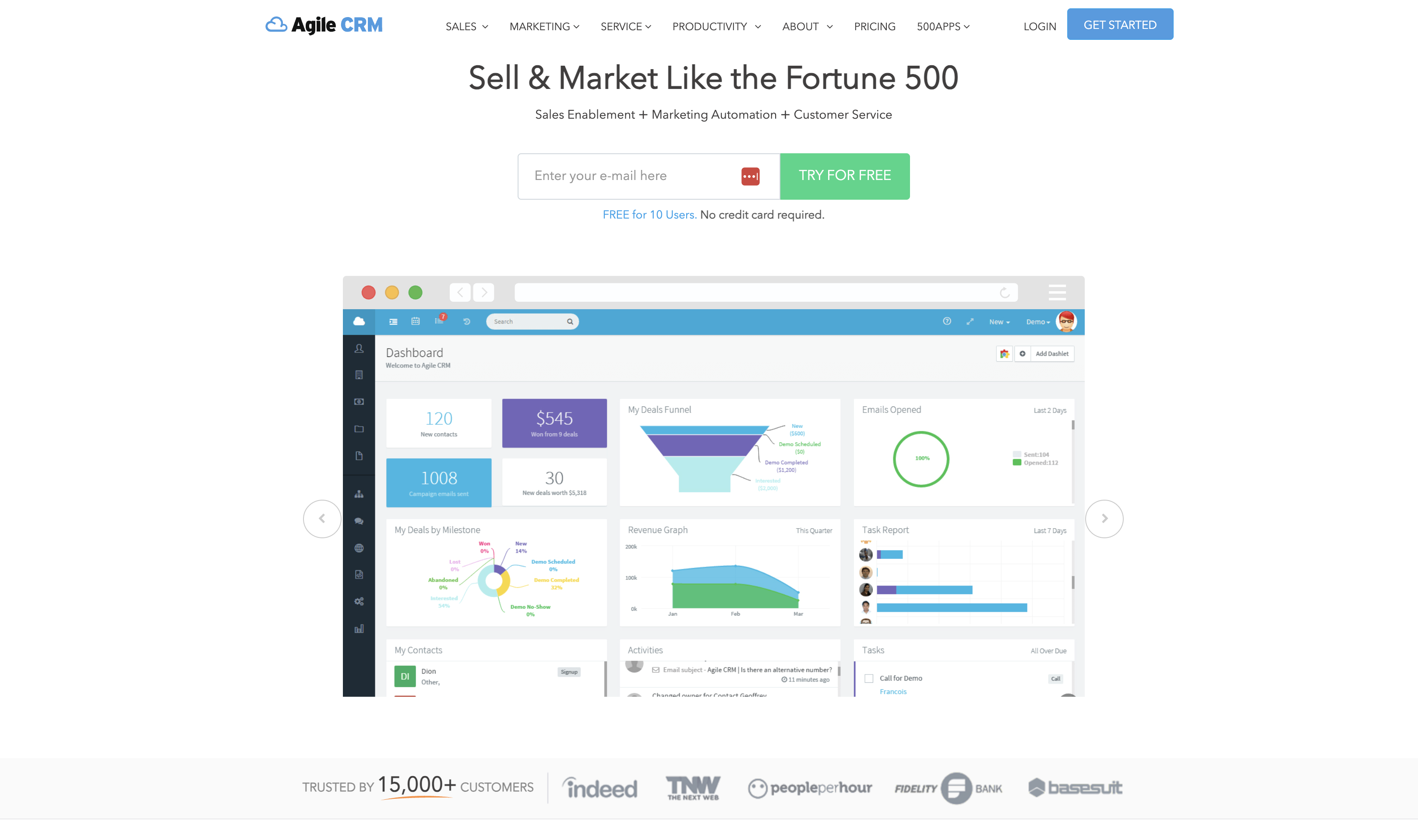
Agile CRM key features
- Contact and deal management: Visual kanban pipeline for tracking leads through customizable stages
- Marketing automation: Drag-and-drop workflow builder for email campaigns, drip sequences, and automated follow-ups
- Built-in telephony: Click-to-call functionality with automatic call logging (call recording requires Enterprise tier)
- Web engagement tools: Track visitor behavior, create popups and forms, monitor time on site
- Landing page builder: No-code templates for lead capture pages
- Social media integration: Publish posts and manage interactions across Facebook, LinkedIn, and Twitter
- Email marketing: Drag-and-drop builder with templates, personalization, A/B testing, and analytics
- Task management: Drag-and-drop task lists with tagging, milestones, and team collaboration
- Helpdesk functionality: Create and route support tickets with service group management
How much does Agile CRM cost and is it expensive for SMBs?
Agile CRM offers four pricing tiers:
- Free: 10 users, 1,000 contacts, 3 integrations, 5 automation rules
- Starter: $14.99 per user per month, 10,000 contacts, 3 integrations, 10 automation rules
- Regular: $49.99 per user per month, unlimited integrations, 50 automation rules
- Enterprise: $79.99 per user per month, unlimited automation, call recording and voicemail
The structure starts low but creates steep jumps. Free and Starter cap you at just 3 integrations—insufficient when you’re using accounting software, email marketing, calendar sync, and Zapier. When you need a 4th integration, there’s no middle option. You jump straight to Regular at 233% higher cost.
Here’s the math:
A 10-person team on Starter ($149.90/month) that needs one more integration must jump to Regular ($499.90/month). You’re tripling your monthly cost just to add one tool connection.
Email sends are also capped at 5,000 messages per month across all tiers, with overage charges for any email sends beyond that limit.
Why should you look for Agile CRM alternatives?
Agile CRM packs a lot into its entry-level pricing. For very small teams just getting started, that value proposition can work.
But as you scale, the trade-offs get harder to stomach. You’re caught between accepting restrictions that limit how you operate—or paying steep jumps to unlock basic functionality. The dated interface, missing features, and rigid structures compound the problem.
For growing SMBs, those limitations eventually outweigh the initial savings.
Aggressive pricing caps push you into sudden cost jumps
Agile’s Free and Starter tiers cap you at three integrations. When you need a fourth (think accounting software, email marketing, calendar sync, and Zapier) there’s no middle option. You jump straight to Regular at 233% higher cost. A 10-person team on Starter paying $150/month suddenly pays $500/month for one additional connection.
Steep learning curve with an outdated interface
Multiple reviews describe Agile CRM’s interface as confusing, dated, and difficult to navigate. The onboarding video still featured in the platform is from 2015.
Poor usability kills adoption. If your sales team struggles with daily tasks, they’ll work around the system instead of using it—defeating the entire purpose of a CRM.
No project management capabilities
Agile CRM focuses entirely on pre-sale work. Once a deal closes, you’re on your own.
There’s no way to convert opportunities into projects, track delivery milestones, or manage post-sale work. You’ll need a separate tool entirely, which breaks the “all-in-one” promise and fragments your customer data.
Limited customization and rigid pipeline structures
Pipeline stages come with fixed names:
- “New”
- “Prospect”
- “Proposal”
- “Won”
- “Lost”
And you can’t rename them to match your actual sales process. Column sizes are locked too.
Since every business has unique workflows, this definitely isn’t ideal. When the software won’t adapt to you, your team adapts to the software—usually with workarounds that create inconsistency.
Inconsistent support and stalled product development
According to Agile CRM reviews, support quality varies. Some users praise quick responses; others report slow resolution and help that doesn’t address deeper implementation issues.
The platform’s learning resources haven’t kept pace either—the onboarding video still featured in-product dates from 2015. When documentation lags behind the software, your team spends more time figuring things out on their own.
8 best alternatives to Agile CRM for growing SMBs
So which alternatives are worth considering?
In this section, we’ll break down eight solid options to compare against Agile CRM. At the end of the day, the right choice for you is going to depend on the size of your business and what you value most in your CRM.
The 8 best Agile CRM alternatives at a glance
| Name | Best For | Ideal User | Pricing |
|---|---|---|---|
| Insightly CRM | Managing sales and projects in one place | Growing SMBs that need flexibility without complexity | From ~$29/user/mo (tiered plans) |
| Monday CRM | Tracking deals alongside project work | Small teams already using Monday for task management | Paid plans only; trial available |
| HubSpot CRM | Combining CRM with marketing automation | SMBs focused on inbound and email campaigns | Free tier; full features from ~$1,600/mo |
| Copper CRM | Running CRM directly inside Google Workspace | Google-based small businesses | $29–$134/user/mo; no free plan |
| Salesforce CRM | Scaling complex sales across departments | Mid-size and enterprise companies with admin support | $25–$330/user/mo depending on tier |
| Pipedrive CRM | Visual pipeline management and automation | Sales-driven SMBs | $14–$99/user/mo; 14-day trial |
| Zoho CRM | Affordable all-in-one CRM with automation tools | SMBs wanting flexibility on a budget | $14–$52/user/mo; free for up to 3 users |
| Nutshell CRM | Simple, ready-to-use CRM setup | Small businesses wanting quick adoption | $14–$67/user/mo; add-ons extra |
1. Insightly CRM
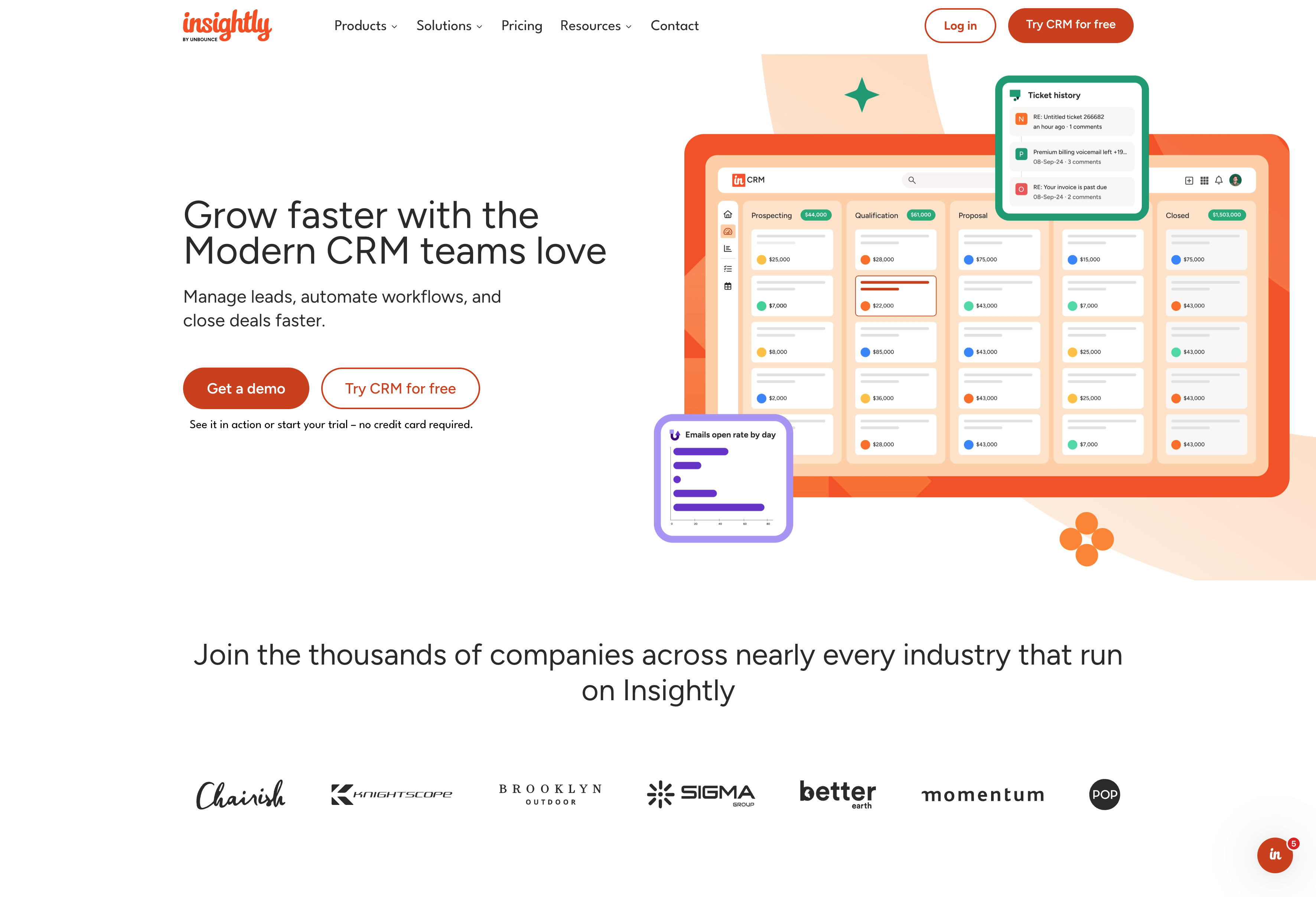
If you’re looking for a highly customizable CRM with project management features built in, Insightly is a great fit and is a strong contender and alternative to Agile CRM.
Key features of Insightly CRM
- Super-fast interface: Insightly was developed as a cloud-based CRM, it is fast to load and use. Its convenient blade view lets you drill-down to view data without loading pages, making it a fast application.
- Sales pipeline and lead management: Capture leads, prioritize and distribute leads, and get a real-time view of all deals in your pipeline.
- Lead tracking and opportunity management: Improve deal velocity by managing opportunities in customizable pipelines and tracking deal progress.
- Business workflow and process automation: Automate tasks that take up time, reduce human error, and free up your team for more important work.
- Validation rules and advanced permissions: Ensure data accuracy, integrity and compliance while giving appropriate access to team members.
- Products, price books and quotes: Make it easy to close the deal when you configure price quotes from opportunities. Generate and email quotes right from Insightly.
- Project and task management: Convert opportunities to projects seamlessly and manage them with a familiar, intuitive interface.
- Customer Relationship Management (CRM): Create a comprehensive record of each customer interaction and improve overall business processes.
- Customizations: Configure the CRM to your organization’s unique needs. Save on outside integrators and consultants with simple customization and configuration options.
- Email management: Stay in the CRM and send one-off emails or templated emails to dozens of contacts.
- Performance dashboards and reporting: Customize dashboards and reports to get real-time insights and make informed decisions.
Advantages of using Insightly CRM
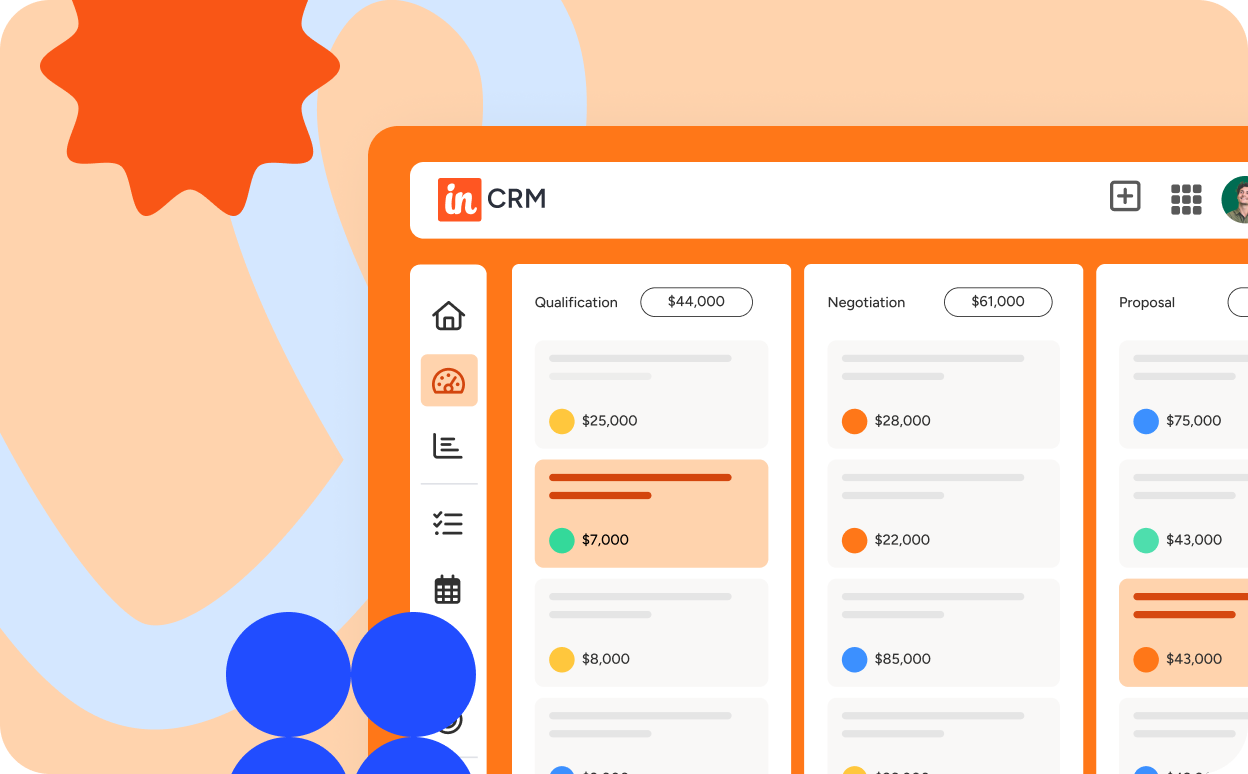
- Project management features: Many CRMs offer project management features as an add-on or an extra application, but Insightly builds in robust project management features in its CRM offering. Best of all, the project management features use the same intuitive interface that is used in the lead and opportunity management phases, so it’s already familiar to users. The kanban style that is so easy to visualize is in play here, and project managers will delight in how easy it is to move won opportunities into projects. All of the data from the sale carries over, so PMs can see exactly what led to this customer choosing your solution.
- Customizations: Most CRMs are customizable…that’s true. However, most also require a lot of help. You’ll need help from the platform’s customer service team. Or worse, you’ll need to hire an outside integration or service company to do the customizations for you. This can add up quickly. This is especially true for legacy CRMs (looking at you, Salesforce).
- HIPAA compliance: If you are in the healthcare industry and need to be assured of data security under HIPAA, Insightly is a clear choice. Few CRMs are HIPAA compliant.
Insightly reviews
All reviews below are sourced from G2.
- “Helps you to improve efficiency, and is easy to use.”
This is a very user friendly software that makes your work easier. – Kratika C., Mid-Market (51–1000 emp.) - “Easy to use and efficient.”
The application is a user friendly app that helps fulfill all the needs. Their customer support is amazing. – Vanshika G., Mid-Market (51–1000 emp.) - “Insightly for improved efficiency in association management.”
Verified User in Non-Profit Organization Management, Mid-Market (51–1000 emp.) - “Amazing support, easy to use and so much still to explore.” – Dawn R., Small-Business (50 or fewer emp.)
- “A modern customizable CRM with on the clock support.” – Kati G., Mid-Market (51–1000 emp.)
When is Insightly a good choice?
- Customizations: Insightly is an excellent option for enterprises that need CRM that’s tailored to their needs. Insightly is easy to customize without the need for an outside firm or agency.
- Integrations: Using the AppConnect middleware tool, it’s easy to connect Insightly to thousands of popular business applications without the need to write code.
- Project management: If your business wants to manage projects right in the CRM, Insightly’s project management features will impress you. You won’t need to buy and implement a separate app to manage projects post-sale.
- Your team likes to ‘tinker:’ Insightly is a highly flexible tool that businesses can use in a myriad of ways. The possibilities are endless and the guardrails are down – you can truly make Insightly perform in countless ways if you want.
- You want one platform for your Go-to-Market teams: In addition to a robust CRM, Insightly offers Insightly Marketing for marketing automation and Insightly Service for customer support and ticketing. Your GTM teams gain visibility into each other’s work with one platform, one data set, and one login.
Insightly pricing
Insightly’s pricing model includes the Plus, Professional, and Enterprise plans, which offer a variety of features and limits so you can customize your CRM to the needs of your business at different price points.
2. Monday CRM
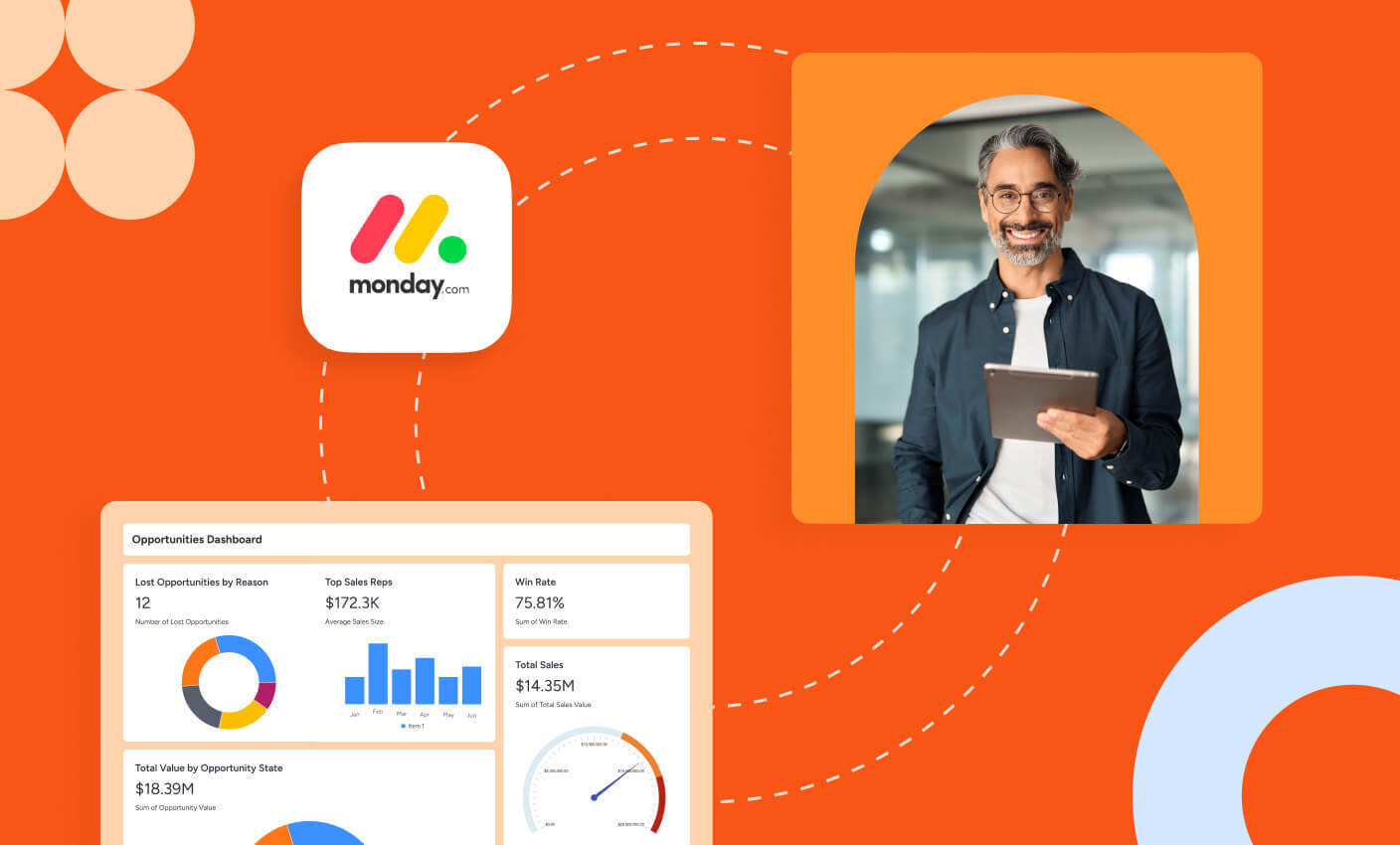
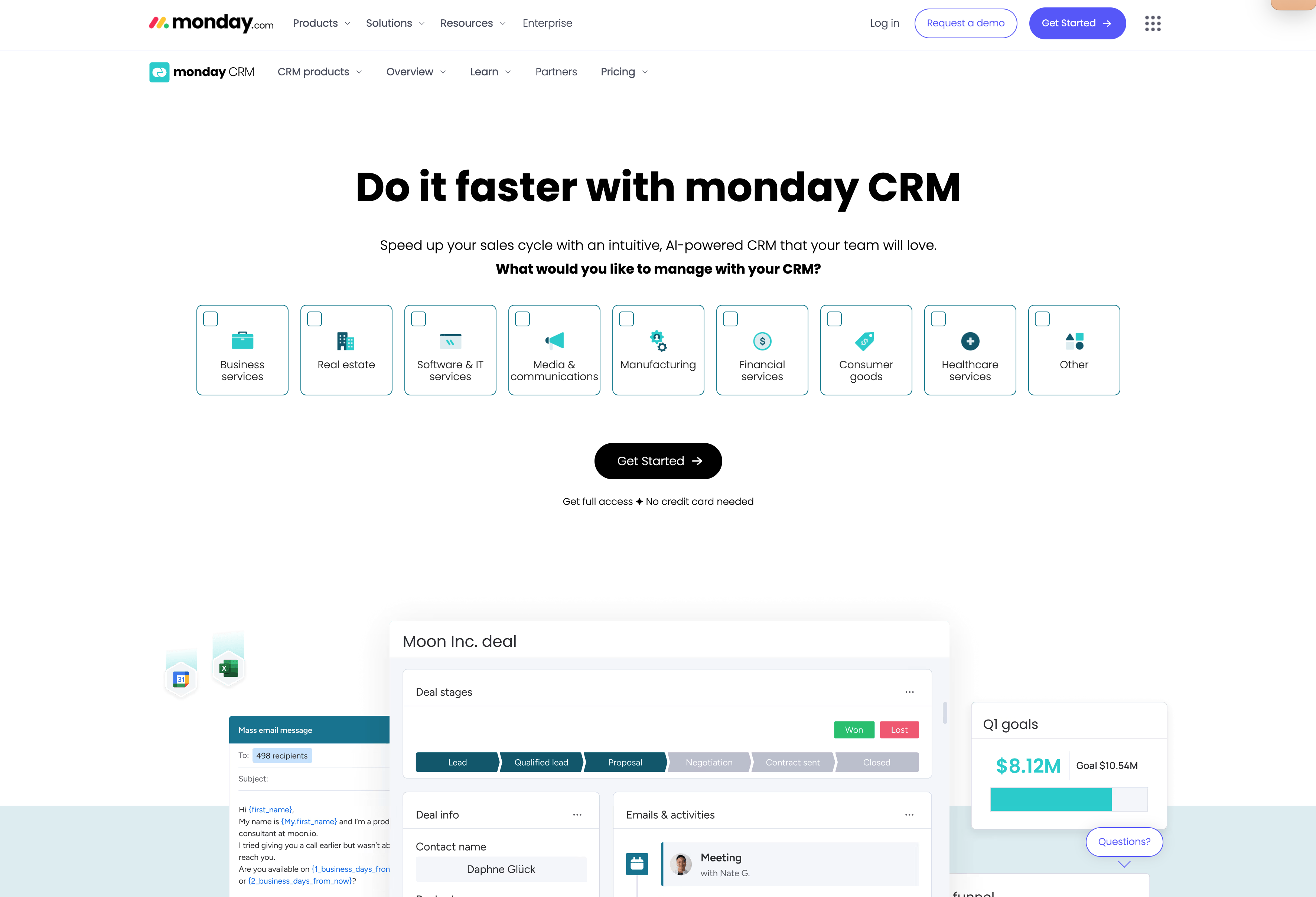
Monday started out as a project management application. It has since added a software development tracking tool and a CRM. Monday.com‘s main focus is on the project manager buyer. However, the CRM features have matured over the years to become a viable option for some small businesses. The CRM features make some consider it an alternative to Agile CRM.
Key features of Monday
- Also offers a popular project management application: Monday is known as a project management company. If your business uses the Monday project management system, you may want to consider getting your CRM from them as well. These products are priced separately.
- Contact management: Manages your contacts in one place. No limits on contacts.
- Sales forecasting: Uses data to predict future sales.
- Task organization: Track tasks in the platform.
- Automate workflows: Automate repetitive processes to save time.
- Dashboards: Easy data visualization.
Challenges for Monday CRM
- No free version: There is no Monday free plan at the time of this writing. It is indicated that a free plan with limited features is coming soon.
- Integrations: If integrations are vital to your business, Monday’s Basic plan won’t work. It excludes integrations so you will not be able to connect the CRM with their other tools.
- You’ll need to pay up to access basic CRM features: Since Monday is more focused on its project management business, some basic CRM functions are missing from lower tiers. You’ll find many more CRM-specific features on other apps at a lower cost.
Monday reviews
All reviews below are sourced from G2. Note that these reviews are all of Monday.com as a Project Management Tool, since that is its primary purpose.
- “Good and advanced project management tool.” – Jacquelynne H., Small-Business (50 or fewer emp.)
- “Project management made easy.” – Viktoriia K., Mid-Market (51–1000 emp.)
- “Best tool for project management tool.” – Aman S., Project Development Manager, Enterprise (>1000 emp.)
When is Monday CRM a good choice?
- When you are already using it as a Project Management Tool and don’t want to add more applications to your tech stack.
- If your CRM needs are simple then Monday’s lower plans may be a fit at a relatively low cost.
Monday pricing
Monday.com CRM pricing is on the low end for CRMs. This is because Monday’s main business is primarily a project management tool designed for project management teams with a simple CRM as a side business. There is no free plan at the time of this writing, so you’ll need to commit to paying after the 14-day trial period. Most features that are common in lower tiers for other CRMs can only be found in the Enterprise tier for Monday.
3. HubSpot CRM
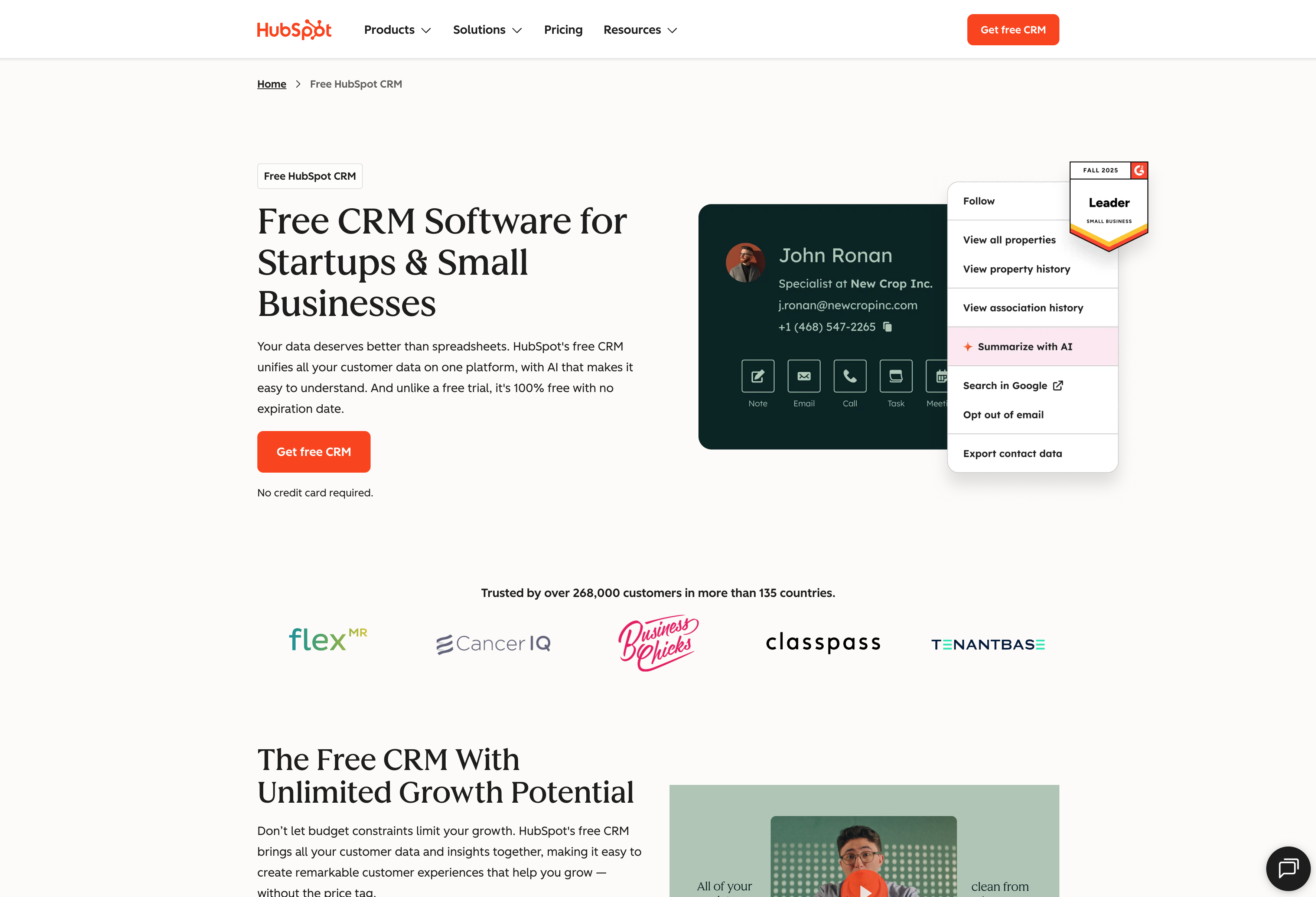
HubSpot CRM is part of a larger system of products. HubSpot started as a marketing automation platform and then added a CRM later, so its main focus is on the marketing buyer. However, the CRM has matured over the years to become a viable option for small businesses and a realistic alternative to Agile CRM.
Key features of HubSpot CRM
- Marketing automation: HubSpot CRM is most powerful when used with HubSpot’s marketing automation software.
- Contact management: HubSpot’s robust contact tracking helps businesses have a single source of truth for all customers and prospects.
- Deal tracking: It’s easy to see where deals are in HubSpot CRM.
- Reporting dashboards: HubSpot gives users a great way to visualize data with robust reports and real-time dashboards.
- Easy UI: HubSpot CRM has a clean and intuitive interface that is very popular with users.
Advantages of using HubSpot CRM
- A popular system: It’s not difficult to find new team members with experience using HubSpot since it is a popular software application.
- Easy to learn: HubSpot’s intuitive interface means that the learning curve isn’t steep. Your users will be up and running on HubSpot quickly. Plus, the robust HubSpot Academy has tons of resources for new users.
- It’s a closed system: If you stay within the HubSpot platform for CRM, Marketing and Service, you’ll find efficiencies.
Challenges of HubSpot
- Pricing concerns: HubSpot can quickly get really expensive for many businesses. You may qualify for an introductory rate, but beware. Once that rate expires, you’ll be on the hook for a big monthly fee. While it has a free plan, it does not include many necessary features. The Professional plan is robust, but it will run you $1,600/month – a high cost for smaller operations.
- Leaving the ‘ecosystem:’ HubSpot works best when you use all of the tools they offer. For example, should you decide to use a more robust, separate social publishing tool vs. the basic one included in HubSpot, you lose all of the benefits of comprehensive reporting.
HubSpot reviews
All reviews below are sourced from G2.
- “Easy to use – way better than the FrankenSalesForce.” It’s easy to use, intuitive, and we finally managed to crack the code with it. – Valentin R., Mid-Market (51–1000 emp.)
- “Comprehensive and user-friendly CRM for streamlined sales processes.” – Raj K., Small-Business (50 or fewer emp.)
- “Great for basics.” – Or A., Small-Business (50 or fewer emp.)
- “Most preferred tools for sales team.” – Shyam S., Small-Business (50 or fewer emp.)
When is HubSpot CRM a good choice?
- When you are committed to using HubSpot Marketing Hub.
- If you have users who have used it before.
- When budget is not a concern.
- When you plan on using and staying in the HubSpot ecosystem for an extended period of time.
HubSpot pricing
Within the free plan, HubSpot offers CRM features that are suitable for simple startups and micro businesses. Higher-tier plans such as the Professional plan can cost as much as $1,600 per month and can quickly become even more expensive with various add-ons. Keep in mind that HubSpot’s most robust offering is its marketing automation platform, so without the use of that piece, the value diminishes. Beware of low-level introductory pricing. These contracts will be as much as 90% off year one, but are difficult to get out of once that first year passes and your costs increase dramatically. HubSpot’s pricing is confusing and highly detailed, so read carefully to make the best decision for your business.
4. Copper CRM
Copper is a CRM with useful features for small businesses. It scores well on the essential functions of a CRM. Copper CRM is a favorite among businesses using Google Workspace since it easily integrates with Google products.
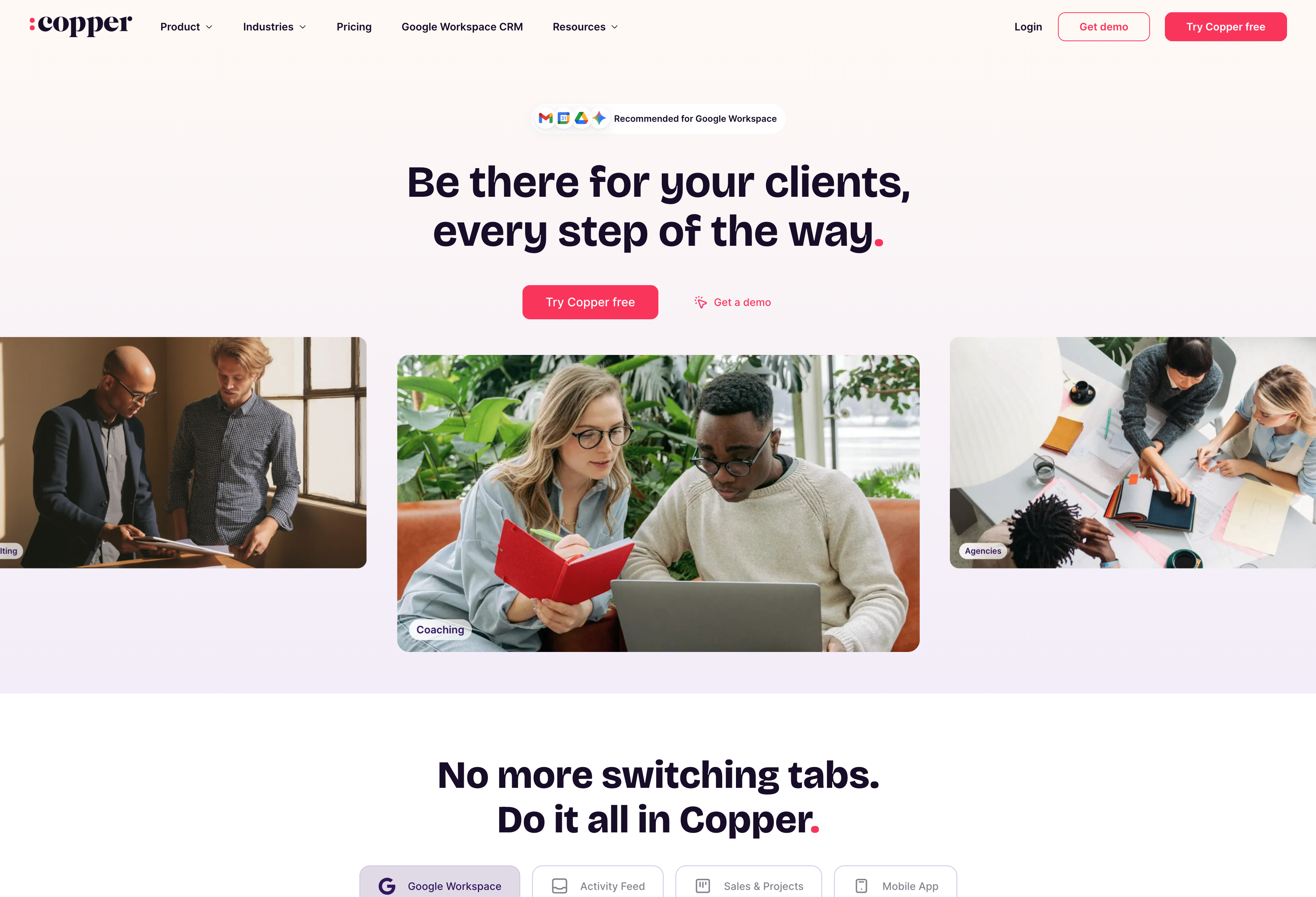
Key features of Copper CRM
- Google Workspace integration: Easily interacts with all Google apps.
- Customization: Easy to add fields, drop downs, etc. to perfectly set up the CRM for your business.
- Advanced reporting: Powerful, pre-built reports for sales teams.
- Integrations: Supports app connections at higher plan levels.
- Automate workflows: Take tasks off your plate when you automate calls, meetings, and follow-ups.
Advantages of using Copper CRM
- Keep reps organized with inbox integration so they can record emails in the CRM without leaving their inbox.
- Simple pipeline views using a kanban format provide visibility across your sales team.
- Copper makes it easy to automate repetitive tasks, keeping your sales team focused on selling.
- Built-in native integrations with commonly used apps like MailChimp and Slack.
Challenges of Copper CRM
- Compared to other CRMs targeting small businesses, pricing is on the high end.
- If you have a lot of contacts, this is not the CRM for you. Contact limits are lower than most other CRMs at each price point.
- The lowest level plan does not include workflow automation, which is included in most other CRM plans at that pricing tier.
- Copper is known to have a bit of a steep learning curve. There are more intuitive CRMs on the market.
Copper reviews
All reviews below are sourced from G2.
- “Intuitive product, excellent service and great service.” – Lydia F., Mid-Market (51–1000 emp.)
- “The ease of finding a contact’s information.” – Traci N., Small-Business (50 or fewer emp.)
- “Maximize Efficiency: a deep dive into Copper CRM’s seamless workflow solution.” – Varun D., Enterprise (>1000 emp.)
When is Copper CRM a good choice?
- When your business uses Google Workspace.
- When you have a small amount of contacts in your database.
- When you don’t need a free option to get started. Beyond the Free Trial, you’ll need to pay to use the system as there is no free tier.
- You need multi-lingual support.
Copper pricing
With just 3 tiers to choose from, Copper makes pricing simple. Their Basic plan is $29 per user per month, Professional is a big jump to $69 per user per month, and Business, the full-featured offering, is $134 per user per month. These are comparatively high for a CRM targeted at small businesses.
5. Salesforce CRM
Salesforce is a CRM investment suited for large scale enterprises like Fortune 500 companies. It requires expensive third party partners to implement, and will often require multiple dedicated team members to operate it day to day. Once in place however, it is a powerful CRM that integrates with a plethora of tools via its marketplace to deliver a full and robust business management system.
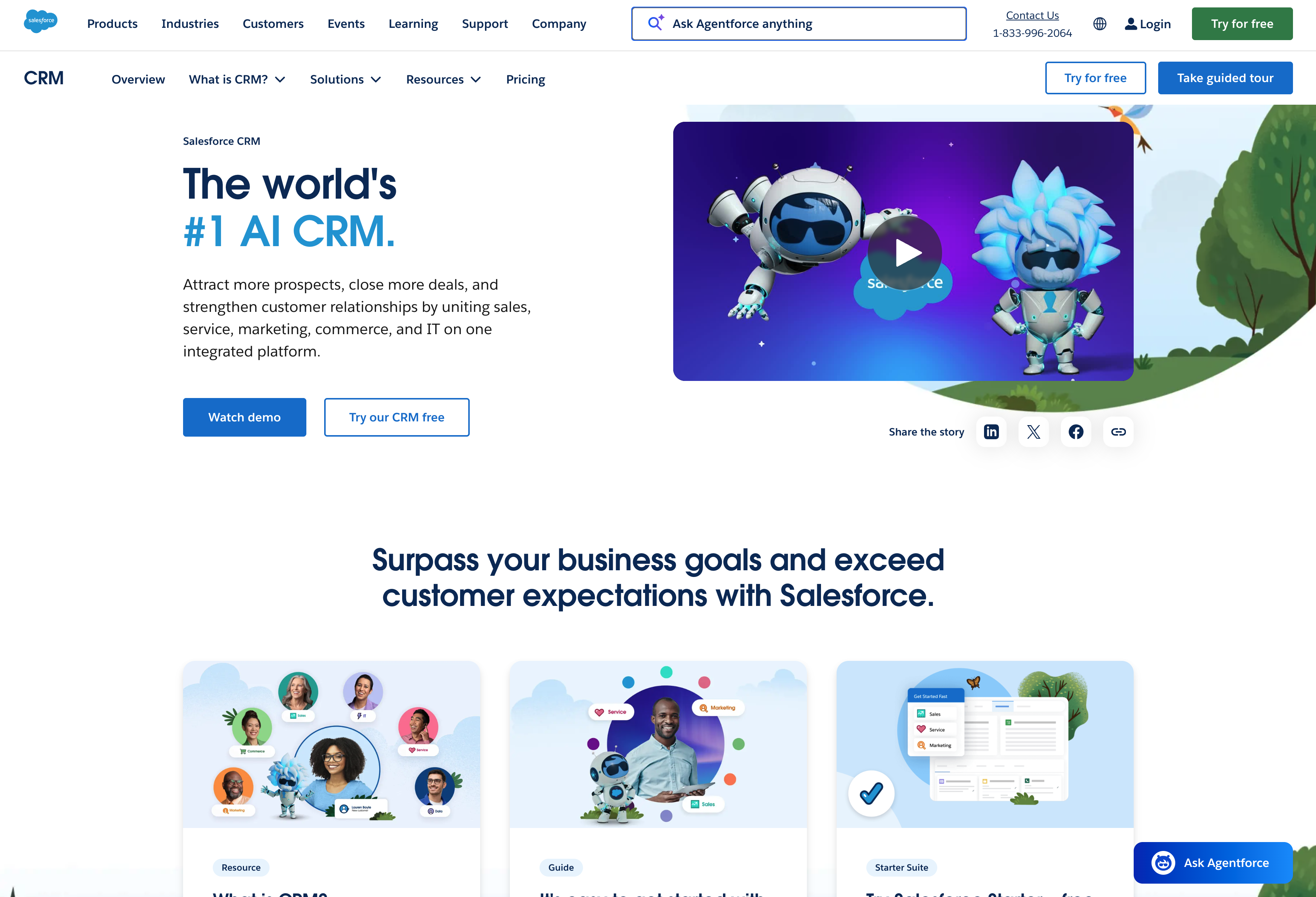
Key features of Salesforce CRM
- Contact management.
- Dashboard views.
- Task and event management.
- Opportunity and pipeline management.
- Account management.
- Automation.
- Integration with other tools.
- Powerful analytics driven by AI.
Advantages of Salesforce CRM
- Robust marketplace for app integrations.
- Supported by an ecosystem of developers, integrators, resellers and consultants.
- Considered the grandfather of CRMs – the first cloud-based CRM on the market.
- Widely used by businesses of all kinds.
Challenges of Salesforce CRM
- Interface is clunky and slow to load.
- Implementations take 6–9 months.
- An integration or consulting firm is almost always required to implement the platform.
- Integrations are costly to develop and maintain since they often break.
- It’s complex and therefore requires extensive employee training.
- Adoption can be difficult as its complexity makes it difficult to use.
- Each implementation is unique – therefore the skills in using it rarely transfer from one business to another.
- Can be cost prohibitive to small businesses.
Salesforce reviews
All reviews below are sourced from G2.
- “CRM for time saving and easy to use.” – Divy M., Mid-Market (51–1000 emp.)
- “Flexibility: Salesforce Sales Cloud can be highly customized to fit the specific needs of any business.” – Jolyma Jem M., Mid-Market (51–1000 emp.)
- “Easy to use and track the leads. I like the interface of the CRM tracking the accurate customer interface.” – Devyani G., Small-Business (50 or fewer emp.)
When is Salesforce CRM a good choice?
- When budgets are not a consideration.
- When you have a strong IT team to support it and can hire multiple CRM administrators for day-to-day operation.
- For a Fortune 1000 enterprise.
- When you have a 6–9 month runway of time to implement it and train your workforce.
Salesforce pricing
With four pricing tiers for Salesforce Sales Cloud (AKA CRM), you have choices. At $25 per user per month, the starter edition is aimed at small businesses and is designed to compete with other value CRMs. However, it still has a considerable amount of complexity that will be a struggle for many companies. The Professional edition ($80 per user per month) has many more features, but most companies choose Enterprise ($165 per user per month) or Unlimited ($330 per user per month). These prices are clearly out of range for a lot of companies and therefore show how Salesforce is designed for large scale enterprises.
6. Pipedrive CRM
Pipedrive is a CRM with useful features for small businesses. It scores well on the essential functions of a CRM.
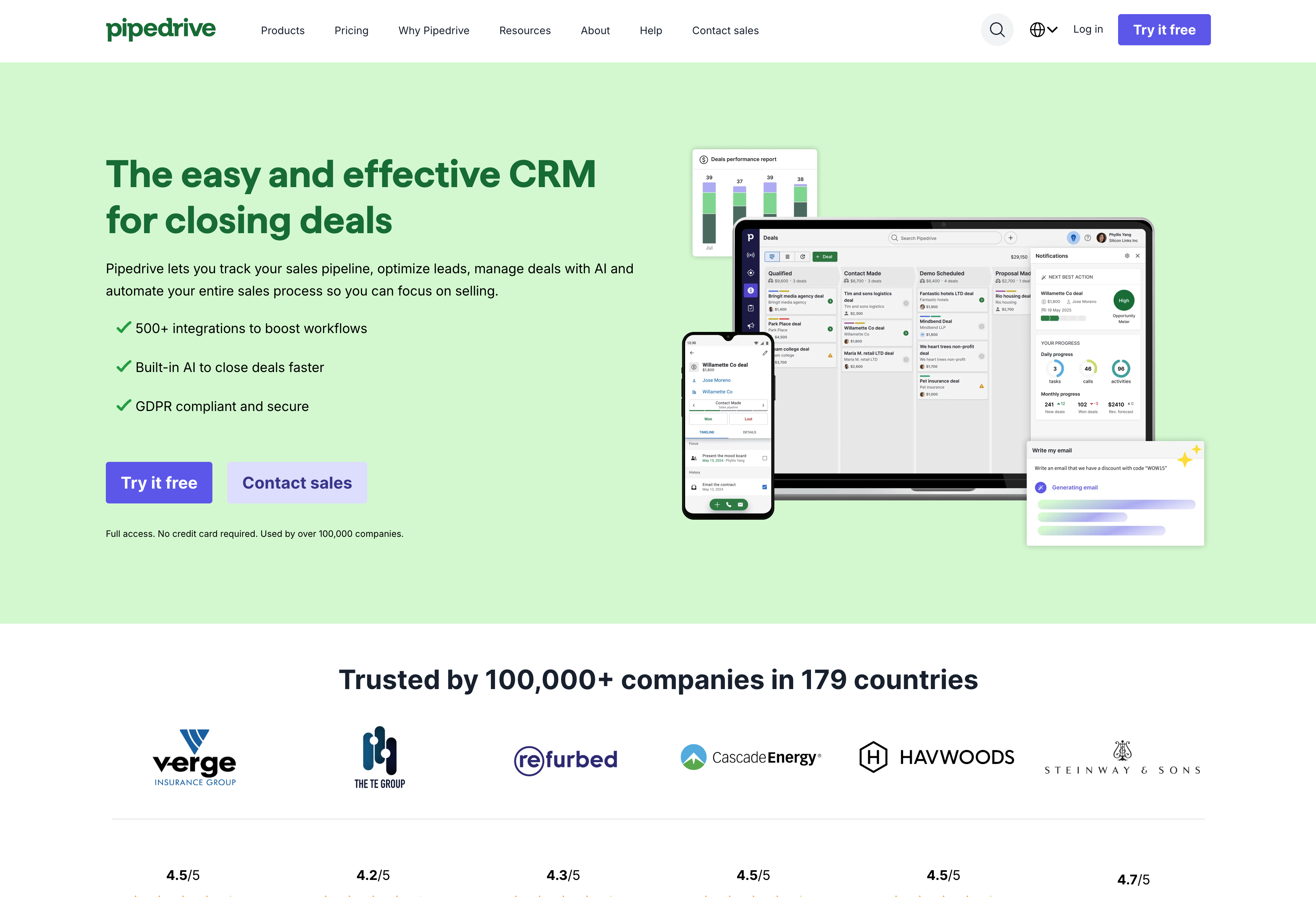
Key features of Pipedrive CRM
- Automation – Pipedrive enables automation to eliminate redundant tasks and make your team more efficient.
- Customization – You can customize your pipeline and your processes to match your organization’s needs.
- Email and communication – Keep all of your sales team communication in one place with email features in Pipedrive.
- Reports – Make custom sales reports to keep your team informed.
- Integrations – Connect Pipedrive with the other tools your business uses every day.
- Lead management – Generate, qualify and prioritize leads.
- Security – Your data is protected in Pipedrive.
- Manage activities – Use features like goal setting, insights, and activity tracking.
Advantages of Pipedrive CRM
- Pipedrive is account-centric vs. contact-centric, so if you are working on large accounts, it could be a good fit.
- No charge for onboarding. Pipedrive sets you up for success in using their platform.
- Customizations are fairly easy to make. For instance, custom fields are a great way to classify deals and customer types.
- Integrations are easy to set up.
- Ease of use – most teams are up and running on Pipedrive in under 3 months.
Challenges of Pipedrive CRM
- Pricing – Look through the pricing carefully – some functions you may consider essential can be part of their flexible “add-on” model. With 5 options, there is a lot of research to do here to make sure you select the right plan. Be sure to scroll down to their add-ons section. Here, you’ll find some features that are included in other CRMs like email templates. This is part of Pipedrive’s “Campaigns add-on” but is standard in CRMs like Insightly.
- Project Management – Many CRMs include project management features as part of the CRM licensing fee. For example, Insightly has project management features built in for no extra cost. Pipedrive calls this the “Projects add-on” and it will cost you per user per month, bringing all of Pipedrive’s plans to a higher price point than many other CRMs.
- User Interface – The interface can be complex until you’ve mastered it, so allow time for adoption. Also keep in mind that the Essential plan does not include chat or phone support, so you’ll be on your own when you choose their most basic plan level.
- No Free Plan – There is no free option with Pipedrive, so you’ll need to commit to the lowest pricing level to use it beyond the 2-week trial.
Pipedrive reviews
All reviews below are sourced from G2.
- “Really smooth and easy to use. The onboarding session was unreal.” – Nathan M., Small-Business (50 or fewer emp.)
- “Does just what you need.” – Tom S., Mid-Market (51–1000 emp.)
- “So far so good. So far the automation is fantastic – it syncs up with my email outreach strategy very well.” – Sam T., Small-Business (50 or fewer emp.)
When is Pipedrive CRM a good choice?
- When you need a robust CRM at a reasonable price point.
- When you want to customize your CRM without the need for expensive consultants.
- When you work larger accounts.
- When you are sure you need a CRM and are ready to pay (no free plan available).
Pipedrive pricing
With five tiers from which to choose, Pipedrive gives you a lot of options to find the right plan for your business. Plans start at $14 per user, per month and go up to $99 per user, per month for Enterprise. This is significantly less expensive than Salesforce.
7. Zoho CRM
Zoho is a cloud-based CRM. Rather than focus on one size of company, Zoho caters to the needs of businesses of all sizes. Zoho has the key features of most CRMs even though out-of-the-box customizations are limited. Once you learn the interface, the tool is powerful. No direct support is available, so one person in your organization will likely need to become an expert quickly or you’ll need an outside consultant. Although the integration process is complex, once integrated, it is a good tool for cross company communication.
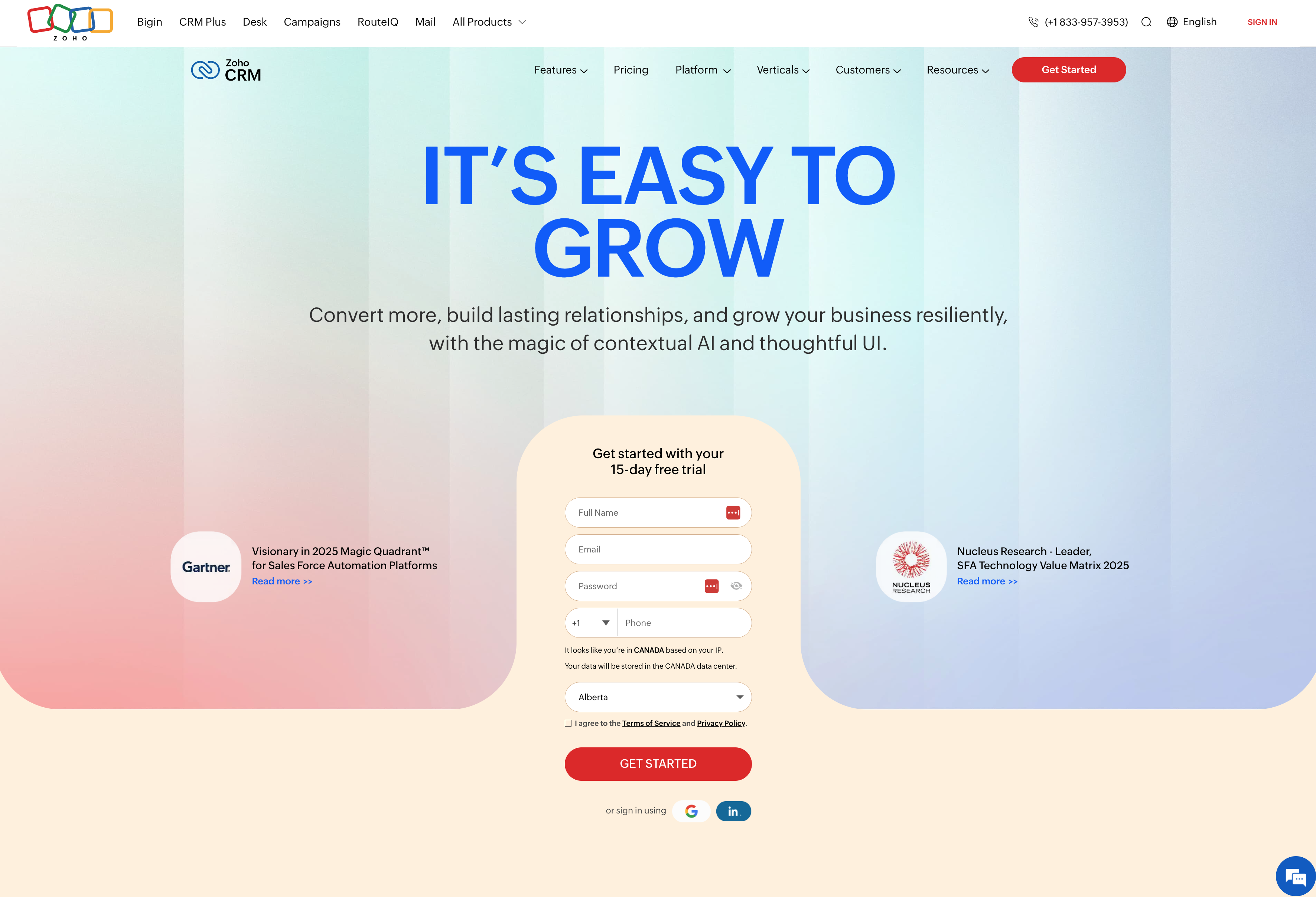
Key features of Zoho
- Dashboard: It’s easy to monitor team performance with Zoho’s dashboards.
- Workflow automation: Improve efficiency and eliminate repetitive tasks with automation.
- Lead management: Nurture leads effectively within the platform.
- Marketing automation platform available: Zoho’s marketing automation platform is available to license, keeping your marketing and sales teams in the same platform.
Advantages of Zoho
- Zoho has a free version for up to three users.
- Zoho offers ‘lite’ licenses so team members from other departments can get access to data but not be billed as full users. (Note: limited to Enterprise and Ultimate plans.)
- CRM Plus is 8 Zoho apps bundled together. Should you need these apps, this could be a good value.
- Zoho supports 28 languages.
Challenges of Zoho
- Zoho has the key features of most CRMs even though out-of-the-box customizations are limited.
- Once you learn the interface, the tool is powerful. However, the learning curve is steep. The interface appears to be quite dated.
- No direct support is available, so one person in your organization will likely need to become an expert quickly or you’ll need an outside consultant.
- Although the integration process is complex, once integrated, Zoho can be a good tool for inter-departmental communication.
Zoho CRM reviews
All reviews below are sourced from G2.
- “Maximizing Business Efficiency with Zoho CRM.” – Rushikesh P., Mid-Market (51–1000 emp.)
- “Zoho CRM: A Powerful and Affordable CRM for Businesses of All Sizes.” – Somdeb K., Small-Business (50 or fewer emp.)
- “We constantly refer Zoho One to clients to use.” – Mark T., Small-Business (50 or fewer emp.)
When is Zoho CRM a good choice?
- When you can use all eight of the apps included in Zoho Plus — you’ll get good value.
- When you can hire an integrator who can also support your team in day-to-day questions, since customer support from Zoho can be unreliable.
- When a mobile app is not a high priority; Zoho’s mobile app lags behind the desktop version significantly.
Zoho CRM pricing
With four tiers available, Zoho provides options for businesses of all sizes. The Standard license is the entry point at $14 per user, per month. The highest price option is Ultimate at $52 per user, per month. These price points are lower than most other CRMs.
8. Nutshell CRM
Nutshell CRM is a CRM for small businesses and small teams. For small businesses with a more simple set of needs, it can be a viable option and an alternative to Agile.
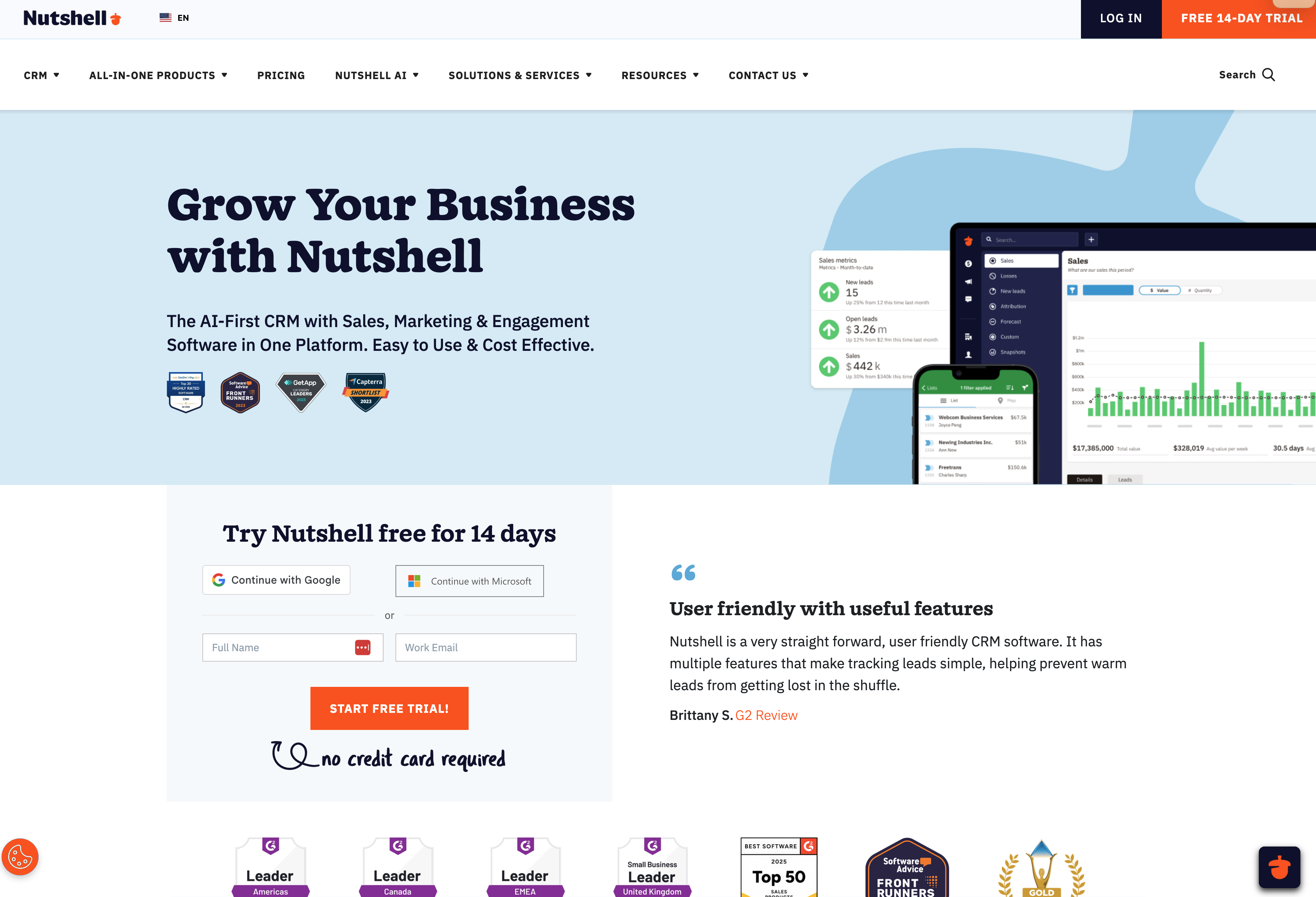
Key features of Nutshell CRM
- Simple interface: Uses drag-and-drop functions to simplify use
- Sales management: Streamlines sales operations
- Hands-on service: Get a dedicated account manager with their higher plans
- Foundation level pricing: a low-cost entry point to get started
Advantages of using Nutshell CRM
- Choose from 4 pricing tiers to get exactly what you need. Then, select add-ons to customize it for your business.
- No contact limits. Some platforms have limits on the number of contacts you can store in your database. Nutshell frees you from this constraint.
- Easy to implement. You won’t need to hire an integration firm or consultant to implement Nutshell.
- Zoom meetings transcribed. In higher level plans, you can have your Zoom meetings automatically transcribed in Nutshell.
Challenges of Nutshell
- Pricing can be tricky. The monthly licensing fee per user per month isn’t where it ends. You’ll need to choose some add-ons to get what is essentially basic functionality in other CRMs. This can add up quickly.
- No free plan. While you can start a trial of Nutshell, there is no low-level free plan. So after your trial, you’ll need to commit to a paid plan.
- Out of the box. There is a limit to how much users can customize the front-end look and feel. This could be a benefit for small companies looking for an out-of-the-box solution, but businesses looking to make changes will struggle with Nutshell.
- You may outgrow it. While Nutshell offers Enterprise pricing, nearly all of its customers are small businesses. It’s easy to outgrow over time.
Nutshell reviews
All reviews below are sourced from G2.
- “Nutshell keeps adding awesome capabilities…” Richard S.Small-Business (50 or fewer emp.)
- “Very customer oriented” – Peggy B.Small-Business (50 or fewer emp.)
- “Exactly what we were looking for!” Mariah B.Small-Business (50 or fewer emp.)
When is Nutshell CRM a good choice?
- When you are a sole proprietor or micro business
- When you know you need a CRM and are ready to pay for it out of the gate.
- When you are looking to store and manage contacts but don’t necessarily need a full-blown CRM
- When you will be using a marketing tool and want it integrated with your CRM
- If you’re not looking for AI features. Foundation and Pro levels don’t offer the help of AI. You’ll need to be in the highest pricing tiers for those functions.
Nutshell pricing
With 4 tiers to choose from plus add-ons, Nutshell pricing can feel overwhelming. Foundation pricing starts at $14/mo with Enterprise running $67/mo. However, these prices don’t include any add-ons that some may say are essential to your CRM experience. For instance, email campaigns and the ability to send emails from your inbox are included in Insightly CRM. With Nutshell, you’ll need to pay an additional $37/mo. for each. For a small company, that’s literally tripling your monthly fee.
Why thousands of growing SMBs have chosen Insightly as their CRM
Agile CRM can work for very small teams willing to accept the trade-offs. But most growing SMBs need something different—modern capabilities without the aggressive pricing caps, dated interface, or missing features.
That’s where Insightly comes in.
It’s right-sized for mid-market teams: fast to implement, easy to customize, and built on a unified platform where sales, marketing, and service share the same data.
Subscribe to receive strategies, tech tips, and industry insights, to help your go-to-market team grow with ease.
By submitting this form, you agree to receive email communications from Insightly and accept Insightly’s privacy policy.
Here’s what that looks like in practice:
- Convert deals to projects seamlessly—customer context carries forward into post-sale delivery
- Connect 2,000+ apps through AppConnect without writing code or hitting arbitrary integration caps
- Customize pipelines, fields, and dashboards to match your process—no locked column widths or fixed stage names
- Automate repetitive work to cut manual tasks and speed up handoffs
Skip the enterprise complexity and pricing surprises—this is a CRM that grows with you.
Ready to see the difference? Start your free trial today—no credit card required.